This is the Blender collaboration 2021, week 19 challenge. Don’t be afraid to join, a lot of us are beginners. This is all to practice, to have fun, to learn, and get together.
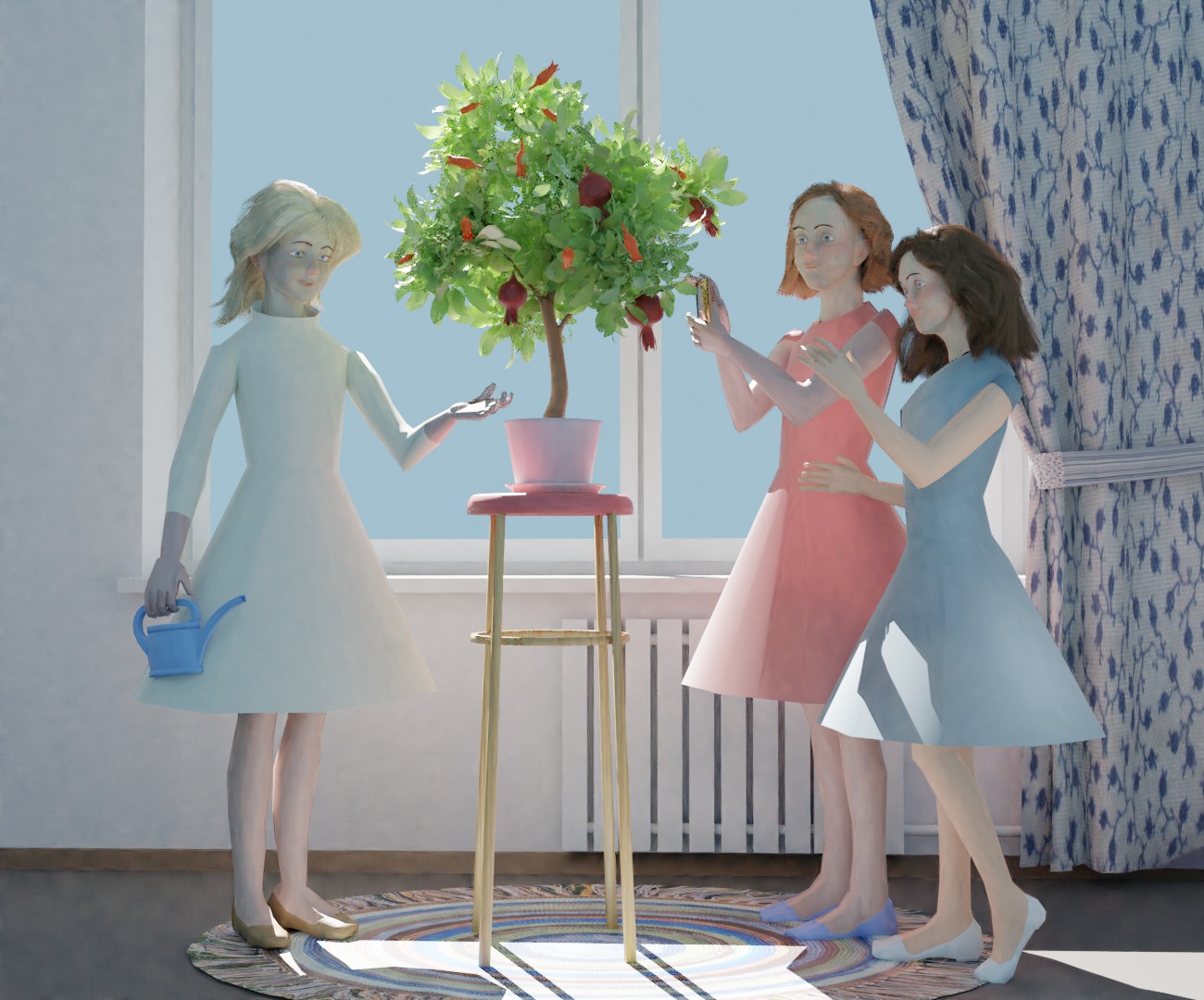
This week’s subject is “Fruit”.
Fruit - In botany, a fruit is a seed-bearing structure in flowering plants formed from the ovary after flowering. Fruits are the means by which angiosperms disseminate seeds.
You create whatever object or scene or whatever you can think of that has something to do with the subject. It can be as simple or complicated as you want, all entries are welcome!
Post your picture here in this thread. And at the end of the week, we start to vote. And if you are the winner, you may choose the next subject.
That’s what it’s all about, having fun, getting involved, challenging yourself to create to completion in a timely manner and grow your ability by finding solutions and gaining new and practicing current skill levels.
As a suggestion to everyone - use any opportunity in your regular forum conversations to inform others about this event, and hopefully together we can grow the collaboration event participation.
Sure, if it is related to “Fruit”, why not. It is a learning journey in the world of 3D.
Show us, what you do!
If, a different subject, then maybe the “Blender Show” channel is more appropriate.
I was very short on time this week, but I wanted to enter with something - as last weeks only 3 entrants was a little disheartening…
Given I hadn’t much time to dedicate to this, I decided I wanted to do something (and hopefully learn a little along the way), on Camera focus and FStop, particularly with a heavy out of focus background.
I found an image online I liked and I decided to use it as inspiration.
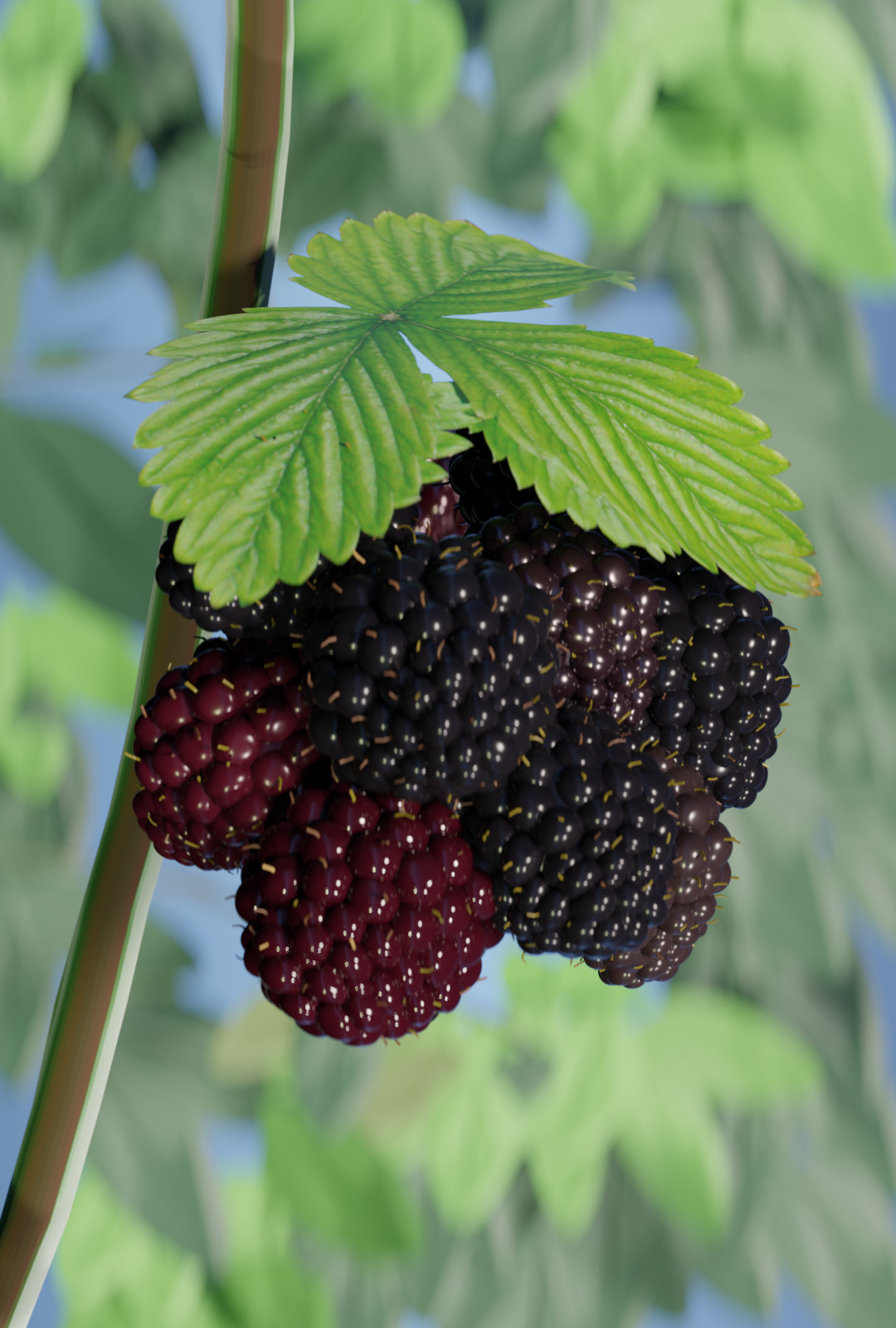
My entry on the subject of fruit this week is - “Wild Blackberry”.
I love all the tiny details you included on this, like the dirt on the leaves and the colour variations of the berries.
The background turned out really nice as well.
Great picture! (….and here I thought I was going to win by having the only entry )
I can’t take credit for the leaf in the foreground…
I wanted to model and shade it myself (I tried several times) - I looked into probably 20 leaf tutorials on YouTube, but each and every one of them used a texture image - so I had to go that route as I was so pressed for time this week.
I wanted to do it procedurally, as I don’t like using an image texture so prominently.
You have still one day to finish the “Fruit” Blender collab.
Fewer competitors, more chance of winning. Submit your entry as a quickie to show off. And maybe you will be the winner of this week’s collab.
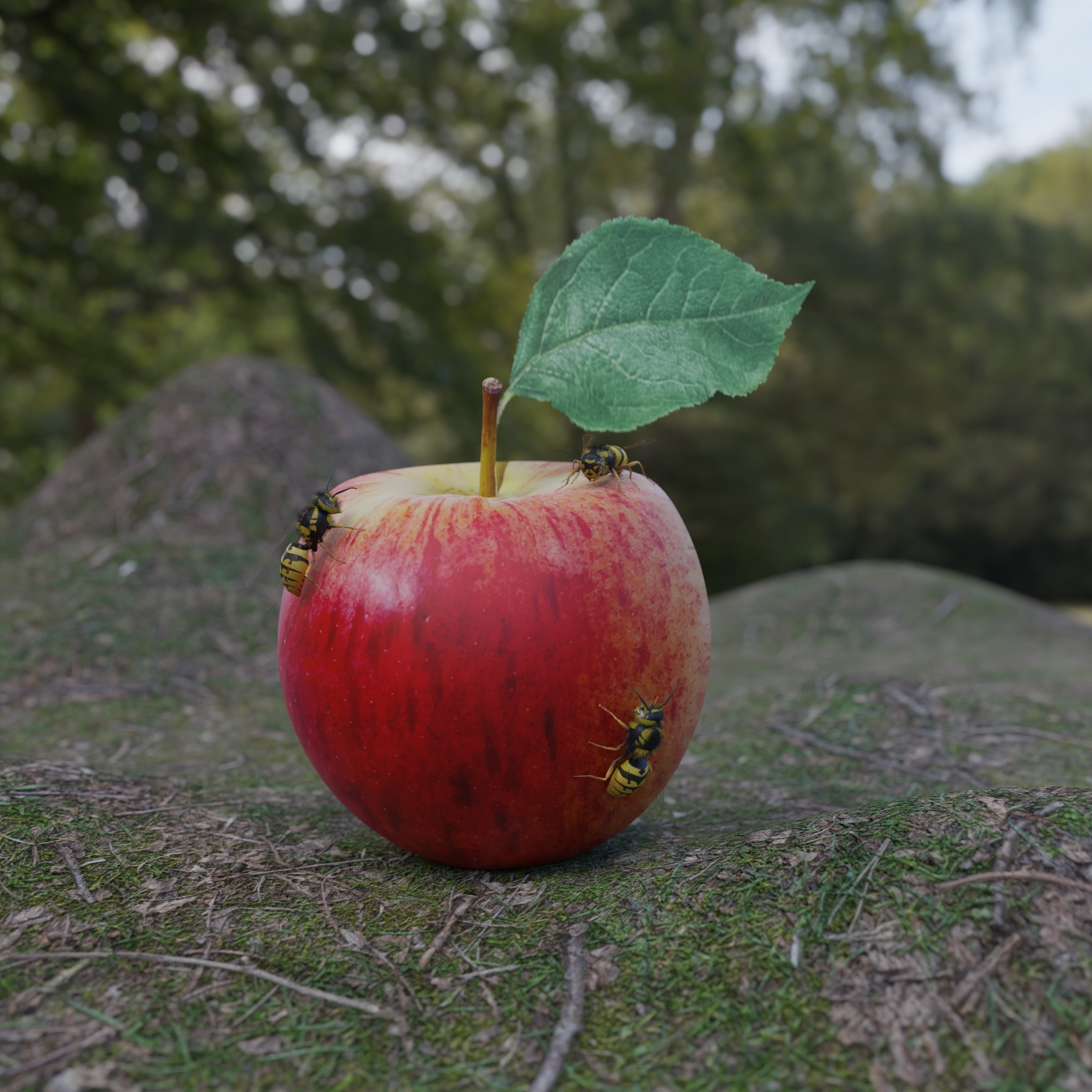
My fruit. Reused my very very basic apple from the city’s icon collab but textured it properly with an image. Likewise changed the leaf out for an image on a plane.
The wasp was started a while back and had most of the geometry made and was attempted to be ready for last week’s collab but I got bogged down trying to use multiple wasp images to texture it with.
So this week it all came together!
The original apple I had a quick play with texture painting, I knew the principles but never used them before. However, now I baked the poorly very poor looking wasp image textures onto one image then proceeded to use it as the ‘marking out’ of the wasp pattern while texture painting, largely smearing, later actual painting in, the wasp surface.
All took a good deal of time but the collab did get me using various things I had never used before!
Even baking a multi image texture wasp to another exactly the same but joined into one object and one image.
Now I have a handy wasp I can use in other projects!
I tried! It is a good Texture haven Forest Floor texture but spent some time trying to make the displacement work. Gave up for time. That said I easily fall into the trap of wanting to do so much more. Should be lots of fallen apples, many half decayed or eaten, an apple tree, grass and weeds, A blackbird feasting, a butterfly or two drinking, some fallen leaves, dappled sunlighting, etc.
 )
)
 I tried! It is a good Texture haven Forest Floor texture but spent some time trying to make the displacement work. Gave up for time. That said I easily fall into the trap of wanting to do so much more. Should be lots of fallen apples, many half decayed or eaten, an apple tree, grass and weeds, A blackbird feasting, a butterfly or two drinking, some fallen leaves, dappled sunlighting, etc.