This is the Blender Collaboration 2026, week 22 challenge. Don’t be afraid to join, a lot of us are beginners. This is all to practice, have fun, learn, and get together.
This week’s subject is “Rust, leaks and wear”.
“Rust, leaks and wear” - Create a scene, object, prop. The challenge is to make it look convincingly aged with rust streaks, water leaks, and worn paint.
The rules are simple. 1 subject, 1 entry, 1 week.
You create whatever object or scene or whatever you can think of that has something to do with the subject. It can be as simple or complicated as you want, all entries are welcome!
Post your picture here in this thread. At the end of the week, we start to vote. And if you are the winner, you may choose the next subject and win a unique badge.
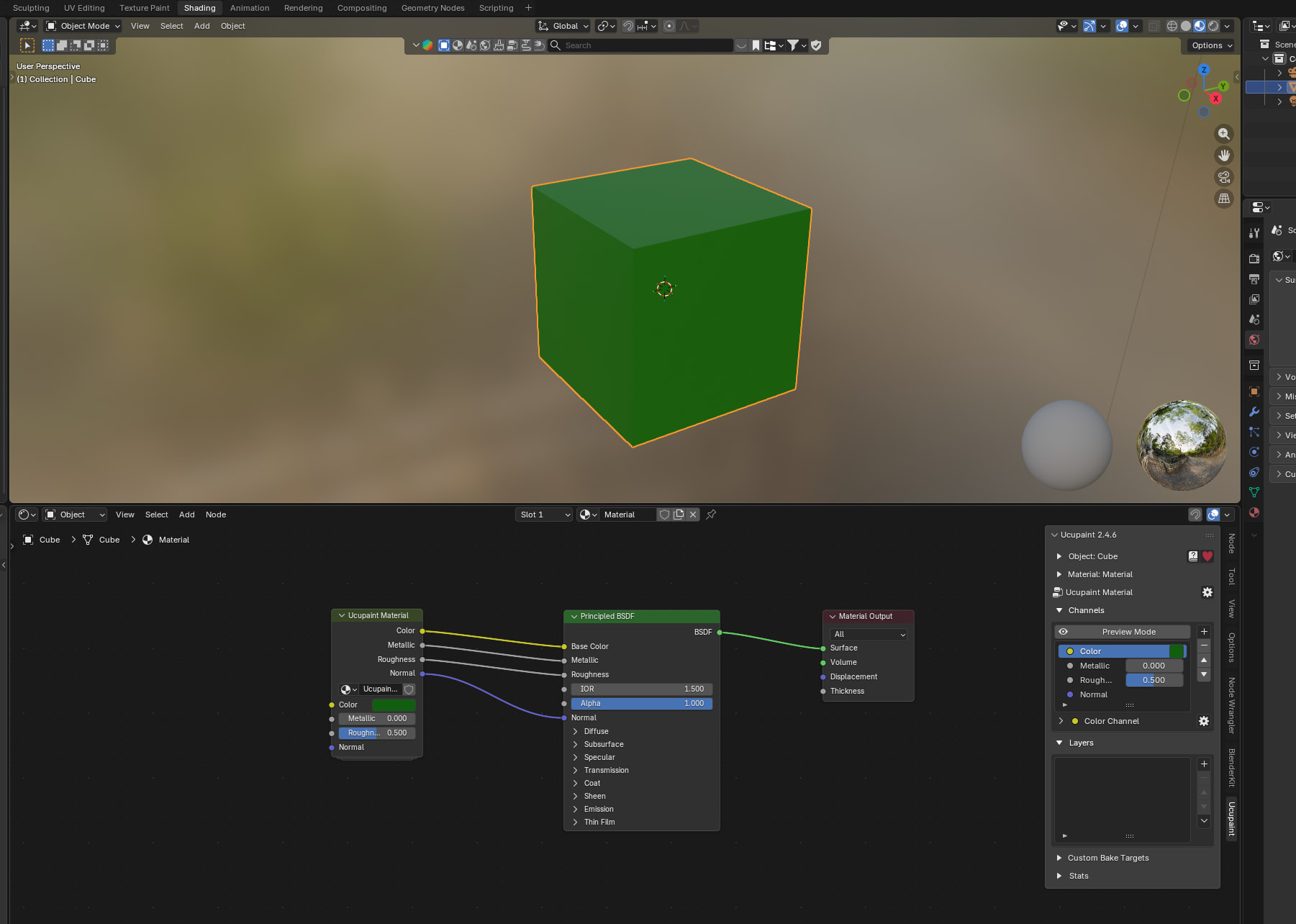
Just read the Blender roadmap. Looks like they plan to implement layered texturing in upcoming updates, but in a pretty strange way. I was hoping they would just integrate and expand on Ucupaint, but hey, Blender wants to innovate
Actually, after writing this, I dug through forums a bit more, and I think it doesn’t look that bad as I thought at first.
We @BlenderCollab have a few days to vote. You can vote fast but also think slowly about design, colors, technique, difficulty, subject, realism, etc. Choose consciously and not on your entry.
The new subject week 23 “Submerged” has already started. The winner of this week’s “Rust, leaks and wear” challenge may select a subject for next week 24 and win a badge.
Note: I don’t want to offend anyone. I try to write down positive ideas and visions in my simple use of the English language. I am also sometimes more inspired by a particular subject or solution. I’m also learning from you!
I tried it and, on my first attempt, it worked very easily. But when I wanted a more complex setup with diffuse materials, rust, and masks, I got stuck. In truth, I just didn’t have the patience for it at the time. When working on a collaboration, time pressure often means you should focus first on the essentials.
Now that I’m spending more time with this add-on, I find it quite easy to use — in fact, even easier to work with than I first expected.
And during this drawing process, Blender missed all the default brushes. Blender couldn’t find them anymore. I don’t know exactly what happened, but I had generated my ASSET library. After that, they disappeared. I deleted my library, and fortunately, they are back now.
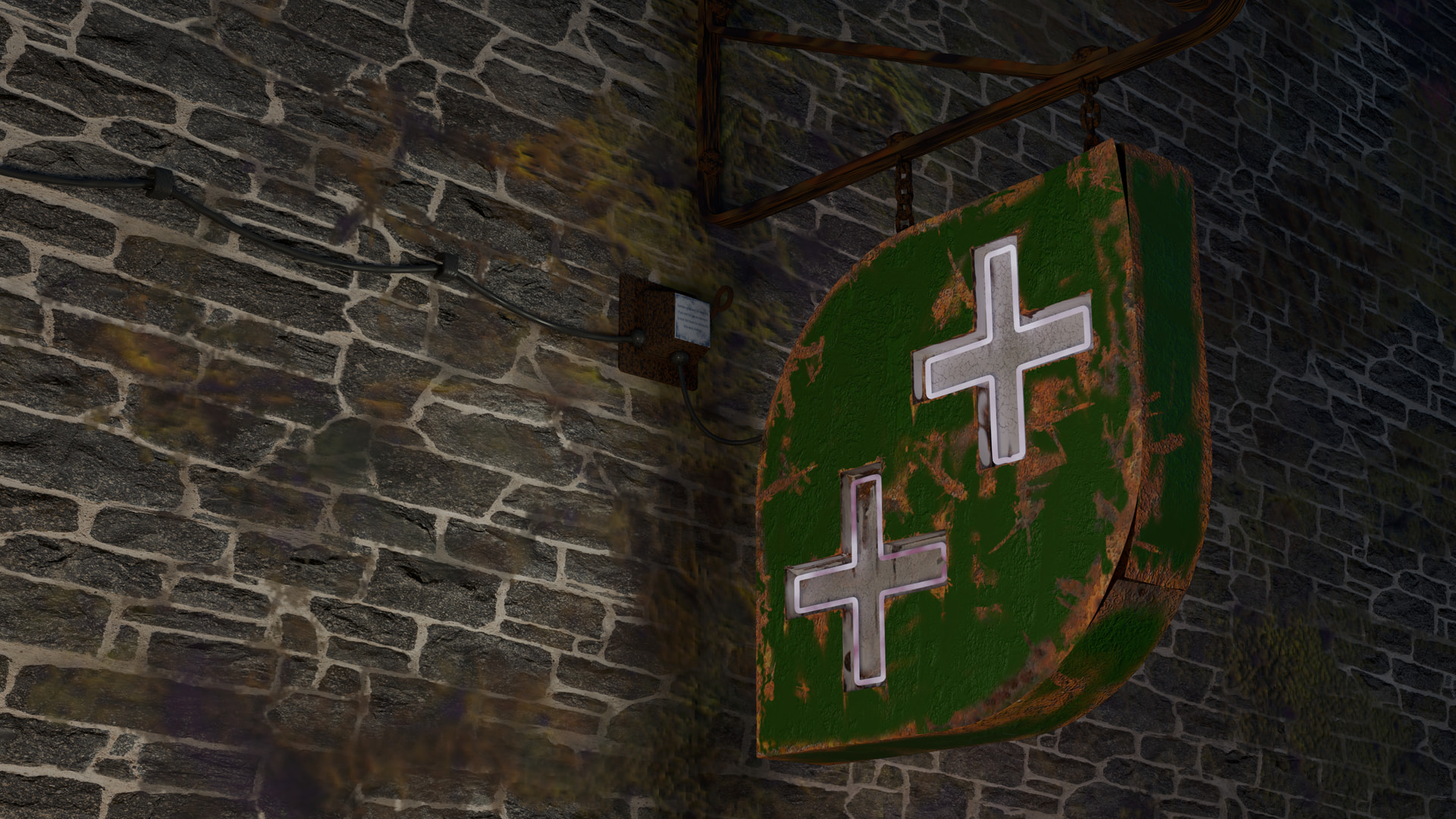
And now I see a bad design (never work your memory, but use references …).
Neon lights are too fragile to hang from a few chains… they need to be securely attached to the wall.
Last time I checked, there was an edge detect smart mask, and something else, but the developer promised to add more in the future, don’t know if he did though. Didn’t follow his work for a while. When creating a layer or mask, choose the edge detect mask option. It’s not as strong as in other apps, but it works with a bit of tweaking.
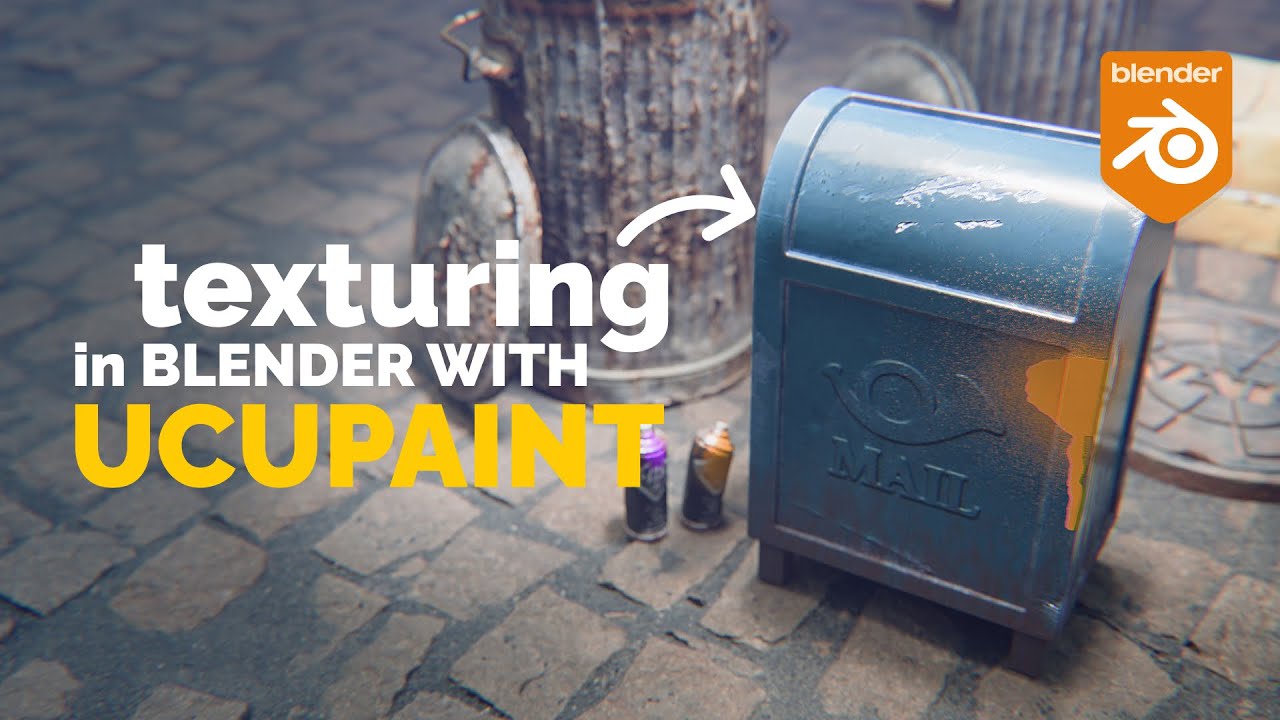
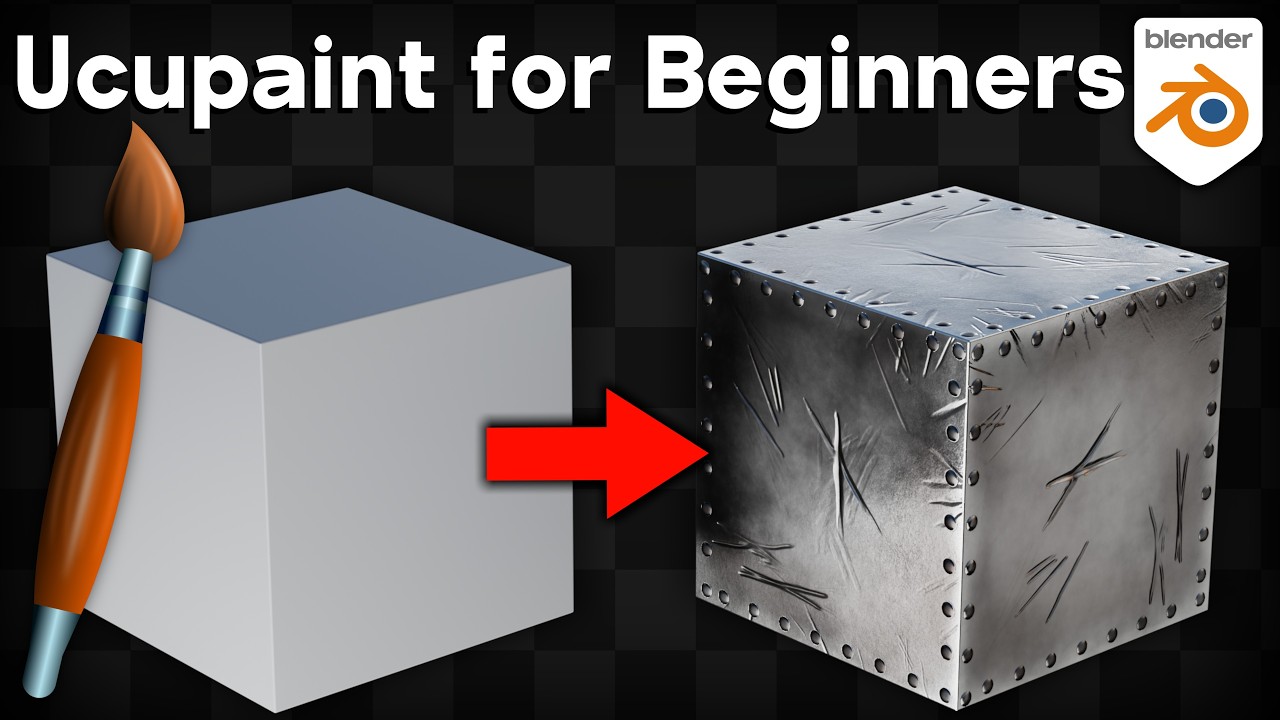
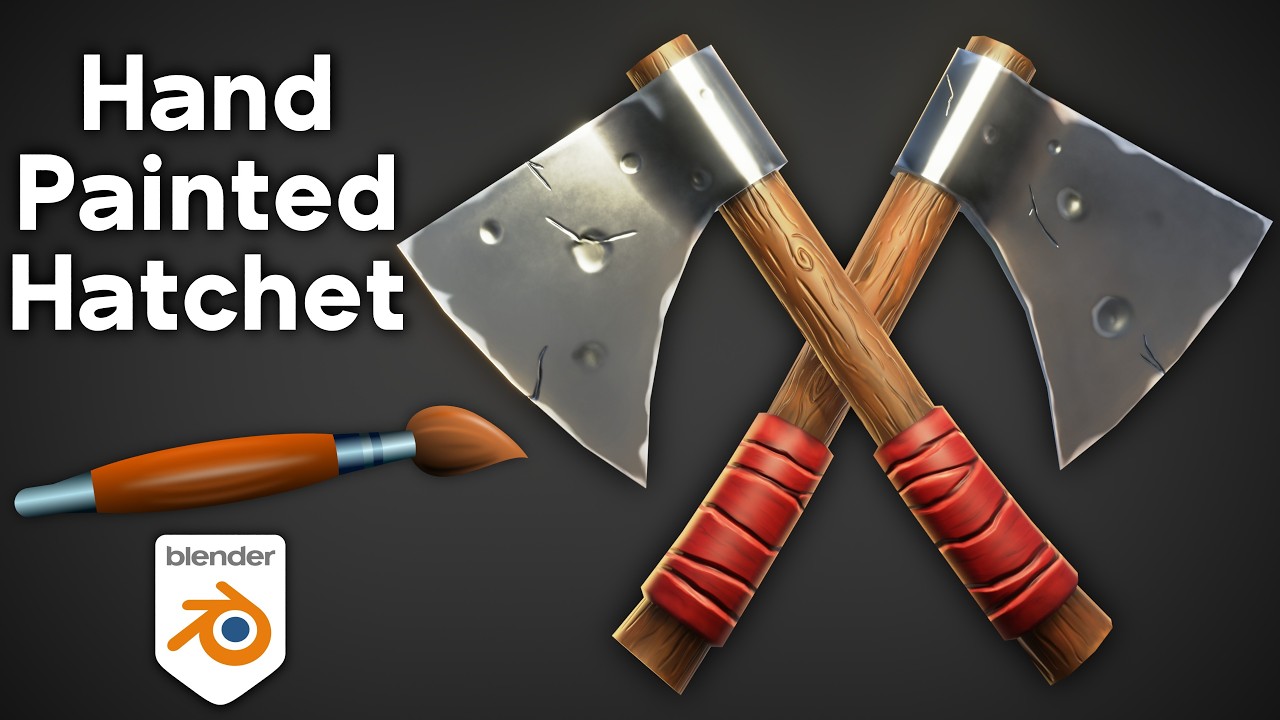
I think I shared this TUT before, but its in my opinion best one for Ucupaint, so hope is ok if I add it one more timer here
Also, if someone finds Ucupaint too steep to learn, there is another add-on called “Paint layers”, very similar to Ucupaint and much easier to understand overall.
@RayMobula , congratulations on your creepy hallway. A great subject to delve into while making “Rust, leaks, and wear”.
FedPete - It lacks an extra dimension; it still looks too neat. Make it more mysterious.
Ali_Alwayel - What a fun, cartoonish model! Maybe a little more lighting so the textures stand out better.
Crisus - Rust, leaks, and wear are depicted very well. I think it comes down to the details now. Elaborating on the water flow more.
Note: I don’t want to offend anyone. I try to write down positive ideas and visions in my simple use of the English language. I am also sometimes more inspired by a particular subject or solution. I’m also learning from you!
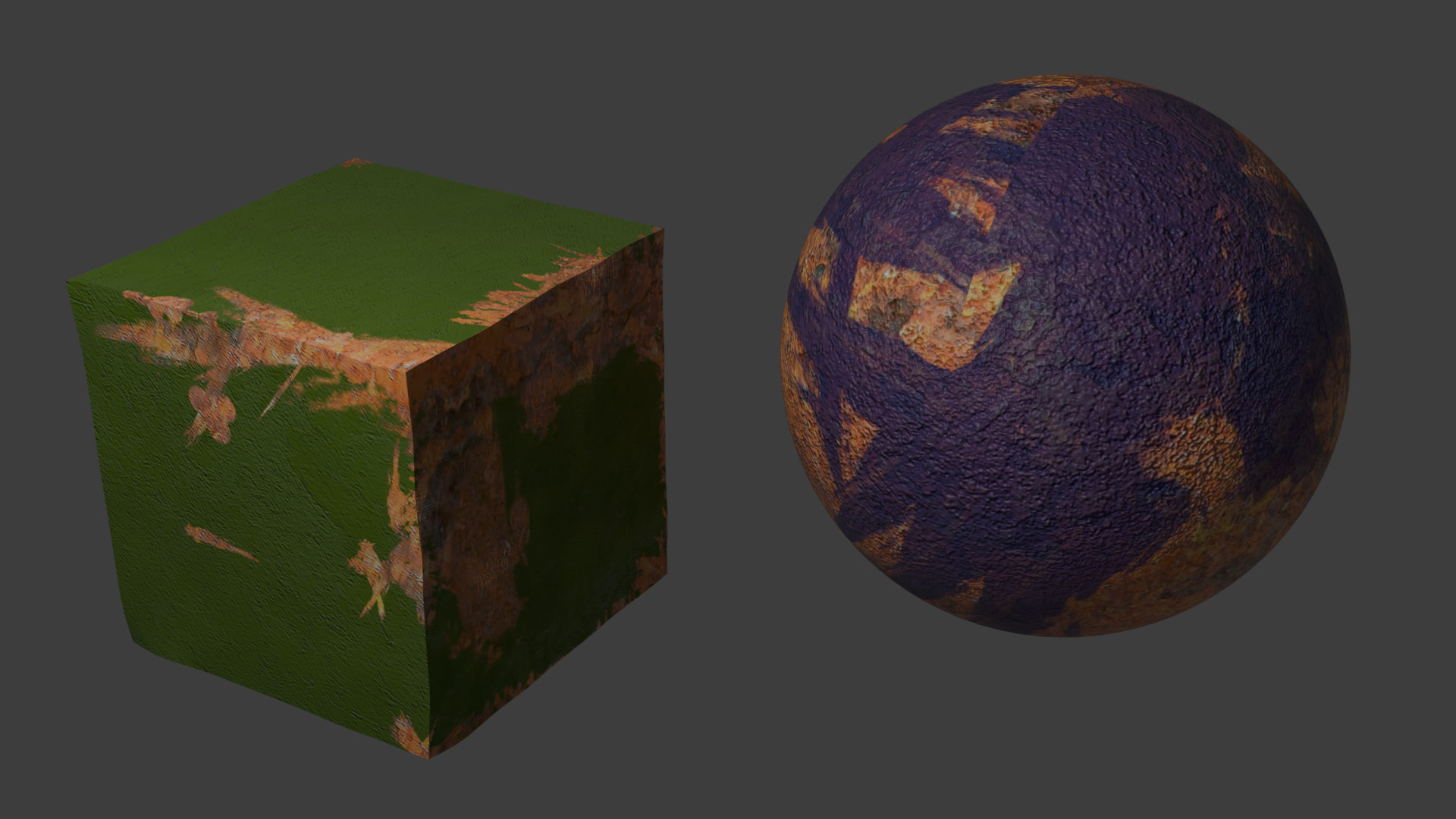
The basic principles of Ucupaint are explained clearly in this tutorial. However, about 80% of the time is spent on modeling and painting with Ucupaint’s basic layers. A short explanation of a Paint layer, Metal layer, or Normal map could also be shown on a Cube, and then the tutorial would easily be finished in 10 minutes.