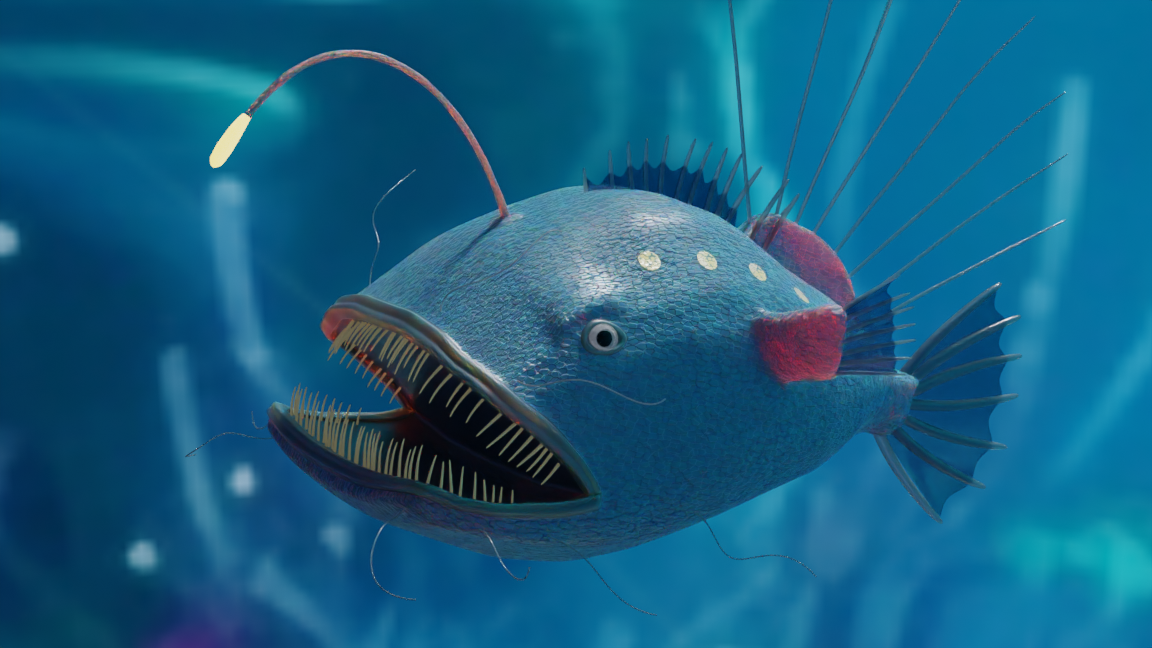
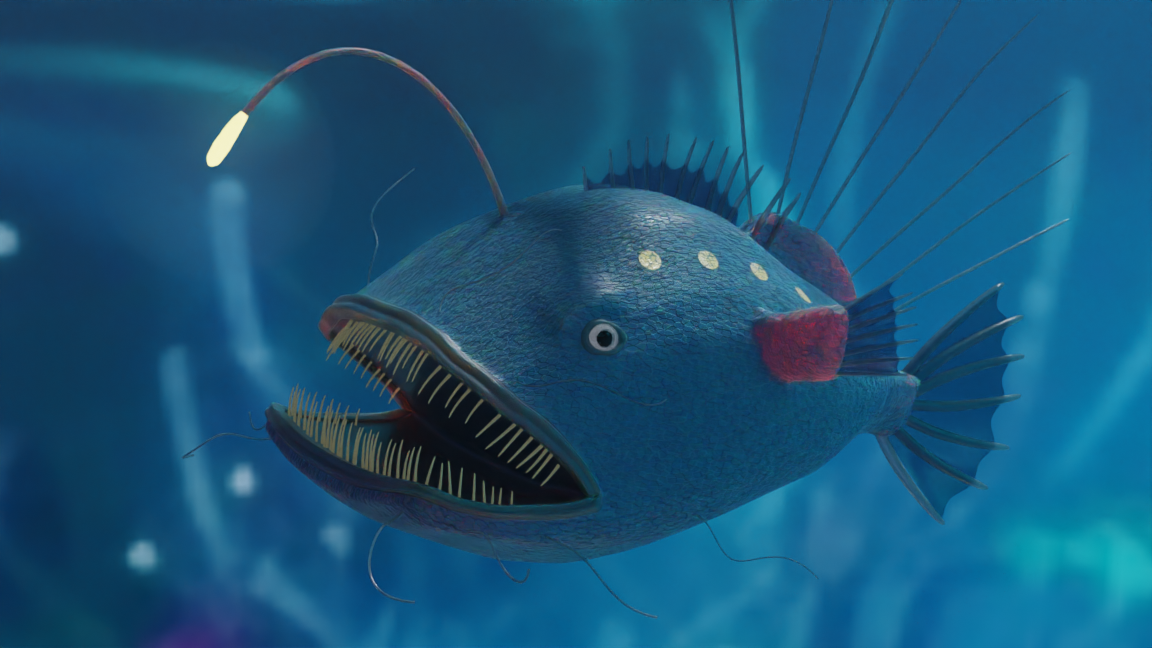
This is the Blender Collaboration 2024, week 35 challenge. Don’t be afraid to join, a lot of us are beginners. This is all to practice, have fun, learn, and get together.
This week’s subject is “Underwater”.
Underwater - Can be anything, but it must be … underwater.
The rules are simple. 1 subject, 1 entry, 1 week.
You create whatever object or scene or whatever you can think of that has something to do with the subject. It can be as simple or complicated as you want, all entries are welcome!
Post your picture here in this thread. At the end of the week, we start to vote. And if you are the winner, you may choose the next subject and win a unique badge.
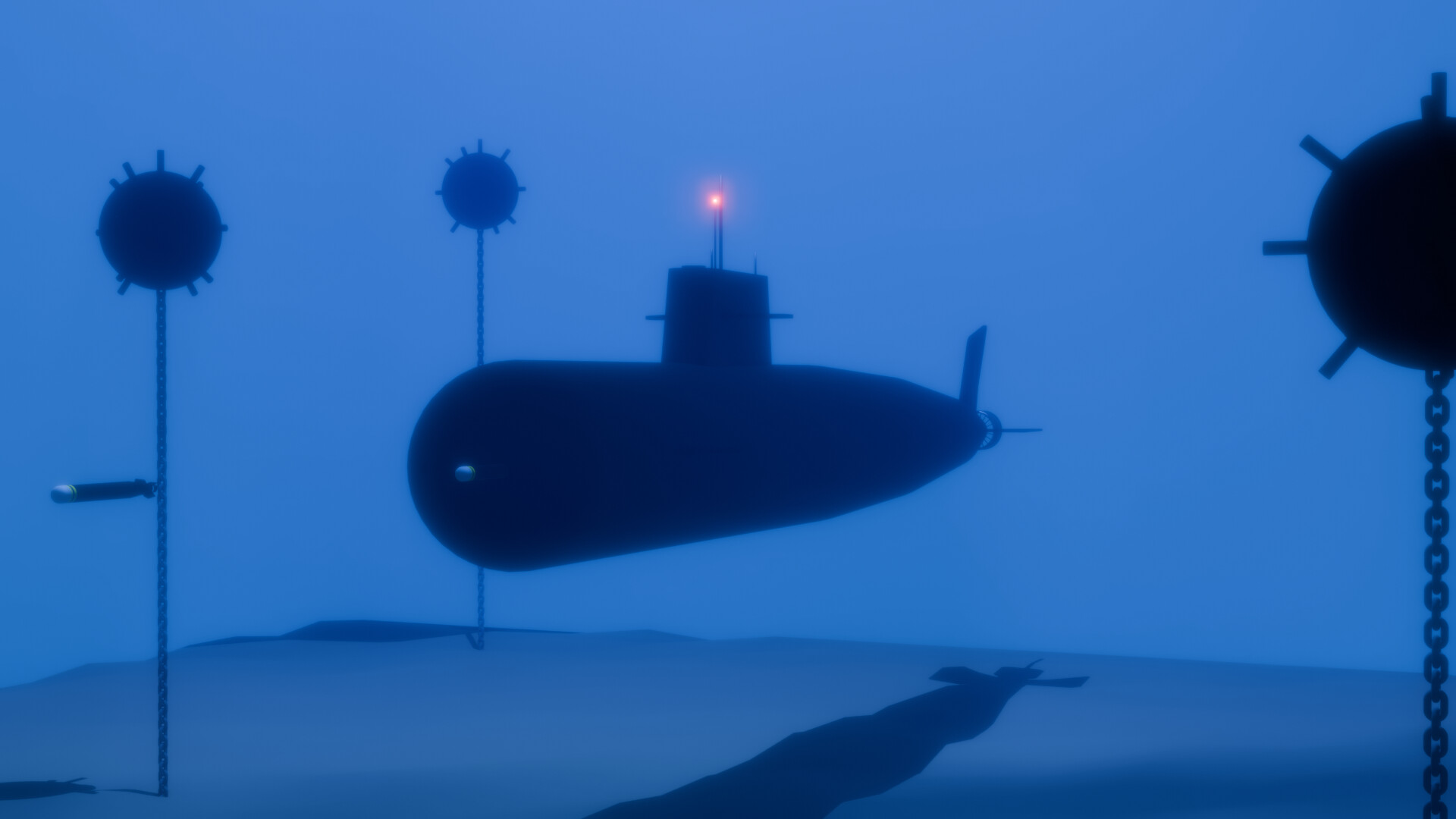
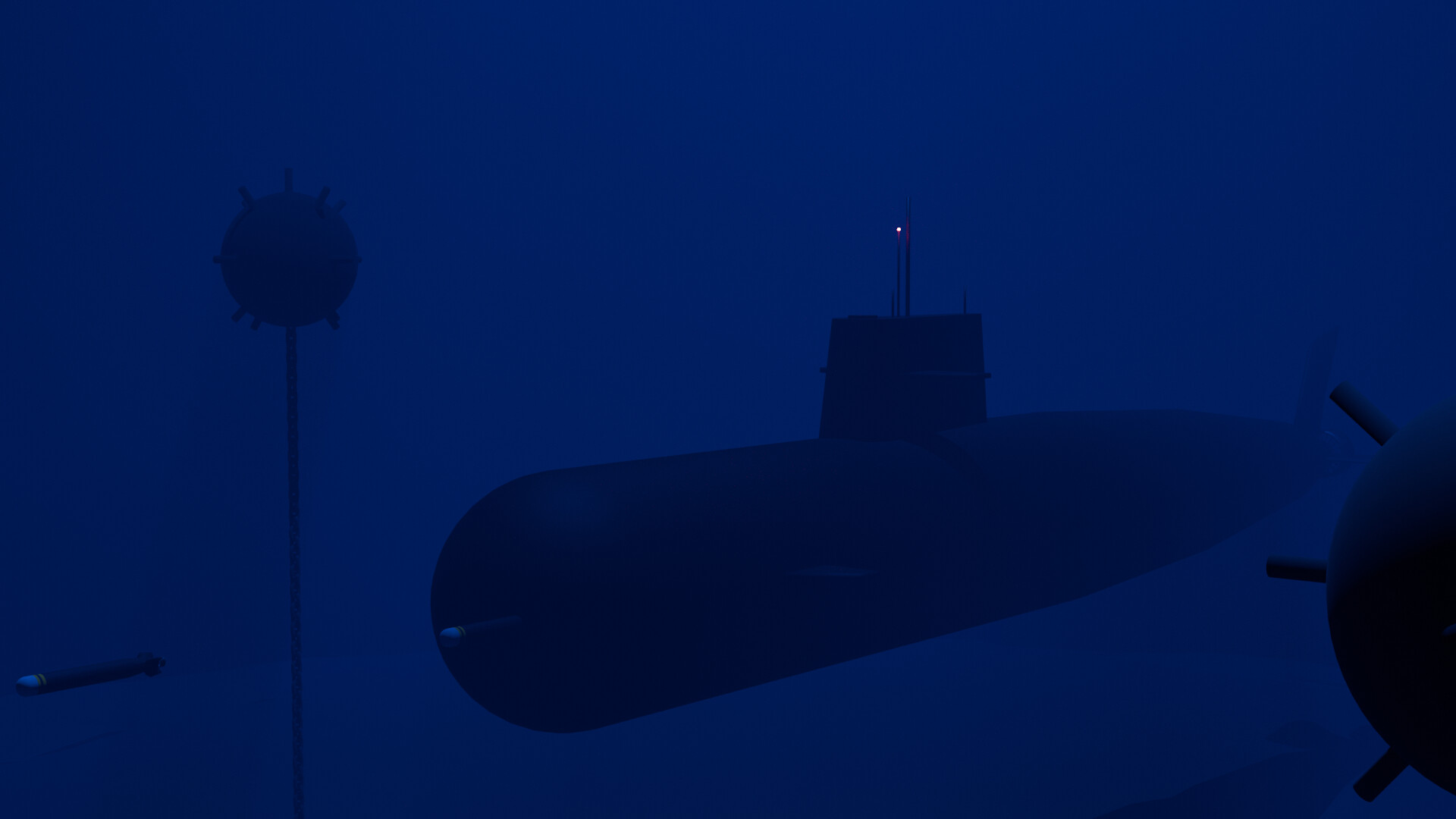
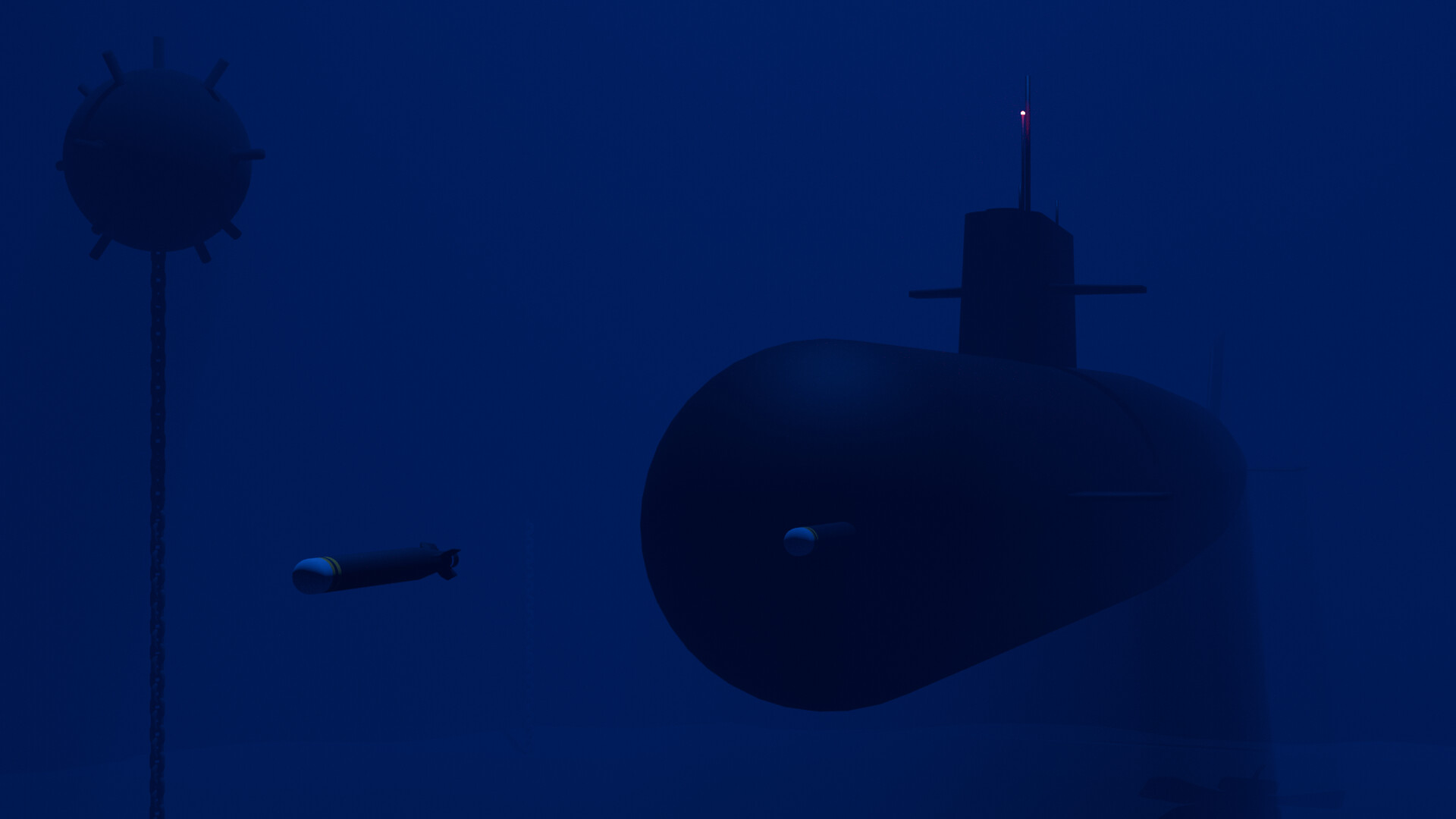
I like that it feels like a 3D version of Minesweeper It’s a great idea. Have you tried adding a volume cube inside the water? You can then use an area or spotlight above the water to create volumetric light rays into the water. Also, for a final version, I would definitely zoom in more so we can see the mines and submarine more clearly.
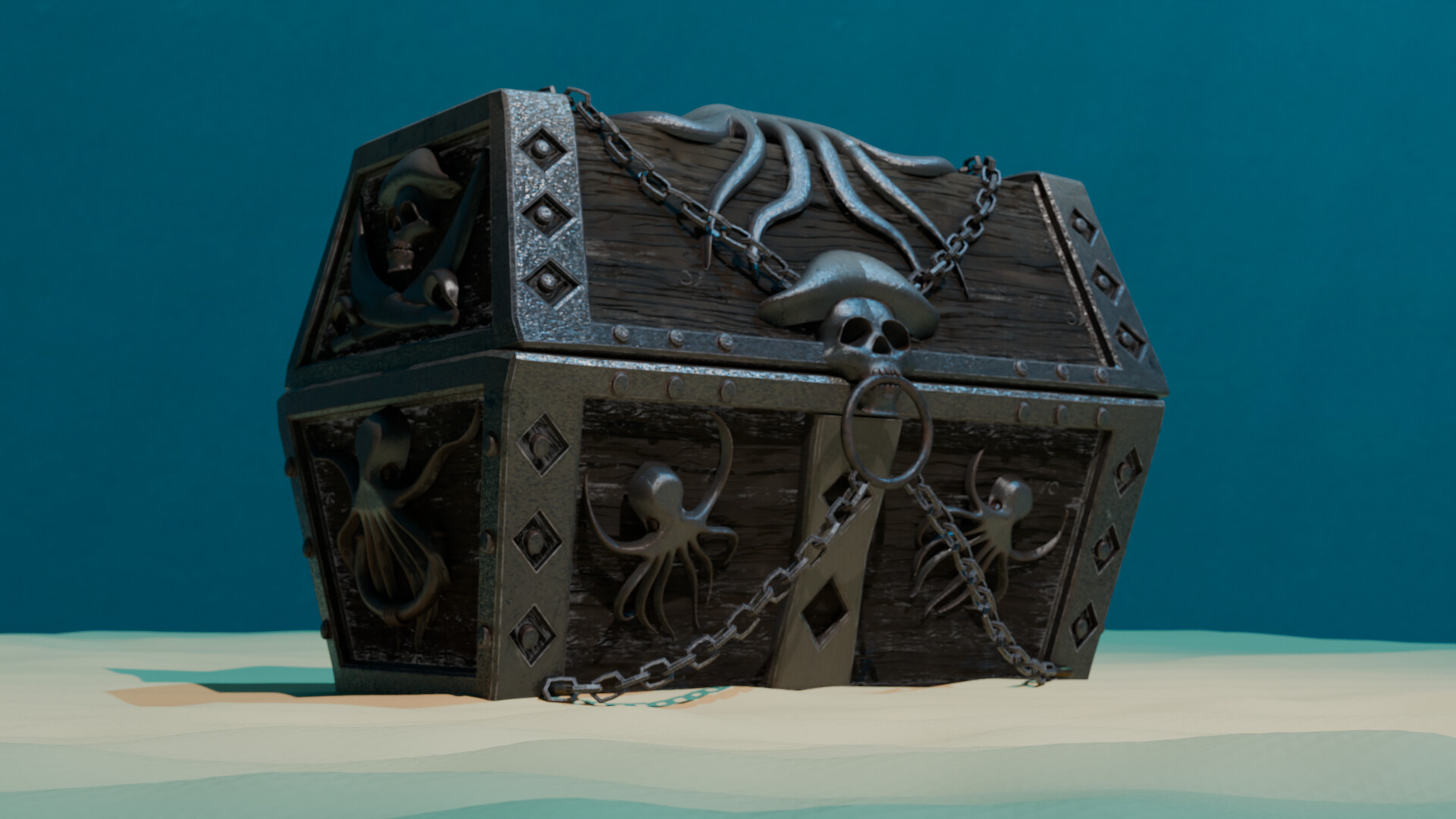
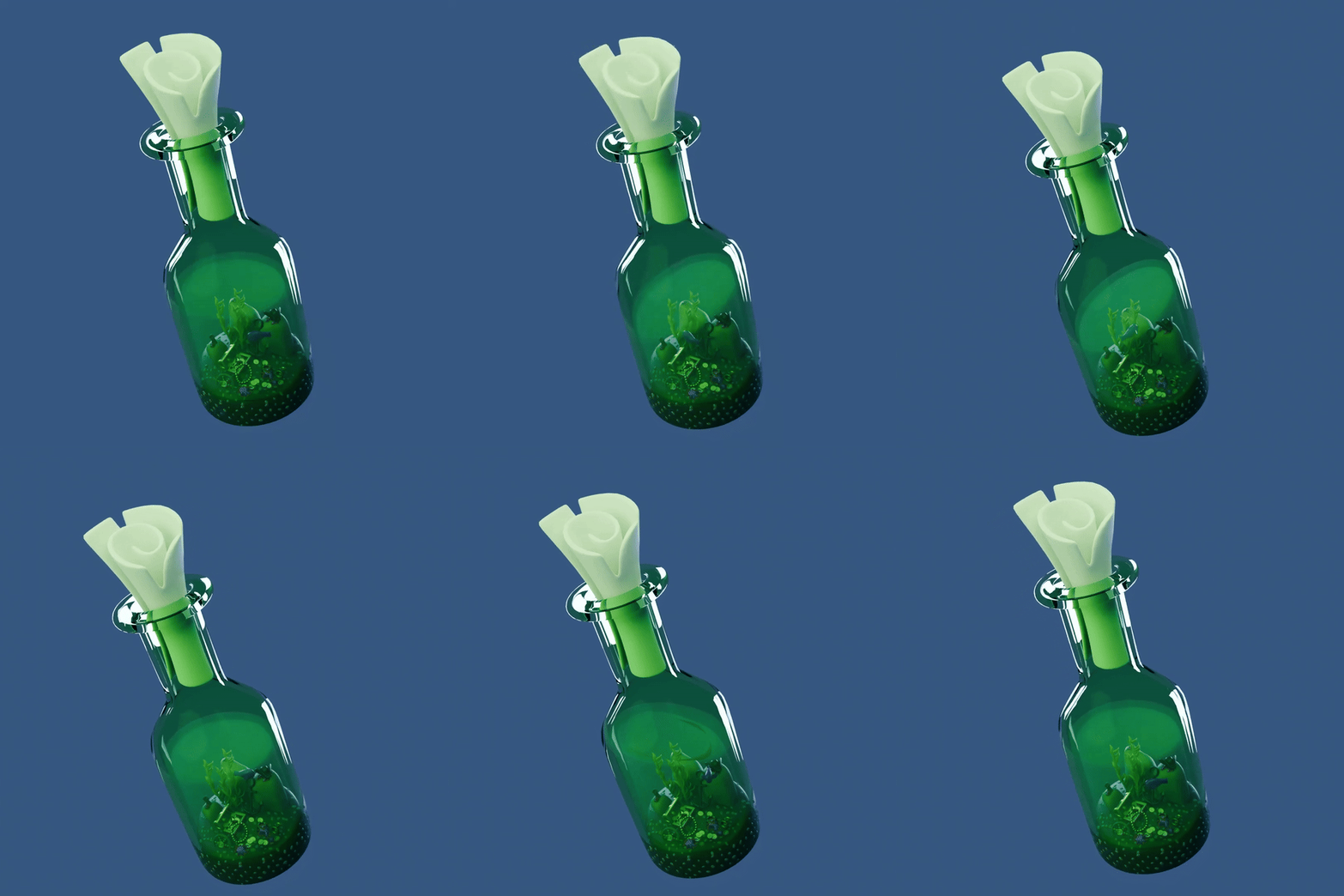
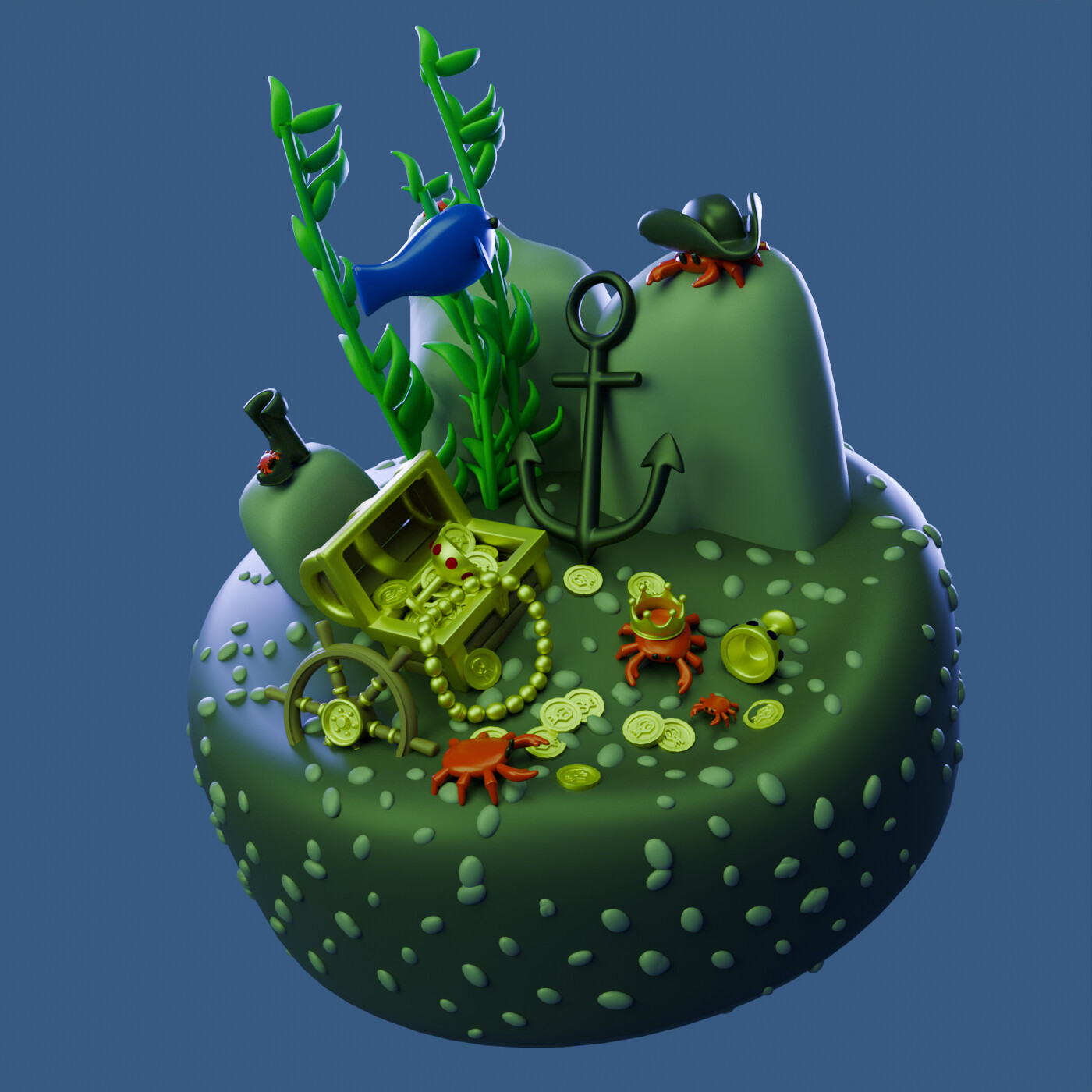
I’m planning on using many of the scene assets from the “Found Under the Sea” collab week. But I’m working on a treasure chest since I didn’t have time to make one for the “Treasure” week (I barely had time to do a pirate bust and hand). So I’m combining some collab weeks together .
Here’s the WIP of the treasure chest.
Prescient of the person whose chest it was to decorate it with nautical themes, and death imagery skulls, like they knew it would be lost at sea!
Nice chest though.
This looks great! You get a sense of the danger now. If you’re not going to show the edges of the water, to show it’s like a box, you may want to adjust the sand so it doesn’t just cut off squarely. Maybe extend the plane further or add a bit more volume density to hide the edge line.


 .
.