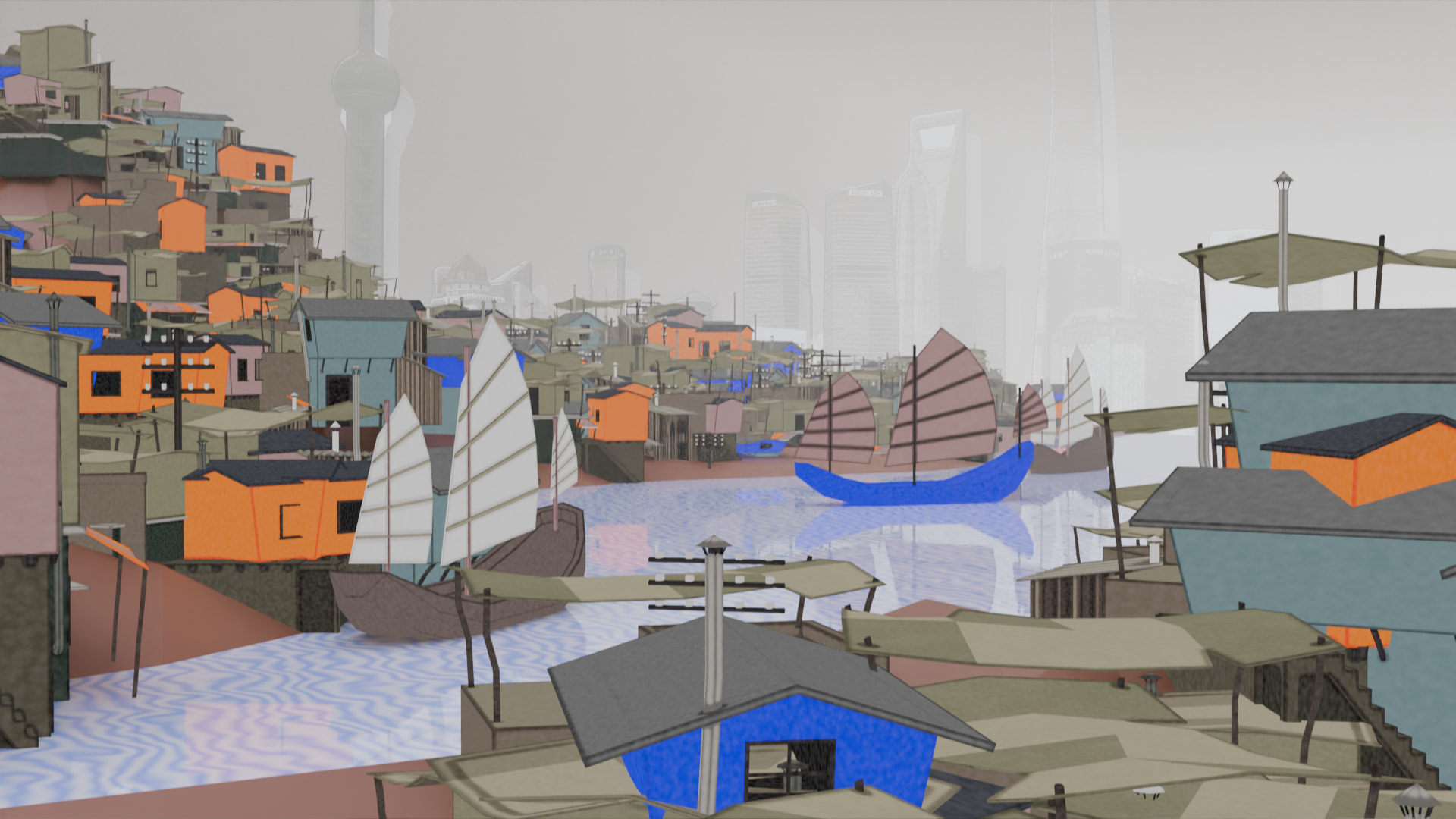
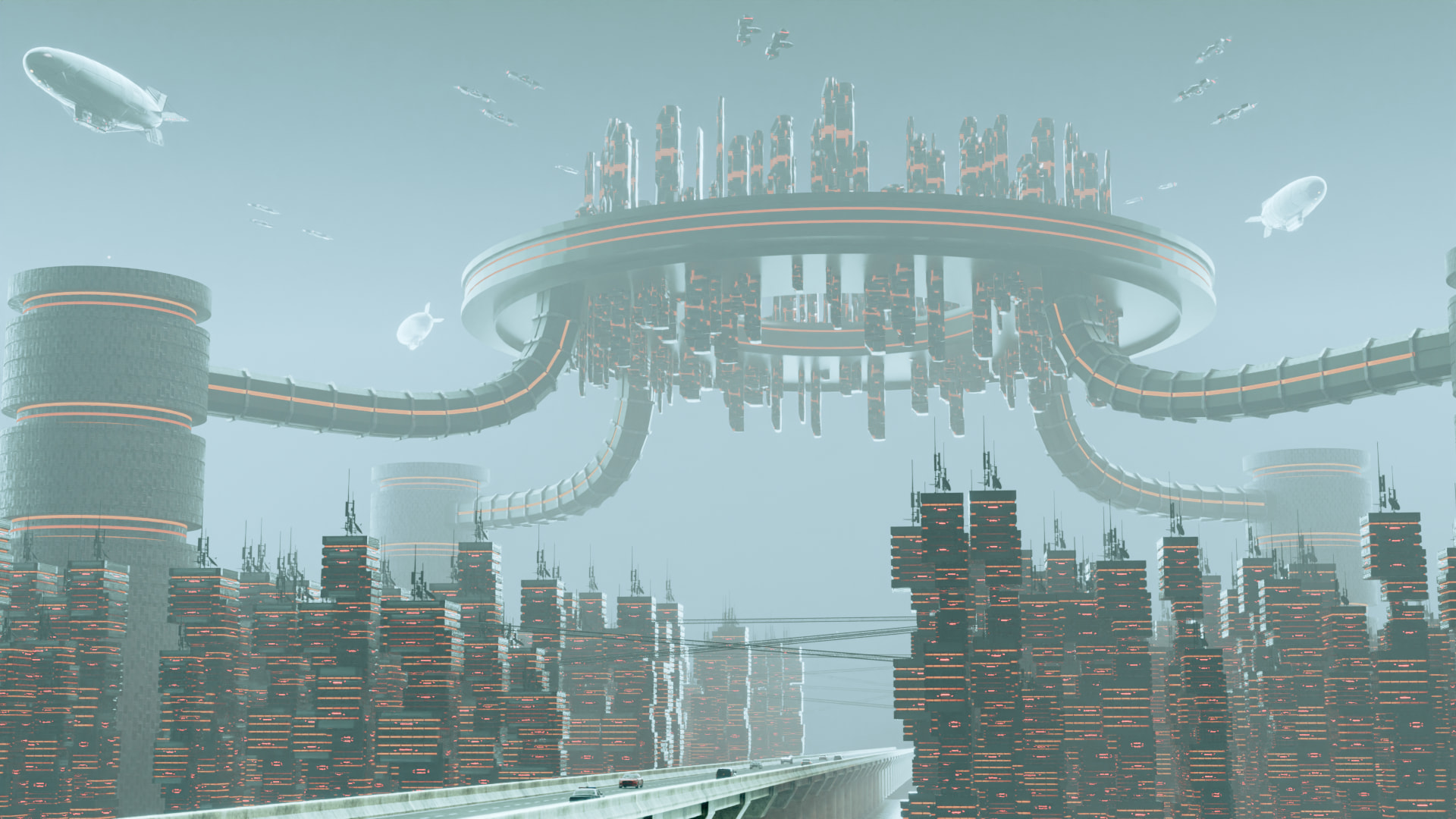
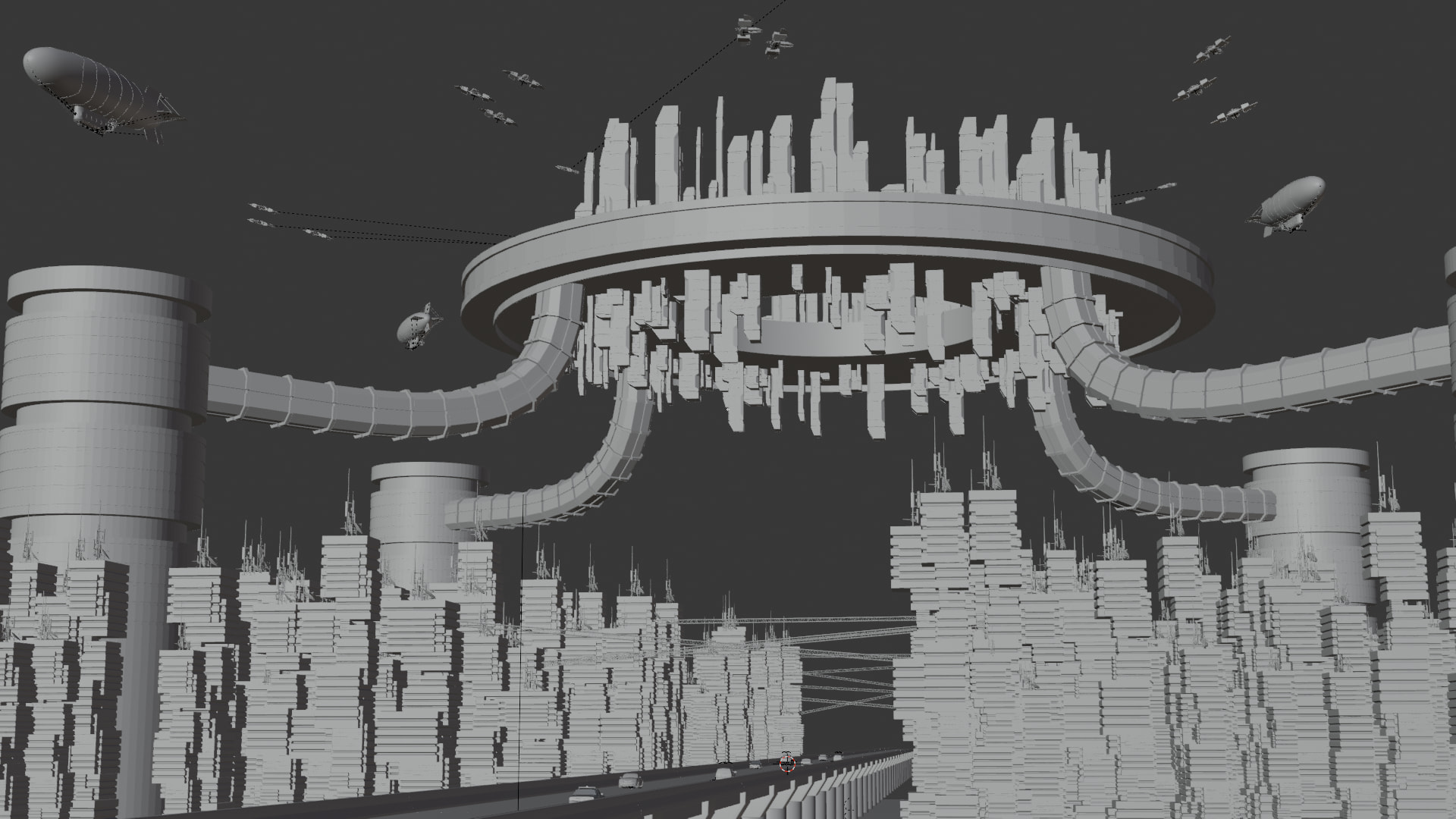
This is the Blender Collaboration 2026, week 17 challenge. Don’t be afraid to join, a lot of us are beginners. This is all to practice, have fun, learn, and get together.
This week’s subject is “The Mega-City”.
“The Mega-City” - Create a 3D environment that captures the overwhelming scale and density of a colossal urban landscape.
Your submission should focus on extreme proportions and the feeling of a city that has grown beyond human limits. Whether you choose a gleaming futuristic metropolis, a sprawling ancient empire, or a decaying megastructure reclaimed by nature, the goal is to make the viewer feel small.
The rules are simple. 1 subject, 1 entry, 1 week.
You create whatever object or scene or whatever you can think of that has something to do with the subject. It can be as simple or complicated as you want, all entries are welcome!
Post your picture here in this thread. At the end of the week, we start to vote. And if you are the winner, you may choose the next subject and win a unique badge.
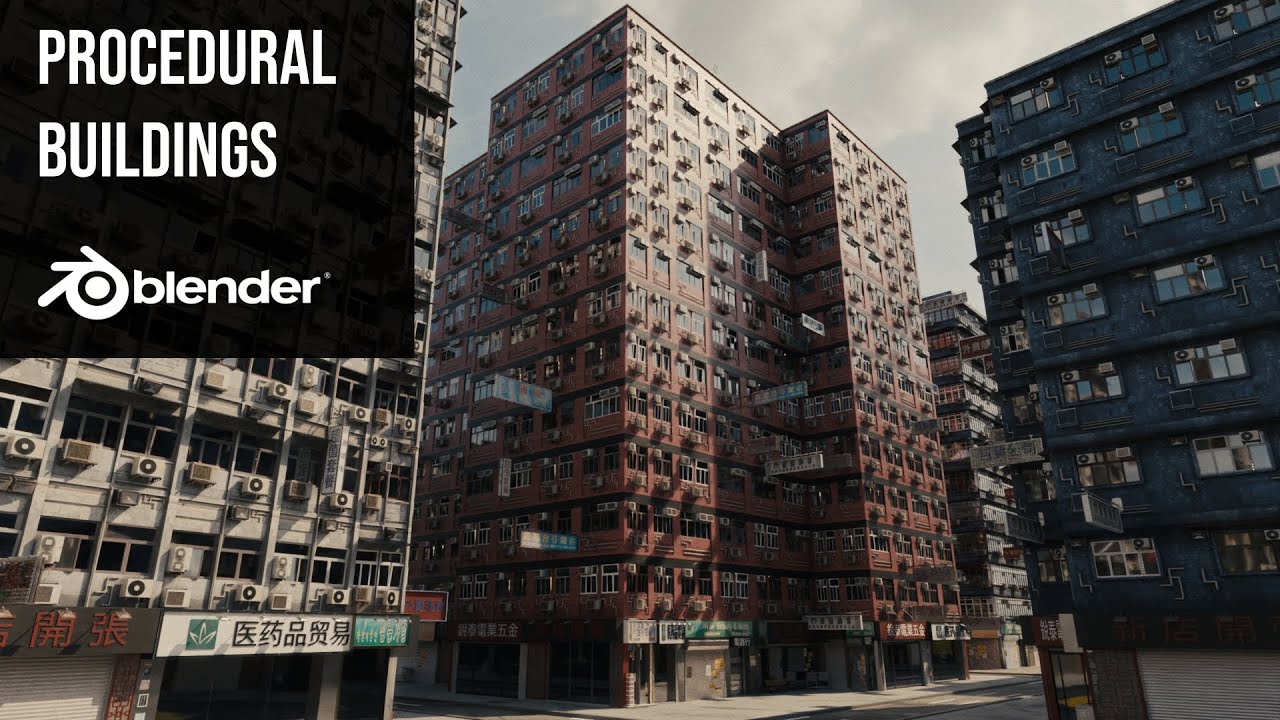
Not sure if I’ll have the time to get cracking on a metropolis, but for those interested, I found some cool geometry nodes-city building vids. The first one in the list offers a good tutorial to get buildings built up but not laid out:
This creator also offers a full city builder add-on which I don’t currently have the funds for but if a project comes up, I’m buying it. It looks amazing.
Of course, Gamedev.tv offers a geometry nodes course. It’s not specific to city building, but the geometry nodes used in the course can apply to creating cities procedurally:
There was a city building aspect in the GameDev procedural nodes course. But you don’t need nodes anymore, the new distribute modifiers work like a charm.
Yeah, the scatter on surface coupled with the new array are super powerful. But it is very useful to learn geometry nodes as all of the modifiers are created using geometry nodes.
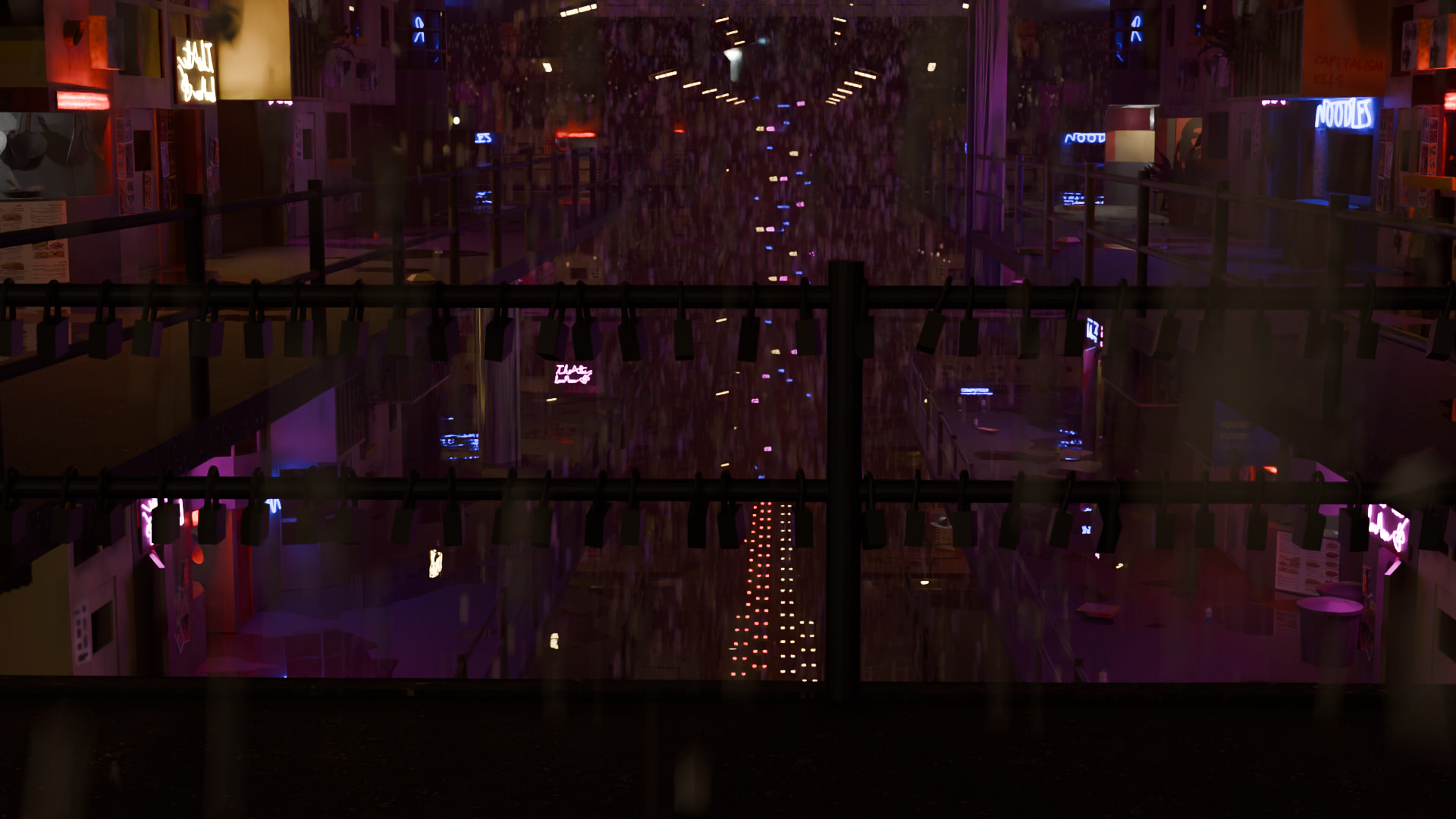
I think what @Crisus may be referring to is that it is difficult to understand what the viewer is looking at in this city scene. It appears that the viewer is standing on a bridge with locks on it, overlooking a very densely built city street. There is a lot of noise in the render, but I believe that is either rain or snow, which is obscuring the city scene, making it difficult to discern what the elements you created are. The lighting also isn’t helping define the shapes in your scene. You have emissive materials but it looks like there may not be any (or very few) lights in the scene. You most likely made this decision because it is a nighttime storm scene with a cyberpunk flair. But if you carefully place lights in a way that defines the shapes of the buildings, you can still create a dark scene that allows the viewer to better understand what they are looking at.
Here are some cyberpunk-inspired street scene examples:
Even in the link above, which is exceptionally dark, there is enough light to outline the buildings so the viewer understands what they are looking at.
A final thought: what do you want your audience to focus on? Is there a story this image is telling? The locks on the bridge are intriguing. My understanding is that a lock on a bridge is a “love lock,” a symbol of a couple’s forever love to each other. If this bridge is meant for that purpose, perhaps lighting the scene to emphasize the locks. They can be in silhouette and stand out against the lights of the city, but there would need to be more a greater contrast in the lighting for that to happen.
And please note, these are just personal opinions based off of my experience. You do not have to follow any advice in this, especially as it was completely unsolicited.
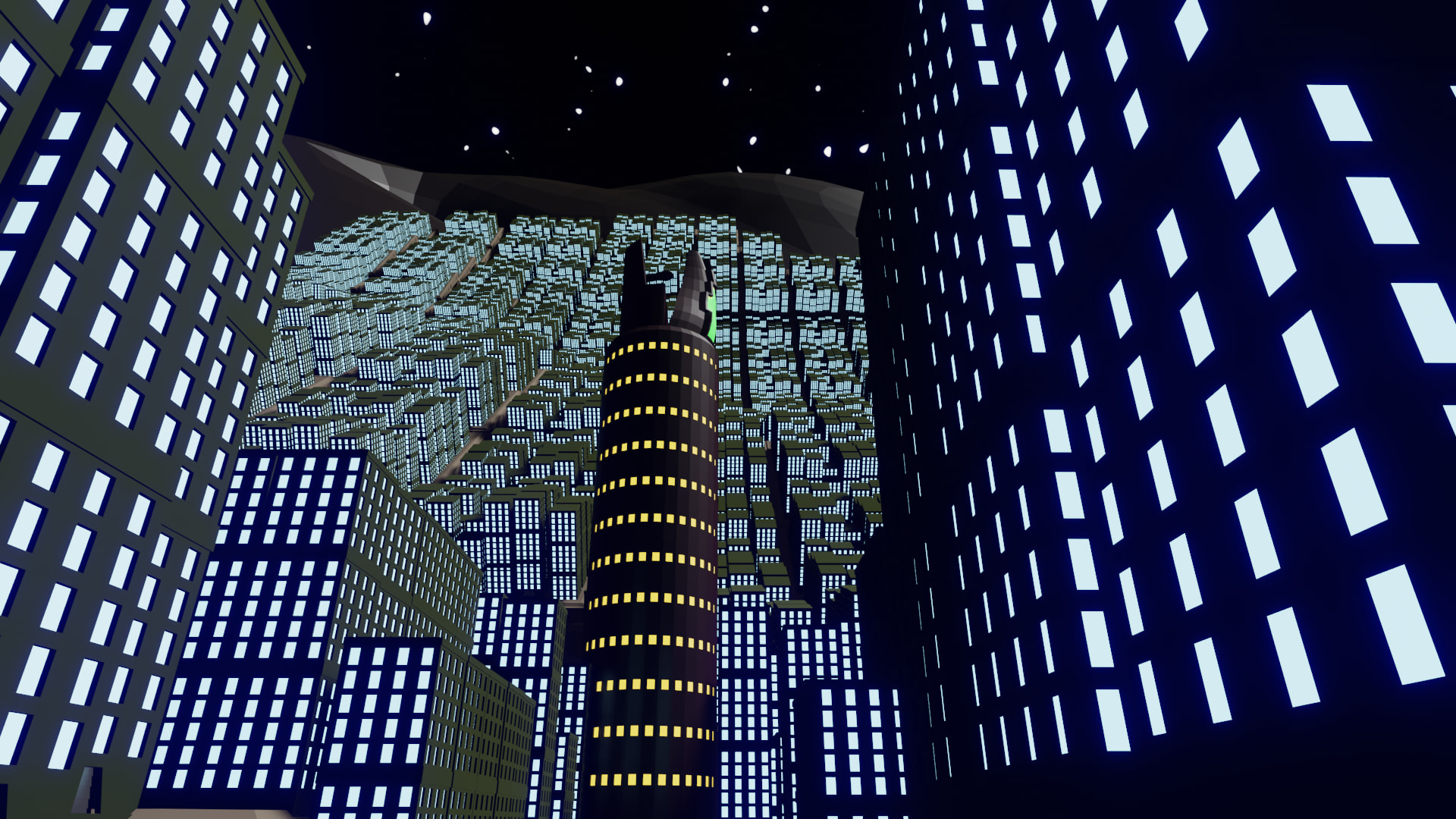
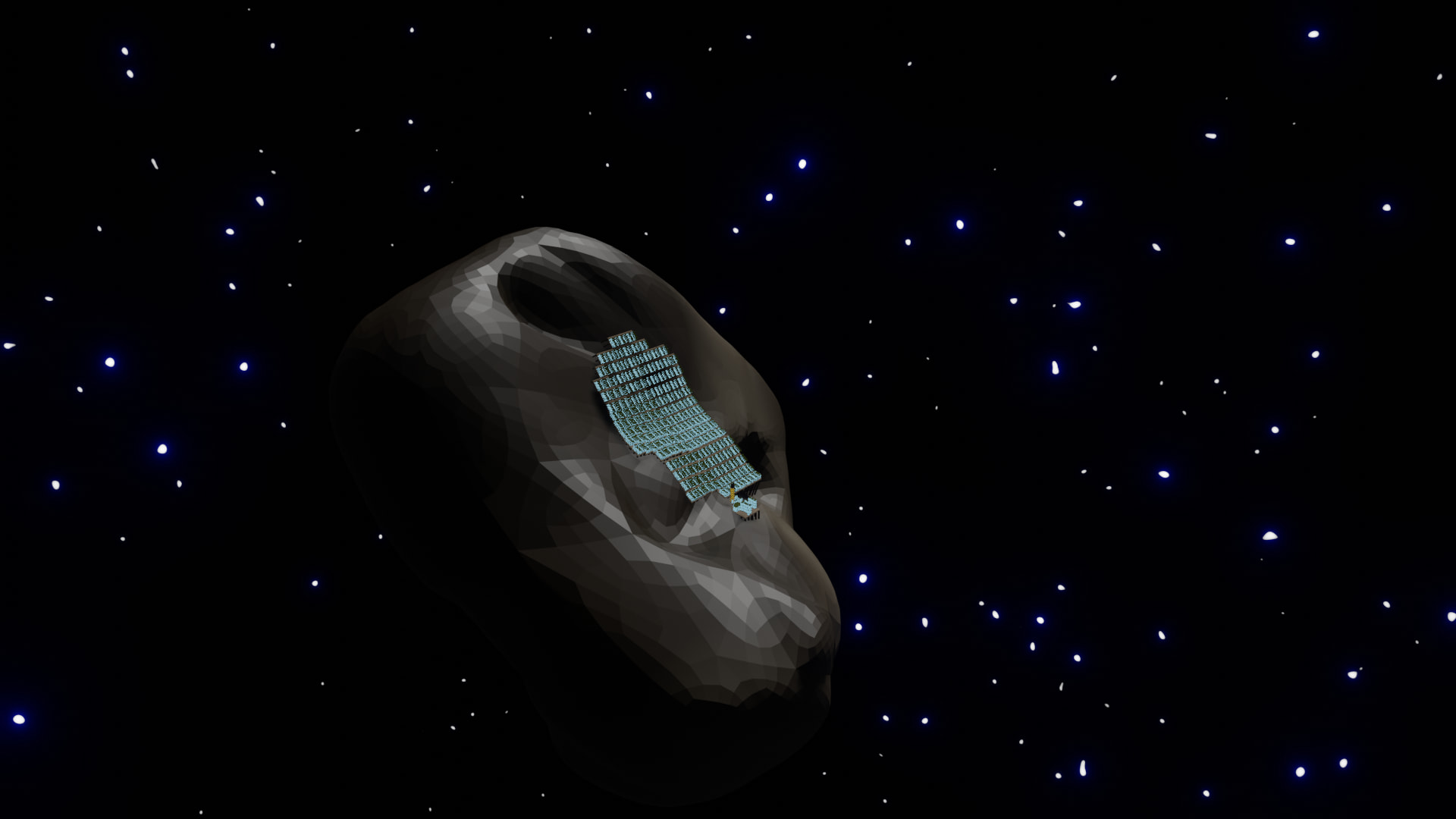
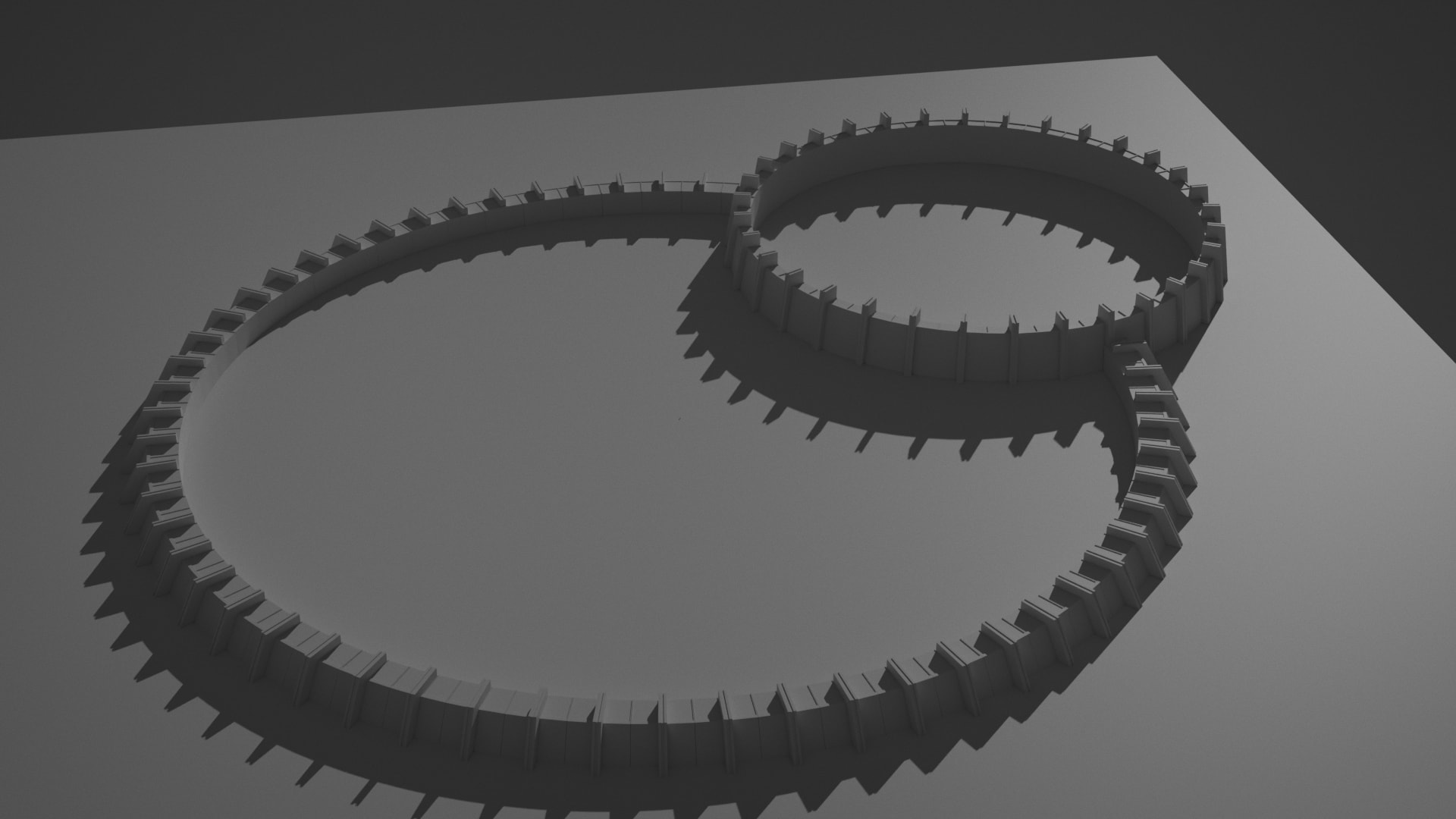
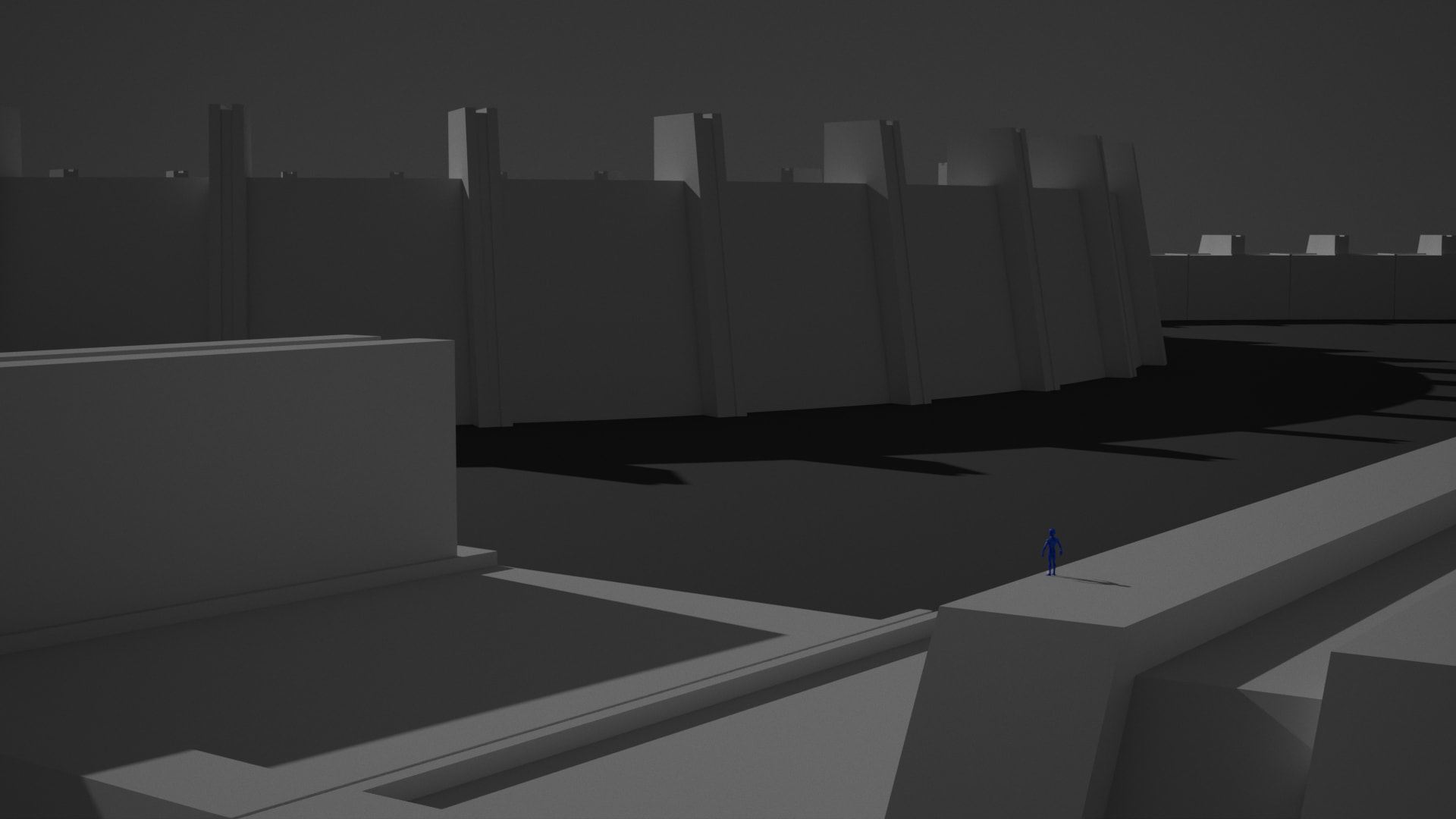
Hello, wanted to try quantity over quality so I made a communist asteroid colony, where every building is the same except the main comms and arrivals tower, simbolizing how even in space, giant cities can be monotonous. (I promise it totally about that, I didnt forget about the deadline wich is why I only had two building models, promise).
We @BlenderCollab have a few days to vote. You can vote fast but also think slowly about design, colors, technique, difficulty, subject, realism, etc. Choose consciously and not on your entry.
The new subject week 18 “Modeling-your-world” has already started. The winner of this week’s “The Mega-City” challenge may select a subject for next week 19 and win a badge.
Hello, here is some extra information about this collaboration for students participating for the first time.
You can upload multiple scenes to show your progress and tweaks, no problem. But be clear about what your final version is. By default, I use the last image.