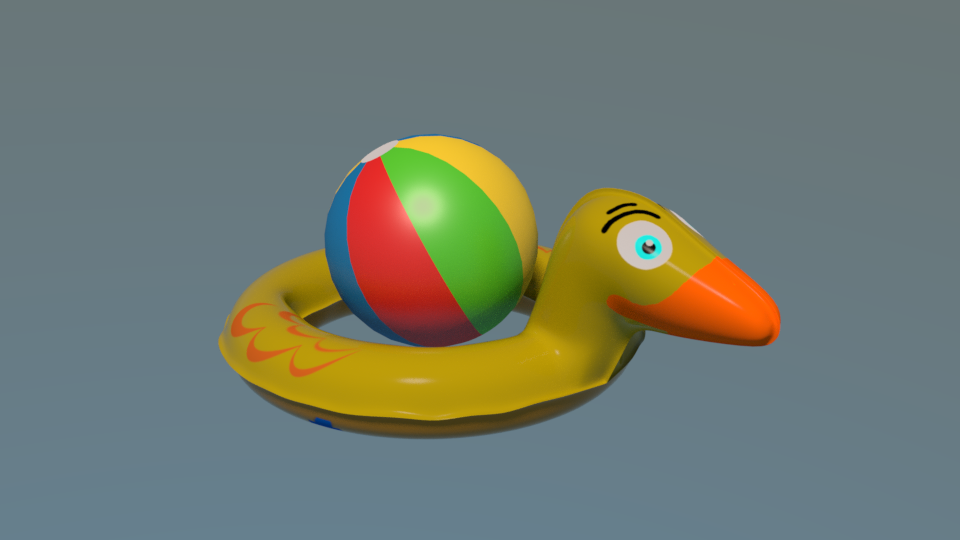
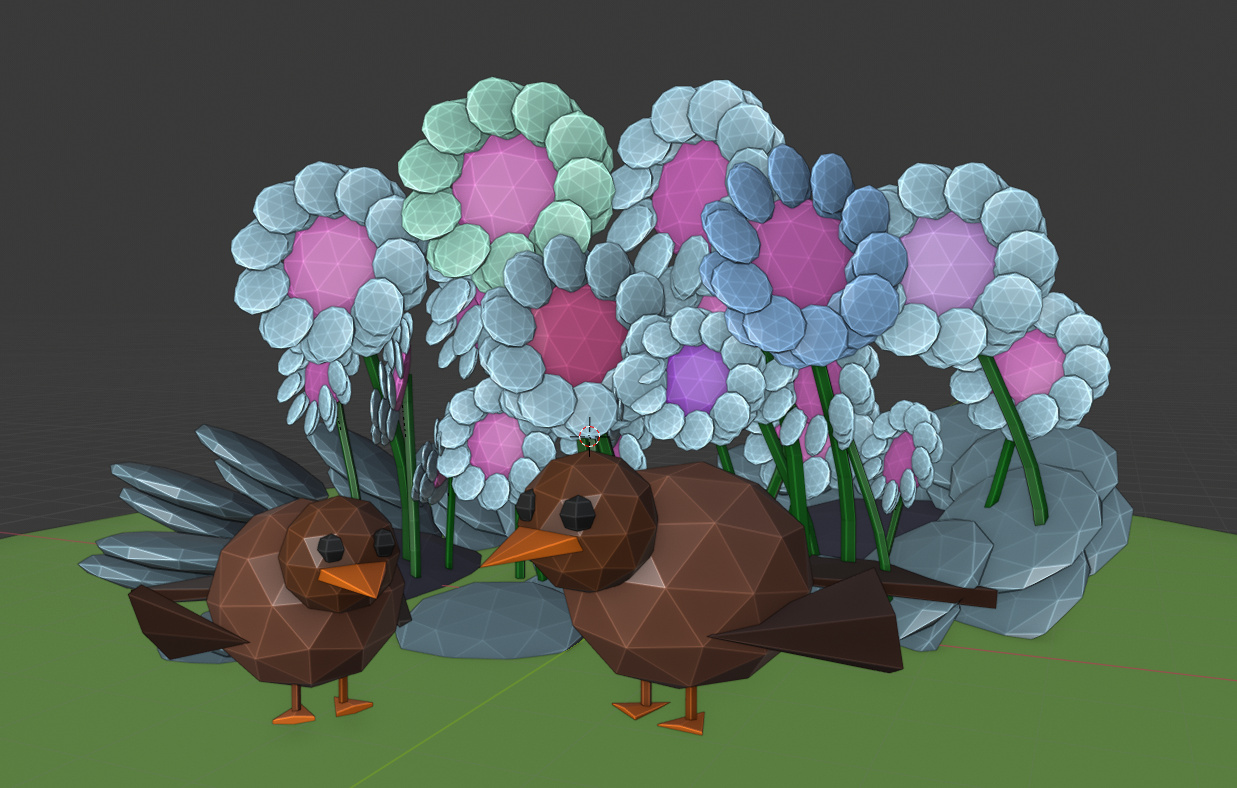
This is the Blender collaboration 2021, week 31 challenge. Don’t be afraid to join, a lot of us are beginners. This is all to practice, to have fun, to learn, and get together.
This week’s subject is “Bird, Birds”.
Bird, Birds - Birds are a group of warm-blooded vertebrates constituting the class Aves, characterized by feathers, toothless beaked jaws, the laying of hard-shelled eggs, a high metabolic rate, a four-chambered heart, and a strong yet lightweight skeleton..
Subject selected by the previous week 29 winner Digitz - “ Jewelry”
The rules are simple. 1 subject, 1 entry, 1 week.
You create whatever object or scene or whatever you can think of that has something to do with the subject. It can be as simple or complicated as you want, all entries are welcome!
Post your picture here in this thread. And at the end of the week, we start to vote. And if you are the winner, you may choose the next subject.
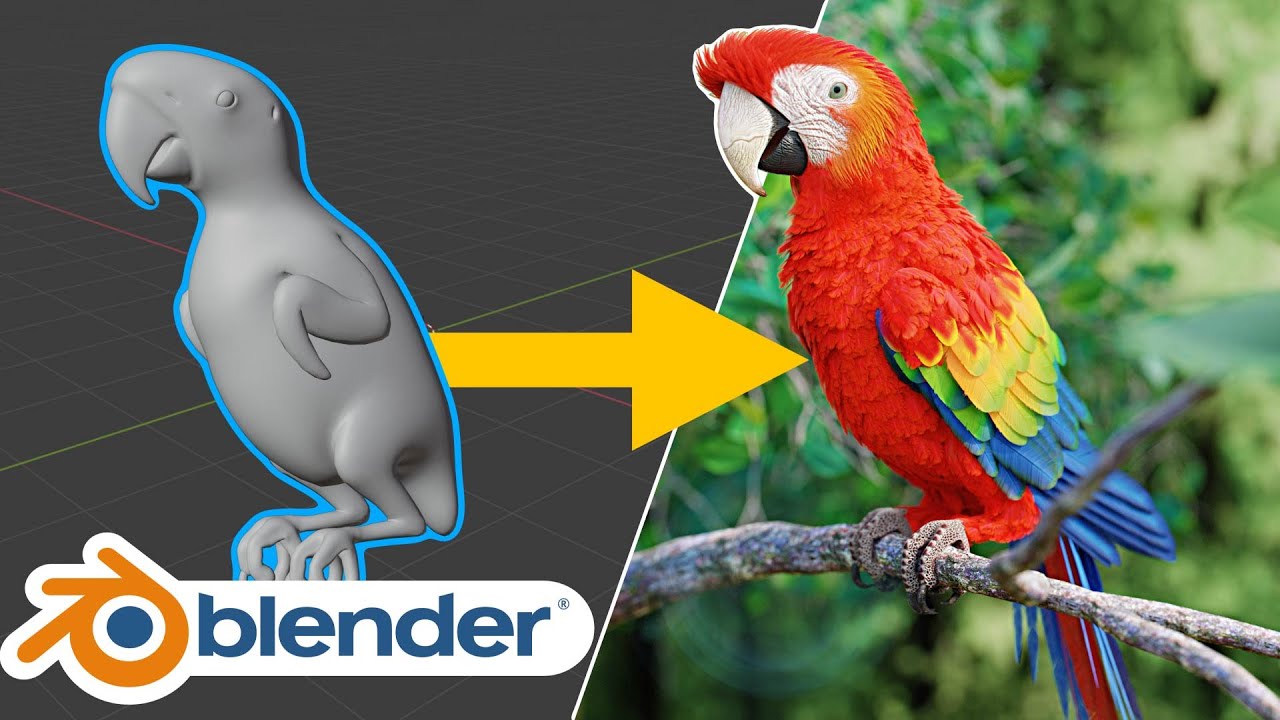
I’m going to try to have a photo realistic bird done for this one.
But I’m not going to participate, even if I complete a “submission”, I want to be excluded from the voting this week.
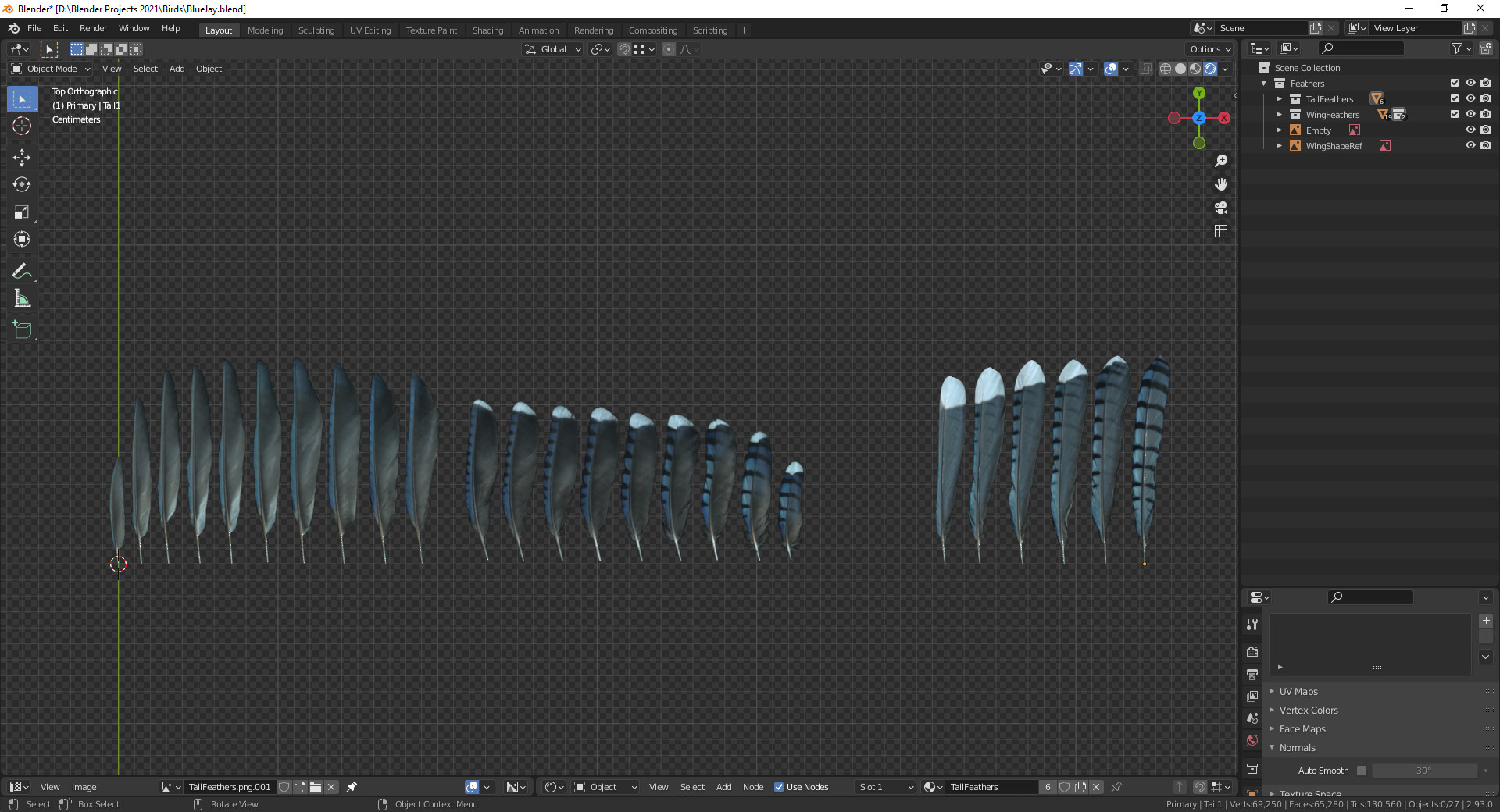
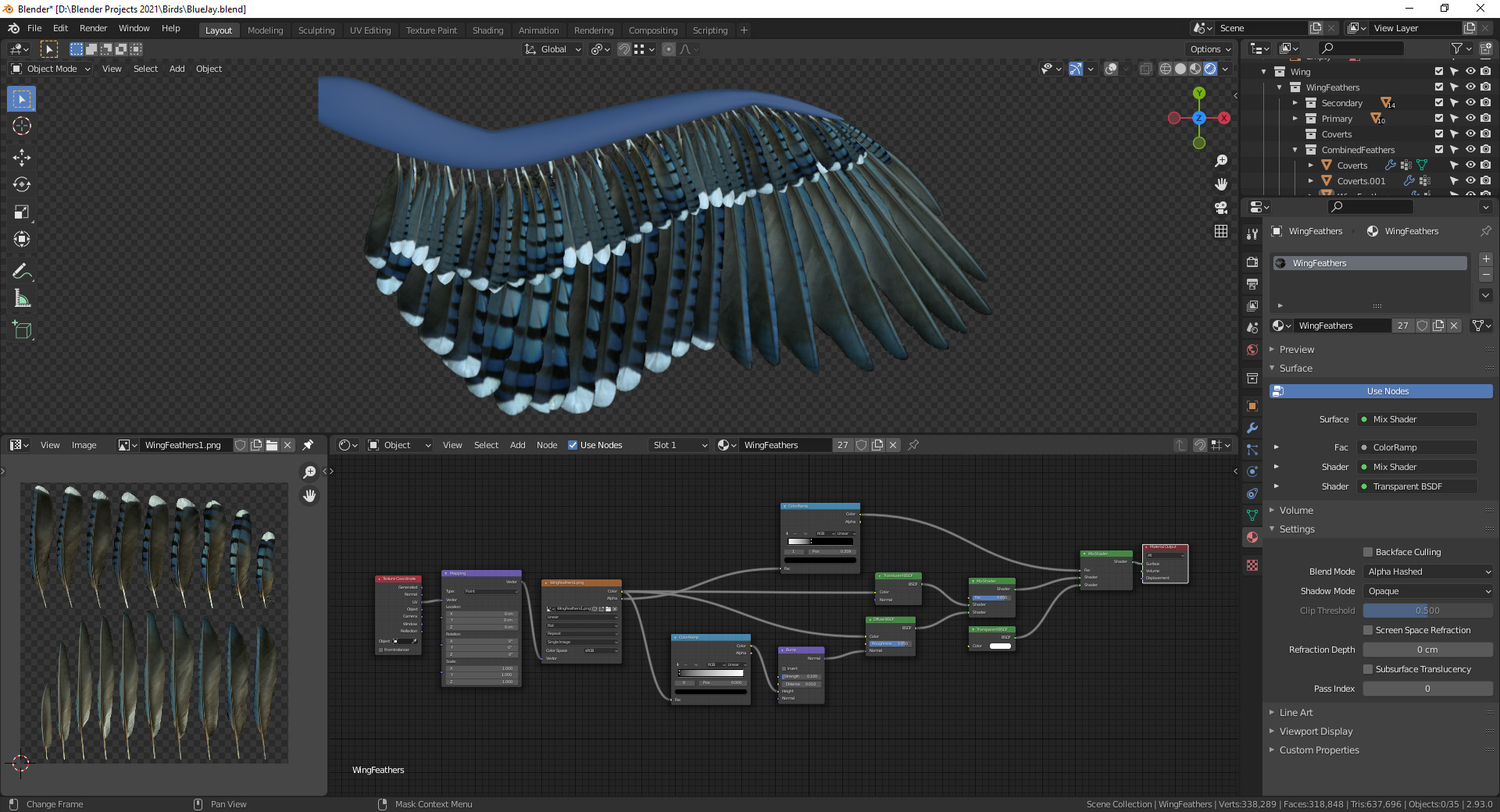
Progress though, primary and secondary wing feathers, as well as tail feathers modeled and textured.
The feathers, I found some images of blue jay feathers, cobbled them together in Krita and erased everything around them. Saved as a .png and setup the shader nodes with that image.
If you receive this alert you are part of the Blender Collab message group!
You can unsubscribe yourself from this group, visiting this unsubscribe link. Or using the main menu and select Groups. If you want to join this weekly collab group, use the same link/group to subscribe yourself to this group.
With our own Blender Collab Group, you don’t need to ask me to join or be removed from the list!
This new feature is possible thanks to @OboShape.
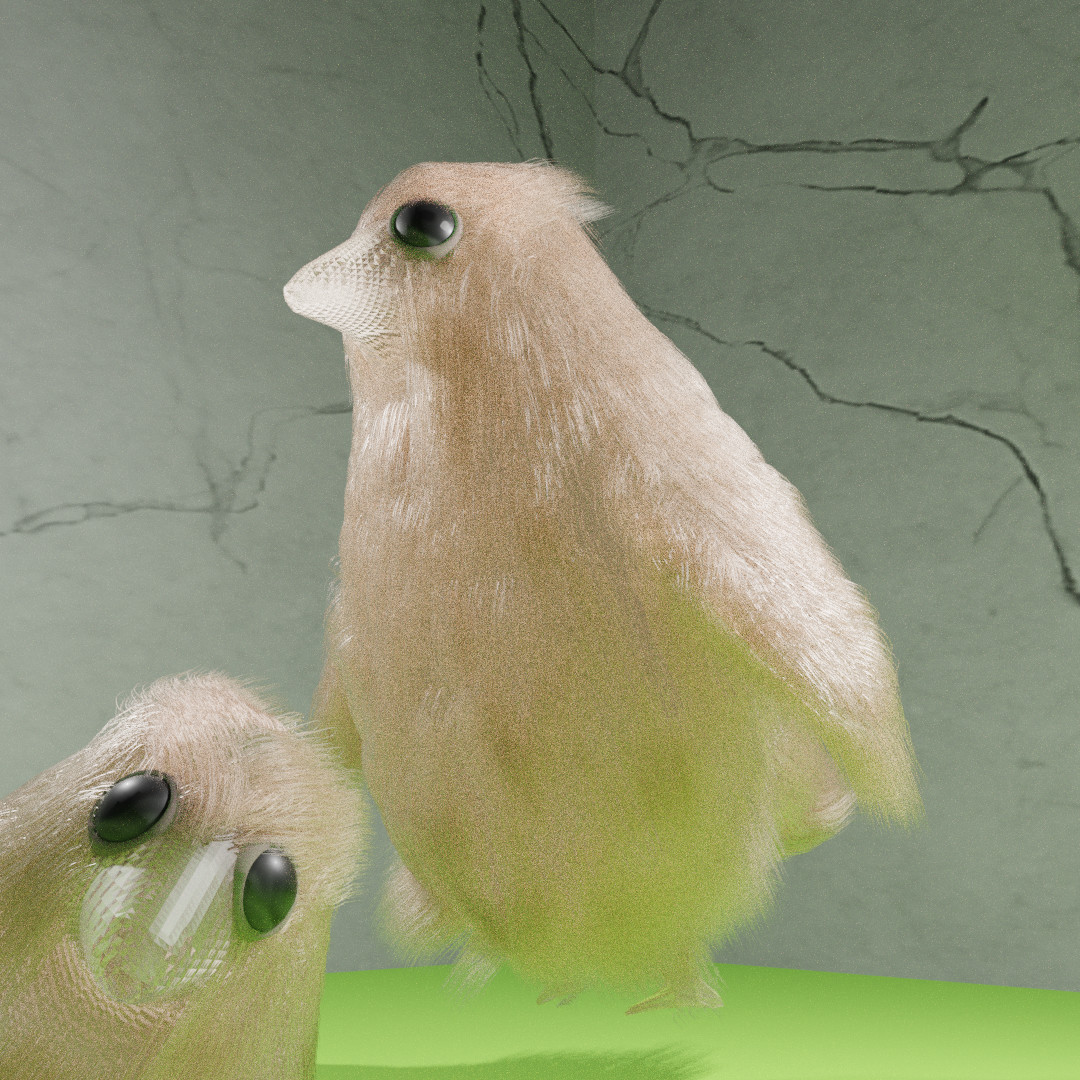
This looks great. The triangles on the beak are likely from one of two reasons or both.
Flat shading. In object mode, right click on your mesh and choose shade smooth.
Tris instead of quads. This could have been an accidental Ctrl+t with everything selected in edit mode or some setting with a remesh. Hard to say what caused it, but the probable fix is to go into edit mode, select all with a and go to the Face menu and choose Tris to Quads (Alt+j).
I definitely ran out of time this week. I fell down a rigging and animating hole, forgot to keyframe one of the wing positions before converting it to an action and, well, I took a break lol.
I already said it is smooth shaded and it’s not the other either. Could be a bug because of the hair particles, I just hope it’s not something I’ll come along again.
I’m sorry to hear about rigging problems, I know I put that away for a while since it’s frustratingly difficult, though I love animating.
I like the beak effect, but can it be the way the material is created?
Do you have a special modifier added?
Are you showing wire-frame instead of faces …?
If you apply the material to a cube, do you see the same problem?
(I would make the eyes more shiny, less roughness)