

Hi Dan,
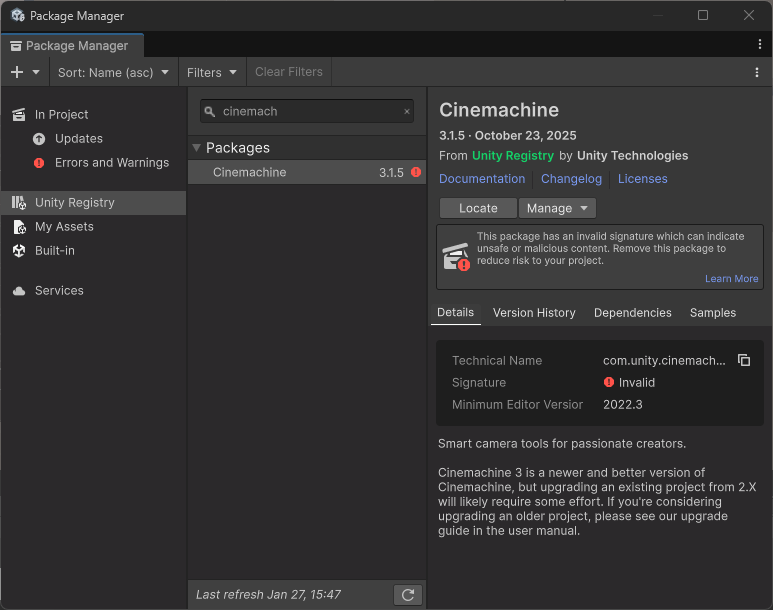
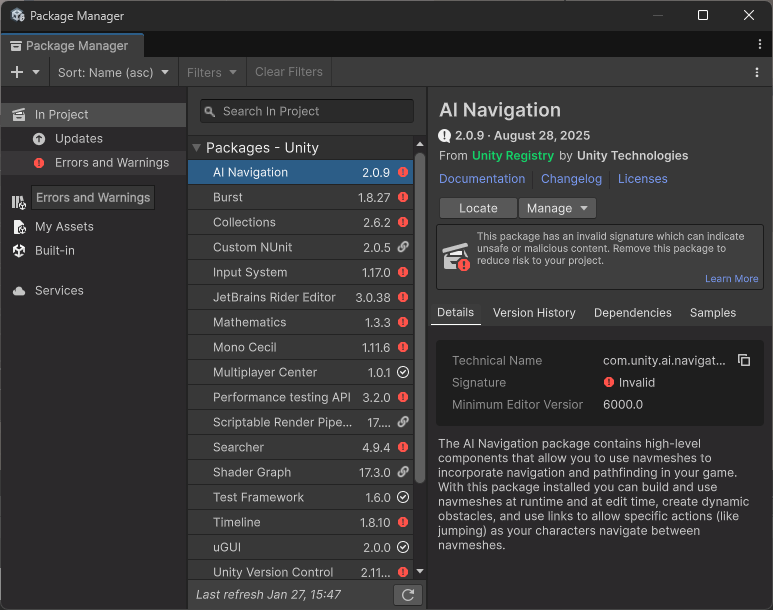
This problem does not have anything to do with VS Code. It’s a bug in the current version of Unity. It appeared a couple of days ago, and it’s even mentioned in the manual.
Are you able to install the relevant packages? If so, ignore the warnings. Unity will hopefully release a new update soon, which will hopefully fix the bug.
In the official Unity forum, Alixff2023 suggested a temporary solution. You could give it a try.
See also:
- Forum User Guides : How to mark a topic as solved
1 Like
Good news! Unity finally fixed this bug! Please install Unity 6000.3.5f2 or a newer stable version.
This topic was automatically closed 24 hours after the last reply. New replies are no longer allowed.