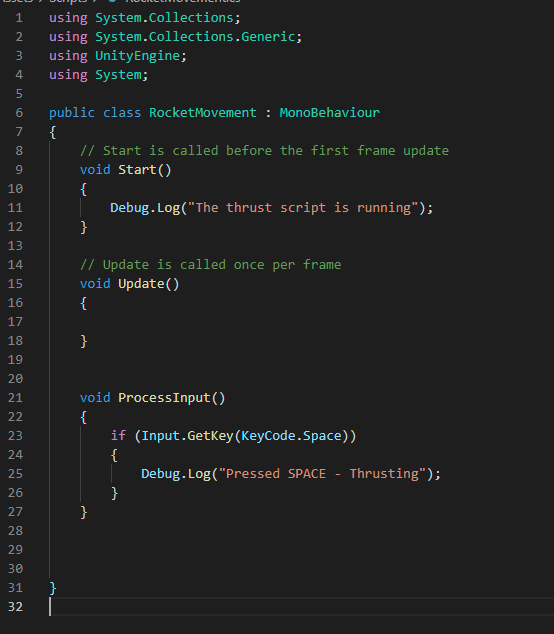
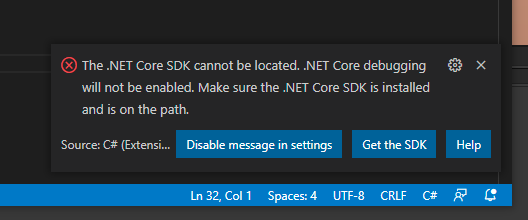
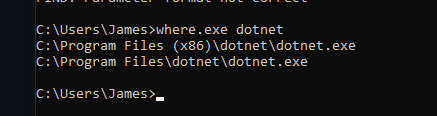
I’ve downloaded the dotnet, tried to troubleshoot it myself but i can’t seem to figure out how to make it work.
Ive attached some photos and maybe someone can help.
If i dont reply immediately, its midnight here and im off to sleep.
Hopefully someone can help me solve this by morning so i can get back to coding.
Thanks
Please check the console of VS Code (not Unity!). If the .NET Framework 4.7.1 (Developer Pack) is mentioned there, download and install it from the official Microsoft. Here is the link: https://dotnet.microsoft.com/download/dotnet-framework/net471
And also i’m not getting the autocomplete suggestions like Rick is in the tutorials, is there a fix for that? Is it a setting that’s accidently disabled?
Is Visual Studio selected as your External Script Editor in Unity (Edit > Preferences > External Tools)?
Is the Visual Studio Code Editor package installed in Window > Package Manager (in Unity)?
If nothing helped, install and use Visual Studio (Community Edition). For some students, VS Code simply does not work well. Maybe due to a problem with Unity, some update or whatever.