Quest for the Mythical Sphere - Linear Story-based Block Breaker

Hi guys,

I made a short story-based Block Breaker game: Quest for the Magical Sphere (Latest version)

Features (additions to the Block Breaker game by Ben and Rick):

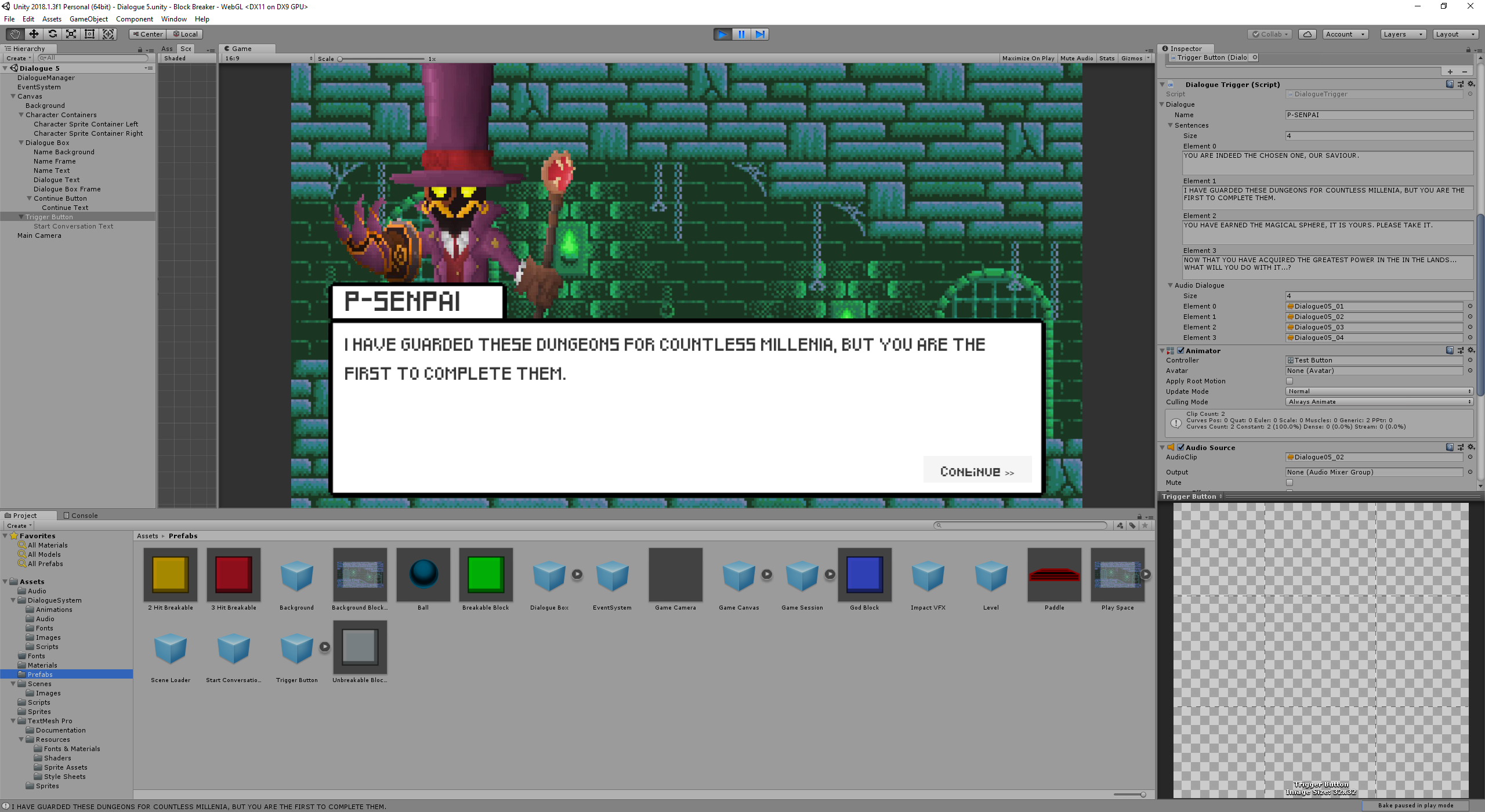
  • Dialogue Scenes (including transform animations, text appearing per char, playing sound clips with each dialogue item - used the Dialogue tutorial by Brackey on Youtube and expanded on it)
  • Player lives (keep playing if you lose a life)
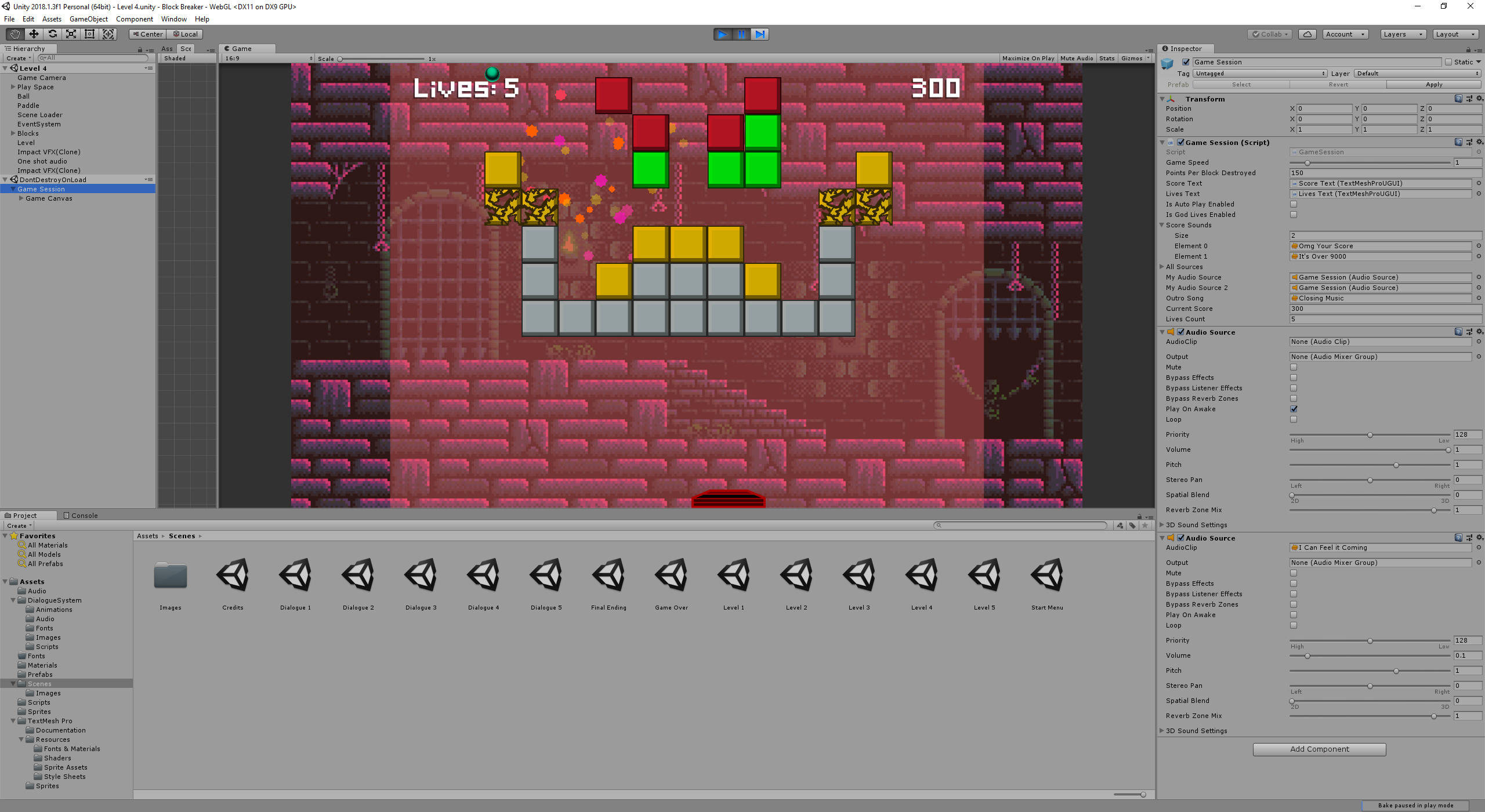
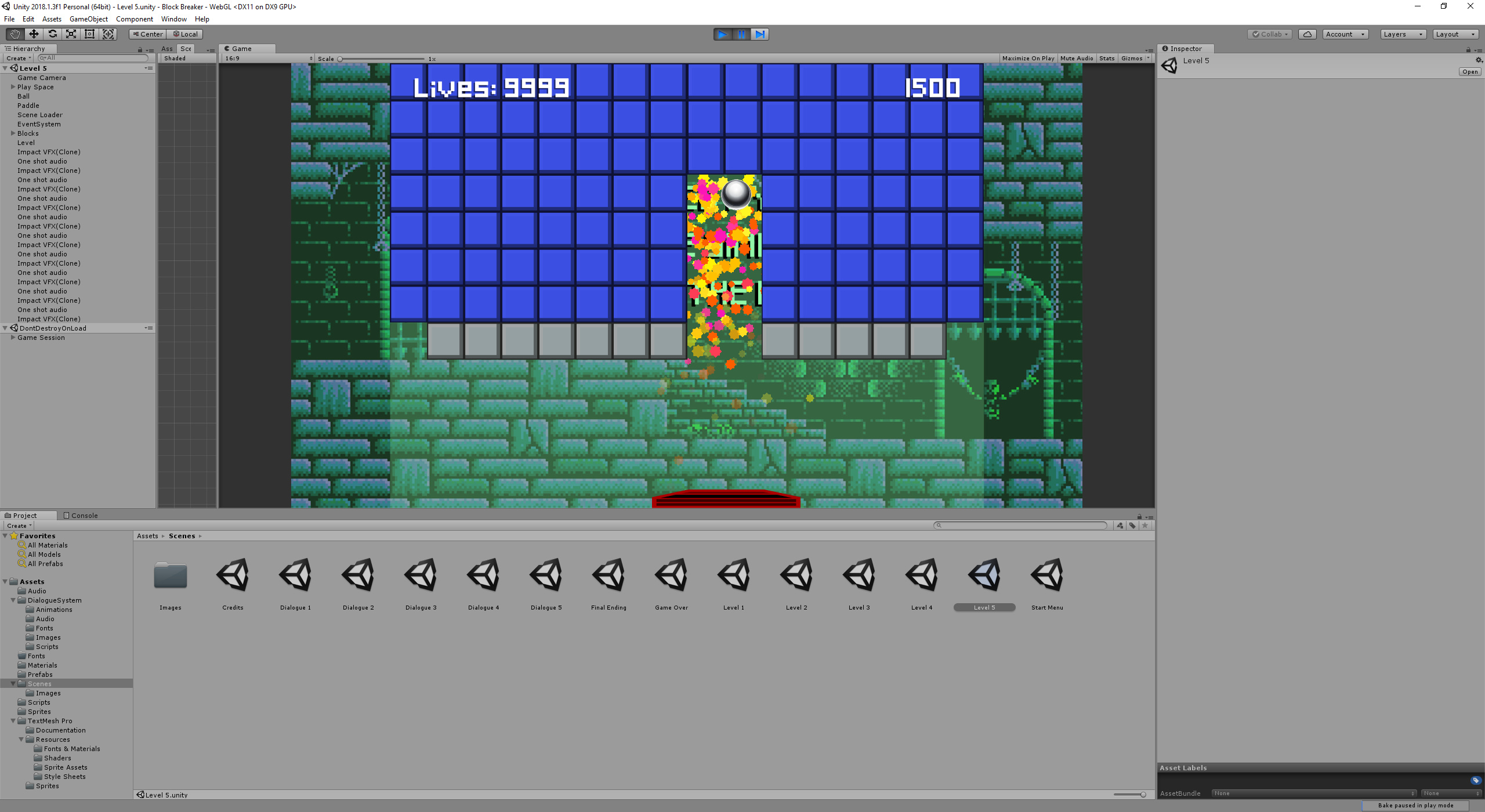
  • GODmode final level (break blocks on trigger instead of collision to blast right through them, lives counter set to 9999 and loss of life disabled)
  • Audio feedback based on current score (“your score, it’s over 9000!!!” when you hit 9000 points)
  • Separate win-scene
  • Background music (AudioSource passed through to next scenes using Singleton Pattern to ensure audio is not cut off and restarted after each scene)
  • Multiple audio sources on same game object to play dialogue audio and music simultaneously

Initially I used the dialogue game object solution from the Text 101 lecture to save separate files for each dialogue (text and audio), however I ran into some issues with the audio and decided to just link everything to game objects in the inspector. When I had to make changes to the dialogue later, I really wished I had kept the per file solution, as it was quite tiresome to find the correct game object in each scene.

If any of you are interested in the ideas/concepts, I’d be happy to explain how I achieved them. My audio solutions are quite messy though, as I did not intend on adding as much audio as I did. But they work and you can’t see the mess when you play the game :stuck_out_tongue_winking_eye:

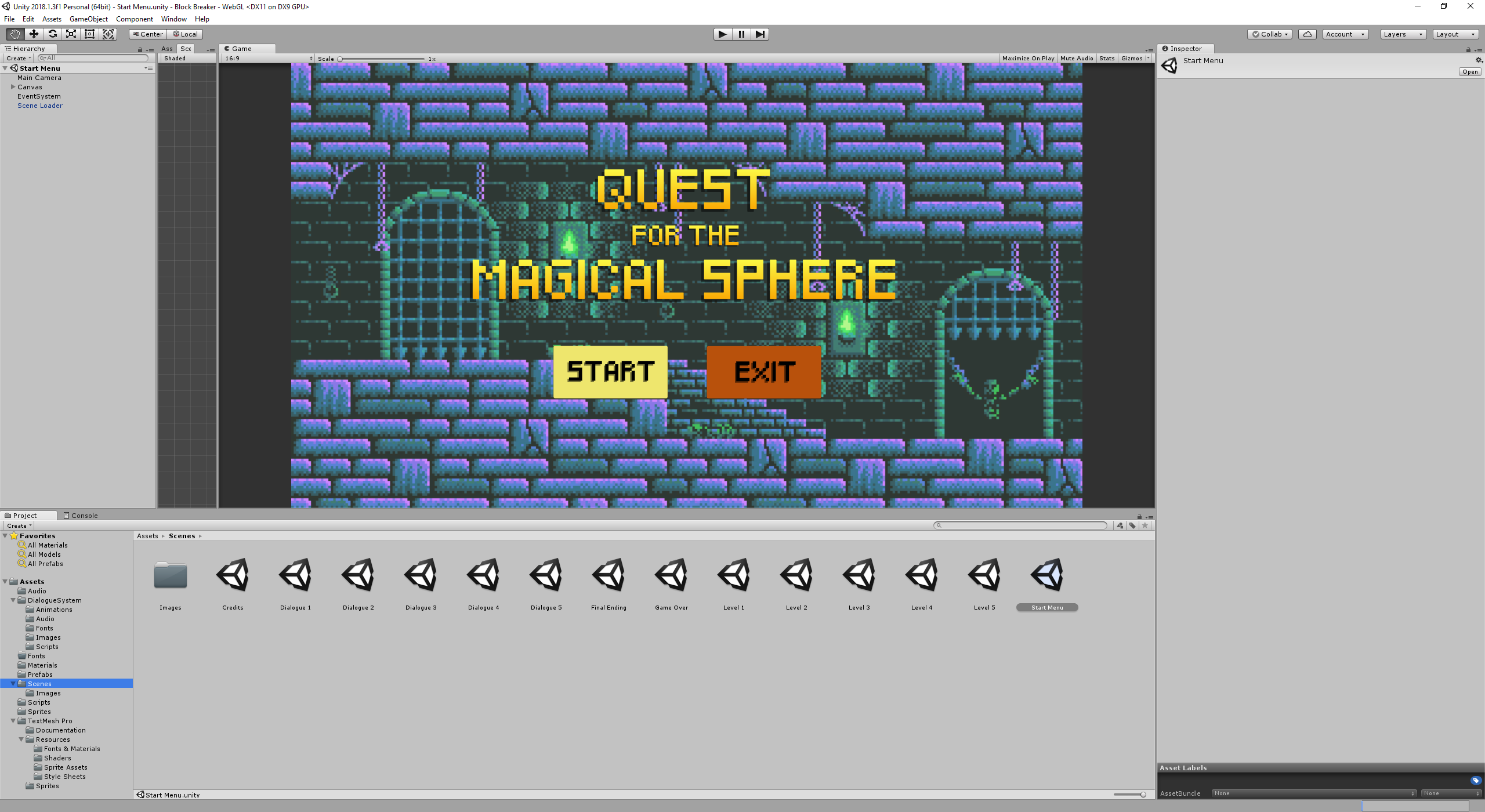
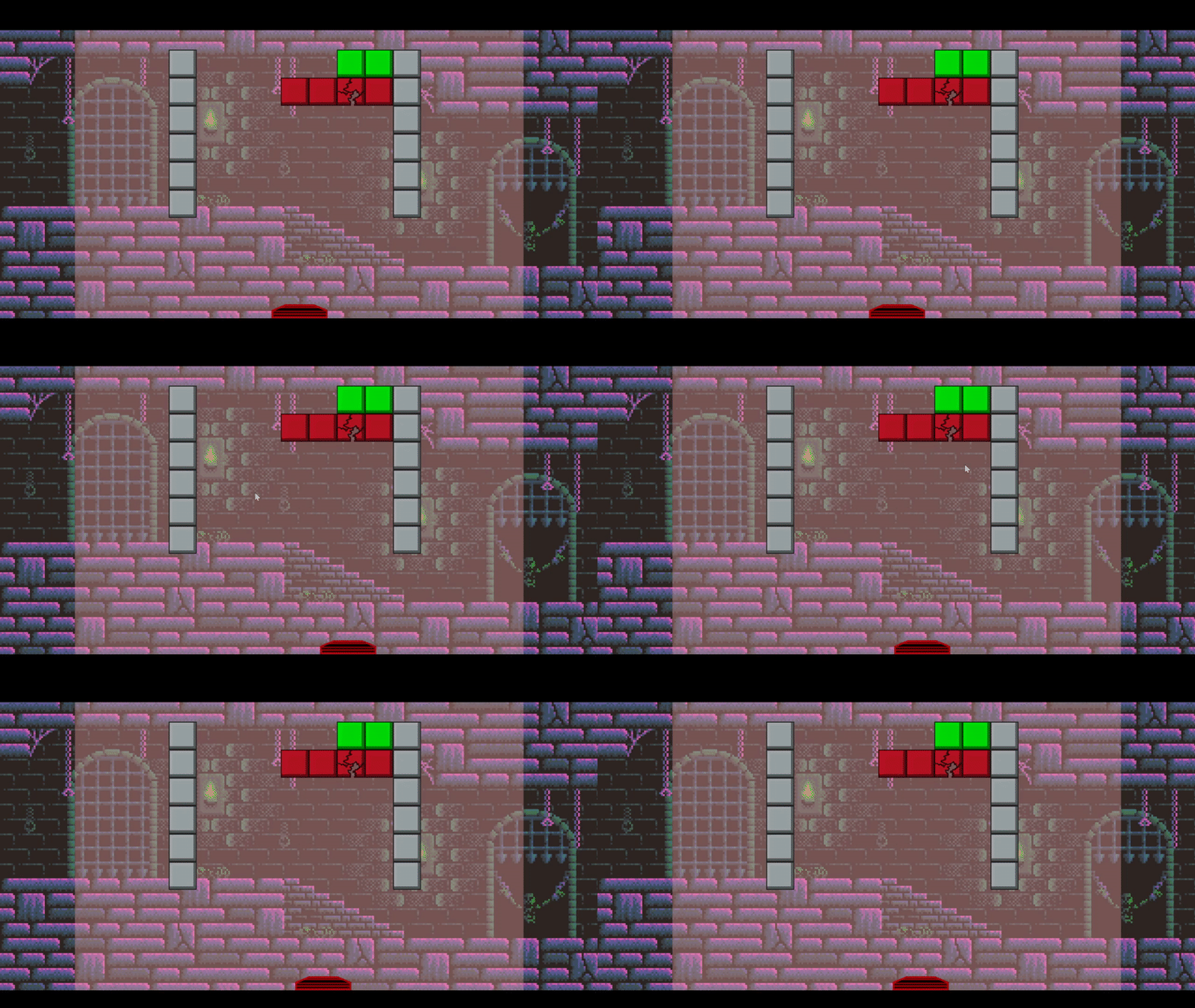
Screenshots:
image

image

Please let me know what you think! :smile:

Change log

Version 1.02 update

  • Fixed collider bugs (ball disappears off screen)
  • Fixed ball speed bug, where ball would slow down and eventually stop
  • Added ball trail

Version 1.01 update

  • Decreased game speed by 20%
  • Changed life count from 5 to 7
2 Likes

I played your game and I was a little bad because I’m tired, not because the level are hard, but for let you see it then here is my gameplay of your game

And also I died when P-Senpai said omae wa mou shindeiru :joy:

Glad you enjoy the memes and enjoyed my game! :rofl:

I let my friends play it and the general feedback was that my game is too difficult. So I adjusted the level count to 7 and decreased the game speed to 0.8 and now it’s more easily beatable. It’s still challenging enough that you have to try, but it should be less frustrating. After all my game is story-based and relies on player progression!

Another option would have been to implement a highscore that carries over and allowing for continues which reset the current score back to 0 but allow you to continue the story. But for now I feel like taking the easy way out.

There’s one more meme in the last level, you think you can find it? :stuck_out_tongue: You’ll recognize it once you hear it!

Updated game:
http://www.sharemygame.com/share/8ef4f8a1-74aa-431a-a514-4868978ff959

1 Like

Great Job man! It’s pretty fun to see game with cutscenes and a full voiceover! The game itself feels well balanced too!

I played your game again and here is the result :joy: (Of course the video is edited)

Unfortunately there is a bug in the game (also in mine) that when the ball gets that extra velocity at every collision it can stay to the top of the level forever.

Nice work :smile: I really like the additional story telling and overall theme of the game. The voiceover sounds sick too. But I feel like the default paddle i very clunky and i don’t like playing with it, may custom one could improve gameplay. Overall I really enjoyed it, thank :smile: .

@Reaver hahaha, great edit! Thanks man! :smiley: :smiley: :smiley:

That’s an interesting bug, I’d never encountered that before. I wonder why the ball slows down. I have the friction set to 0 so the speed of the ball should remain constant.

After further investigation, I think it is because I have the bounce material (with the friction set to 0) on the collider component not the rigidbody component. Swapping that around should fix that issue. My friend encountered a similar issue where the ball would stop moving next to the collider in a corner. That means the ball does slow down and most likely this is caused by the friction. Maybe if the bounce material is on the collider instead of the rigidbody the rigidbody uses the default friction value.

Nonetheless, I think it would make sense to implement a Reset Ball button which gives the player that option in case the bug still persists (or any other bugs show up!).

@Vojta Thank you for your kind words! I agree with you, the default paddle is indeed quite clunky. I’ve noticed that in your Block Breaker game the angle which the ball bounces off the paddle depends on how close the ball bounces off the centre of the paddle. I feel that’s a good solution to give the player more control over the ball’s bounce angle and is definitely a more elegant solution than using an angled collider like I have. I might implement your solution. :wink: Thanks for your feedback!

1 Like

@VaughnLangen thanks for the feedback! Glad you enjoyed the game and my silly voiceover :smile::smile:

I didn’t tested the game by putting the physics material on the collider but I don’t think the problem is solved by putting it on the collider.

Anyway I played your game again yesterday and I found a second bug which is this one

As you can see the ball isn’t in the game and what happened is this. I was trying to catch the ball in the bottom right of the screen when the ball passed it but when it’s passed it seems that it didn’t touched the Lose collider and I was stuck.

Thanks for the feedback! I did some digging and I found most of the bugs.

Here is the latest updated version of the game:
http://www.sharemygame.com/share/c3f92807-d7ce-43c6-a71c-6e94d705b7d7

I have included all bug fixes (including code and explanations) below. Click “Click here for detailed solution” in order to see the details to each fix/change!

BUG ONE: BALL STOPS MOVING

I think you’re right. So to solve it I instead added some code which sets the speed of the ball to a constant speed in my Ball.cs script. As a result of this change, I don’t need to use the gameSpeed toggle anymore to change speed, but can change the ball speed irrespective of the gameSpeed.

>>Click here for detailed solution<<
private void currentSpeed() //speed at which the ball is currently moving (for debugging purposes only)
{
    speed = (transform.position - lastPosition).magnitude;
    lastPosition = transform.position;
}

private void setConstantSpeed() //sets the speed of the ball in whichever direction it is moving
{
    myRigidBody2D.velocity = constantBallSpeed * (myRigidBody2D.velocity.normalized);
}

I run both of them in the Update method:

void Update ()
{
    if (!hasStarted)
    {
        LockBallToPaddle();
        LaunchOnMouseClick();
    }
    else //added both functions to else so that they run whenever the ball is moving
    {
        currentSpeed();
        setConstantSpeed();
    }
}

BUG TWO: BALL MOVES OUT OF GAME SCREEN AND NEVER RETURNS

That was a stupid mistake of mine. I left a small gap between left and right colliders and the lose collider. Fixed it by stretching the left and right colliders and making all colliders touch.

ADDITIONAL FUNCTIONALITY
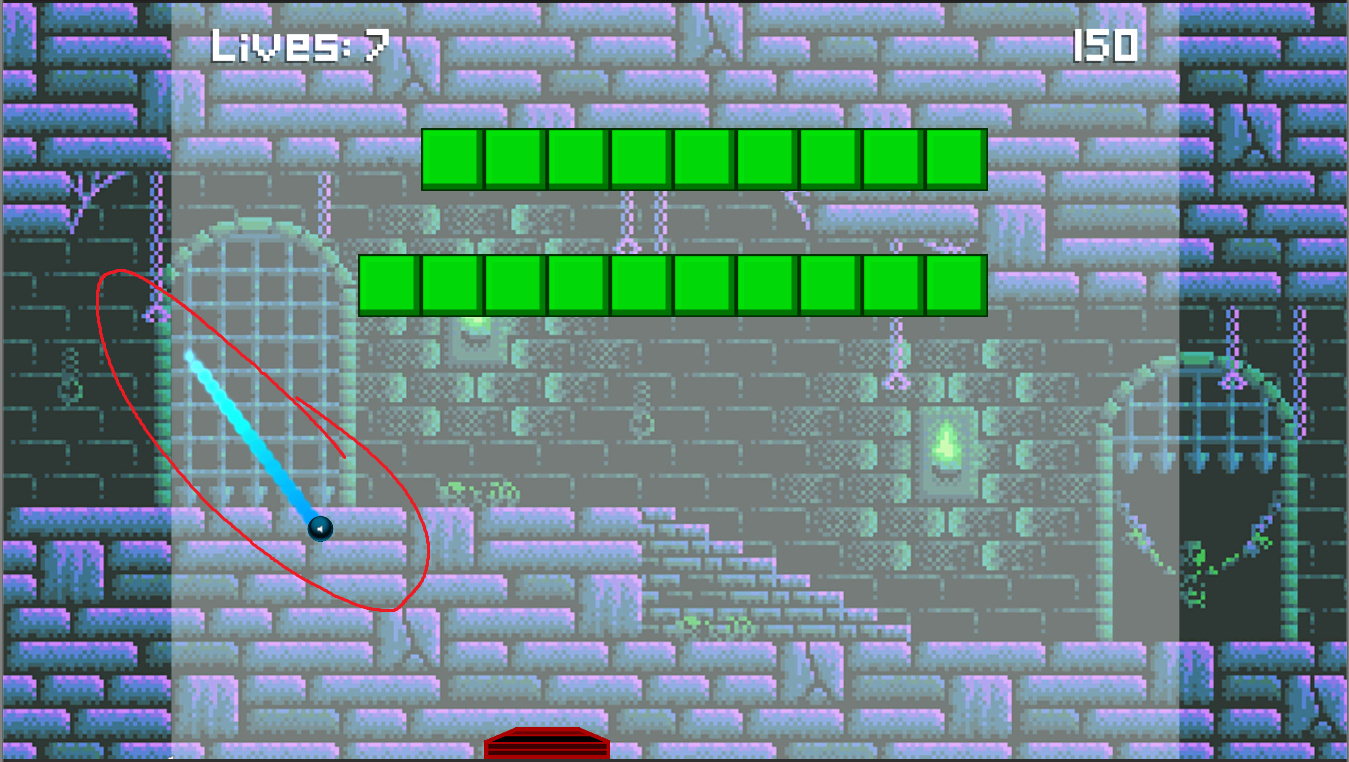
Apart from the above, I have added a particle system as a child to the ball GameObject in the Unity hierarchy which adds a glowing trail behind the ball when it moves:

>>Click here for detailed solution<<

How it looks like in the hierarchy (“Ball Line VFX 2” is the name of the particle system prefab)
image

I made the particle system enable itself whenever the hasStarted bool variable is true, so that there are no particle effects while the ball is resting on the paddle (i.e. the game has not yet started). For this I made a component called ParticleActivation and added it to the ball GameObject which controls the child particle system:

using System.Collections;
using System.Collections.Generic;
using UnityEngine;

public class ParticleActivation : MonoBehaviour {

// Cached references
Ball ball;
bool hasStarted;

// Use this for initialization
void Start()
{
    ball = FindObjectOfType<Ball>();
    gameObject.transform.GetChild(0).gameObject.SetActive(false);
    hasStarted = ball.hasStarted;
}

// Update is called once per frame
void Update () {
    hasStarted = ball.hasStarted;
    if (!hasStarted)
    {
        gameObject.transform.GetChild(0).gameObject.SetActive(false);
    }
    else
    {
        gameObject.transform.GetChild(0).gameObject.SetActive(true);
    }
}
}

PLANS FOR THE FUTURE

I hope I get to adding these, but this is just what I have in mind now while I wait for the next section to be updated. :slight_smile:

  • Adjust bounce direction based on where on the paddle the ball lands
  • Replace paddle
  • Write code to make randomFactor directional adjustment only when the ball is stuck in a near-horizontal bounce loop, instead of to all bounces
  • Adjust ball trail particle system size for final level
  • Add moving obstacles
  • Add powerups
1 Like

Hi @Phil I played your game and beat it.
So what you did in your game is to set the speed of the ball constant. So the collision doesn’t add anymore velocityTweak now?
I loved the particle effect on the ball, that’s really a nice touch :+1:

Anyway I have to show you my 2 gameplays of your game because I have found 1 bug and something that I don’t know if I have to call it bug or not but I leave to you this

In the video you can see when I play the third level and the ball touch the unbreakable blocks it change directions, for example if it was going down then it goes up and vice versa and the bug is the ball is stuck now in vertical which to me it was strange since the Paddle has an oblique shape on the edge of both sides.

I hope this helps you with your work.

I faced the same thing as @Reaver: ball goes up and then suddenly goes down.
And it was very close to the ground, so I didn’t make third level. Again.:smile:

Do you use some random velocity modification on collision?
If so, I recommend not to summ a position vector with a small random vector, but multiply it by random coefficients. It will save original quadrant of velocity, making ball direction more predictable yet still a little random.

Something like:
ballRigidBody2d.velocity = new Vector2(ballRigidBody2d.velocity,x * Random.Range(1f - randomFactor,1f + randomFactor), ballRigidBody2d.velocity,x * Random.Range(1f - randomFactor,1f + randomFactor));

where randomFactor is, say, 0.05 or 0.1. Needs testing.

But in this case effect of randomness will be very little when x or y velocity is near zero.
So this way can be useless.