Thanks for the feedback! I did some digging and I found most of the bugs.
Here is the latest updated version of the game:
http://www.sharemygame.com/share/c3f92807-d7ce-43c6-a71c-6e94d705b7d7
I have included all bug fixes (including code and explanations) below. Click “Click here for detailed solution” in order to see the details to each fix/change!
BUG ONE: BALL STOPS MOVING
I think you’re right. So to solve it I instead added some code which sets the speed of the ball to a constant speed in my Ball.cs script. As a result of this change, I don’t need to use the gameSpeed toggle anymore to change speed, but can change the ball speed irrespective of the gameSpeed.
>>Click here for detailed solution<<
private void currentSpeed() //speed at which the ball is currently moving (for debugging purposes only)
{
    speed = (transform.position - lastPosition).magnitude;
    lastPosition = transform.position;
}

private void setConstantSpeed() //sets the speed of the ball in whichever direction it is moving
{
    myRigidBody2D.velocity = constantBallSpeed * (myRigidBody2D.velocity.normalized);
}
I run both of them in the Update method:
void Update ()
{
    if (!hasStarted)
    {
        LockBallToPaddle();
        LaunchOnMouseClick();
    }
    else //added both functions to else so that they run whenever the ball is moving
    {
        currentSpeed();
        setConstantSpeed();
    }
}
BUG TWO: BALL MOVES OUT OF GAME SCREEN AND NEVER RETURNS
That was a stupid mistake of mine. I left a small gap between left and right colliders and the lose collider. Fixed it by stretching the left and right colliders and making all colliders touch.
ADDITIONAL FUNCTIONALITY
Apart from the above, I have added a particle system as a child to the ball GameObject in the Unity hierarchy which adds a glowing trail behind the ball when it moves:
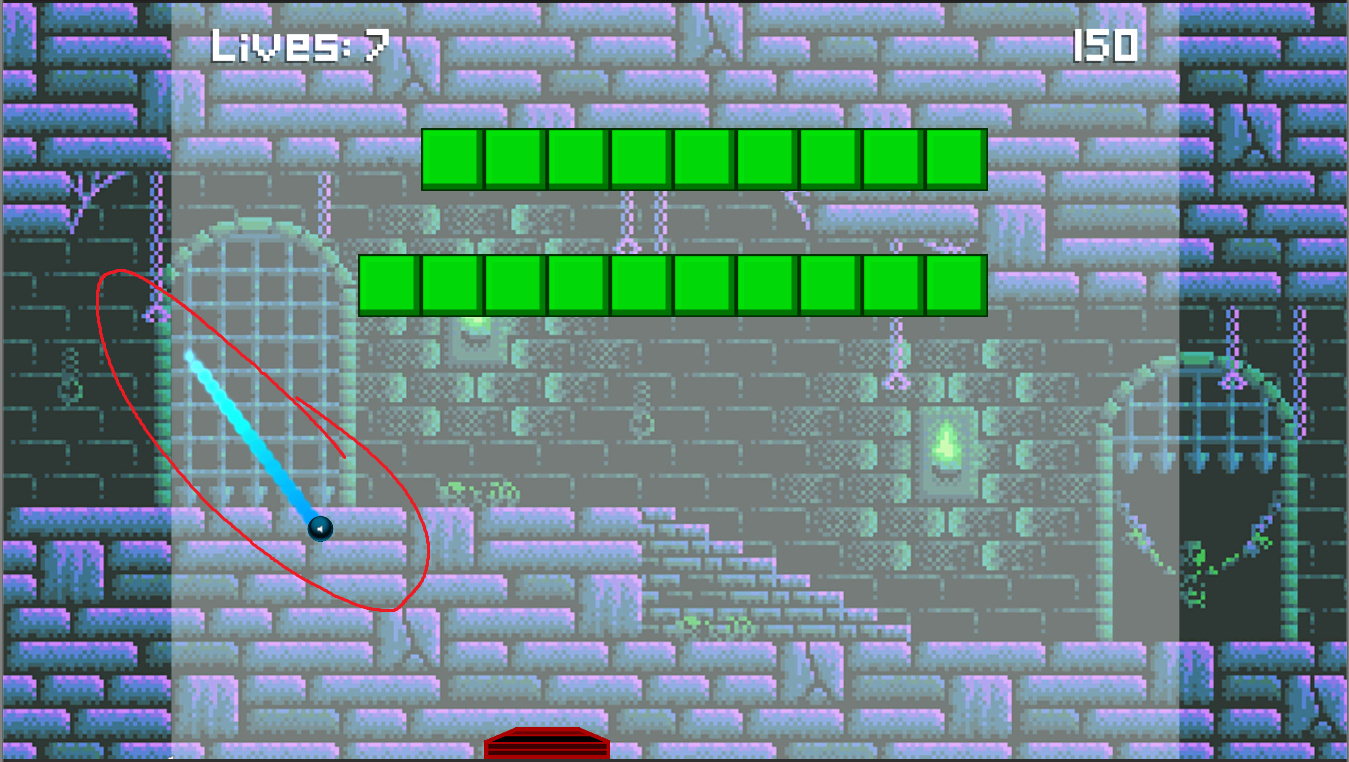
>>Click here for detailed solution<<
How it looks like in the hierarchy (“Ball Line VFX 2” is the name of the particle system prefab)
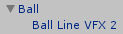
I made the particle system enable itself whenever the hasStarted bool variable is true, so that there are no particle effects while the ball is resting on the paddle (i.e. the game has not yet started). For this I made a component called ParticleActivation and added it to the ball GameObject which controls the child particle system:
using System.Collections;
using System.Collections.Generic;
using UnityEngine;

public class ParticleActivation : MonoBehaviour {

// Cached references
Ball ball;
bool hasStarted;

// Use this for initialization
void Start()
{
    ball = FindObjectOfType<Ball>();
    gameObject.transform.GetChild(0).gameObject.SetActive(false);
    hasStarted = ball.hasStarted;
}

// Update is called once per frame
void Update () {
    hasStarted = ball.hasStarted;
    if (!hasStarted)
    {
        gameObject.transform.GetChild(0).gameObject.SetActive(false);
    }
    else
    {
        gameObject.transform.GetChild(0).gameObject.SetActive(true);
    }
}
}
PLANS FOR THE FUTURE
I hope I get to adding these, but this is just what I have in mind now while I wait for the next section to be updated. 
- Adjust bounce direction based on where on the paddle the ball lands
- Replace paddle
- Write code to make randomFactor directional adjustment only when the ball is stuck in a near-horizontal bounce loop, instead of to all bounces
- Adjust ball trail particle system size for final level
- Add moving obstacles
- Add powerups