It is definitely Unity related, and it looks like one of my fellow admins has moved the question to the Unity Courses forums.
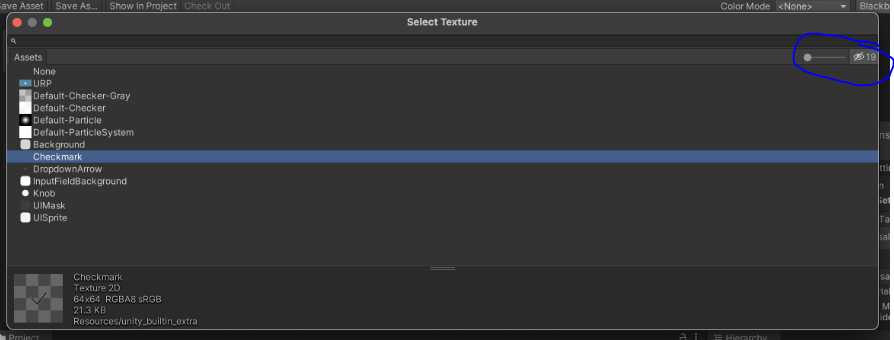
For some reason, the textures used in ProBuilder are hidden from the texture selection dialogue within the Material. If you look in the upper right hand corner of the texture selector, you’ll see a small icon with an eye with a slash in it next to a number. This is indicating that there are hidden textures. Click on this and the textures will appear.