Thanks in advance for your help with this problem.
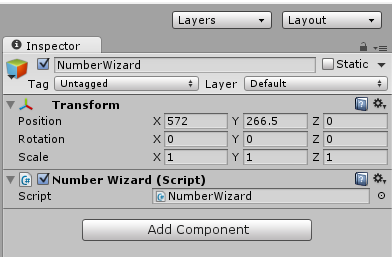
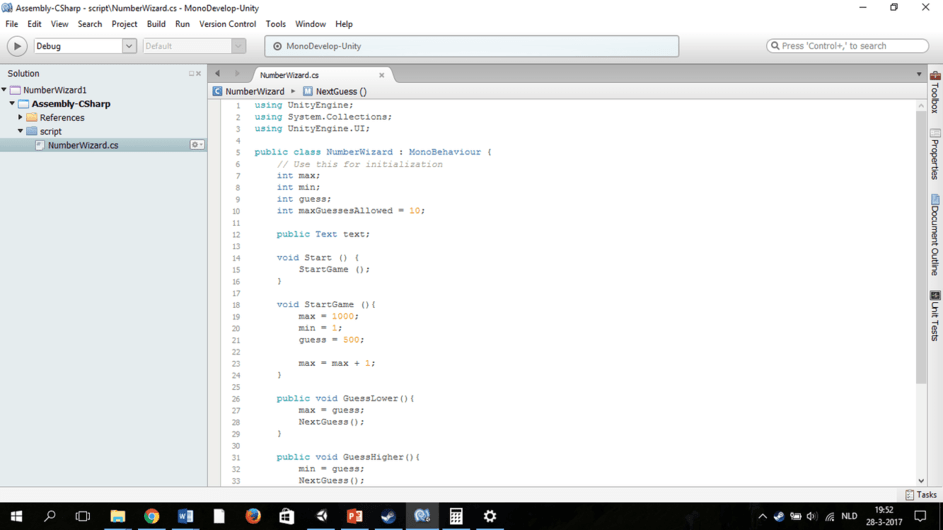
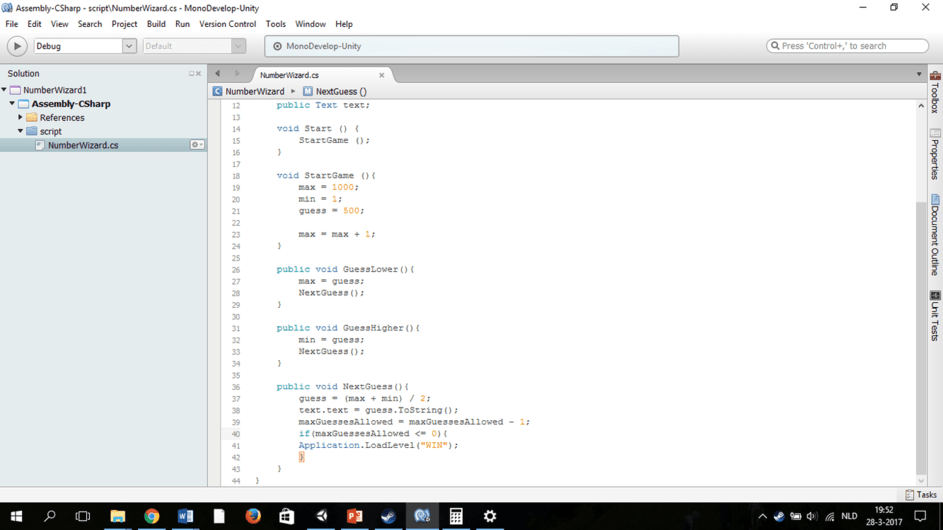
I followed along with the tutorial until around 14:00 I added the public Text text and the text.text ToString, which is supposed to create a slot on the NumberWizard object in Unity. However it does not create that slot for me, and I get the following error from the line of code that limits the maximum number of guesses:
Assets/NumberWizard.cs(10,33): error CS1519: Unexpected symbol ‘10’ in class, struct, or interface member declaration
I have gone line by line from the tutorial comparing my script to his, and I don’t see any differences that would lead to these problems. The only difference is that I modified my script to guess random numbers between the minimum and the maximum rather than the mid point, but I don’t think that would cause these issues.
Here is a screen shots of my script (I will add a screen shot of my inspector in the next post):
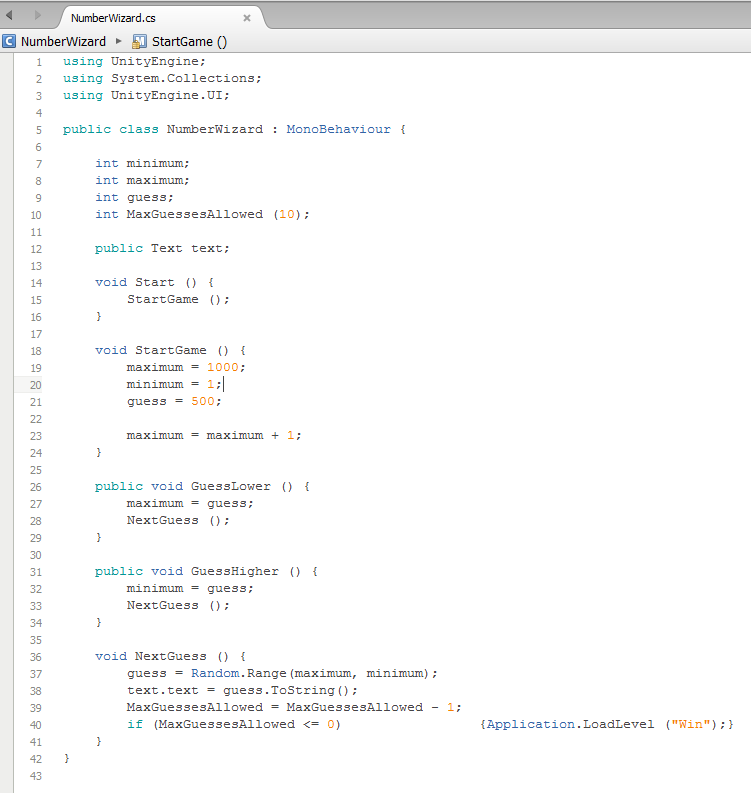
From a naming conventions perspective it would be better to use a lowercase “m” for “maxGuessesLlowed” also. It will keep the code consistent with what you already have.
I would just like to know how that fixed the Text option in the inspector. I am still currently having the same problem, and have run over both the course code lines, OP’s lines and my own; and are all the same. But mine still won’t acknowledge the string.
Possibly some differing issues so I will see if I can cover most bases…
Firstly, if you want to expose one of your variables within the Inspector you will need to set its access modifier to public.
Then you need the Type of the variable you are going to expose, in this case an int (Integer), finally you need the name of the variable, this can be of your choosing but is best to name them to something relevant. Finish the statement with a semi-colon.
So, as an example;
public int maxGuessesAllowed;
This defines the variable and will display it within the Inspector (assuming you have no other code issues which prevent the code from building).
You can of course initialise this variable at the same time you declare it, to do so you aimply state the value it equals before the semi-colon for the statment, e.g.
public int maxGuessesAllowed = 10;
This is exactly the same as the firat example but now we are also initialising the value to 10.
Hope this helps, if not pastr your code into a replt along with relevant screenshots
Also, when you are writing you code it is a good habit / practice to make your class level variables (fields), properties and methods private and only increase their scope as needed by your game / application.