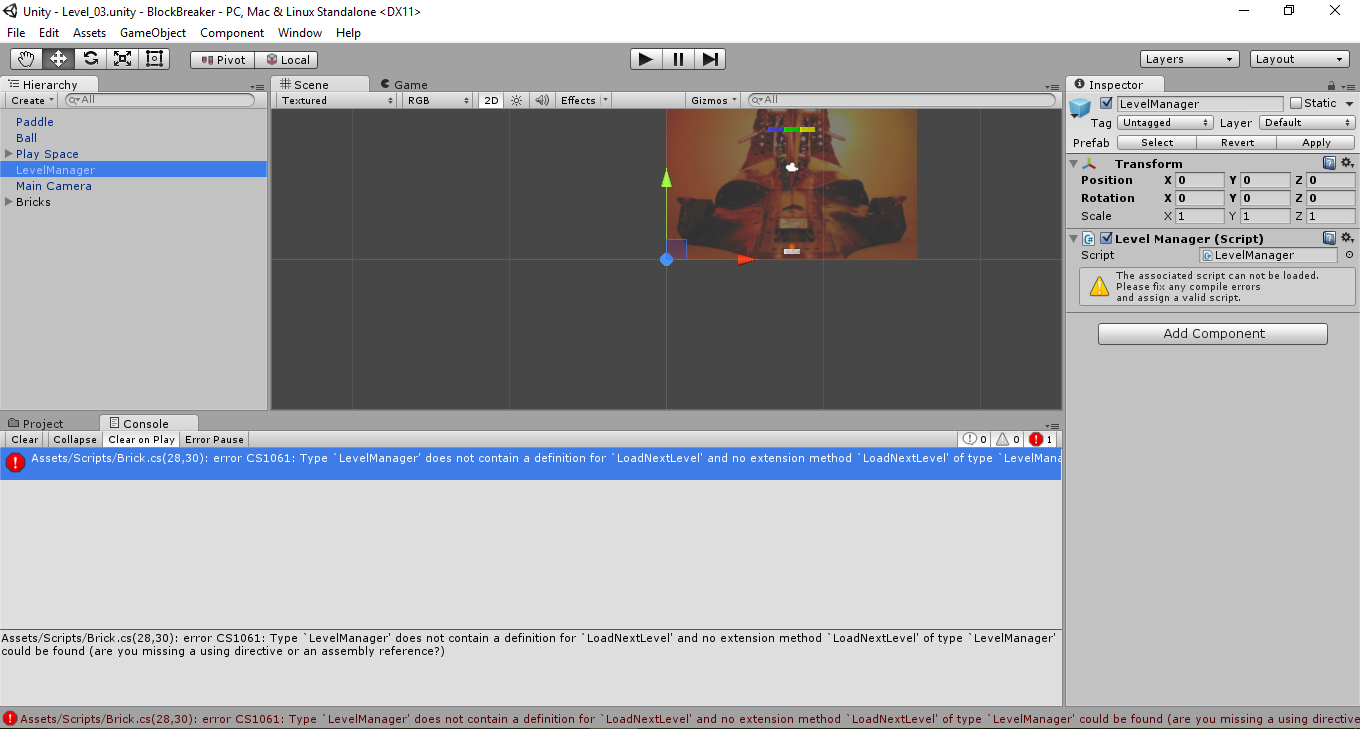
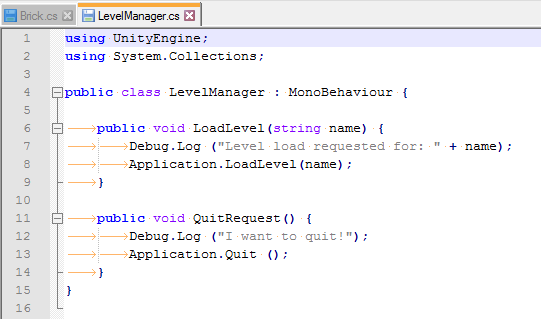
In Brick.cs script, the LoadNextLevel() method is throwing an “LevelManager does not contain a definition for LoadNextLevel”. It seems like Brick.cs cannot access the method in LevelManager.
using UnityEngine;
using System.Collections;
public class Brick : MonoBehaviour {
public int maxHits;
private int timesHit;
private LevelManager levelManager;
// Use this for initialization
void Start () {
timesHit = 0;
levelManager = GameObject.FindObjectOfType<LevelManager> ();
}
// Update is called once per frame
void Update () {
}
void OnCollisionEnter2D (Collision2D collide) {
timesHit++;
SimulateWin ();
}
//TODO Remove this method
void SimulateWin() {
levelManager.LoadNextLevel ();
}
In your script, LevelManager - you may have either not yet created your method LoadNextLevel(), or, perhaps spelt it incorrectly, C# is case-sensitive.
Check your code for the LevelManager.cs script, have you added this method yet? If not, you can add the following stub (just an empty method);
public void LoadNextLevel()
{
// note : I must add some code here for this to actually do anything
}
…you will find that the error message will disappear, however, as per the comment, unless you add some code within that method, nothing else will happen.
using UnityEngine;
using System.Collections;
public class Brick : MonoBehaviour {
public int maxHits;
private int timesHit;
private LevelManager levelManager;
// Use this for initialization
void Start () {
timesHit = 0;
levelManager = GameObject.FindObjectOfType<LevelManager> ();
}
// Update is called once per frame
void Update () {
}
void OnCollisionEnter2D (Collision2D collide) {
timesHit++;
SimulateWin ();
}
//TODO Remove this method
void SimulateWin() {
levelManager.LoadNextLevel ();
}
}
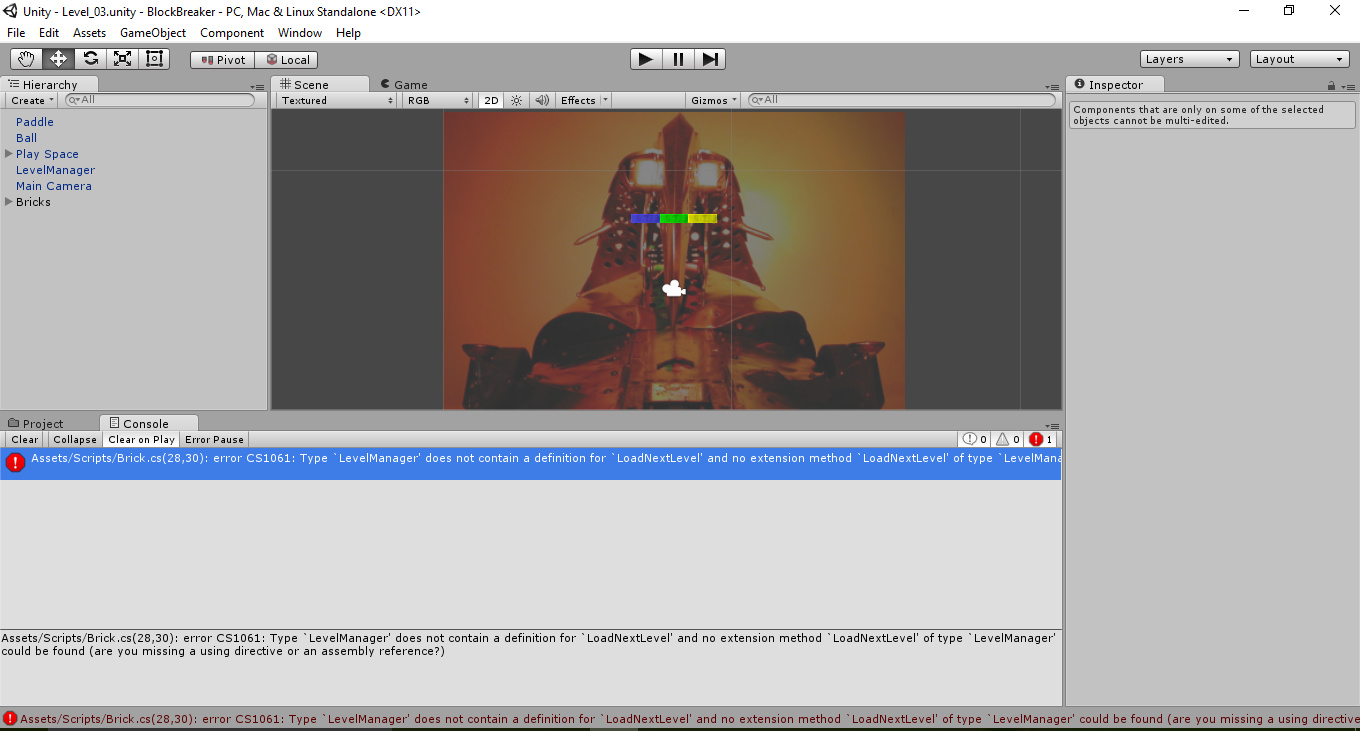
So, you have a LevelManager game object with the LevelManager script attached, but this script is failing to compile.
The fix is to resolve whatever the underlying issue is. From what you have posted it looks ok, are you certain that the code you posted is from the same file that you have wired up within your LevelManager game object?
If you are not certain, zip up the whole project, as long as it is under 10mb you can upload it here and I will take a look for you.
Assuming this is the only place where it is being called, the fact that it can’t see the yet to be compiled LevelManager class with this new method is now irrelevant.
Make sure all of your scripts are saved. Go back into Unity, click Run. Can you get the game to run without any errors at this stage?