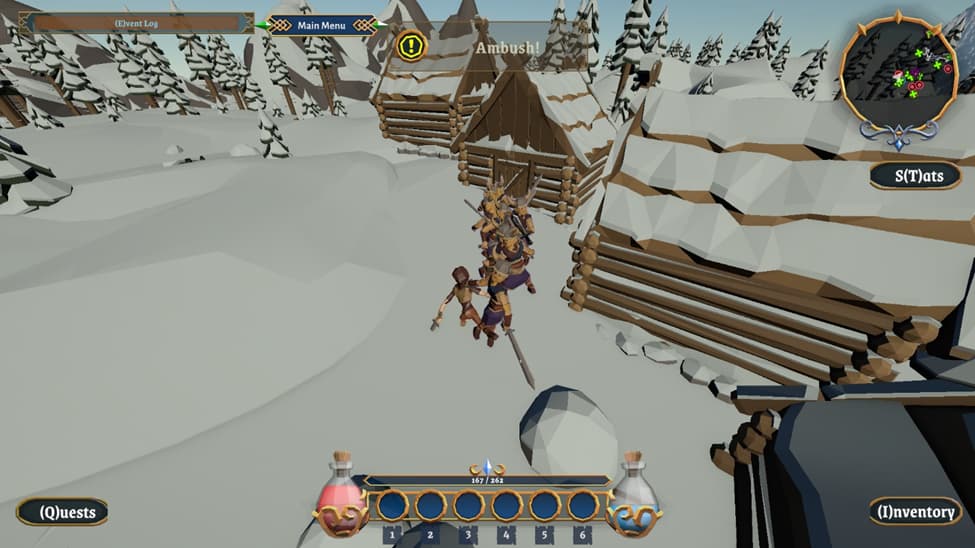
First a screenshot, the unfortunate player stirred up a Viking hoard:
Now, I was at a meeting once, back when I worked for a living. These week-long all-day meetings to minimize travel, were hard to get through. But at one point I spoke up about some “screw ups” we had made in a project nearing completion, that we should try not to do with the one about to start.
At the next break, someone in management pulled me aside and said, “Please don’t say ‘screw ups’ when there are budget people in the room, or they will rethink our budget. Instead, say, ‘Lessons learned’.”
So…here are my scr…er, lesson’s learned so far, that I shall apply to the next game. These things all caused me pain. Of course, when I try implementing them, I might learn the solutions cause even more pain and have to think some more!
-
determine if close enough to pickup or interaction with a volume instead of distance–I had a reason for that and should have written it down. (Lesson 1a: write things down! it might have been to see visually if you can actually get to the interaction area, but that can also be solved with gizmos)
-
More robust action sequences (see 10) – too many times, an action is interrupted noncleanly and I end up with things like the character sliding down the ladder (or up, like Mary Poppins) because climbing was interrupted.
-
Doors open from proximity instead of clicking, unless locked, and can be navigated through seemlessly. Too much trouble with the mouse finding the place to click!
-
Use 3rd party AI navigation (A* Pathfinding Project Pro) – both Unity’s and 3rd party’s have their quirks, but Unity’s are hard to find work-arounds for.
-
Exclusion area (or waypoint) around doors to back out of when they open to prevent character trapped against the wall.
-
Simpler Door interface—putting a new door in was so painful I looked for excuses not to.
-
Non-blocking file management–allow throbbers (e.g. animated hour glass) to work; might not be possible without slowing down file operations. If I could get Unity to “run this animation in another thread until I say stop”, that would work. Coroutines require literally yielding during file operations!
-
Simpler inventory system–I rolled my own and as I kept adding features, it became byzantine.
-
Centralized registration of in-game objects in a single class instead of “.Ready” fields in each class. Too many times things happened in the wrong order, like doing stuff before the game finished loading.
-
More behavior-tree oriented instead of being finite-state-machine oriented, with priorities? This might help some of the action issues.
-
Every in-game object accessible via a resource path (scriptable objects). Passing prefabs works, but hard to save and load.
-
Design a robust music player–took weeks to find out why I never heard the “death” song when the player was killed. It turned out “play death song” was in a loop, so it kept restarting before playing the first note.
-
Separate inventory storage from individual slots (currently, items literally “stored” in the slots–and for weeks I had a “inventory items disappear” bug that was hard to chase down. It turned out, I was using Object IDs to save items between games, and Unity changes object ids at random times. So I switched to using the full resource path).