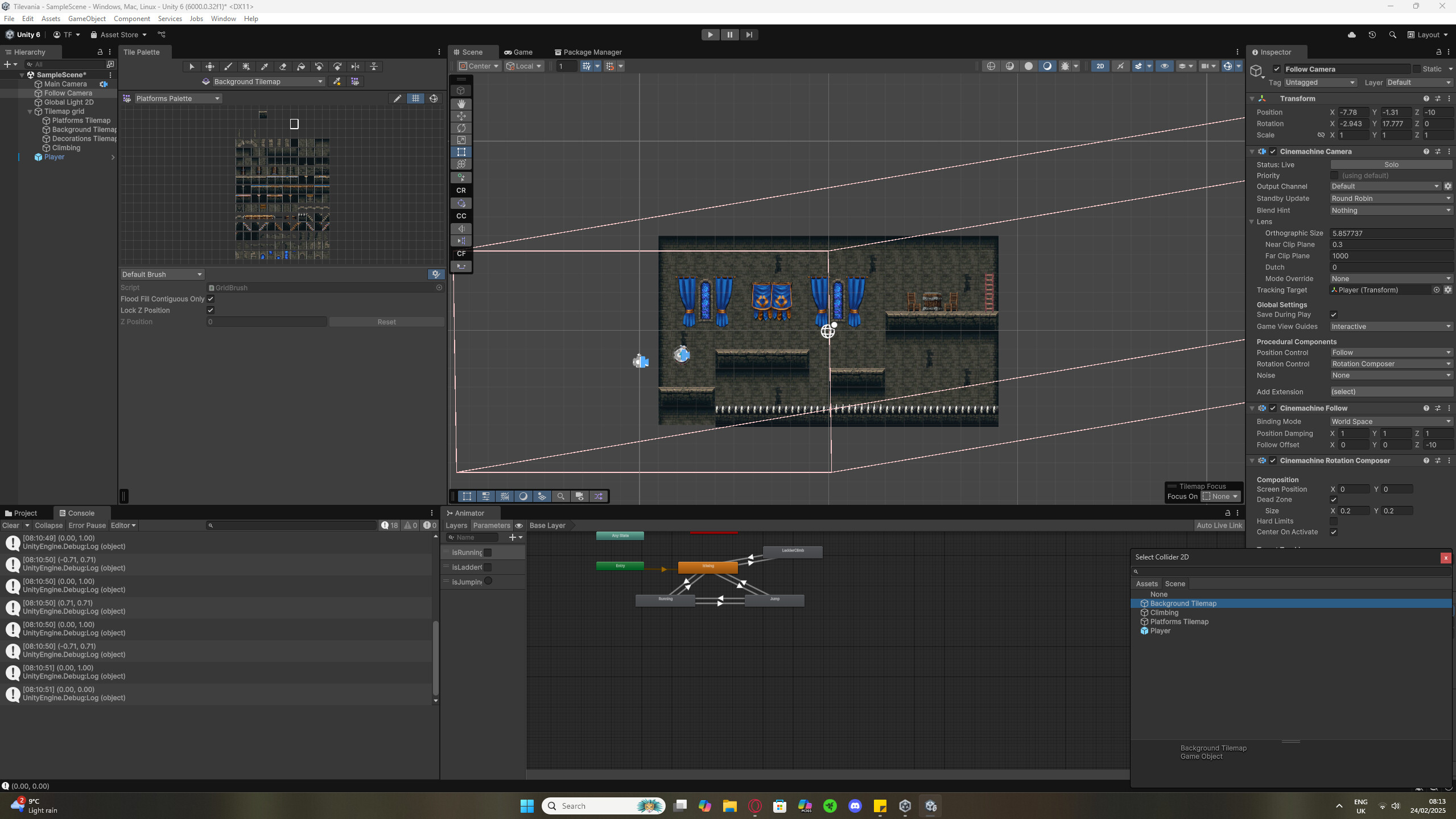
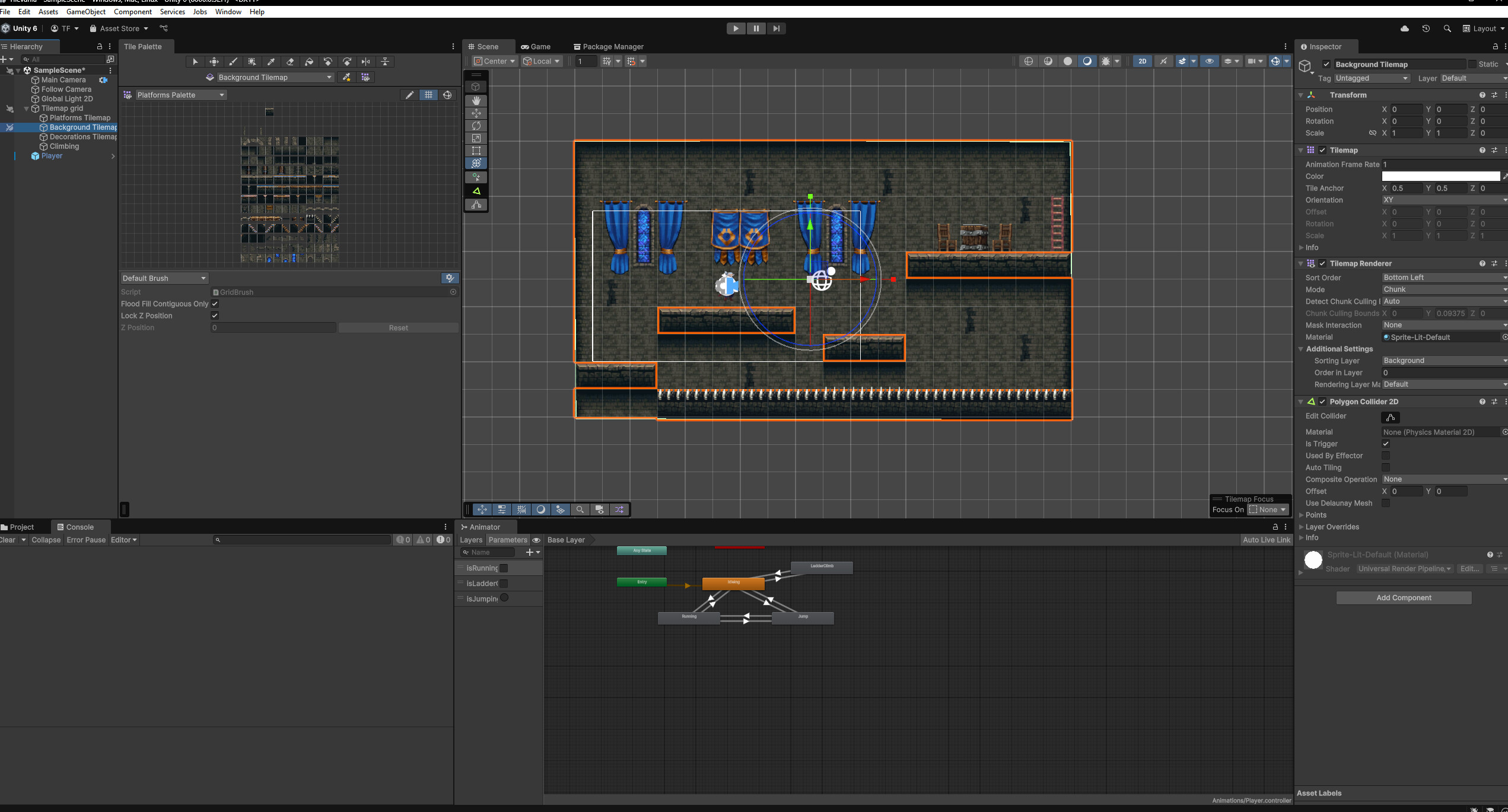
I am on lecture #89 of the “Complete C# Unity Game Developer 2D” course. I have setup a Polygon Collider 2D on my background tilemap. Then in my follow camera I have setup a “cinemachine confiner 2D”. Cinemachine doesn’t work the same as in this lecture as it has been updated but I think these are the correct components to use. When I add the background tilemap into the bounding shape of the confiner, my game completely breaks. I have attached a screenshot of what it looks like but it looks like it is converting to 3D. When I click play, it looks like my sample scene just flips. Not sure what could be causing this. Is it something to do with the sprites I am using, or am I using the new cinemachine wrong? Any help would be appreciated.
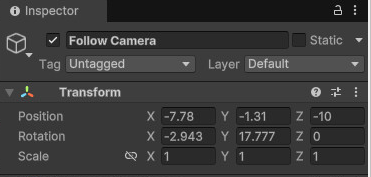
Thank you for your reply. Before adding the confiner my rotation is set to 0 and the camera works fine but when I add the confiner my camera seems to create a 3D box and it’s rotation moves with my mouse. I have tried to reset the rotation values to 0 but something else automatically overrides this. When I click play, the whole 2D scene seems to rotate around in a 3D space. When removing the bounding shape in the collider it resets the camera and it seems to working fine. So I think it is something to do with the polygon collider. I have attached another screenshot of that.
Good job on analysing the problem further. Unfortunately, I cannot see the Confiner component. There are two different versions: one for 2D, one for 3D. You need the CinemachineConfiner2D.
I have now turned off the rotation control under procedural components and this solves the 3D effect. So when adding the bounding shape now nothing breaks. Only issue is when I add the bounding shape, the camera seems to loose its follow property. The follow camera moves to the centre of the screen and no longer follows the player. Is there a way to lock the camera back onto player?
Regarding the confiner, please make sure that it is big enough for the camera viewport box. Some students create narrow boxes in which the camera gets stuck. The concept behind the confiner is that the position of the camera viewport box is restricted to the inner part of the confiner mesh. Is there is not enough room, the camera might move in an unexpected way.