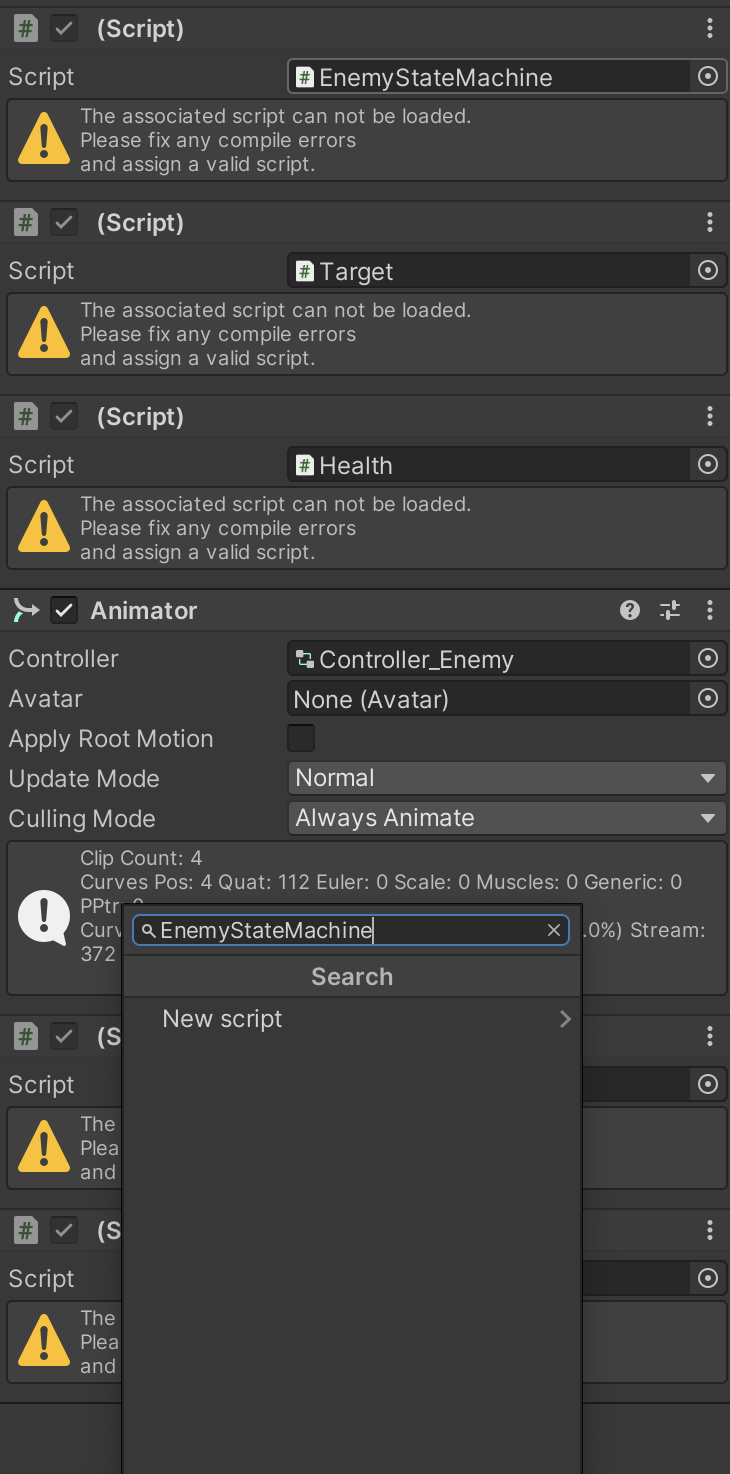
I’m 80% through the “Unity 3rd Person Combat & Traversal” and decided to move the enemy scripts folder, this gave me a million errors. Does anyone know how to fix this and regenerate the meta files for my project?
Did you move the scripts within Unity or from the file explorer in your operating system? (Always move files only through the Assets folder, as this is the only way to ensure that the meta files and asset database is updated properly).
If your project is under source control, you should be able to revert the changes to a commit that was working before you moved the files.
Otherwise, try closing your project, and then deleting the Library folder. This will force an asset refresh. Unfortunately, I can’t guarantee that this will re-connect the scripts, so you may need to remove and add the scripts back onto the GameObjects.
Thanks for the answer, I moved the folder within unity but i hade almost all scripts open in my IDE, i think that’s what caused the problem.
I solved this by making a backup copy of the scripts folder and removing all meta files. Then removing the script folder in unity and removing all scripts from my objects. Then finally dragging back the backup folder and reataching all scripts and references.
Deleting the Library folder might have worked as well, thank you for your answer!