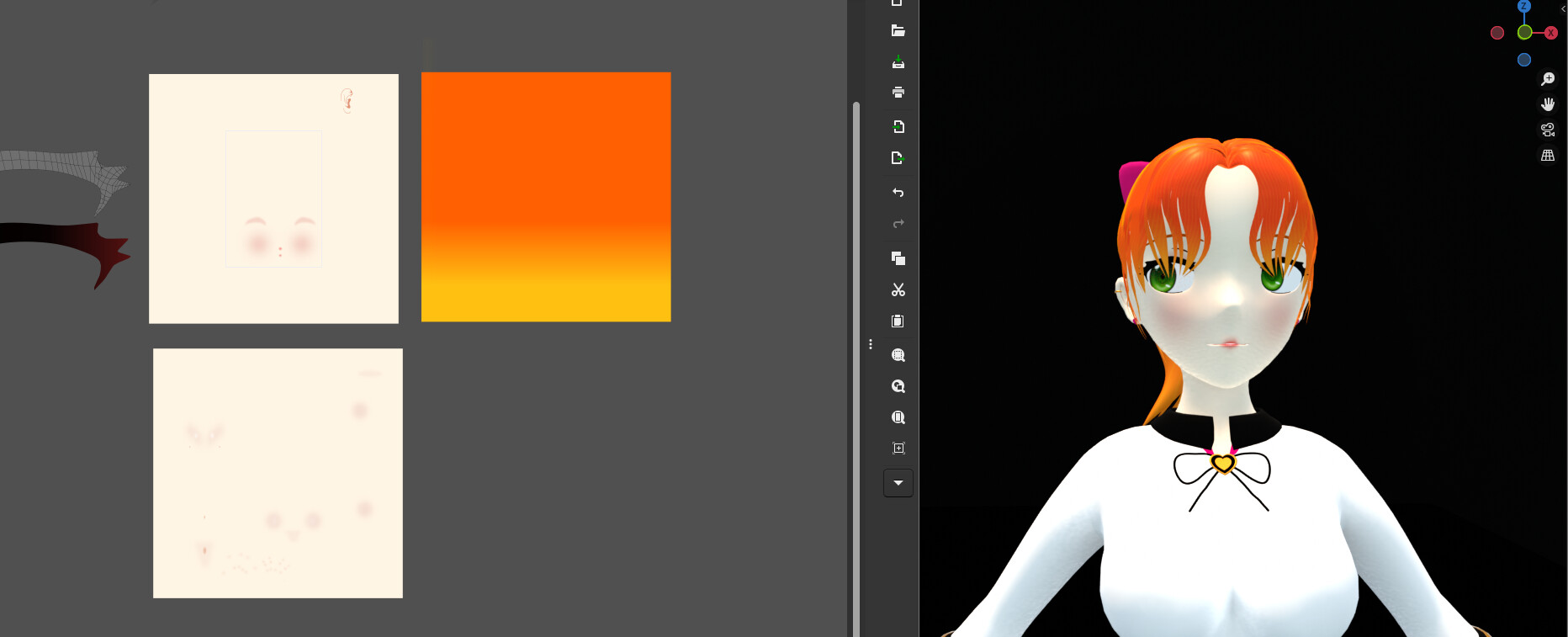
I made a character from scratch to really absorb the knowledge from Section 5, I tried to use subdivision modelling, found out i’m not skilled enough to make a decent looking human with it yet , so I sticked to the usual low poly blocky cartoony look
Here it iss
Pretty proud of this, gonna start Section 6: Sculping cartoony head, after this
Definitely not a beginner. It looks production ready. Excellent texture painting.
If you had the time to add texture based facial animations it would look even more awesome.
(Not that you should for this specific project though, I understand how it sucks to call a project finished after working long hours on it and someone goes “Oh but you could’ve also done this and that”.)
Glad you think so, creating the texture was very painful and tedious to do, i had to go back and forth between blender and photoshop saving and reloading to make adjustments haha, i hope the course will touch on texture making workflow later on since i’m sure theres a better way of doing this
I’ll look into facial animations since i think it would be really cool to have too, thanks
Well, Blender’s texpainting is serviceable, but better-suited for base coats and roughwork up to medium detail. The approach you took of doing the finer detail in dedicated software seems to be the best way to go for that, while doing the roughwork in Blender will allow you to paint directly on the model and see your changes in realtime (which would save you all of those import/export cycles).
There is a dedicated Texture Painting course that will cover the basics; however, based on the project you’ve completed here, I don’t think it will show you anything more than a few tips and tricks to do things faster. Worth checking out if you’d like a better idea of what Blender can handle on its own for texpainting.
I’m following the “Anime” Girl course and didn’t adapt to painting the textures inside Blender even after the teacher explaining it so well. I also went back and forth between Blender and Inkscape, if Inkscape can do this then Krita can do even better.
To be honest I think jumping between both software is a great way to do it since its industry standard to paint with dedicated software such as Substance Painter.
Facial animations trough texture are surprisingly easy, the nodes can be set up in less than a few minutes by following a tutorial, editing the base texture into an eyes closed version shouldn’t take long either.
Very nice character. I appreciated all the comments too because I find working with UVs and texture painting most difficult part of modelling from what I have done so far.
Being able to paint directly on the model would help a ton i’ll look into Blender’s texture painting, thanks
I’ll also check out the course, maybe those tips and tricks are just what i needed
I guess i’ll just have to get used to the workflow, maybe getting another monitor on the side to have painting software open would be the best think i can do now to speed things up
Never heard of Substance painter, ama check it out
I’ll also be following lacruzo’s tutorial on YT for facial animations
If you are interested in animation, I highly recommend watching Masahiro Sakurai’s (Kirby, Super Smash Bros.) YouTube channel, he has a lot of amazing tips and tricks.
 , so I sticked to the usual low poly blocky cartoony look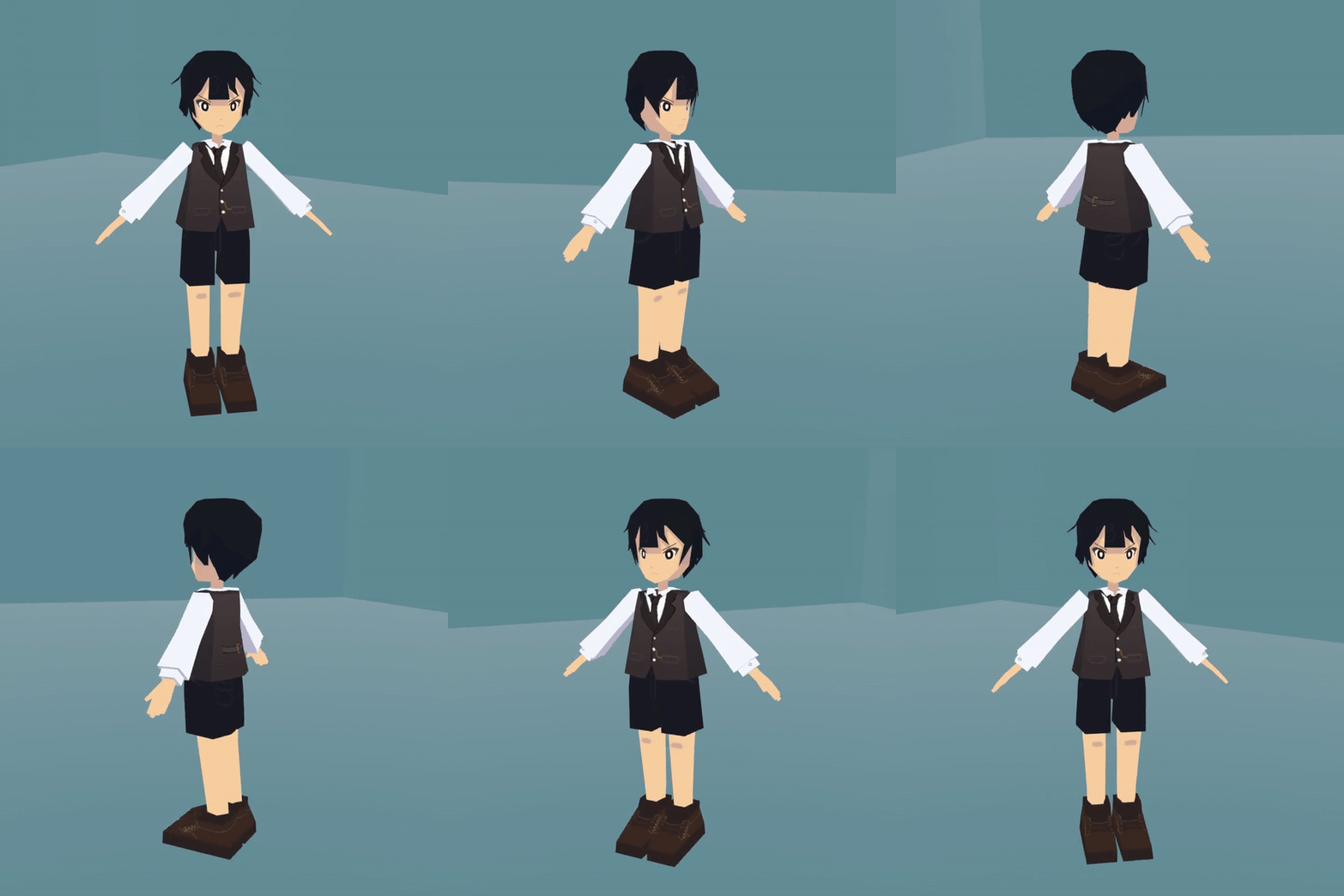
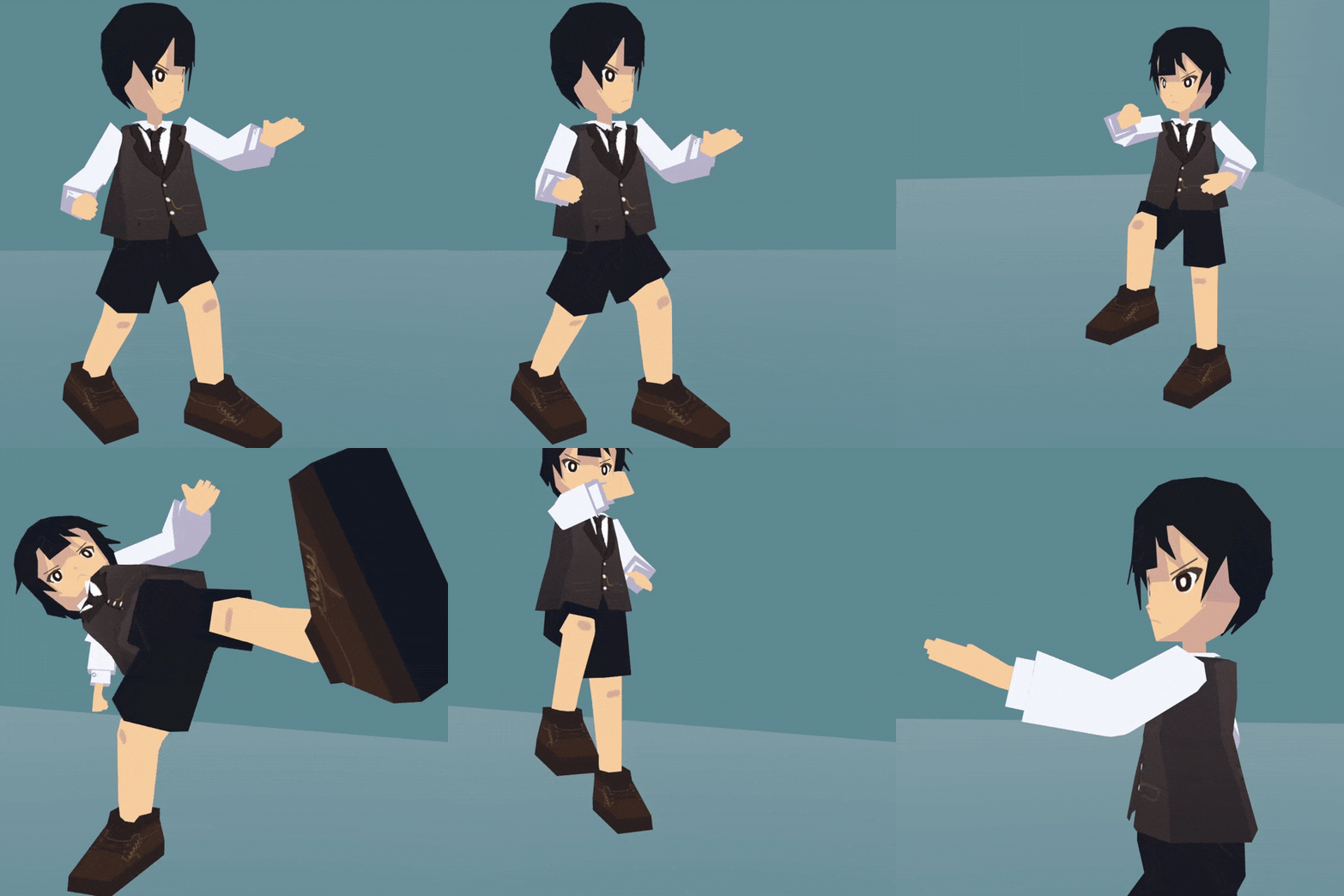
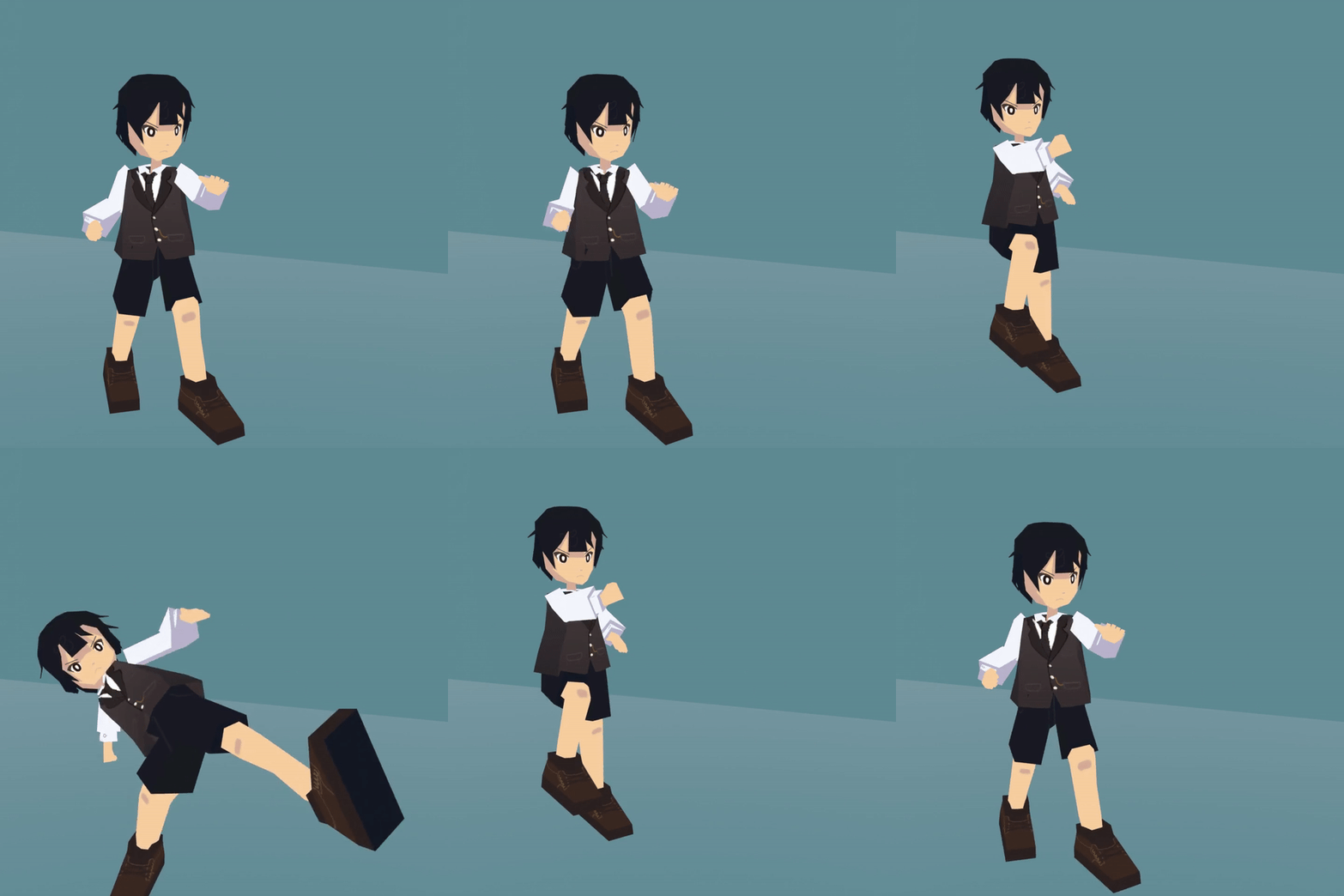
 It is also hand painted, or UV mapped?