I am currently following a Udemy course for working in Unity, and I’m running into an annoyance.
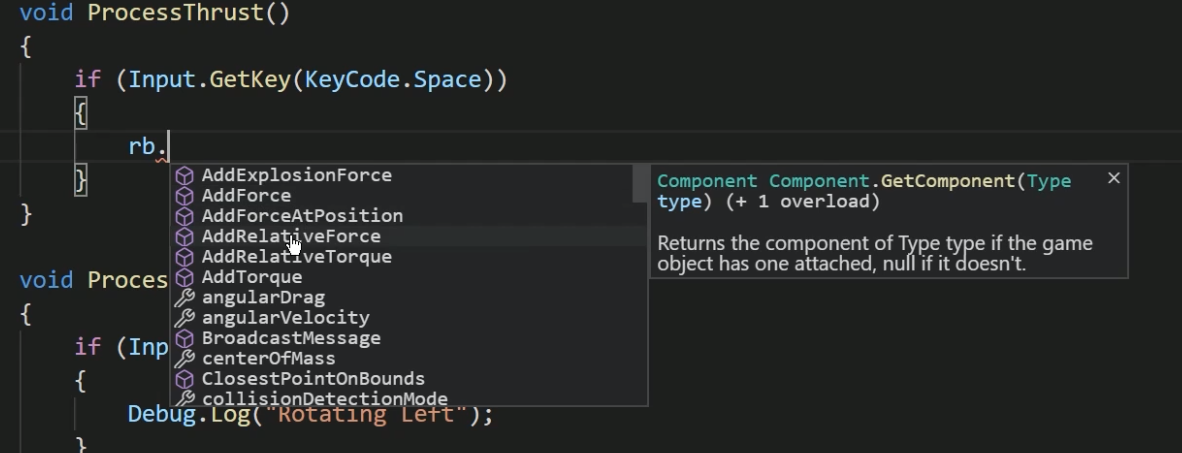
I’m trying to type out (Input.GetKey) but for some reason VSCode keeps autofilling (ProcessInput.) whenever I press the “period”. As a side, when typing out code there should be a small popup window with an index containing keywords or phrases to pull from, but I’m not getting it.
Currently I have a Unity and Unity snippets extension added. Is there anything else that I need to add or settings that need to be changed?
First of all, check if there is using UnityEngine; at the top of your class. Make sure there are no superfluous namespaces there because other namespaces could contain an Input class, too, and that could make VS Code suggest the ‘wrong’ classes and methods. Remember you can also look at the lecture code changes via the link in the Resources of each lecture.
If everything is the same, follow my suggestions in this thread:
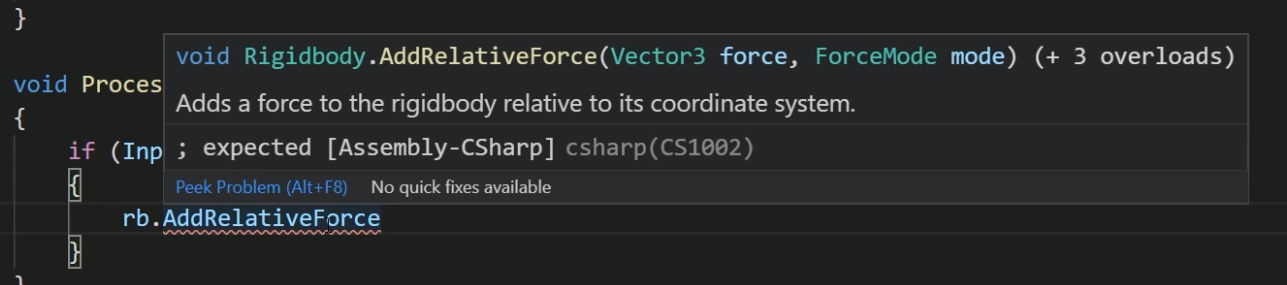
The autofill I needed to find a work around to prevent it from happening. I still cannot get the windows shown in the screenshots. Both of those are taken from udemy course videos for the project that I am currently doing. The net framework did get me a partial window, but still no list or descriptors.
Microsoft released a new extension last months, which I mentioned there and which improved VS Code for many students. You tested that as well, didn’t you?