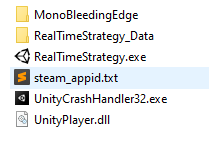
Investigating with a friend, and reading the official documentation (https://steamworks.github.io/) Only it’s necessary to copy paste “steam_appid.txt” from the project inside the Build forlder:
Hope this helps other people! And thank you again <3
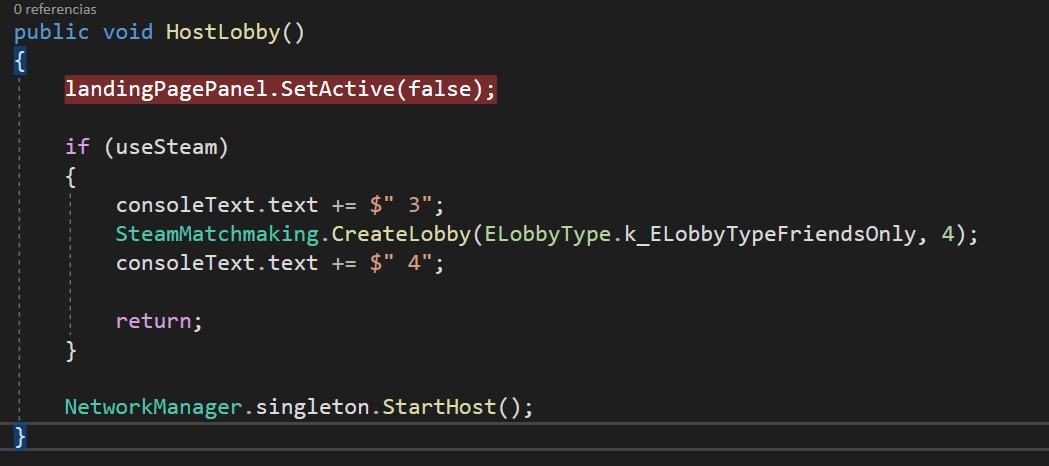
Hello, I also have the same issue as above, whether I run it in steam or in unity. I have the same versions as above and I have my “steam_appid.txt” in the project root and build folder. When I run it in unity I get the error below when the code gets to my “SteamMatchmaking.CreateLobby(ELobbyType.k_ELobbyTypeFriendsOnly, 4);” line.
error:
InvalidOperationException: Steamworks is not initialized. Steamworks.InteropHelp.TestIfAvailableClient () (at Assets/com.rlabrecque.steamworks.net/Runtime/InteropHelp.cs:34)
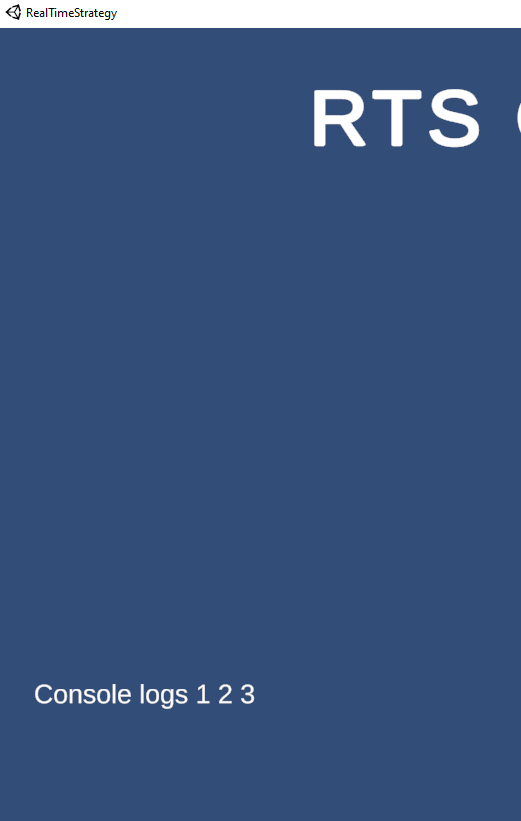
When I run it in steam, I click Host Lobby and nothing happens. The buttons go away and the lobby does not load. I’m not sure if its failing to create the lobby or if the RTSNetworkManager.OnClientConnect event isn’t being triggered. When I run it in unity with the UseSteam variable off, it runs fine.
I figured out I was missing the Steam Manager script on my Network Manager. I rewatched the video and the instructor commented saying “It added this for us already” and that is not the case with the versions we have now.
I added the same probleme, and the solution given by @ DaniCarco fixed it.
Copy the “steam_appid.txt” (at the root of the project) into the Builds folder