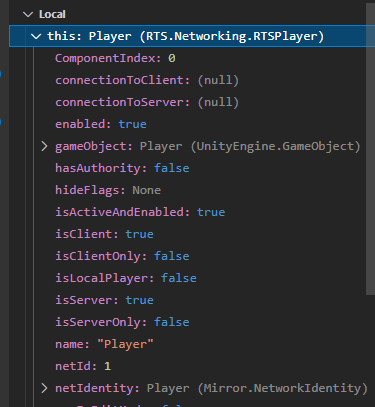
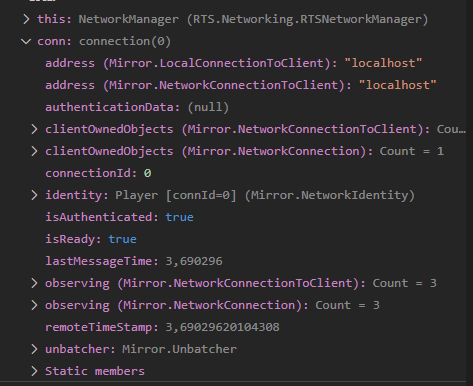
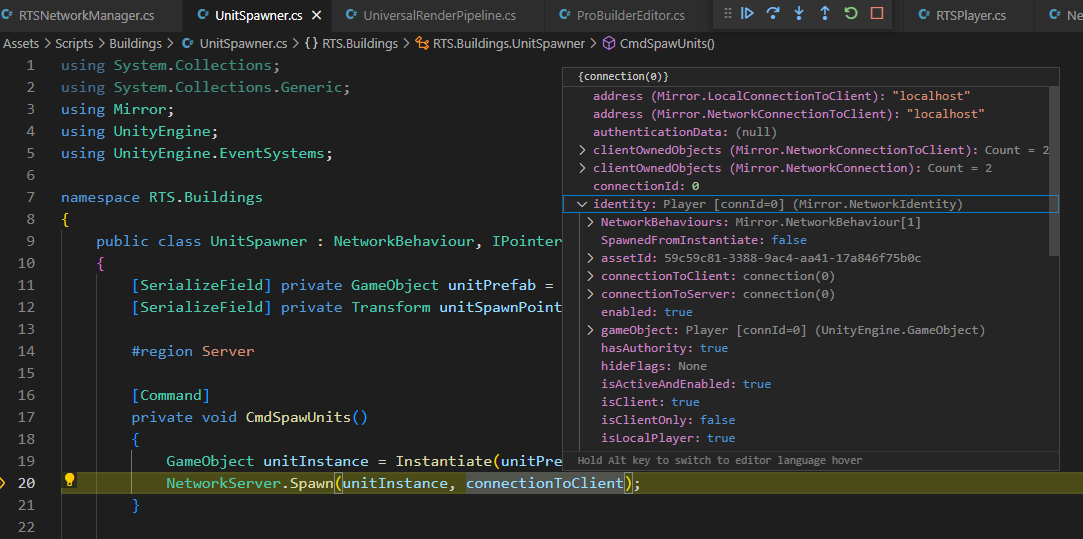
Hey Yitzchak, thanks for the quick responde. Yeah, you’re right. The connectionToClient.connectionId is the null one on ServerHandleUnitSpawned method:
It should not be null since I’m getting the error once I’ve already started the Host (Server & Client), am I right? I’ve uploaded the projet to github so you can take a look.
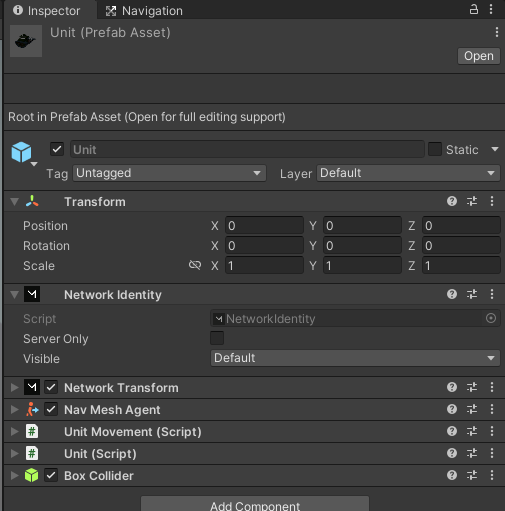
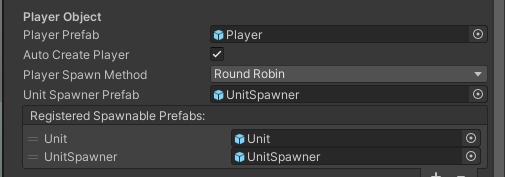
Maybe it has to do with how your are spawning the unit. Does your unit have a network identity component attached? Is it in the list of spawnable prefabs on the Network Manager?
Also was it the unit’s connection that was null or the players? Just want to confirm that you checked both of those.
If those are all right, I’ll download your project and take a look. The code looks fine on the the player and the unit. Let me know if that helps.
Is it in the list of spawnable prefabs on the Network Manager? Yes, it is;
Also was it the unit’s connection that was null or the players?
The Unit’s connection was not null (it has the value 0 assigned if I’m not mistaken). The players connectionToClient was the object with the null reference.
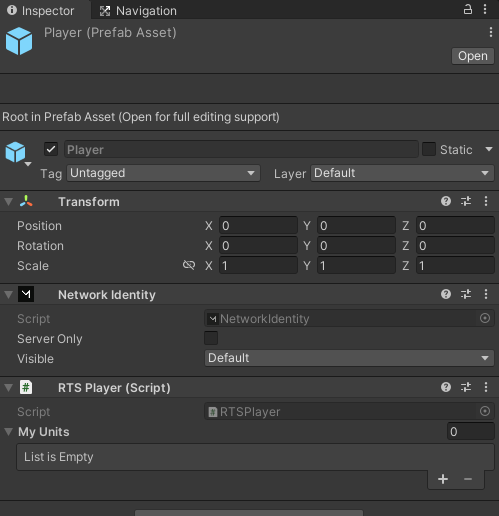
So the connection identity is not null on the player and not null on the unity. But when you try and compare them in onunitspawn, the player connection is null?
I would try a different version of Mirror.
Also debug in the network manager when it is spawning the player, maybe there is an issue there?
“But when you try and compare them in onunitspawn, the player connection is null?” That’s right.
I debugged the network manager but I don’t see any issues with player, it has a valid network identity.
I’ve tried the latest Mirror version 67.1.0 and I’m still having this same issue. I was working with 66.0.9 version before. Do you recommend a specific version? I see that Nathan used 16.9.0 but it was a few years ago so…
BTW I’m using Unity 2021.3.4f1
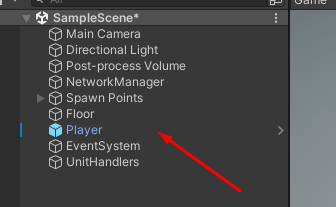
Well I downloaded your project, and figured out the problem. Try deleting the player prefab that is in the scene already. It gets spawned by the network manager, so you don’t need the one in the scene before you start the game. There must have been a conflict between the one already there, and the one spawned by the network manager.
You are most welcome! It’s never super dumb. Sometimes it’s easy to get tunnel vision on a bug and miss the seemingly unconnected cause. A second set of eyes always goes a long way.