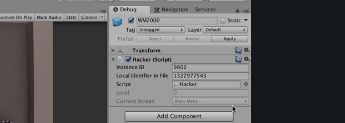
I was just typing some code during the college with naming the state you are in. Everything worked as in the video. But later on I tested it again and the level naming and the scene naming where gone and i only had this (Picture 1). I have looked true everything and i have the same as the instructor. What do I need to do?! Superboos|434x298
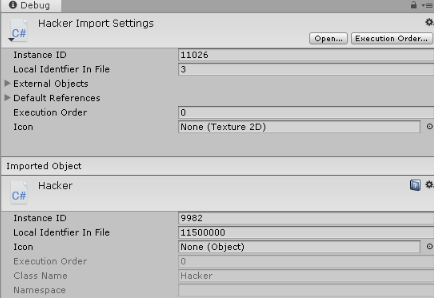
Well one window is the import settings the other is the inspector window, so of course they look different: you’re looking at two different windows…
Also you have it set to Debug mode, which is fine but a little unexpected for a beginner. To change it from Debug to Normal view mode, click on the tiny ‘v=’ symbol next to the padlock in the inspector window.
You can reset the view (the set of open windows and positions) by finding the layout dropdown menu near the top-right of Unity and choosing Default, or 2 by 3, or whatever you want. In the future --when you add or remove windows and move them around and rescale them etc etc-- you can also use this layout dropdown to save your workspace view (Save layout…). This might be useful to you.