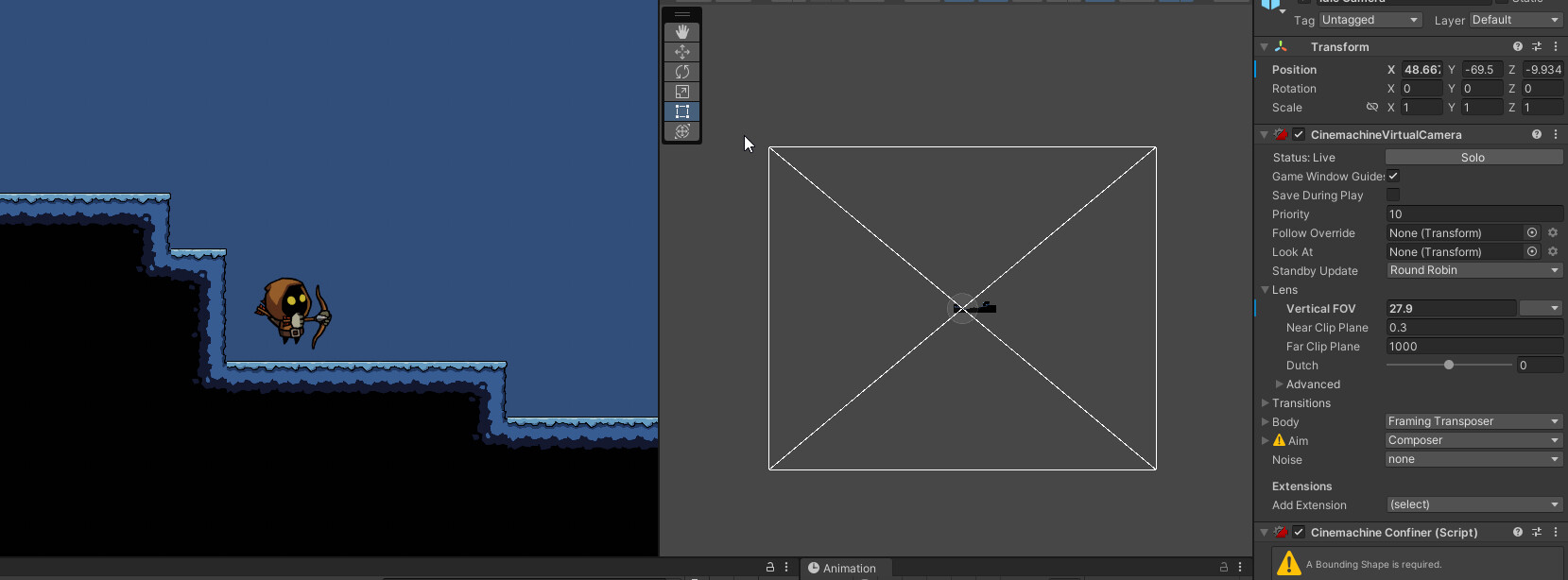
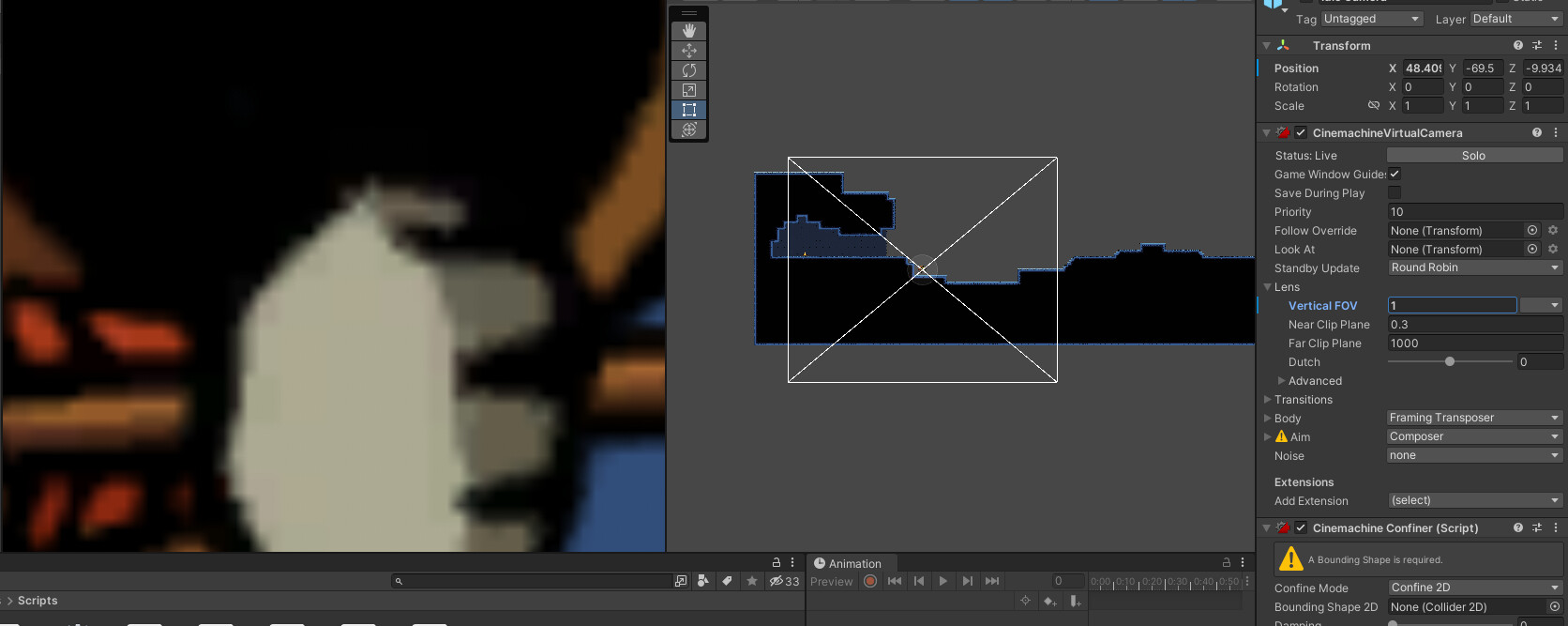
My camera’s are alright when I’m running the game, but in scene I just get the massive box that just gets in the way more than anything. It doesn’t give me any useful detail.
If I adjust the FOV on my idle cam to a reasonable size ( this is the one that adjusts the box), then my in game camera is zoomed way in.
If the game works fine and if you do not want to see the camera box, you could disable the latter in the Gizmos menu in the top right corner of the scene window.
Thanks for that. I just went back through the lessons and re-setup all the state cameras. That did the trick. Somehow my main camera had a huge rotation set on it.