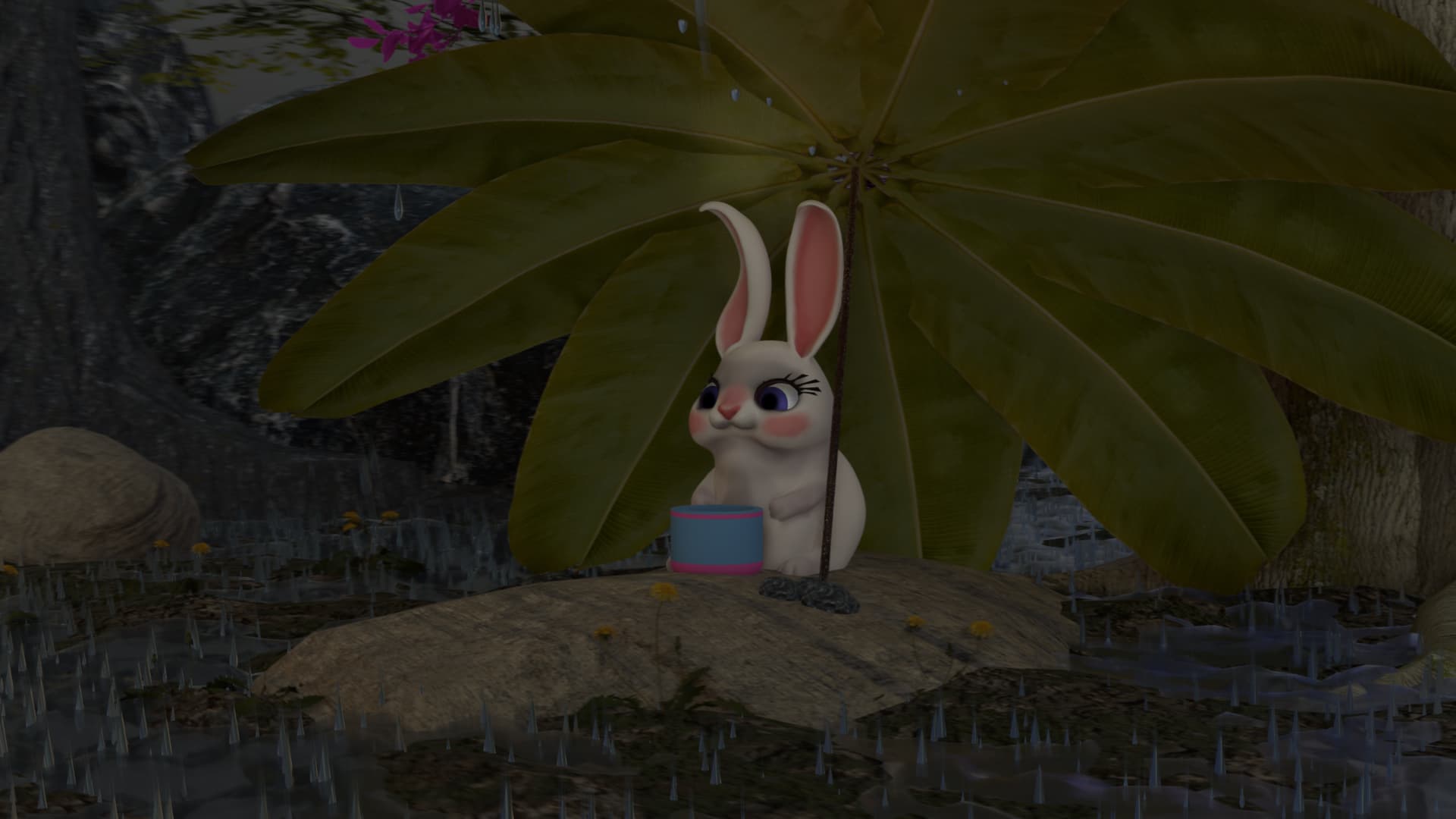
This is the Blender Collaboration 2026, week 1 challenge. Don’t be afraid to join, a lot of us are beginners. This is all to practice, have fun, learn, and get together.
This week’s subject is “Bunny in the Rain”.
“Bunny in the Rain” - Combine shapes and metaballs to build a cartoon bunny scene, adding an umbrella and a little rain cloud.
The rules are simple. 1 subject, 1 entry, 1 week.
You create whatever object or scene or whatever you can think of that has something to do with the subject. It can be as simple or complicated as you want, all entries are welcome!
Post your picture here in this thread. At the end of the week, we start to vote. And if you are the winner, you may choose the next subject and win a unique badge.
We @BlenderCollab have a few days to vote. You can vote fast but also think slowly about design, colors, technique, difficulty, subject, realism, etc. Choose consciously and not on your entry.
The new subject week 02 - “An unexpected turn” has already started. The winner of this week’s “Bunny in the Rain” challenge may select a subject for next week 03 and win a badge.
Congratulations to @RayMobula on his cheerful “Rabbit in the Rain” entry. It’s a beautiful composition with a happy rabbit. By using the warm lights, the focus now lies on the rabbit, well done.
Crisus - The raindrops splash beautifully, but perhaps a bit too intensely. I think the lighting is too sunny.
gallmerci - The weather looks perfectly. And the scene looks so depressing, cold, windy, lonelyness … It had my vote!
Note: I don’t want to offend anyone. I try to write down positive ideas and visions in my simple use of the English language. I am also sometimes more inspired by a particular subject or solution. I’m also learning from you!
Sure, the trick is to use something called cryptomatte node in the compositor. This allows you to mask specific objects from your scene and give them a different render than the rest of the scene.
So I just rendered the scene fully colored, then make it grayscale in the compositor by reducing the saturation and use cryptomatte to mix the grayscale version together with the colored version: