I’m working on Complete Godot 3D: Code Your Own 3D Games In Godot 4! and I’m up to lesson 62.
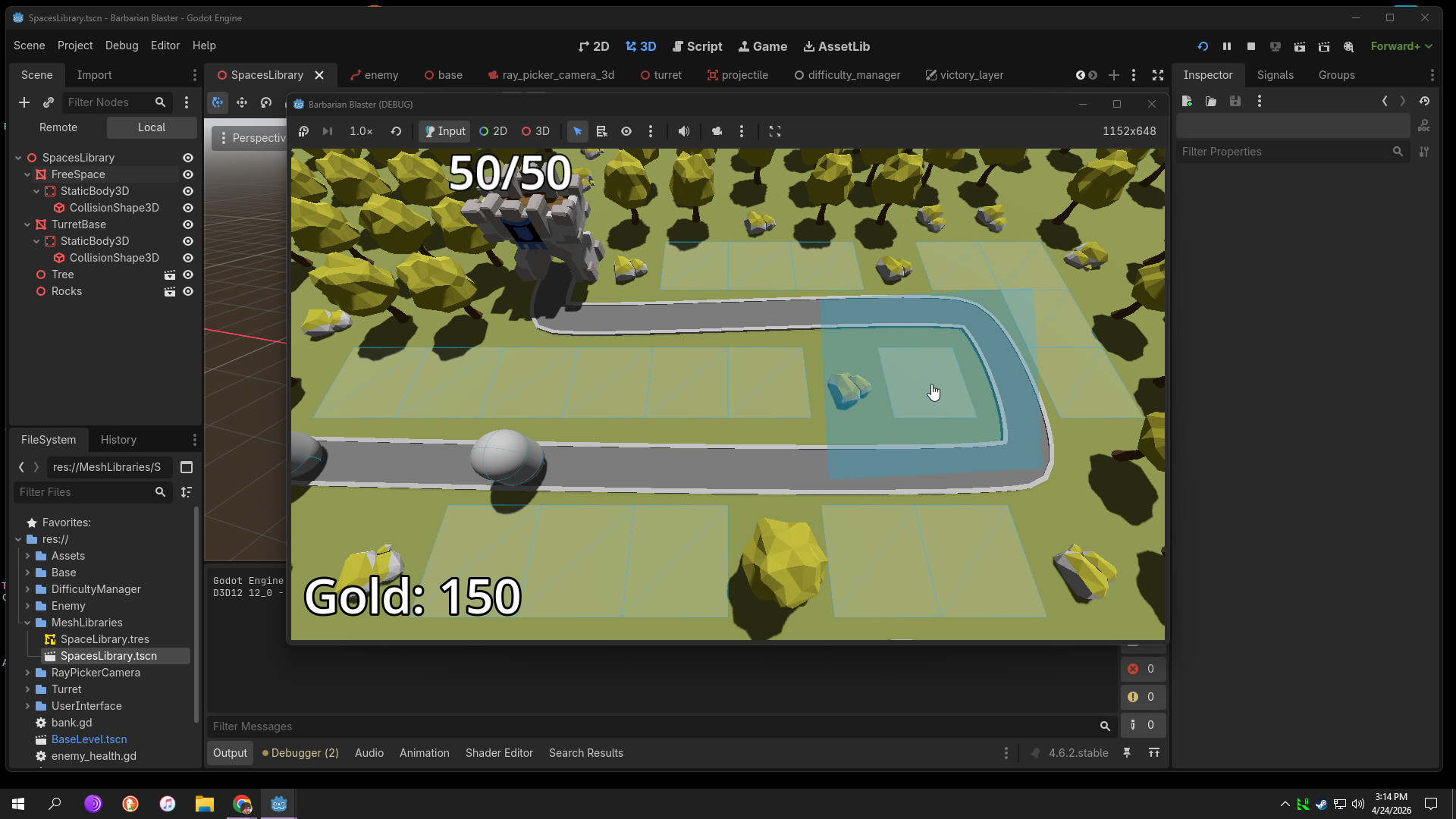
I noticed that when I ‘play’ the game, I can still see some of the visual indicators that should not be displayed. I see the Ray Picker blue viewport rectangle around the cursor, and the turret spaces (only) wireframe (see pic)
How do I stop this and similarly, why are these showing?
No worries, that’s another straightforward one. In the top menu, you have Debug–>Visible Collision Shapes enabled. Very, very useful setting; you’ll want to keep that one in mind for when things aren’t working properly! =)