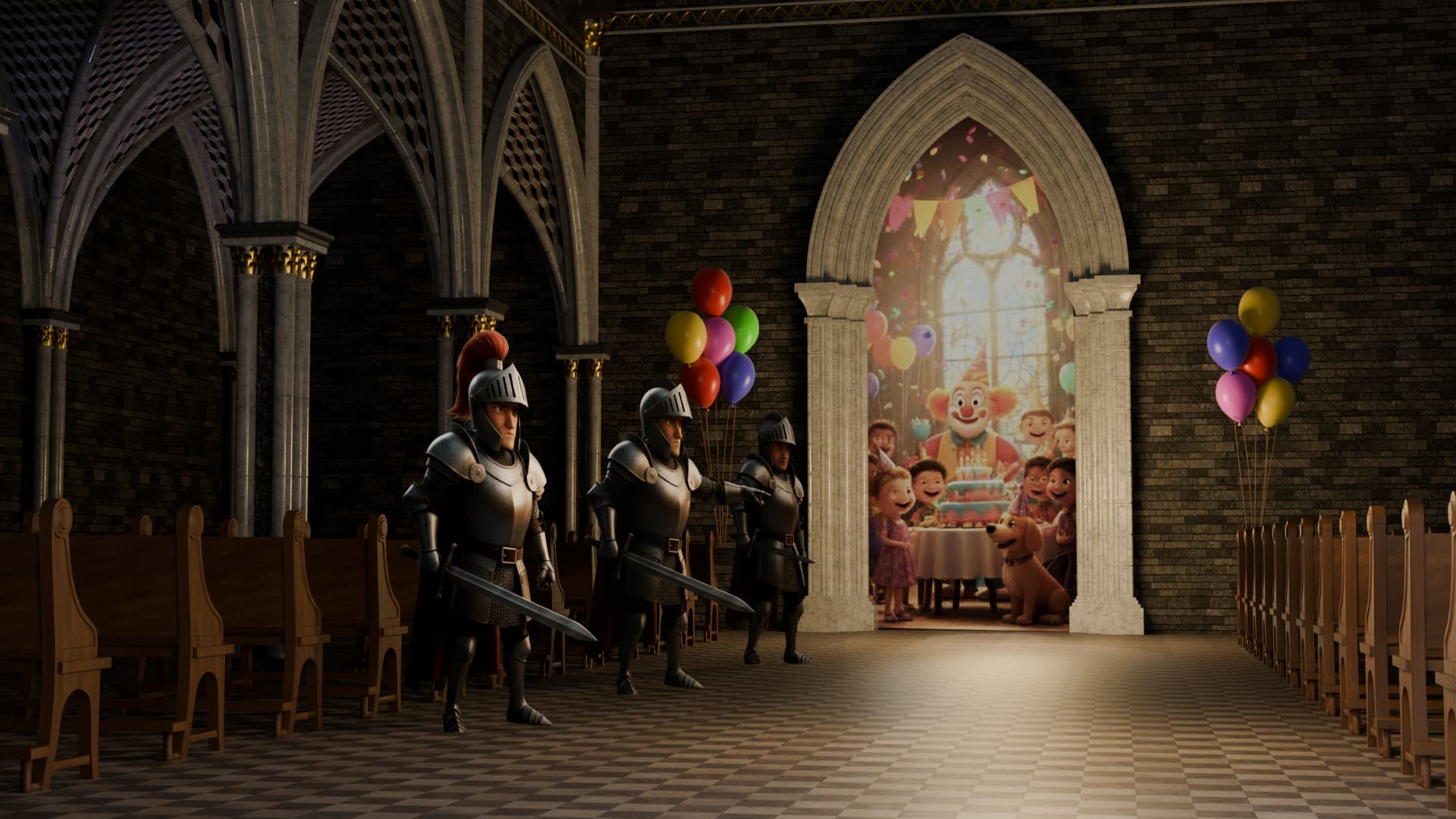
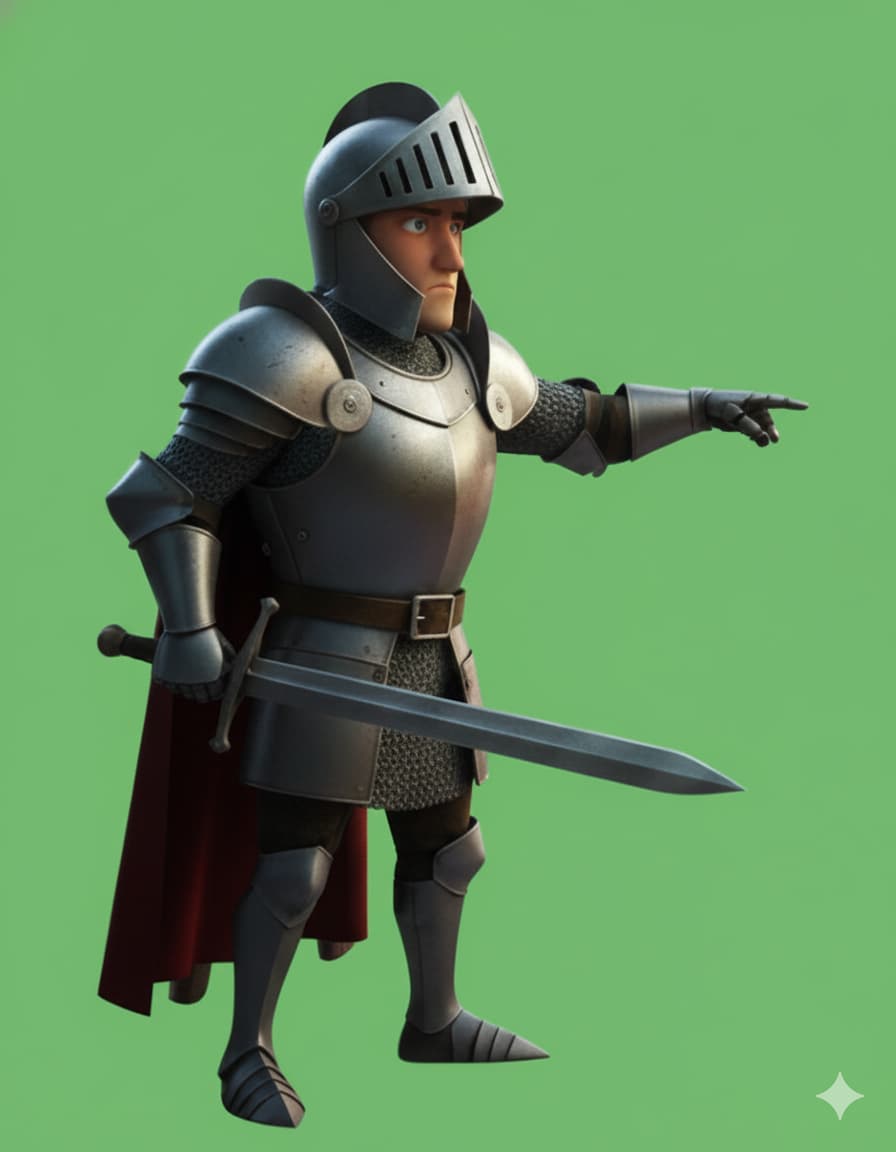
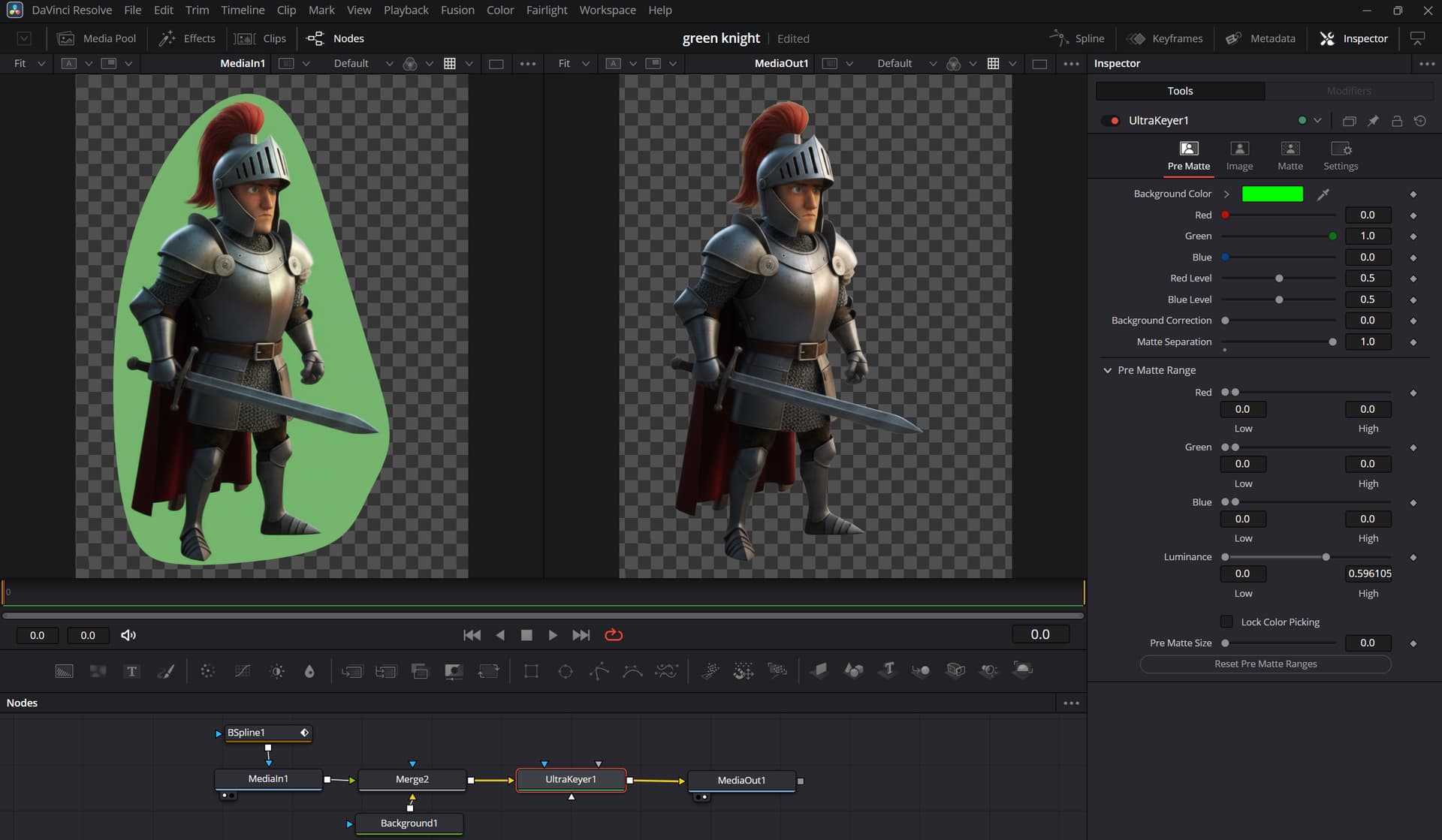
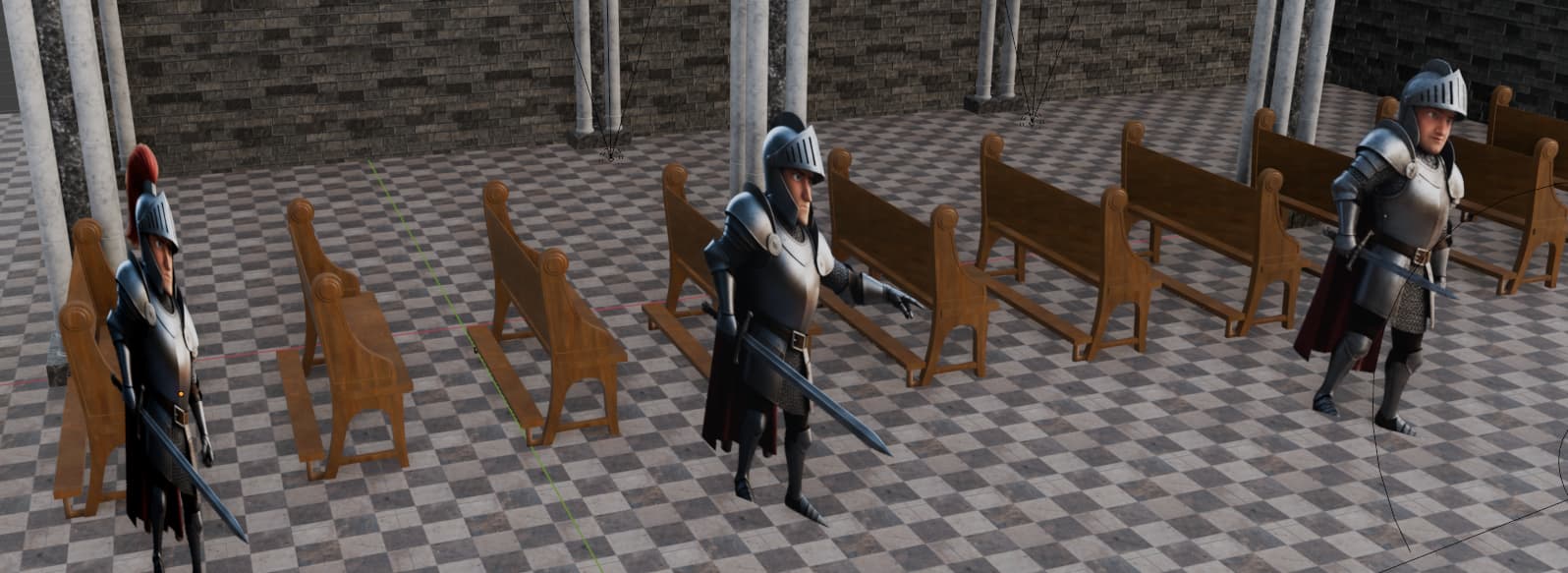
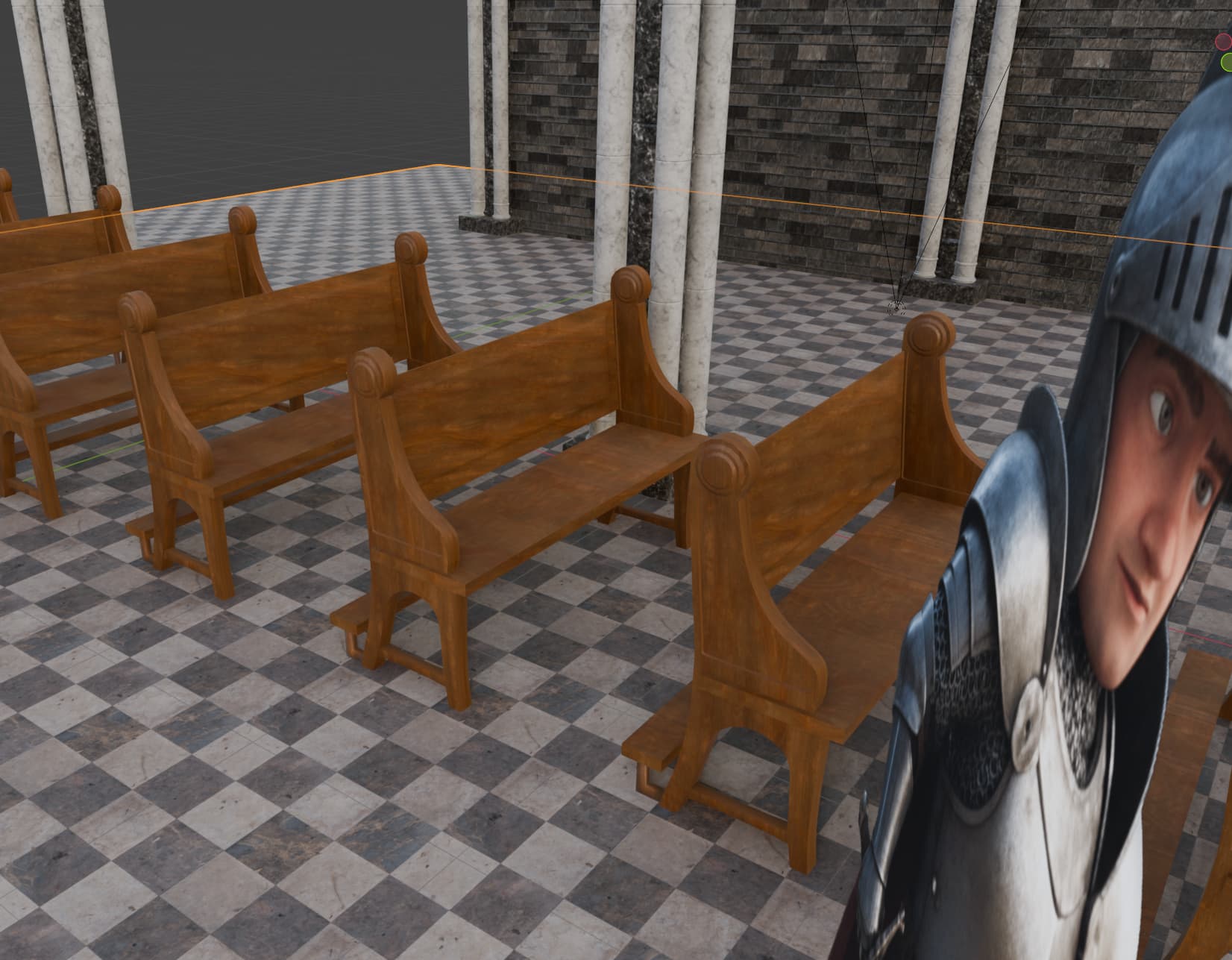
Since I ran out of time I decided to use Davinci Resolve to convert the knights into alphas, using Fusion to remove the green screen and export each frame as png with alphas enables.
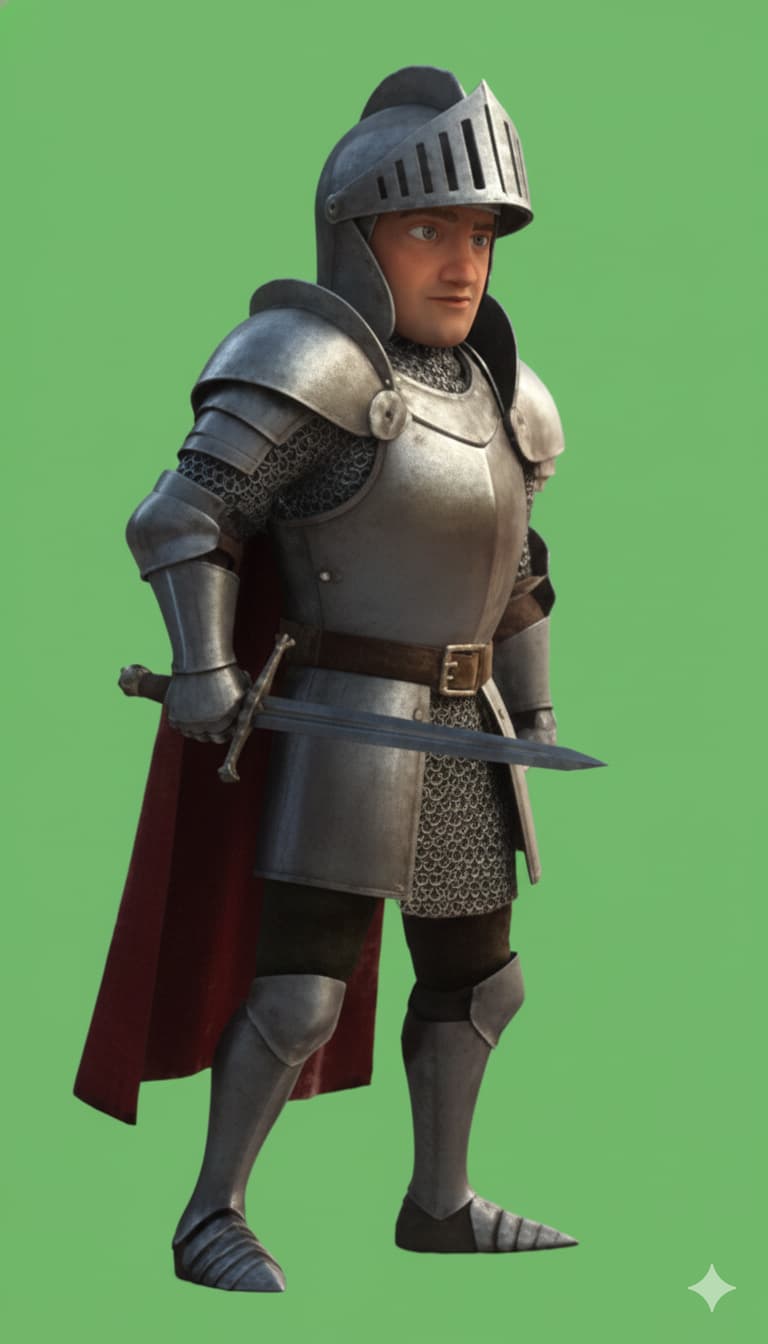
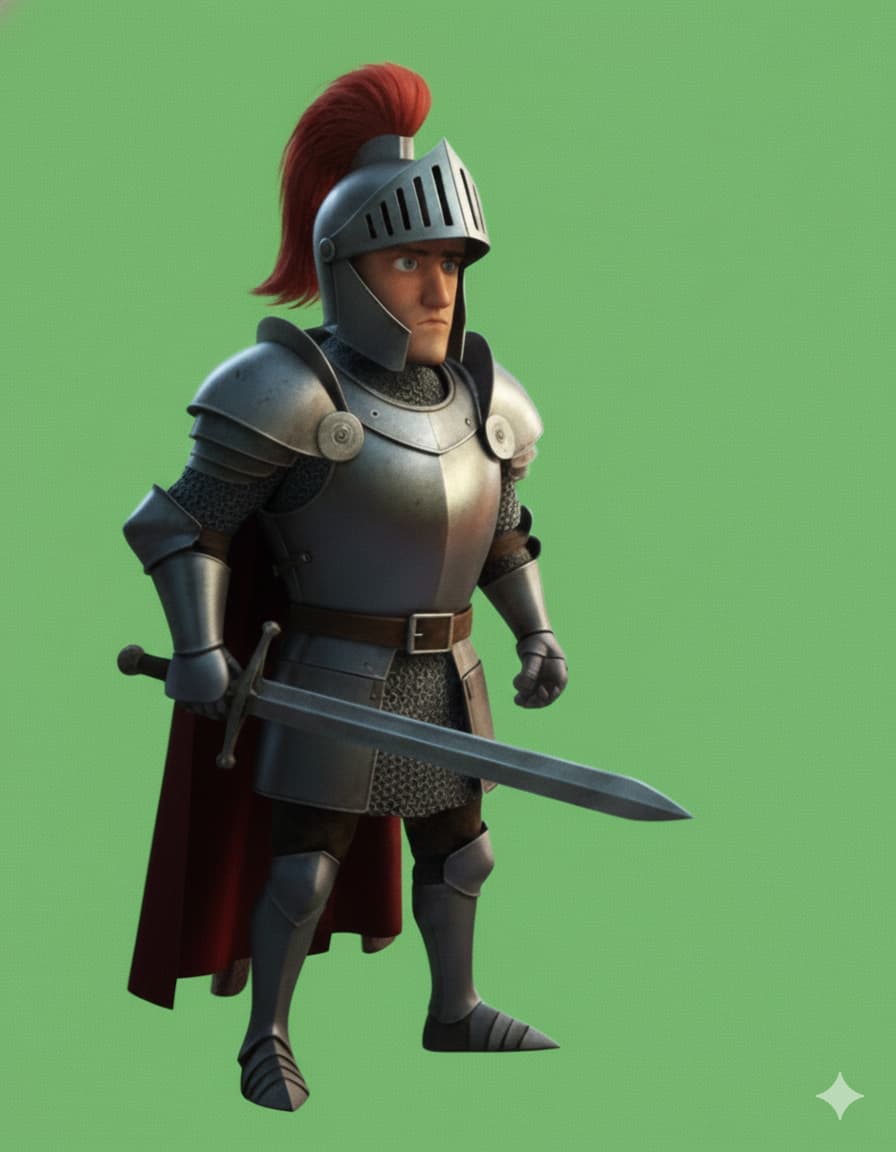
Yes. I made a few sketches on paper. Then explained to Google Gemini (nano banana) to re-create the scene for me. From there I requested to isolate the 2D elements on a green screen. You can upload a color pallet it must use. For the green screen, tag as critical not to add a vignette - that’s why I had to add a mask in Davinci resolve before removing the green screen.
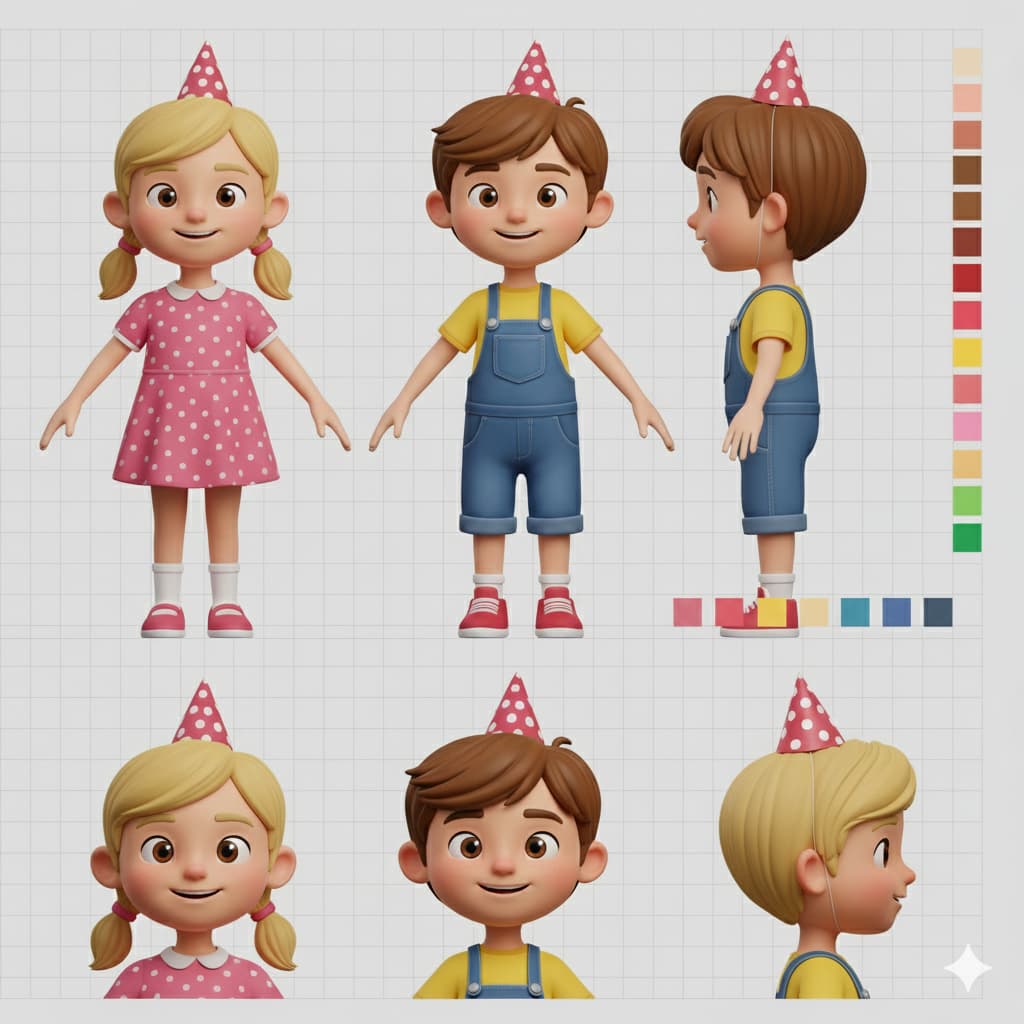
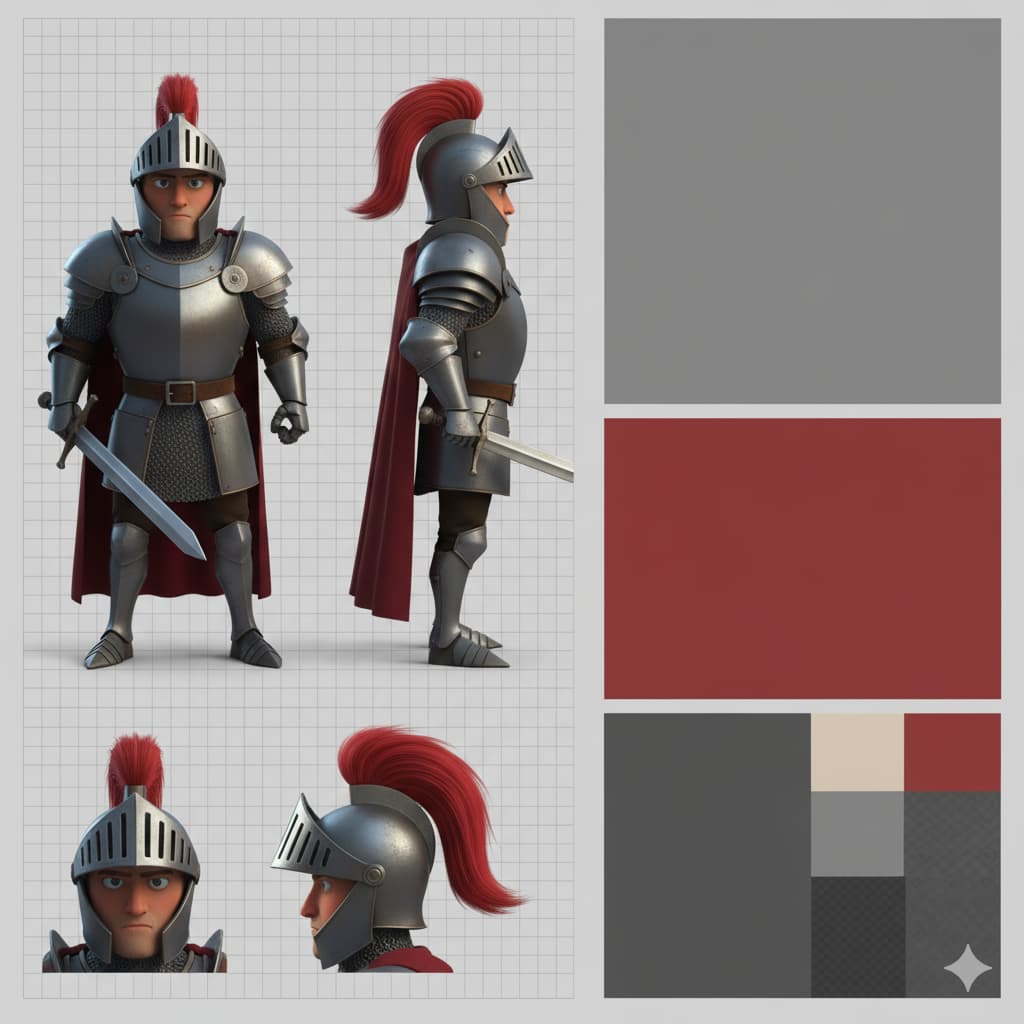
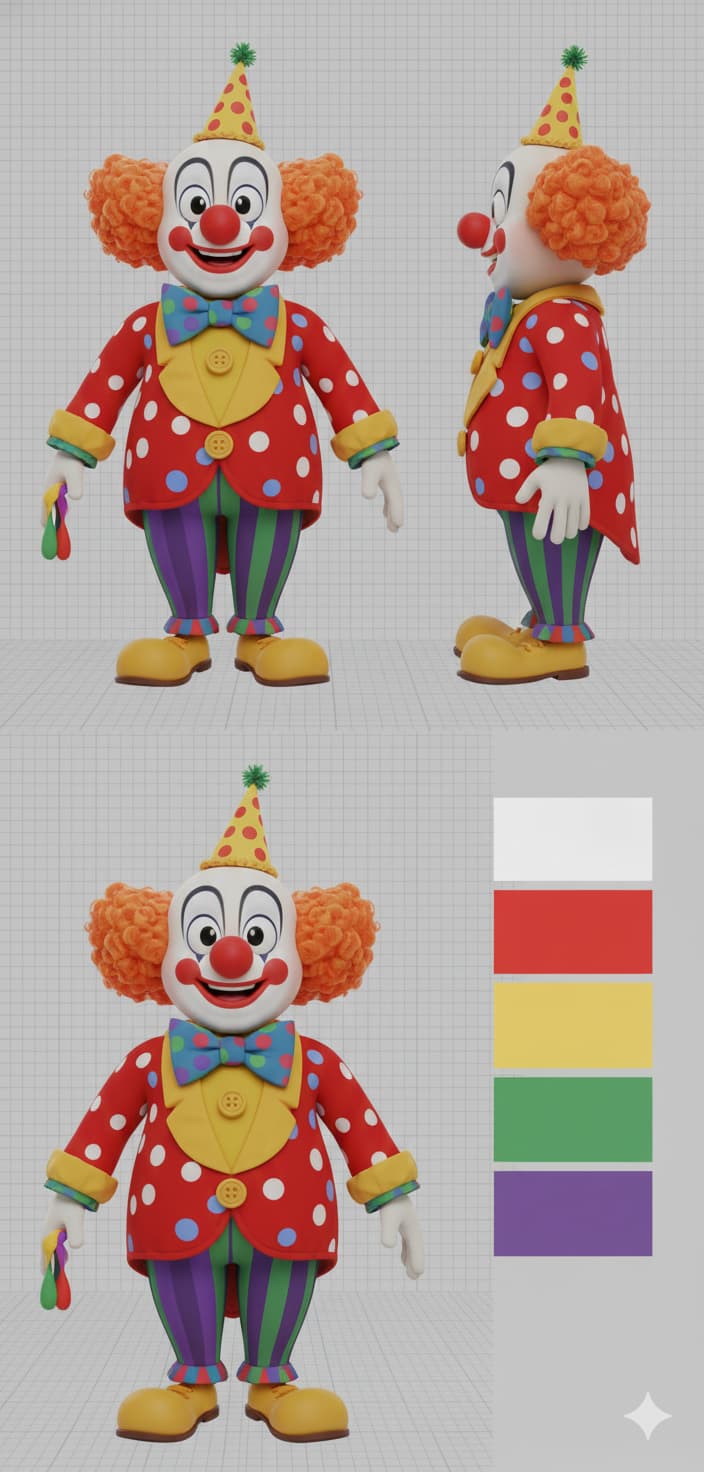
Prompt it to create a character sheet. Best is to upload a reference what should be included - like front and side view, torso only, close up of the face, or any other detail you want. You need to experiment a bit. Still, it is very nice to go from a sketch on paper to an image I can use in blender.
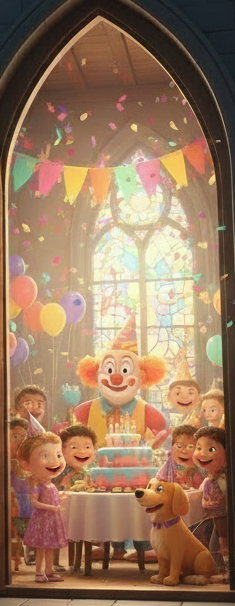
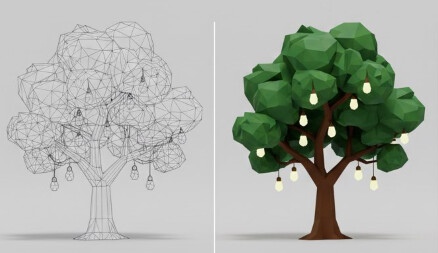
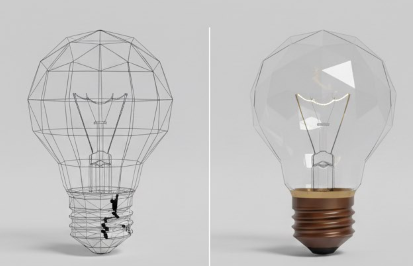
Overall, it is a great workflow to bounce ideas or create reference images. Like these