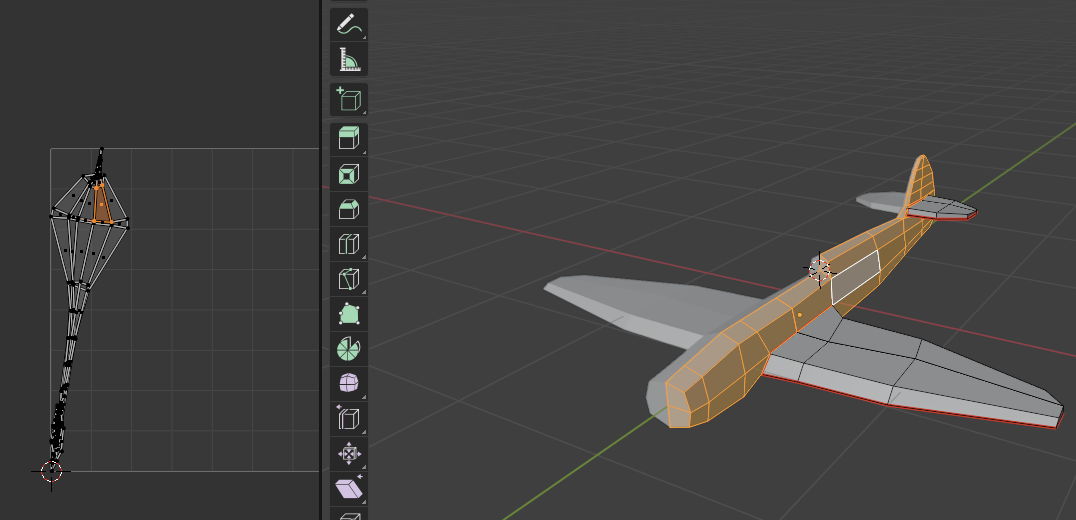
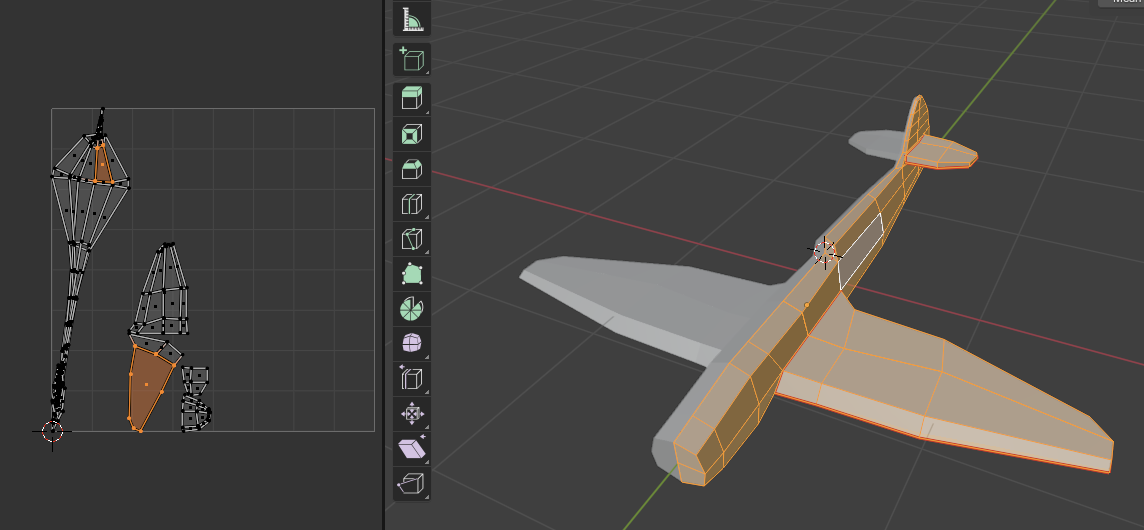
I’m trying to follow along the tutorial and got stuck with this issue with my UV Unwrapping wherein the unwrapped uv is too close to each other? I just want to know what’s wrong with it and how to go along w/ fixing it, im willing to take time in fixing it but i just dont know what’s fundamentally wrong with my current model and why its no unwrapping.
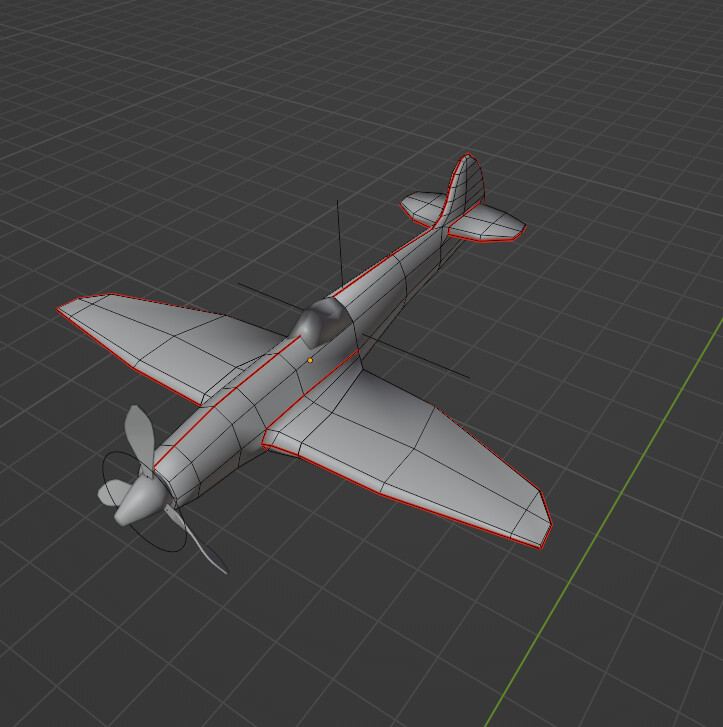
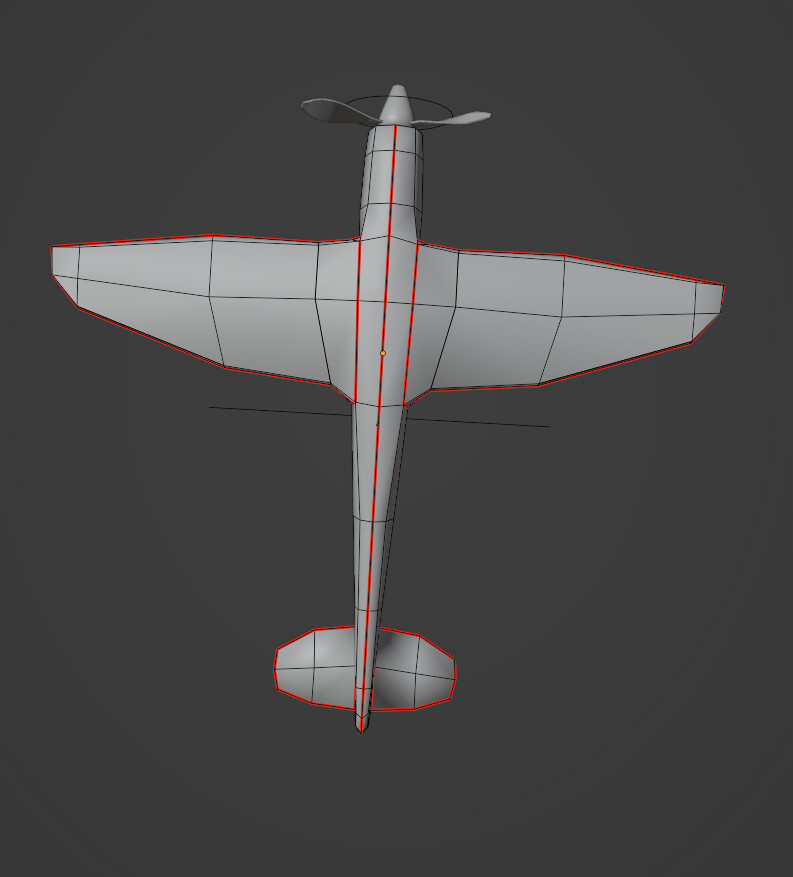
I think you may need some additional seems marked so that it un wraps into more pieces. See how I’ve marked the center line of my plan, as well as the junction where my wings join the plane body
I think before the tutorial split the airplane into two, the UVs were already correct (at least based on the video) But let me try it tonight and see if it works!!
You have not by any chance got a face down the mirror line that should not exist have you?
Something is messing up the body UV.
It might be some double geometry, Select all with A and then M by distance should deal with that.
Otherwise select faces or verts in the UV where it is all compressed and examine the area it links to in the 3D view and see if that directs you to some issue.
Ok i tried following some of the suggestions, and for the wing part of the airplane, the “M by distance” made the UV of the wing almost identical to to the ones in the video! so that went great!
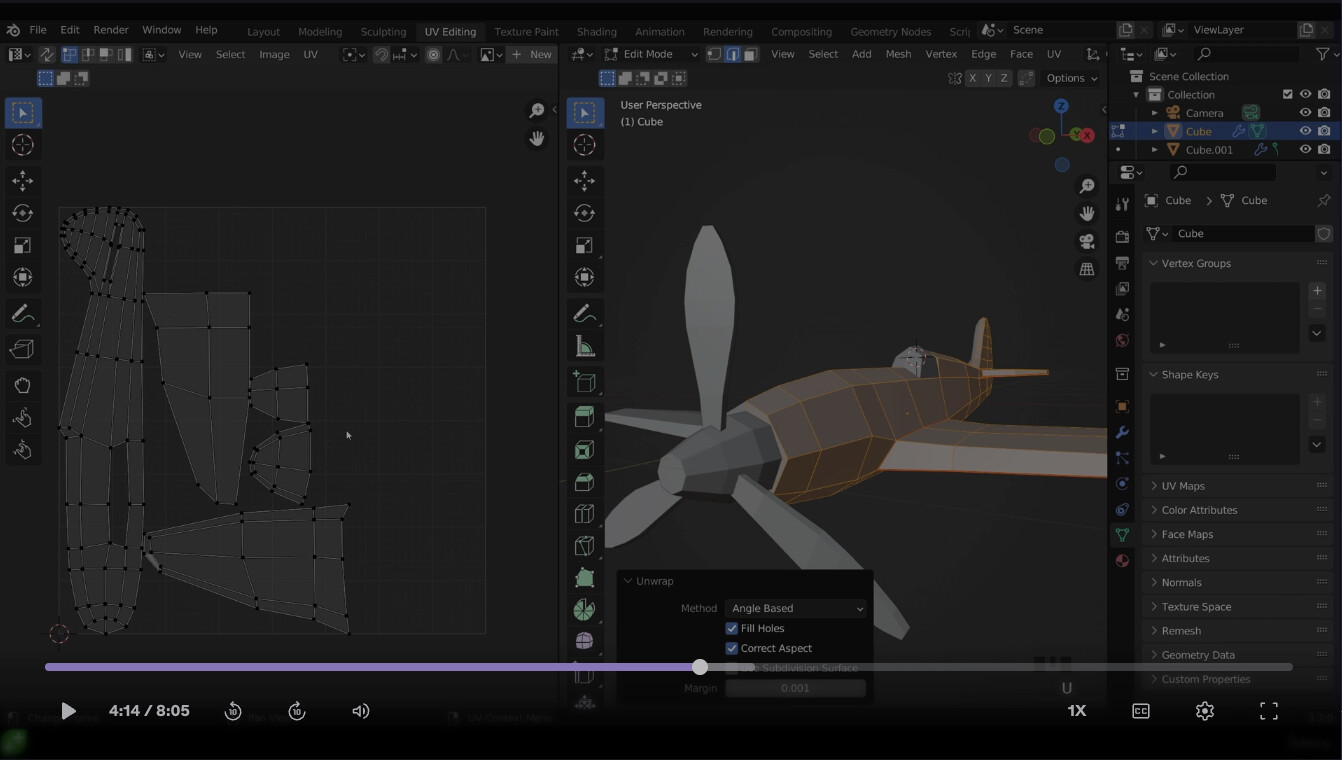
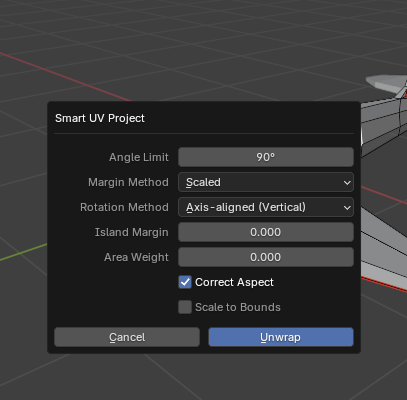
For the body, i tried following some of the suggestions but to no avail; but then I saw a tutorial in Youtube wherein you unwrap via Smart UV 90 angle, not sure what it does, but the uvs looks like a body of an airplane compared to before (Attached is the screenshot)
There are still some uv faces that are too small but i think i can adjust that in my 3d model… The problem is I don’t have an explanation of what the problem was and how i got fixed… O__o