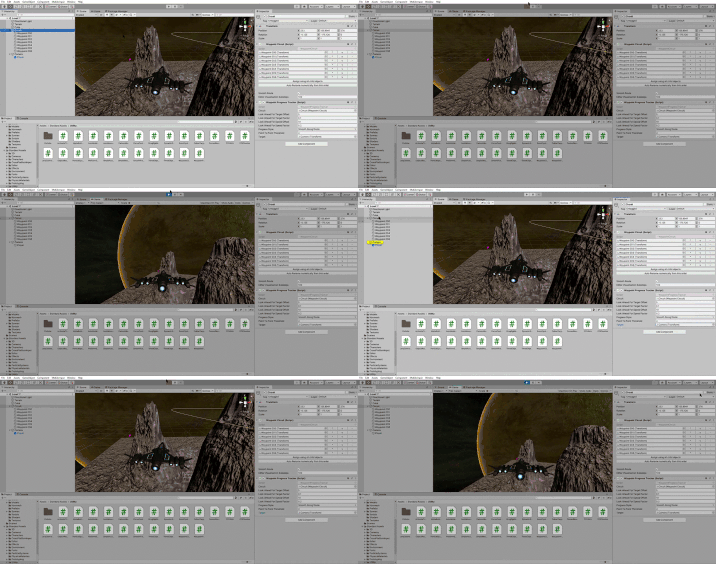
 Hey guys I have encountered with a problem during practicing “waypoint Circuit and waypoint tracker”; I do everything as said but my camera moves backward and then stops
Hi,
Have you already tried to remove the Circuit component and to readd it? or to remove the references to the transforms and to readd them?
yes I did both I even created a brand new circuit in the same scene but that was the same story again
Which version of Unity do you use? And where did you get the asset from?
If the Circuit asset is causing too much trouble, I would suggest to remove it. Watch the video without implementing the Circuit in your project. It’s just that one lecture. In a later lecture, Rick is going to replace the waypoints with a Timeline animation, so you will not miss anything crucial.
I’m using 2020.1.8f1 and since I was not able to Import the standard assets through the program itself I downloaded the 2018 version of the standard assets pack and then import them, maybe that is the reason I suppose ( I got them in asset store )
It might be that the circuit asset is not compatible with your version.
so what do I do, because I might be able to ignore this particular practice, but what if in the future same problems happen because of the assets is there any way so I can find the proper assets?
is there any way so I can find the proper assets?
If this is a general question: Unfortunately, there isn’t. If the creator of an asset does not adjust their code to new versions of Unity, their asset will very likely be outdated. This is something we, as game developers, have to deal with on a daily basis. That’s why we usually do not update or downgrade programs while developing projects unless there is a very good reason like a bug which prevents us from proceeding. We can never know if something still works in the updated or downgraded version.
The only way to somewhat ensure that something will work is to use exactly the same version as seen in the video and to download the exact asset version.
I, personally, would not downgrade Unity just to implement the Circuit because it’s not worth it in my opinion. However, that would be an option if you really needed this asset in your project.
What you could try: Remove the entire asset and reimport it again.
Unfortunately, the video you posted is very small, the font is like 2px high. For this reason, I cannot see if there are any errors in your Console. Someone posted a fix for a bug a while ago in the Q&A section over on Udemy.
We are aware of the problem with the Circuit asset, and Rick is currently remastering the entire Unity 3D course. Until he releases the new videos, removing the Circuit asset is the only “reliable” solution I know.
Please feel free to ask our helpful community of students for further advice over on our Discord chat server.
Thank you for your response, I eventually skipped this “Circuit” part, and now I’m moving on.
and apologize for the small video; I had to turn it to a gif to be able to post It, and you mentioned this 3D course is being remastered, how can I be informed if the new version comes out because I do not know where to look for the next updates on my Udemy learning pages
I think Ben and Rick will make an announcement once the first videos of the remastered course are uploaded. And they will probably tweet about the update.
You could message info@gamedev.tv and ask them if there is a newsletter or if they could send you an e-mail once the new videos are online.
Got It, thank you so much
This topic was automatically closed 24 hours after the last reply. New replies are no longer allowed.