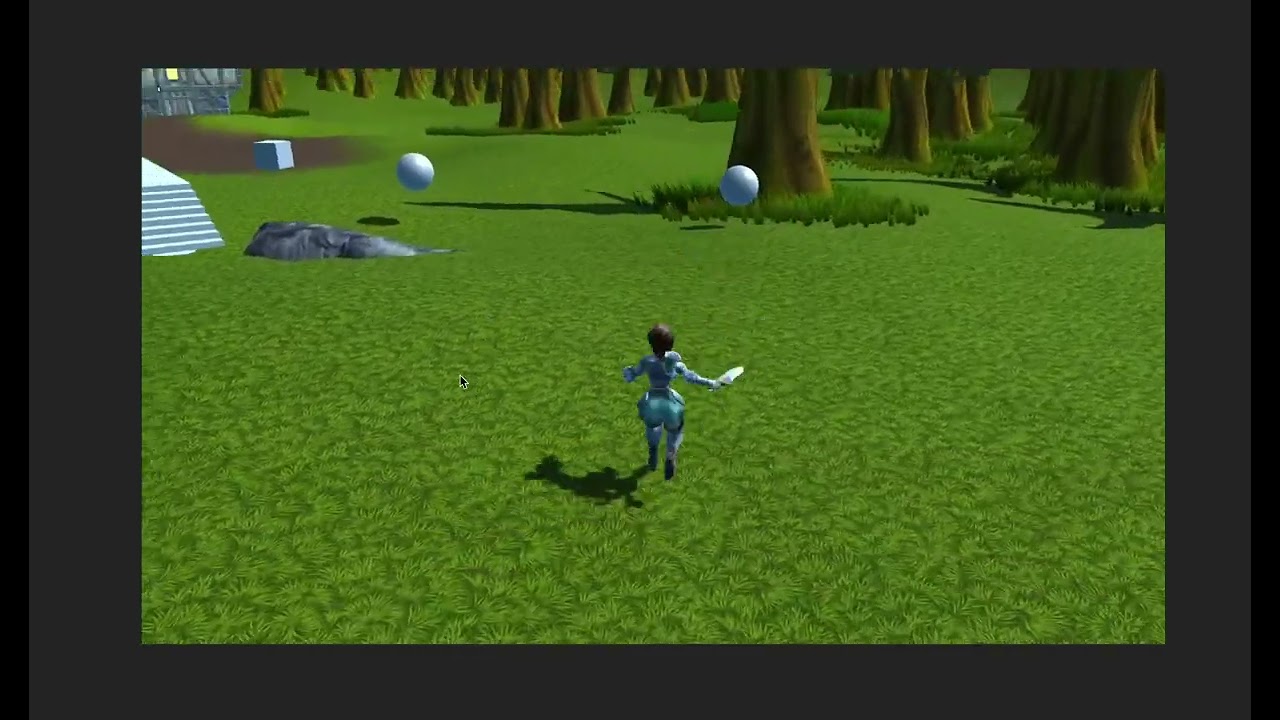
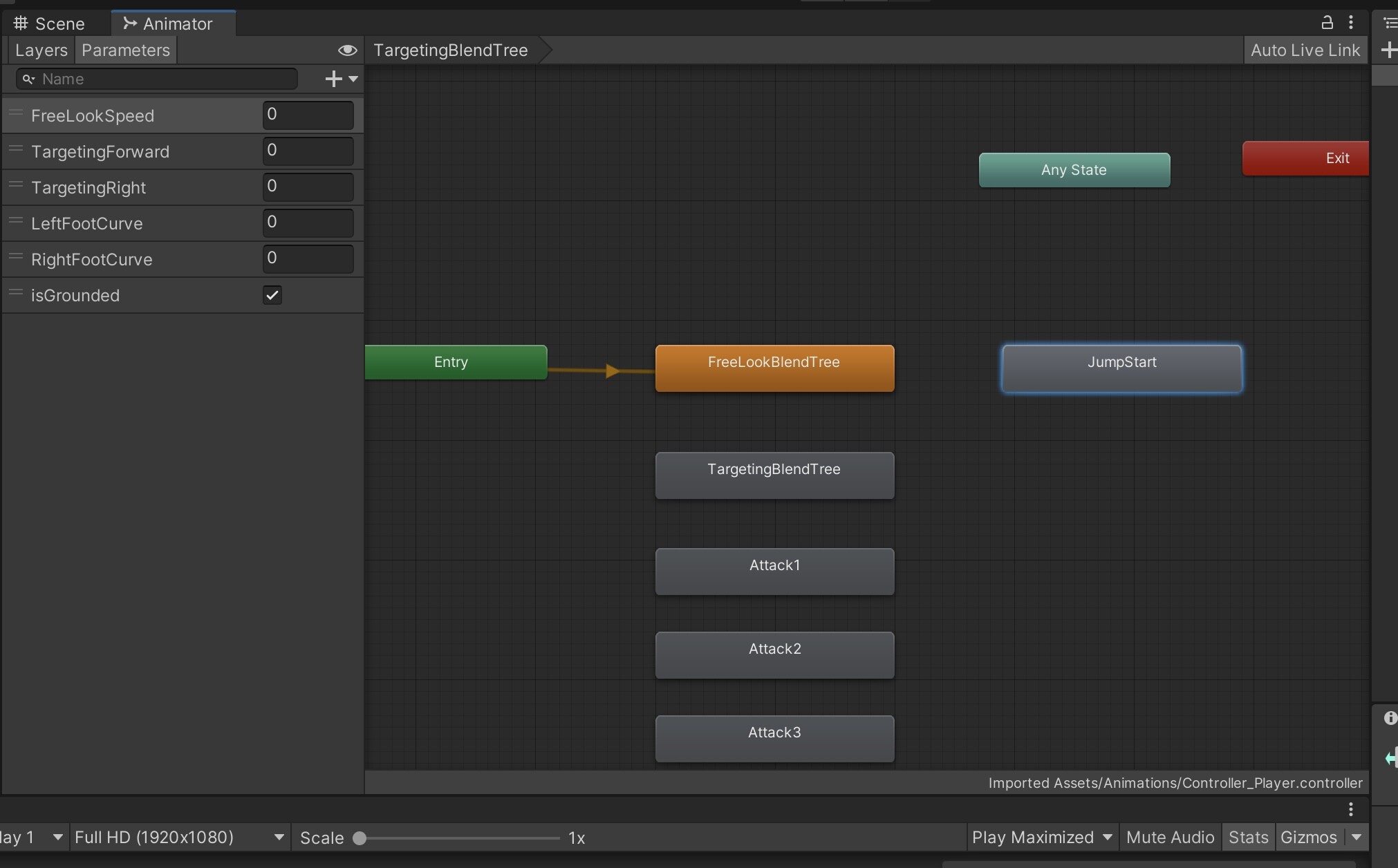
I’m trying to implement a Jump State machine, but when I try to play the animation it won’t work at all…
I mean it actually jump 'cause I’m using force on the RigidBody, but not the animation.
At the moment I’m just trying with hardcoded value:
stateMachine.Animator.Play("Jump_Enter", 0);
The second parameter should be the layer, If I’m not getting wrong
Just to be more complete I’ll post the entire code here:
 public class PlayerJump : PlayerBaseState
    {
        public PlayerJump(PlayerStateMachine stateMachine) : base(stateMachine) { }

        public override void Enter()
        {
            Vector3 jumpForce = new Vector3(stateMachine.Controller.velocity.x, 12, stateMachine.Controller.velocity.z);
            stateMachine.GetComponent<Rigidbody>().isKinematic = false;
            stateMachine.GetComponent<Rigidbody>().useGravity = true;

            stateMachine.Animator.Play("Jump_Enter", 0);
            stateMachine.ForceReceiver.AddForce(jumpForce);
        }

        public override void Tick(float deltaTime)
        {
            if(stateMachine.GetComponent<Rigidbody>().velocity.y < 0.1f)
            {
                stateMachine.GetComponent<Rigidbody>().isKinematic = true;
                stateMachine.GetComponent<Rigidbody>().useGravity = false;
                stateMachine.Animator.CrossFade("Jump_Exit", 0.1f);
                stateMachine.SwitchState(new PlayerFreeLookState(stateMachine));
            }
        }

        public override void Exit()
        {
        }
    }
If the animation is not playing it could be the animation itself.
I would check the animation plays in the unity editor window as some animation may not work with the model depending on the rig settings.
Let me know on this.
I am not sure if we will be adding jump later in the course so my help may be limited in that respect
The animation is fine, so I’m making wrong something else for sure.
Maybe I should add a trigger and connect the animation to “Any State”, that would more easy
Hey @MaximilianPs , here is one possible solution for a jump interaction. Keep in mind - this is buggy and doesn’t take into account a lot of variables
The main idea I had was to reuse our logic from the Impact State. And not use a Rigidbody. So I’ve added the following:
In the PlayerStateMachine.cs I’ve added the Jump Events like this
I’ve also added 2 new variables there as well. A float that will hold the Vertical Velocity and a LayerMask for the ground check
public float VerticalVelocity { get; set; }
[field:SerializeField] public LayerMask GroundLayer { get; private set; }
And to finish things off I’ve made PlayerJumpState.cs like this
using System.Collections;
using System.Collections.Generic;
using UnityEngine;

public class PlayerJumpState : PlayerBaseState
{
    private readonly int _jumpStartHash = Animator.StringToHash("JumpStart");

    private float _groundedTimer;
    private float _jumpHeight = 1.2f;
    private float _gravityValue = 18f;
    private bool _groundedPlayer;
    private LayerMask _groundLayers;
    private Vector3 _movement;

    public PlayerJumpState(PlayerStateMachine stateMachine) : base(stateMachine) { }

    public override void Enter()
    {
        //if you have my Foot IK script on the player you need to disable it
        stateMachine.FeetGrounder.enabled = false;

        //we get the current velocity
        _movement = stateMachine.Controller.velocity;
        //we add the Jump velocity to it
        stateMachine.VerticalVelocity += Mathf.Sqrt(_jumpHeight * 2 * _gravityValue);
        _movement.y = stateMachine.VerticalVelocity;

        //we trigger the jump animation - Its a single animation not jump start / middle / end
        stateMachine.Animator.CrossFadeInFixedTime(_jumpStartHash,0.1f);
        //we apply the force with our move script
        Move(_movement,Time.deltaTime);
        Debug.Log("Entered The Jump State");
    }

    public override void Tick(float deltaTime)
    {
        //if we are on the ground and our velocity is lower than 0 - we switch back to locomotion
        if (GroundedCheck() && stateMachine.VerticalVelocity < 0f)
        {
            Debug.Log("Finished the Jump State");
            stateMachine.VerticalVelocity = 0f;
            stateMachine.FeetGrounder.enabled = true;
            ReturnToLocomotion();
        }
        //this "fakes" the gravitation pull - makes us fall to the ground
        stateMachine.VerticalVelocity -= _gravityValue * Time.deltaTime;
        Move(_movement, Time.deltaTime);
    }

    public override void Exit()
    {

    }

    private bool GroundedCheck()
    {
        //this is the code from the 3rd person character controller from unity.
        // set sphere position, with offset
        var position = stateMachine.transform.position;
        Vector3 spherePosition = new Vector3(position.x, position.y - 0.14f, position.z);
        _groundedPlayer = Physics.CheckSphere(spherePosition, 0.5f, stateMachine.GroundLayer,
            QueryTriggerInteraction.Ignore);
        return _groundedPlayer;
    }
}
For my Animator - I’ve added a single animation for the jump. I’ve tried with 3 (start/middle/end) but it was way too buggy