I’ve solved it and here are the steps to follow:
here are the steps if anybody wants to follow (these steps are for new linux users):
-
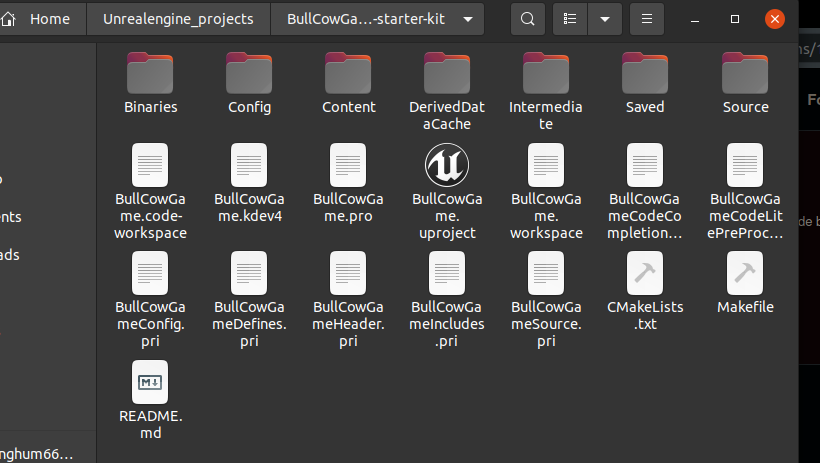
Go to the directory where you saved your bull and cow game in my case it is /home/sukhman/Unrealengine_projects/BullCowGame-starter-kit:
-
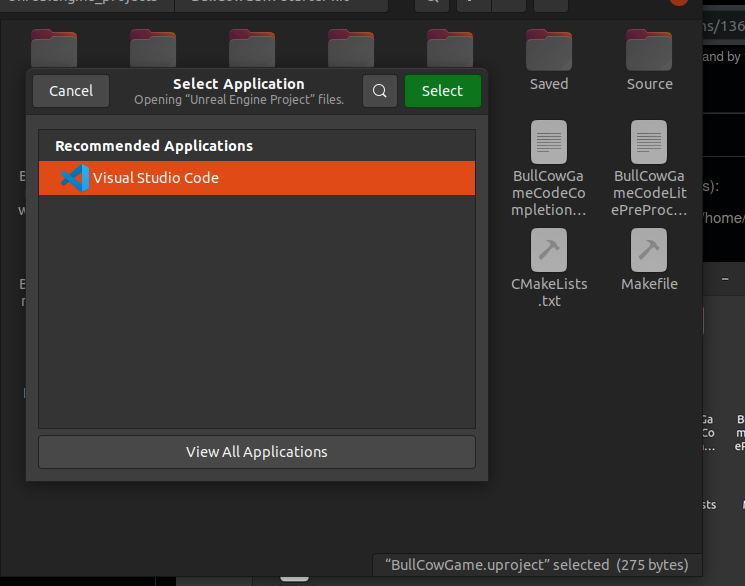
Open BullCowGame.uproject file in VScode by Right-clicking on it and then choose VScode from the list:
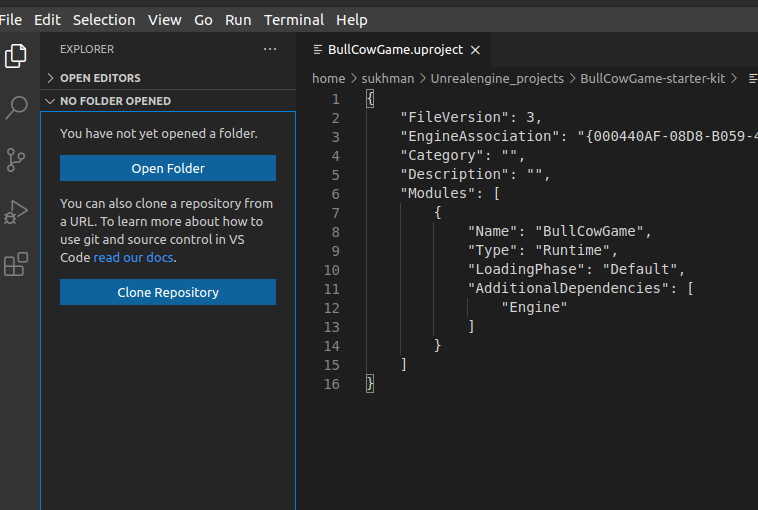
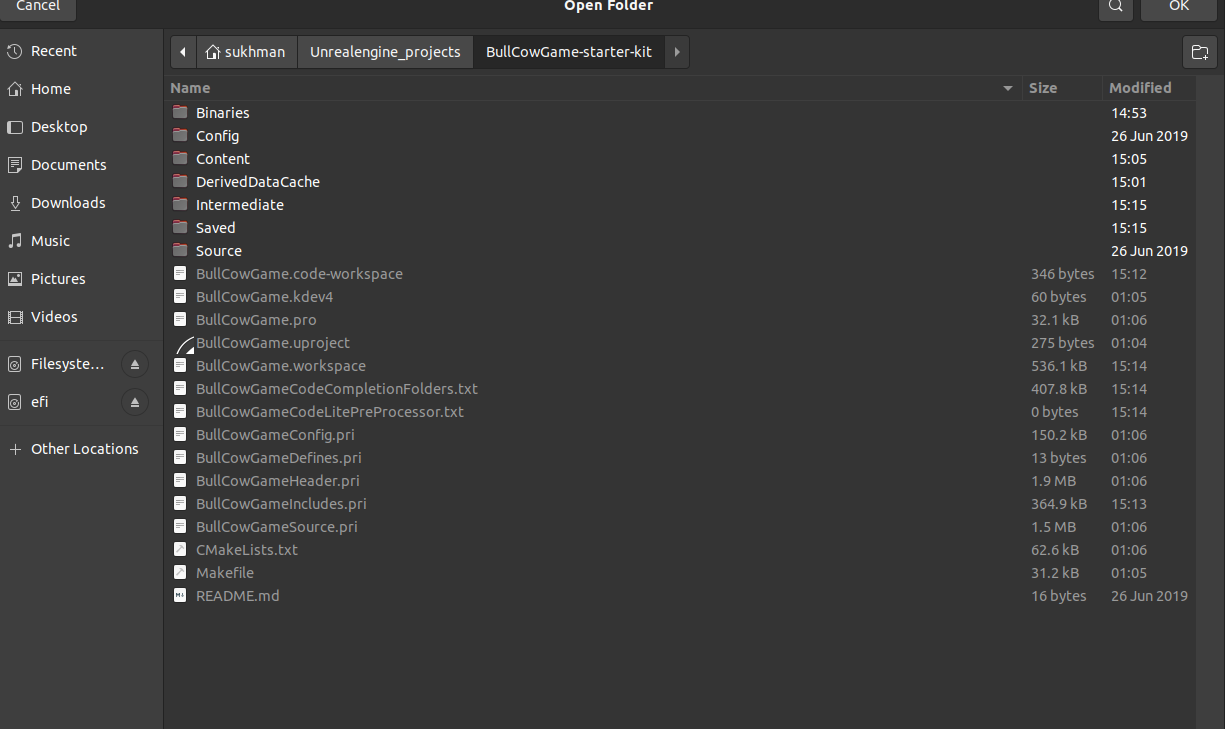
- When VScode will open,choose “open folder” from top-left corner to select the workspace and select the directory where you saved your BullCowGame.uroject
- Now press Ctrl+Shift+B and choose BullCowGameEditor Linex Development Build:
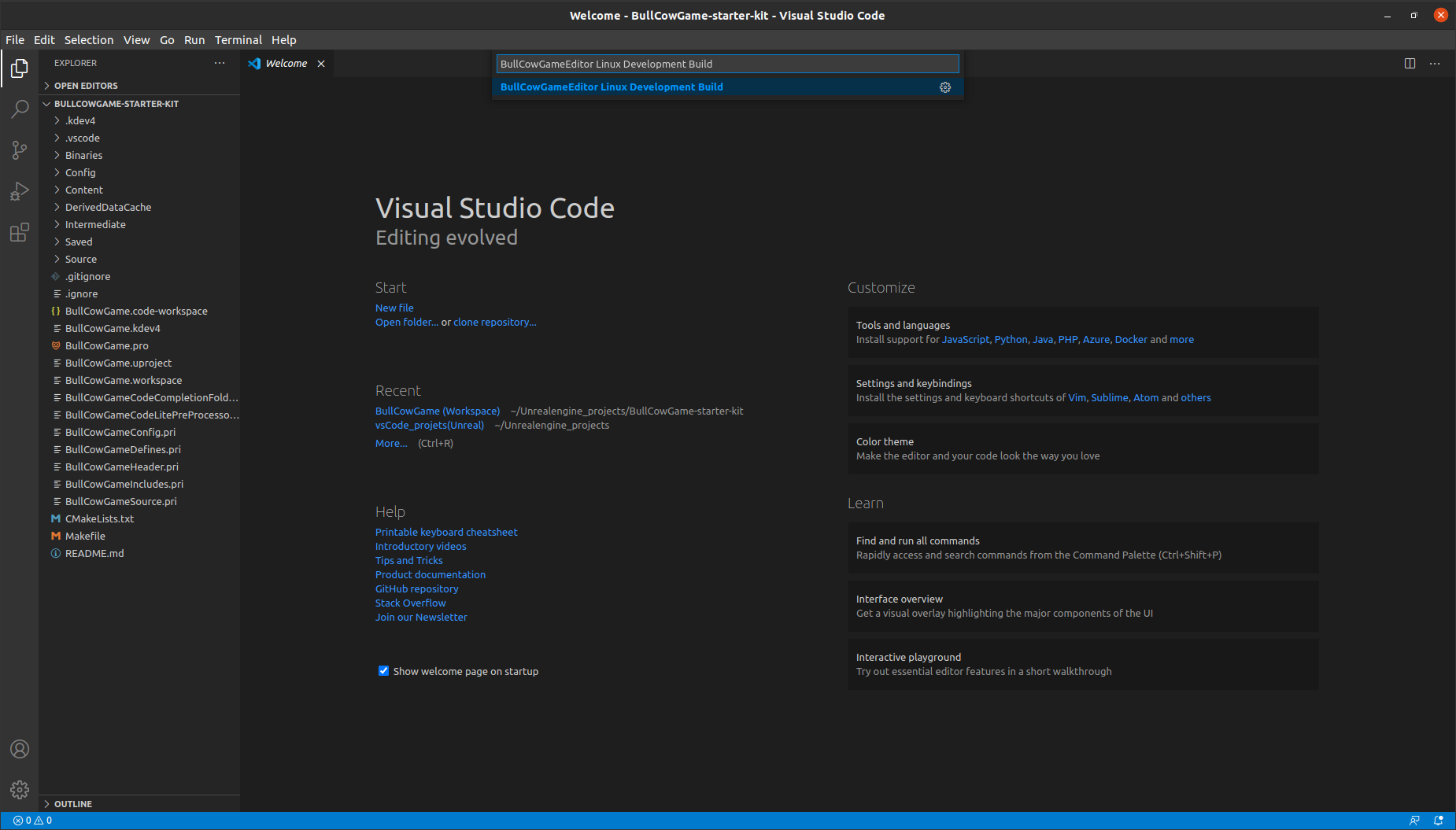
- After compilation is done, double click on your BullCowGame.uproject file in your file Manager to open it in Unreal Engine editor.
Hope this will be helpful