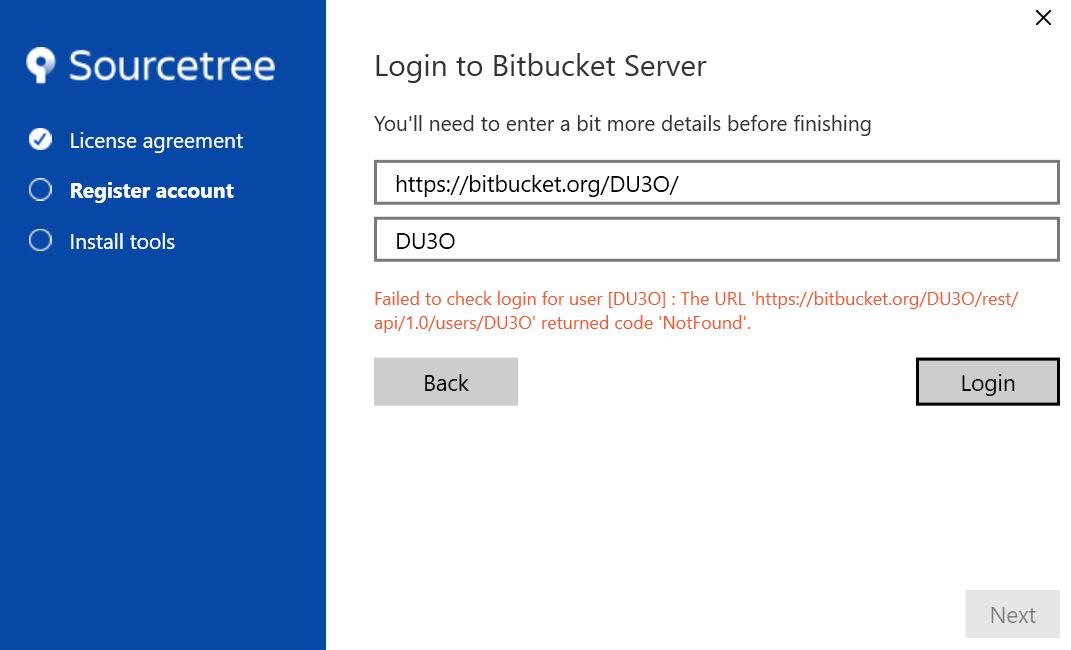
I have set up an account and repo with Bitbucket, and have installed SourceTree. However, during SourceTree installation setup I cannot login to my Bitbucket server.
For ROOT URL I am using https://bitbucket.org/DU3O/
For username I am using DU3O
The error I am getting is: Failed to check login for user [DU3O]: the URL ‘https://bitbucket.org/DU3O/rest/api/1.0/users/DU3O’ returned code ‘NotFound’
I have tried using my email address as my username, but in that case I get the error: Invalid URI: The hostname could not be parsed
You’re trying to log in right? Not trying to add a Repository. Could you send a screenshot of the step before this and of this step without any data written into the textboxes?
I had just installed SourceTree and was at the stage shown in the screenshot - trying to Login to my Bitbucket server. There are 2 options in Register account - Login with Bitbucket account or with Atlassian. I was trying with my Bitbucket.
I solved the issue by instead logging in with my Atlassian account, then adding my Bitbucket.