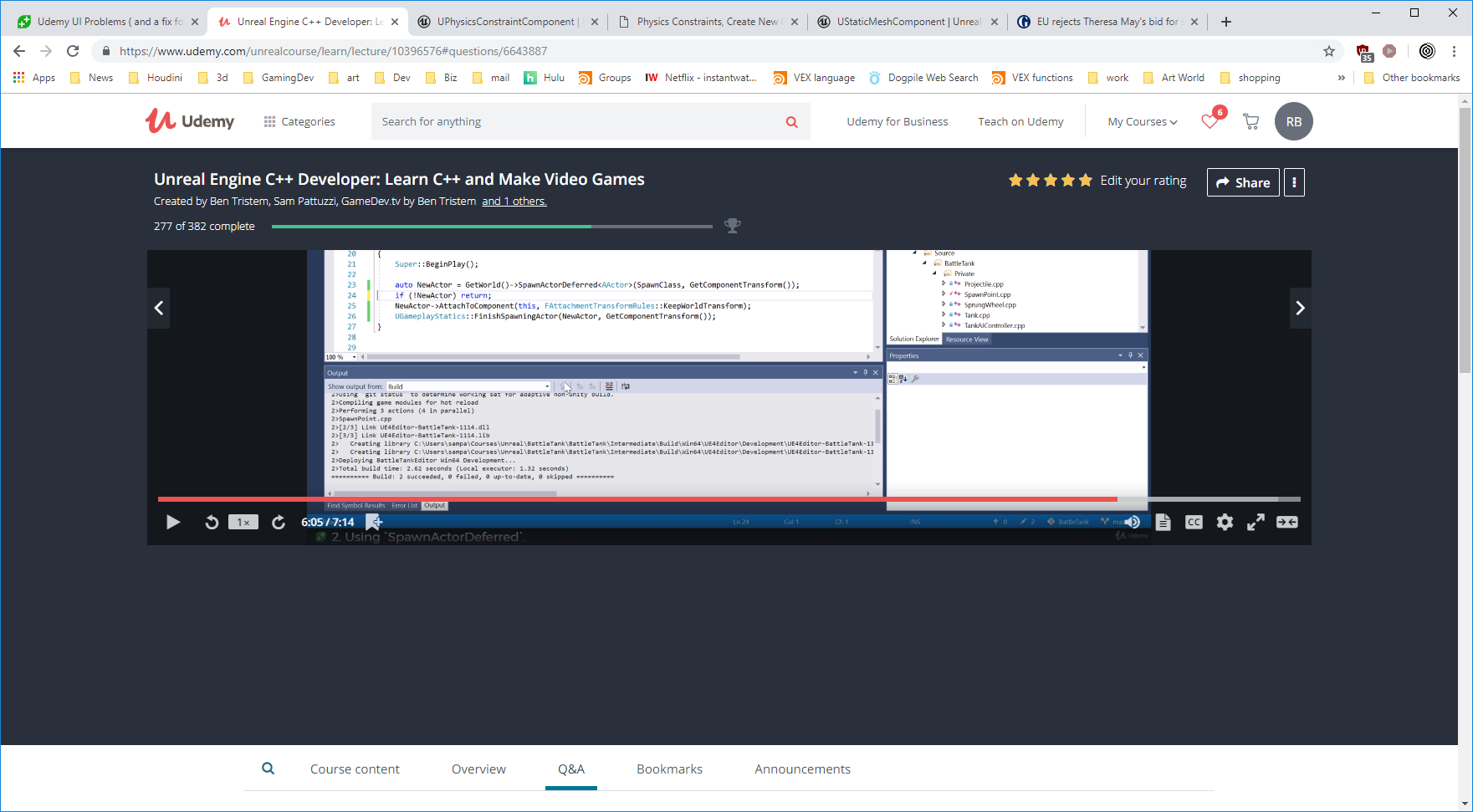
Anyone else totally dissatisfied with the “improved” UI at Udemy? Like how it wastes screen space to show you irrelevant information? Or makes it so you cannot read the transcript along with the video playing? Well it just keeps getting better. Today the videos stopped loading for me.
Here is why. They decided to change their server set up and now require third party cookies to be enabled (which I find odious). They said they did for enhanced security. I guess for theirs not ours as I disable third party cookies for that very reason! Their only solution was to enable all third party cookies, which is bs if you ask me, but there is another way.
This is the list of servers you need (at this point in time) to allow to leave cookies:
- [*.]udemy.com
- [*.]app.link
- [*.]udemycdn-a.com
with those “allowed” in (Chrome’s advanced) content settings>cookies the video works again while preventing any third party from plonking down whatever whenever… thanks Udemy!