I tried various ranges in the Limit X / Y / Z field, tried other rotation orders than default, etc.
Update
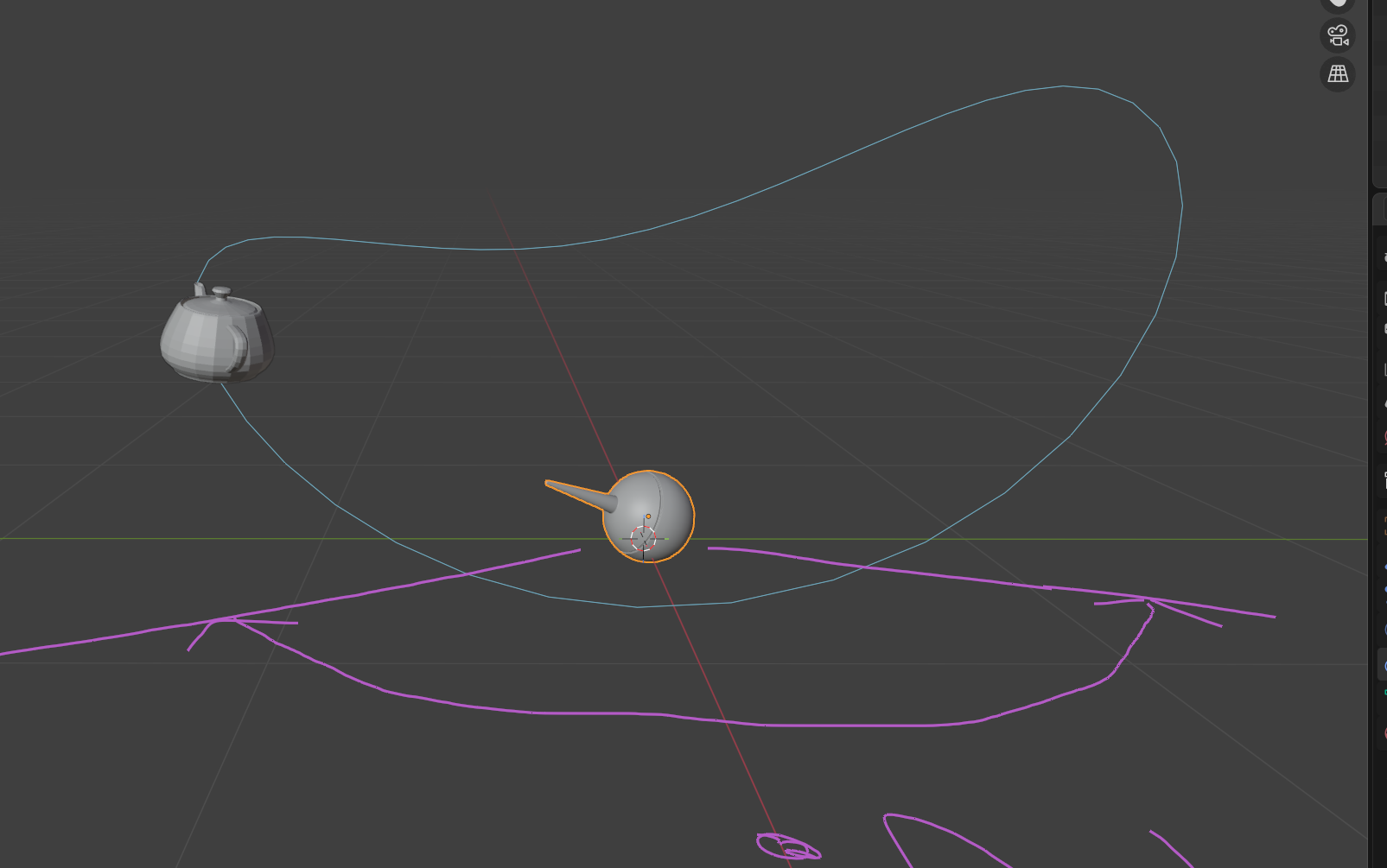
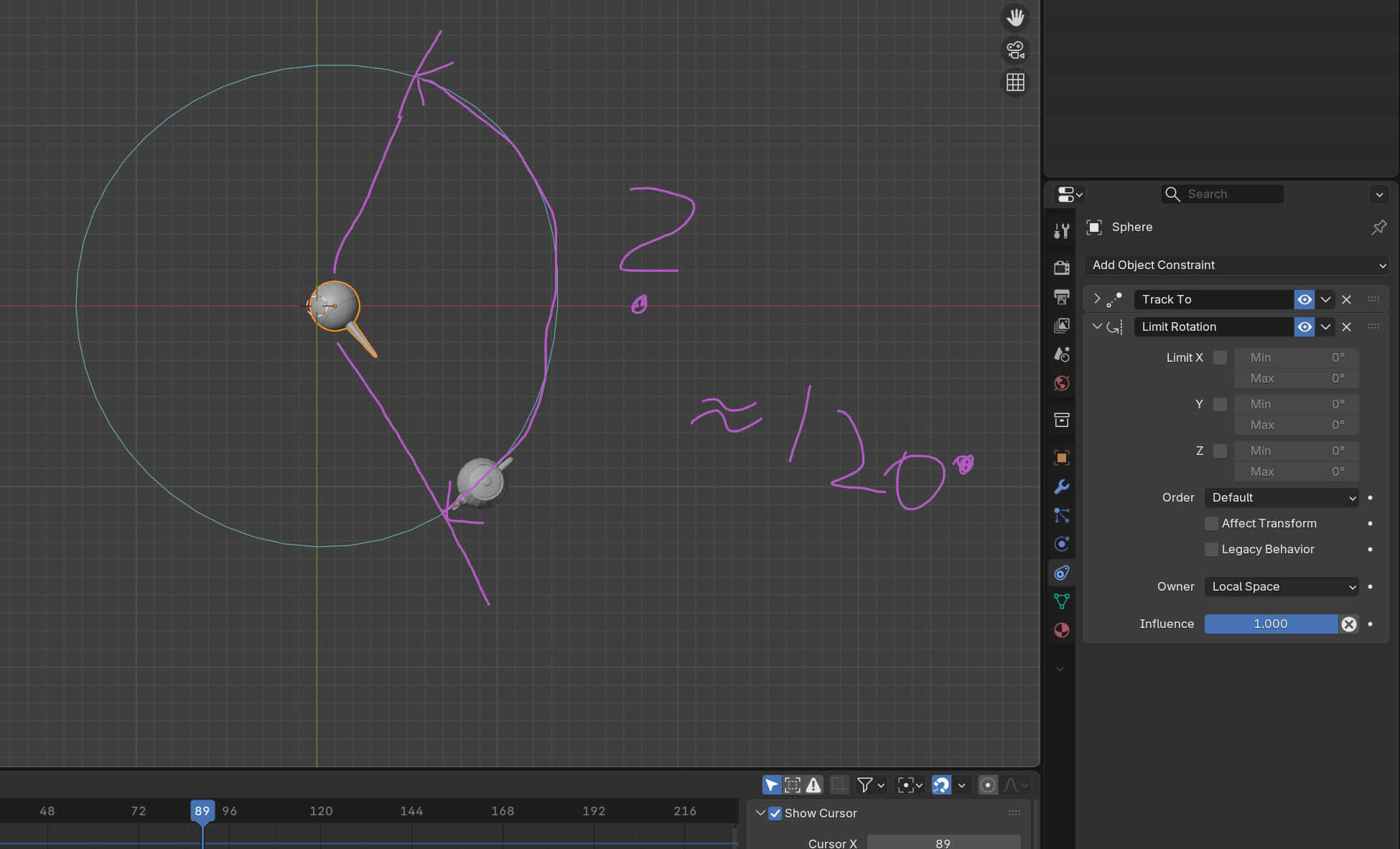
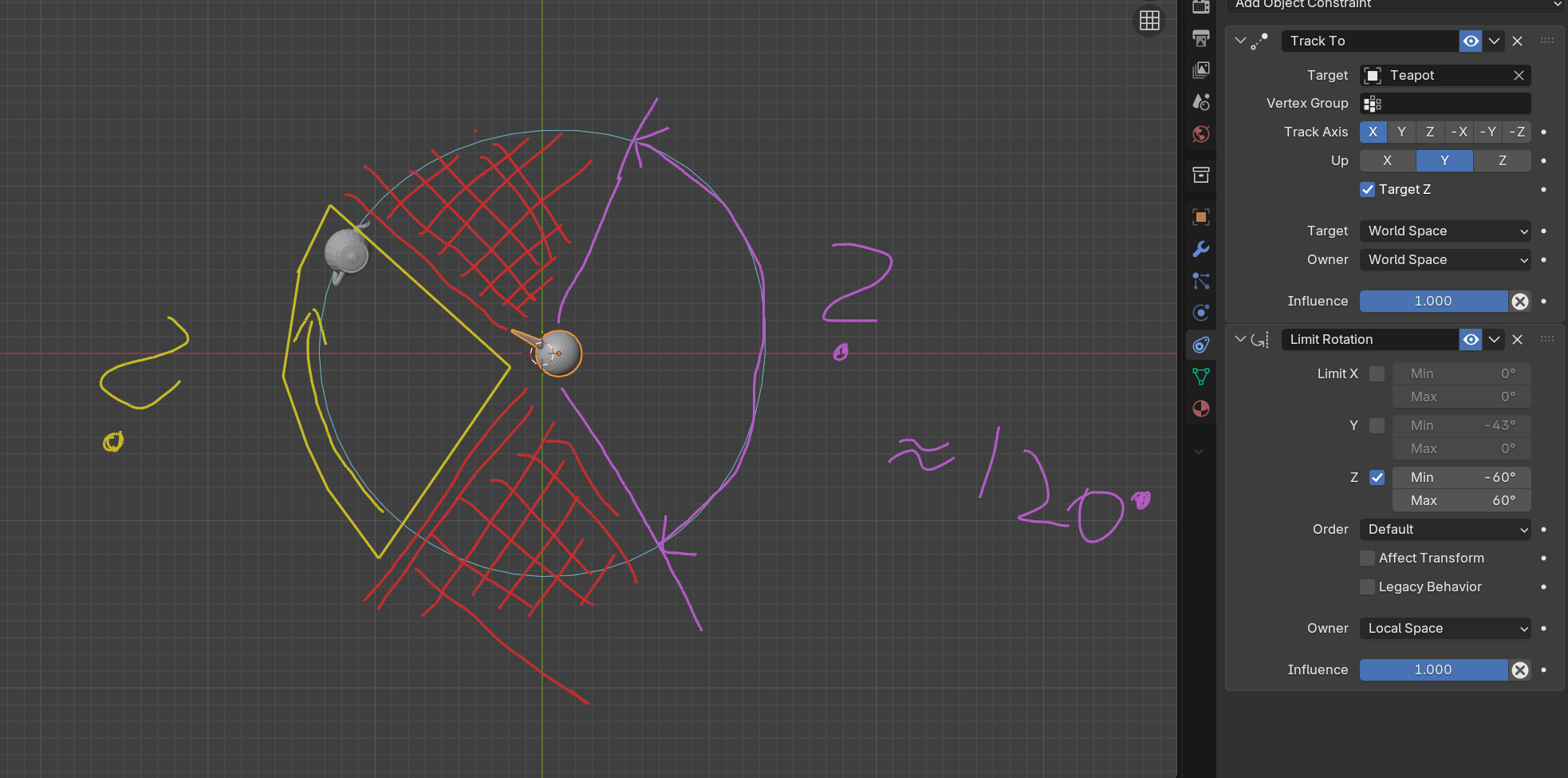
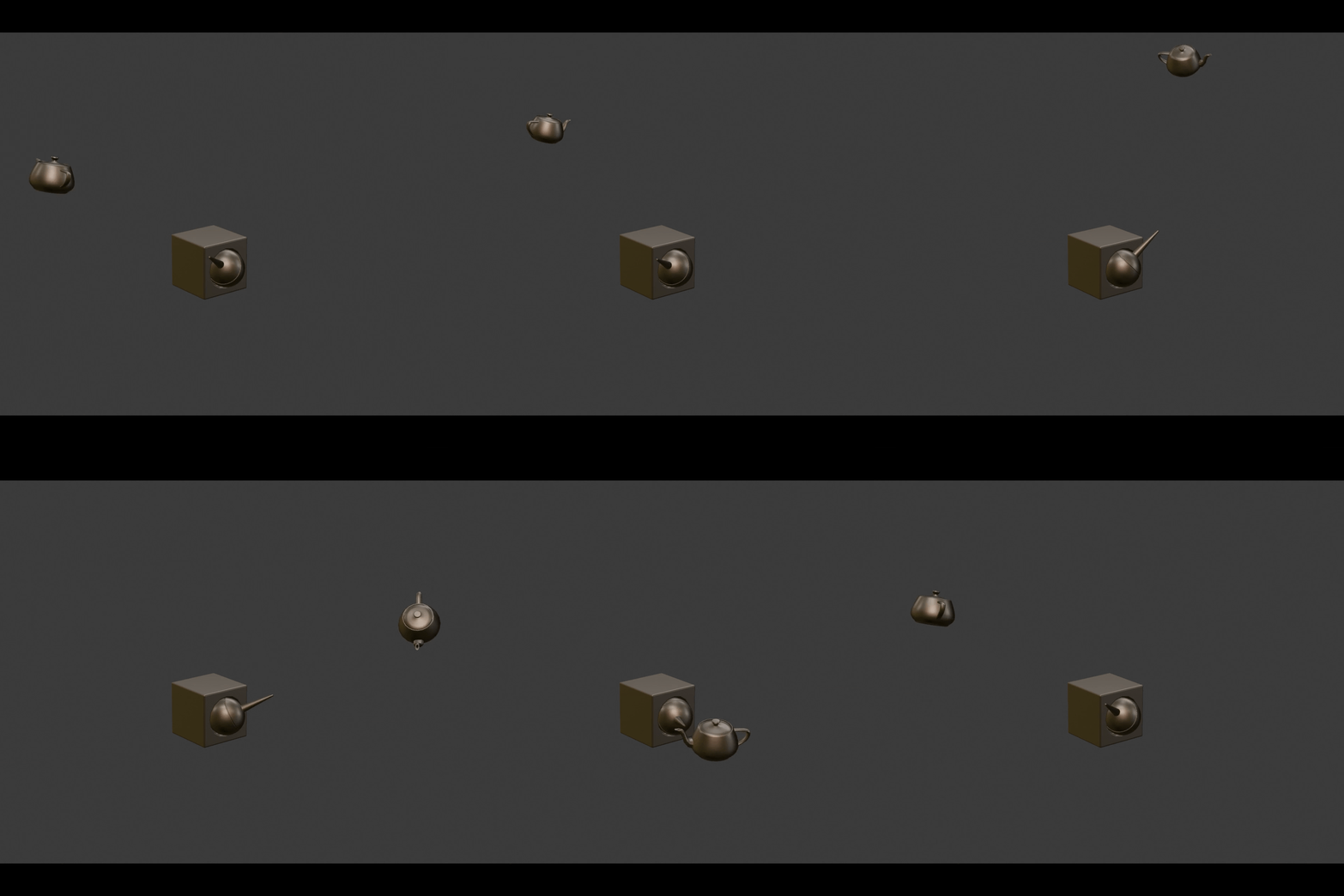
This happens. Having found a range that seems to work, the rotation stops. However, once the pot left the red zone, and enters either the purple or the yellow zone, the pot is tracked. I only want it to track the tea pot in the purple zone.
I’ve never done this before, but looking at your images, I have a feeling that when the tracked object goes out of bounds, the tracking influence is still at 100%, and that doesn’t feel right.
A few weeks back, I saw a video with a similar system where a smaller object was attached from one object to another, and during that process they adjusted the influence. So maybe you could try something similar here with the tracking, changing the influence when the pot enters and leaves the tracking range.
But like I said, I’ve never done this before, so this is just a guess.
Edit: Just got home, and tried to recreate everything from your images, and it worked on the first try. (Tracks in selected range and doesn’t if out of bounds). Maybe you misclicked something, or some other blender bug is happening. Also, I was wrong about influences in the first part of my answer
This is great - and concerning. Could you share what you built.
The example, I built from scratch, using the vanilla settings for the constrains. Not sure where else I could have messed up, beyond the default settings …
Hey, glad it works now. I tried to recreate it again, cause I didn’t save it last time, looks like I was too slow. Anyway, while doing it, I got the same situation you showed in the OG post, and I noticed I had the wrong axis selected. So maybe that was causing your tracking problem before, too.

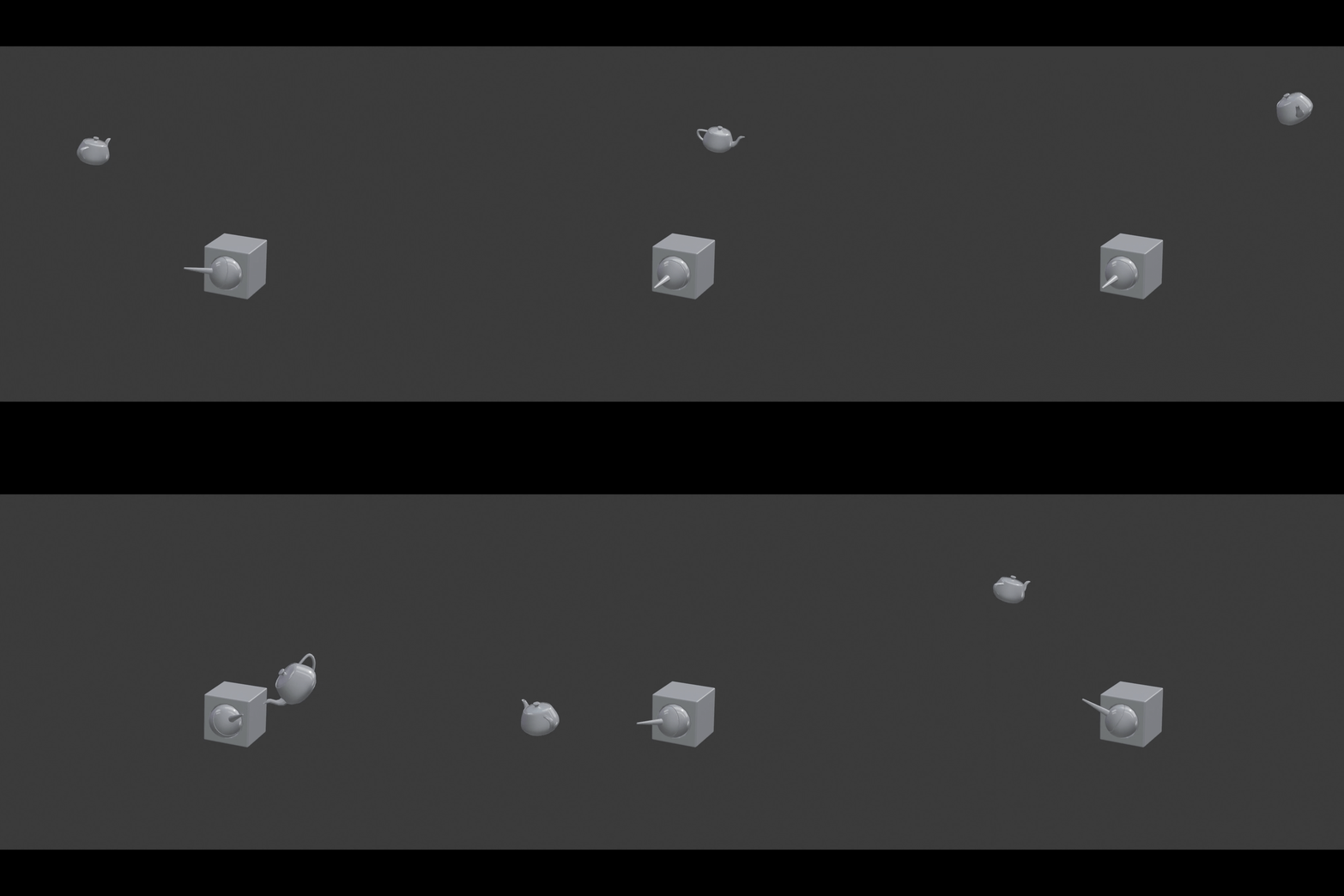
 Anyway, while doing it, I got the same situation you showed in the OG post, and I noticed I had the wrong axis selected. So maybe that was causing your tracking problem before, too.