Hi ! I have got an issue ! When I create a folder in the ToonTanks which name is GameModes . Editor show me a message : Successfully added class “TankGameModeBase” , however you must recompile the “ToonTanks” module before it will appear in the Content Browser . Failed to automatically hot reload the “ToonTanks” module.
So I recompile , but compile failed. And message log show me 
U:\Unreal Projects\ToonTanks\Source\ToonTanks\GameModes\TankGameModeBase.cpp(4): fatal error C1083: Cannot open include file : ‘GameModes/TankGameModeBase.h’ : No such file of directory .
How can i fix it???


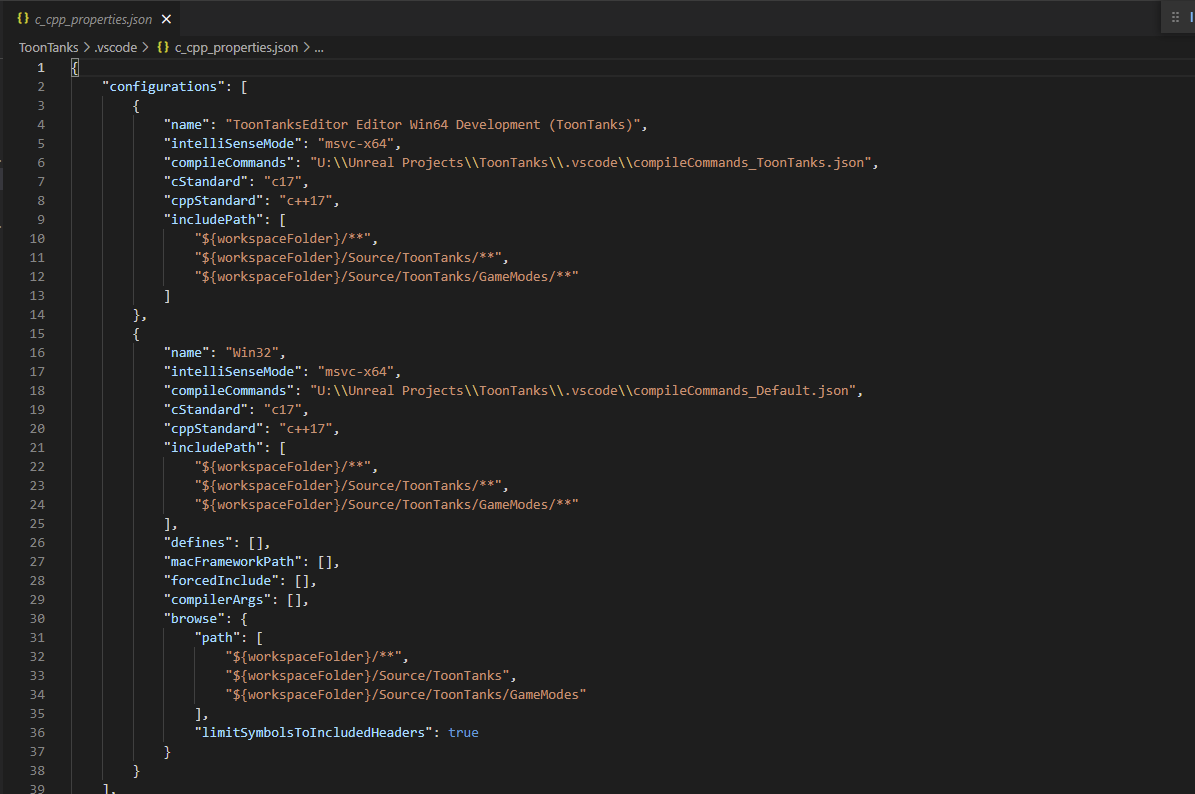
You need to add the name of your project in the TankGameModeBase.cpp in the #include “GameModes/TankGameModeBase.h”
like that:
#include ToonTanks/GameModes/TankGameModeBase.h
1 Like
Or as it’s in the same directory you can just do
#include "TankGameModeBase.h"
1 Like
This topic was automatically closed 24 hours after the last reply. New replies are no longer allowed.