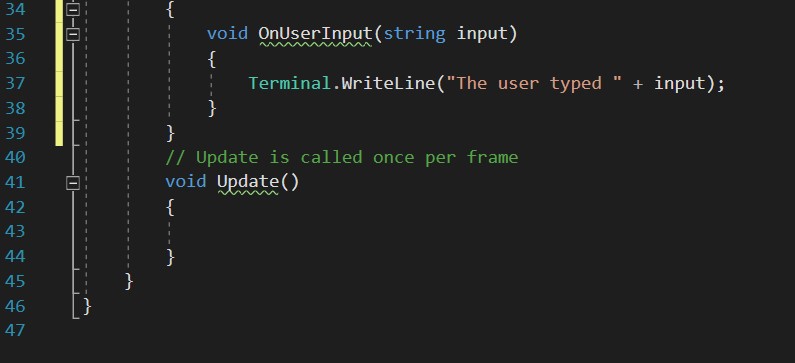
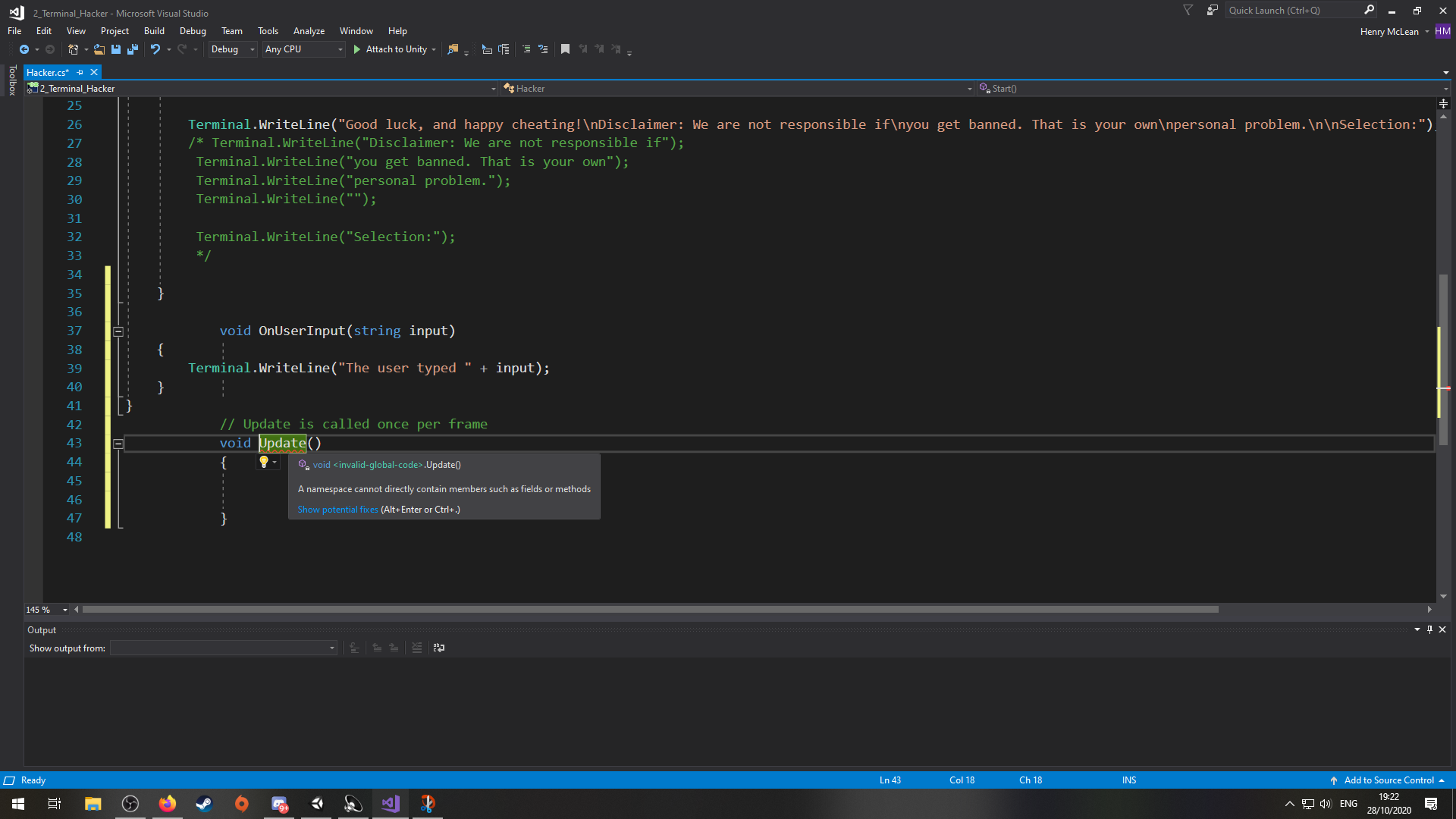
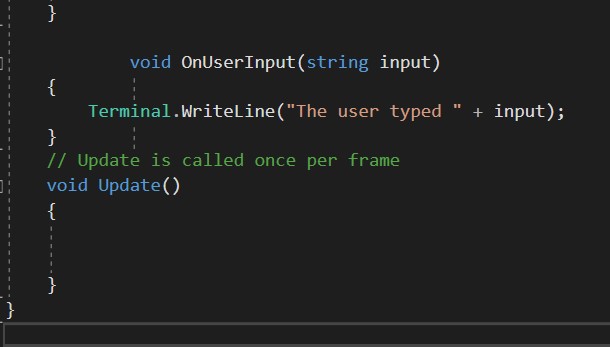
So I pasted the OnUserInput code into my code, and a red line appeared beneath it. When I clicked on it, it offered to update my language to at least version 7(?), and then when I clicked that, this happened. And the error is
“The local function ‘OnUserInput’ is declared but never used”
AND
“The local function ‘Update’ is declared but never used”
Everything was fine before, and visual studio was already fully up to date.
What is happening?
It looks like you’re declaring OnUserInput within some other body of code, cut and paste it outside the curly brackets with the Update method and see if that fixes your issue.
Can you explain what the problem was? Like why does it have to be inside certain brackets, when the guy in the video said it wasn’t important where it goes?
It’s because methods cannot exist on their own, they must exist within a class so that’s why it has to be within the first set of brackets the order of the methods is the part that doesn’t matter so you can define update, OnUserInput ect in what ever order you like, however you cannot define a method within a method, so you can’t define OnUserInput within Update. The curly brackets represent the body of a class, method or expression. I hope that helps clear things up!