Texture Issues in Render not visable in viewport

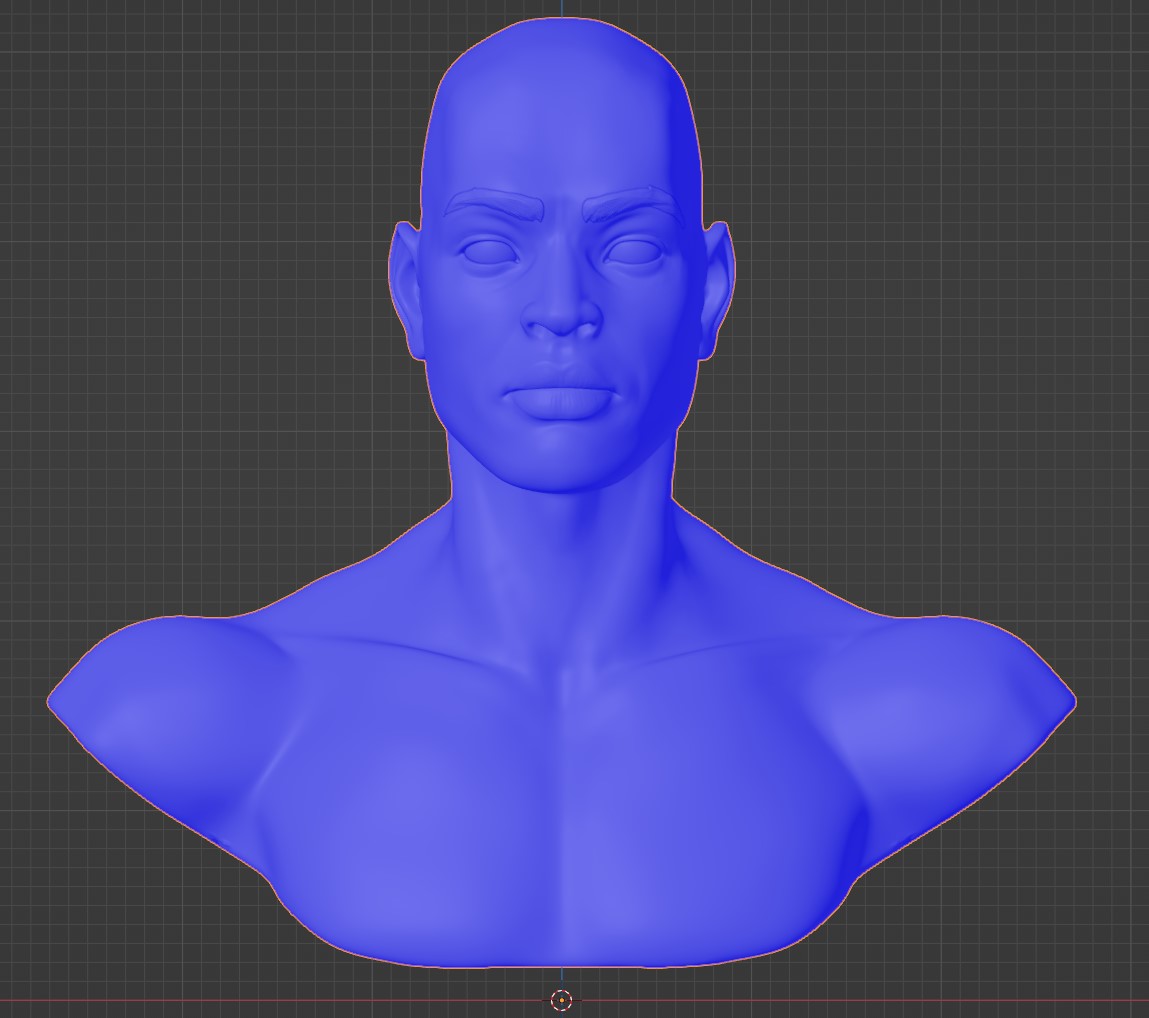
Hello, I am attempting to create a character bust however I’m having some issues after I applied the image color texture. The textures look relatively normal in the view port, but when i render it there are some weird issues.


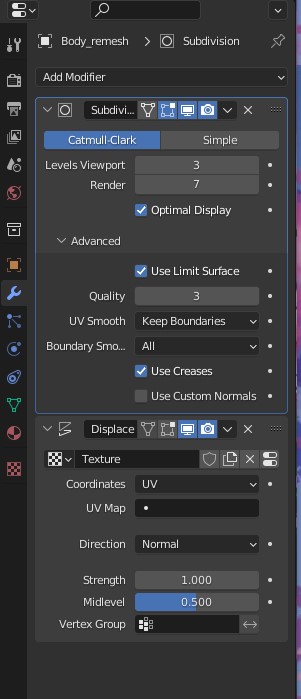
I’m using a displacement modifier instead of a displacement attached to the Principled BSDF. Not sure if that would create any issues?

1 Like

I suspect you need to check the normals direction.

Displacement is unlikely to be messed up in clear rectangular faces as this seems to be.
Though if you have a very fine skin texture to displace, it will need to be pretty highly subdivided to use it.

1 Like

The Normals seem to be correct and I have the subdivisions to 7 in the render as that’s as high as i subdivided when i was sculpting details. I am truly stumped.
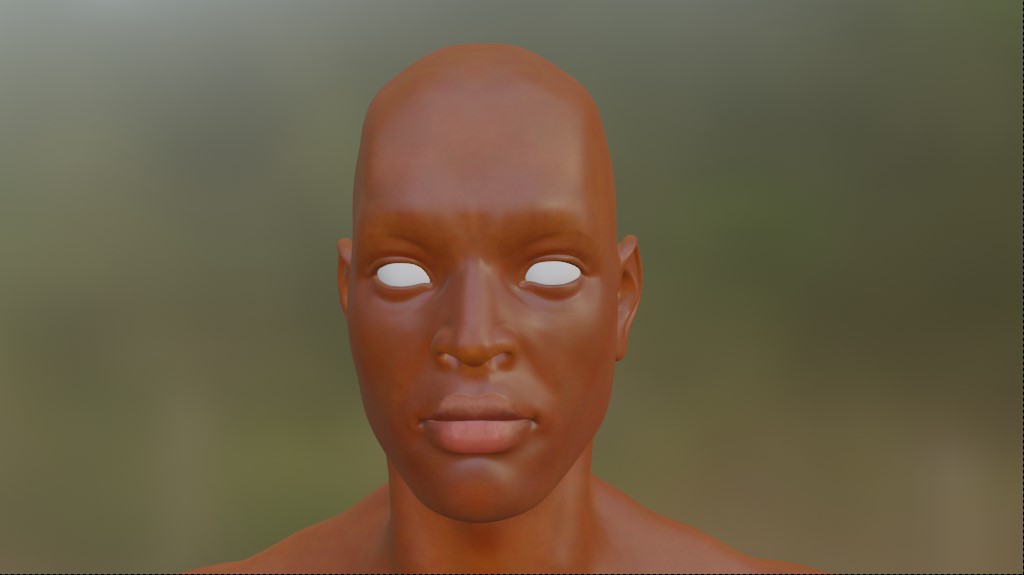
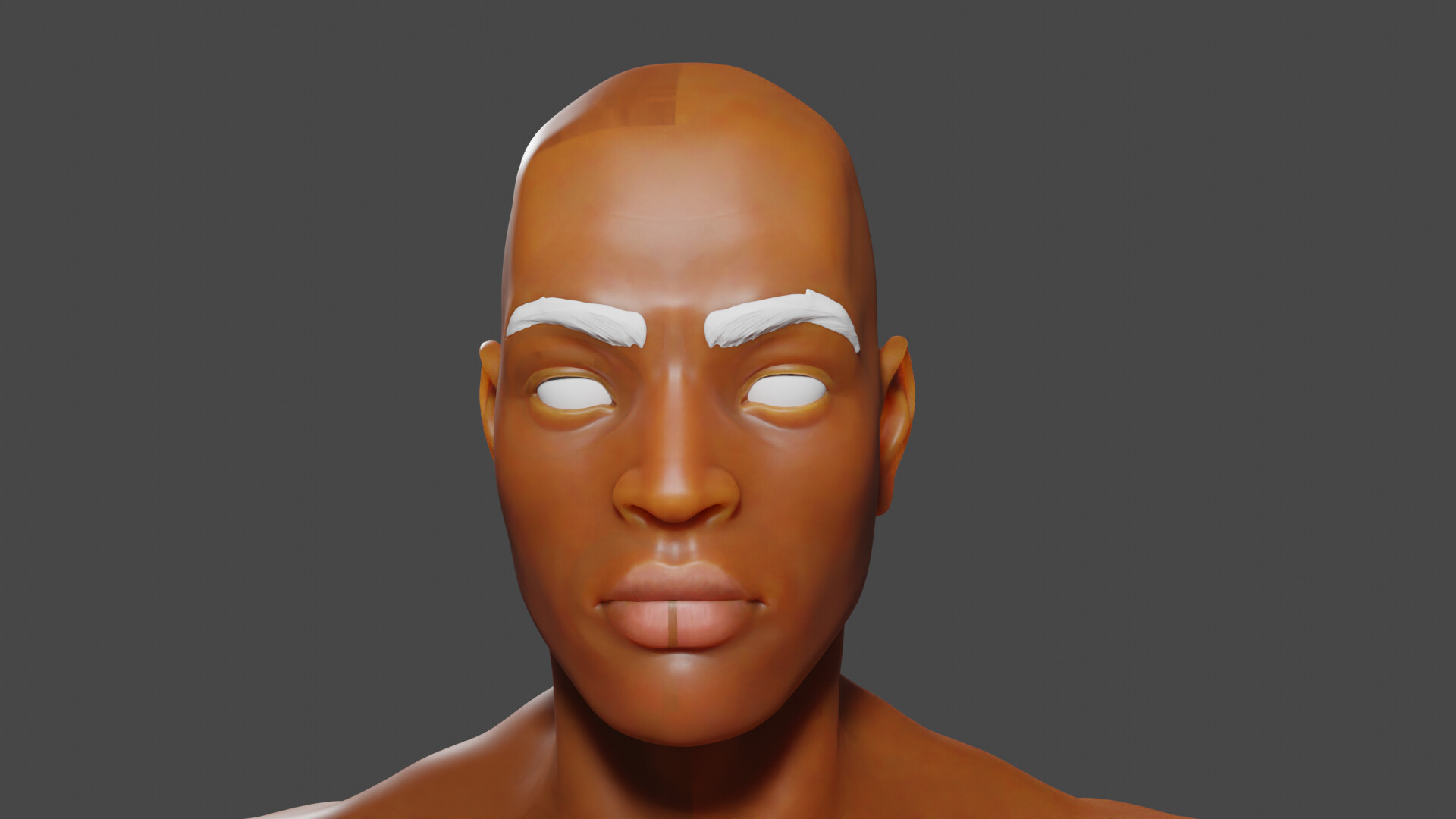
1 Like

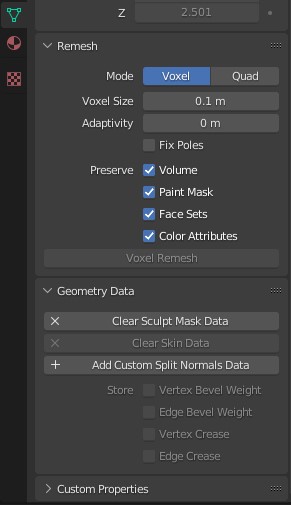
Ok check for custom normals. Mesh Object Data properties, Geometry data, ‘Clear Custom Split Normals’. If it is not there then it is not the problem.

1 Like


Is this correct?

2 Likes

Yes it would have been there if it was the issue.

Um…

1 Like
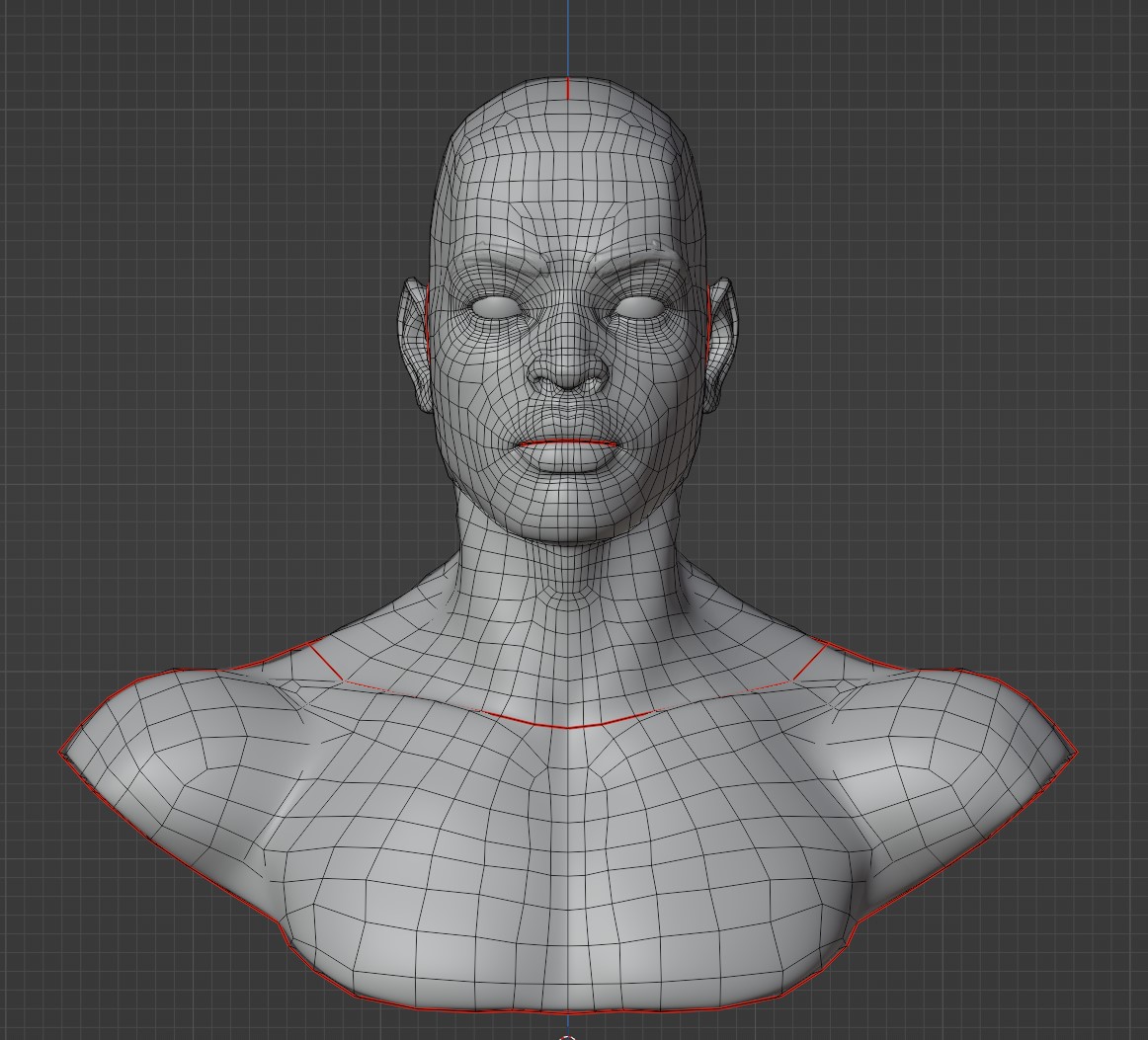
  • Are you sure your mirroring worked perfect?
  • Do you have double geometry - merge by distance?
  • Did you try to create a new .blend file and import the model?
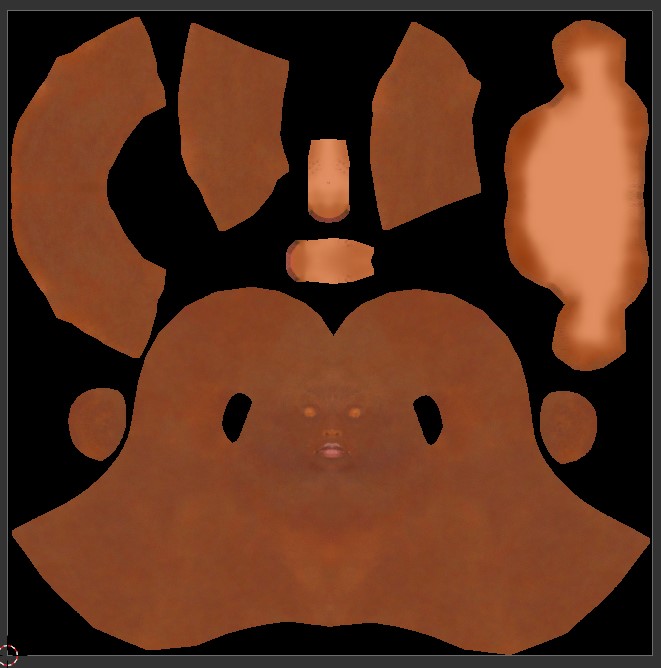
  • Check your UV-Unwrap, maybe parts are mirrored incorrectly (inside out)?
  • Do you render Eevee or Cycles?
1 Like