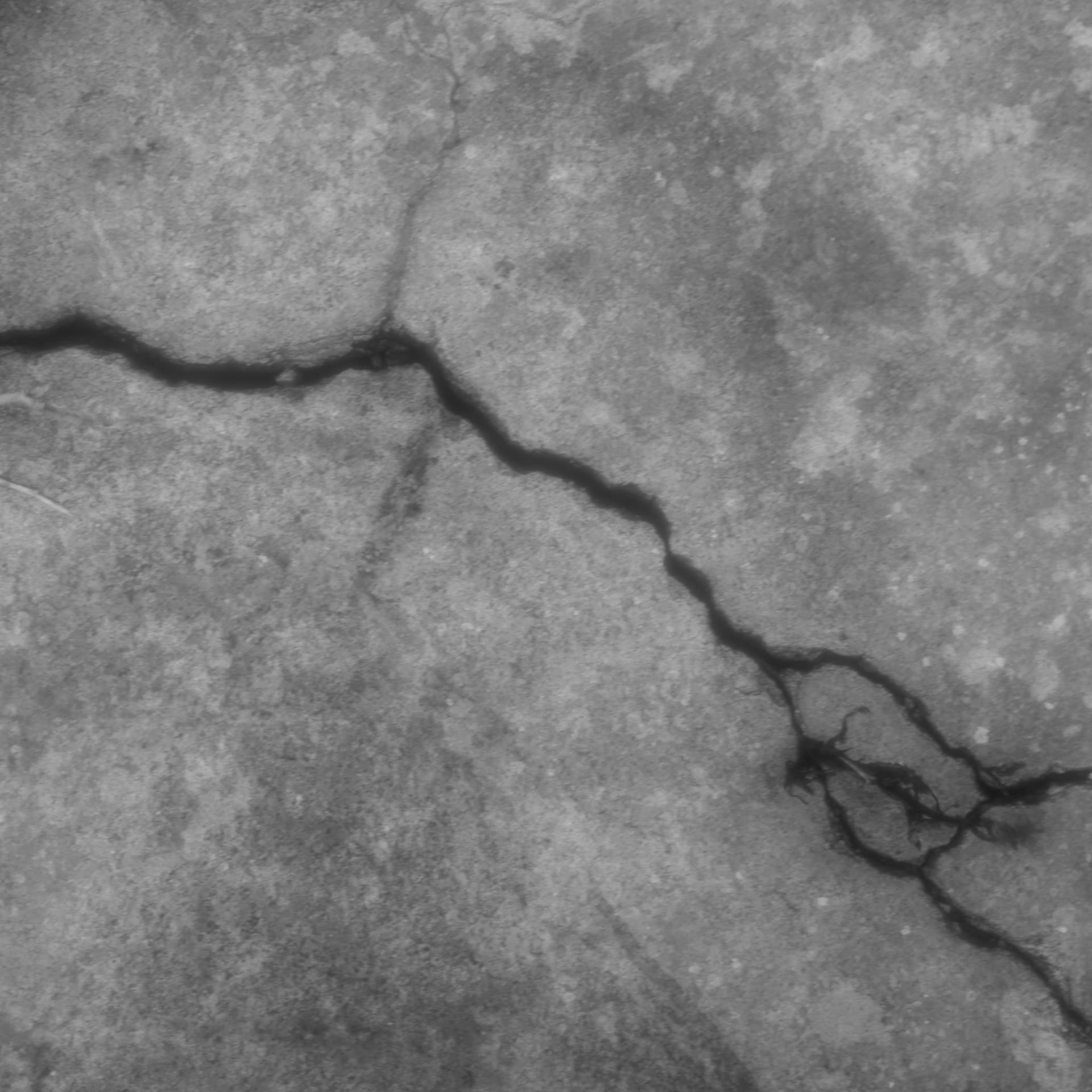
After retopologizing the model I was working on, I ended up with a low-polygon model. To make it even more detailed, I added multires to increase the polygon count resulting from subdivide. As a result, my model, which had 35k triangular surfaces, now had millions of surfaces. To add realism, I needed to add a few wounds. I used a texture for this, but for some reason, when we looked closely, it looked pixelated (2k resolution). Why is this? I created my model with Dyntopo (Dyntopo → Retopology → Multires → Add Detail).
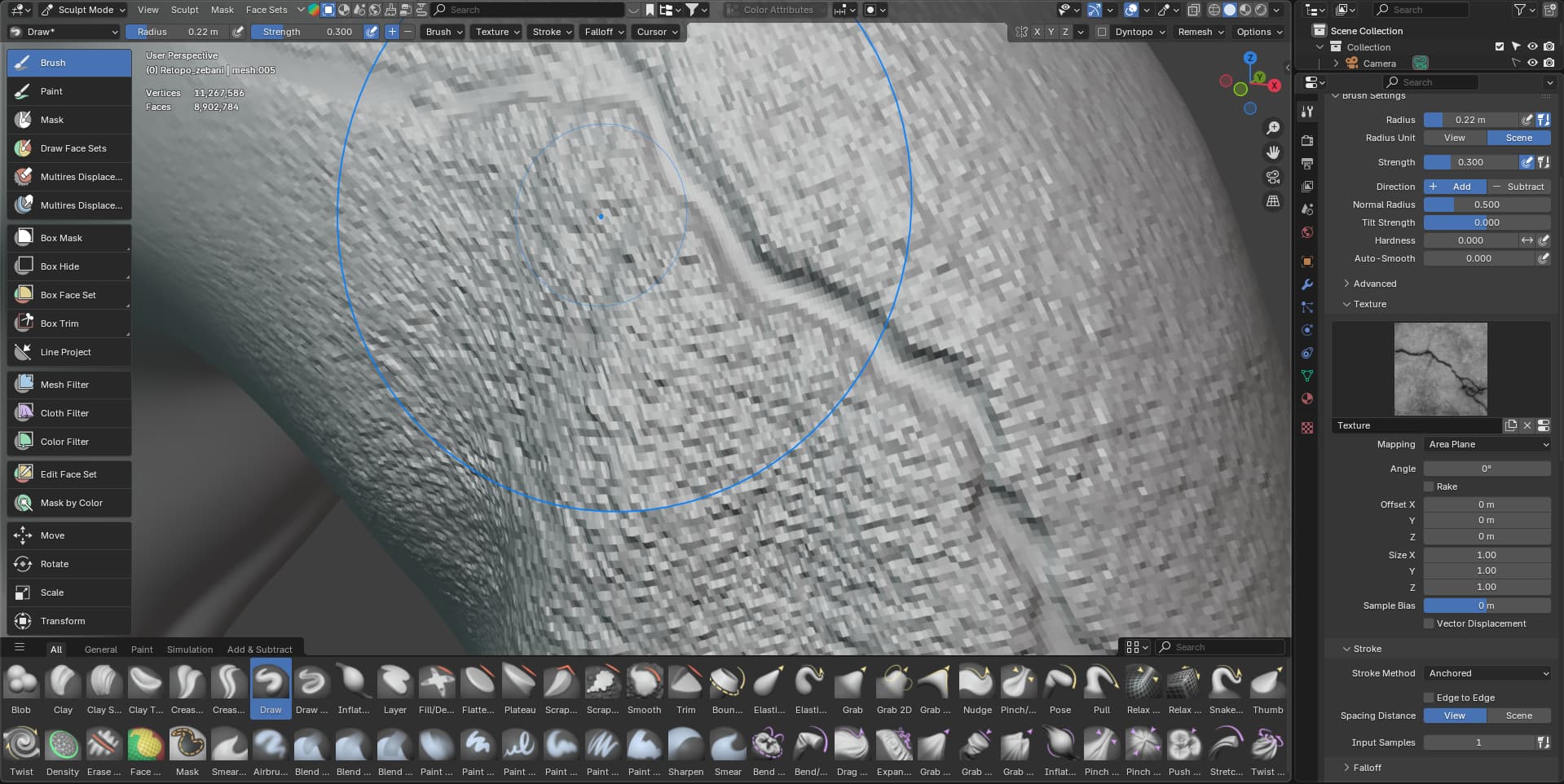
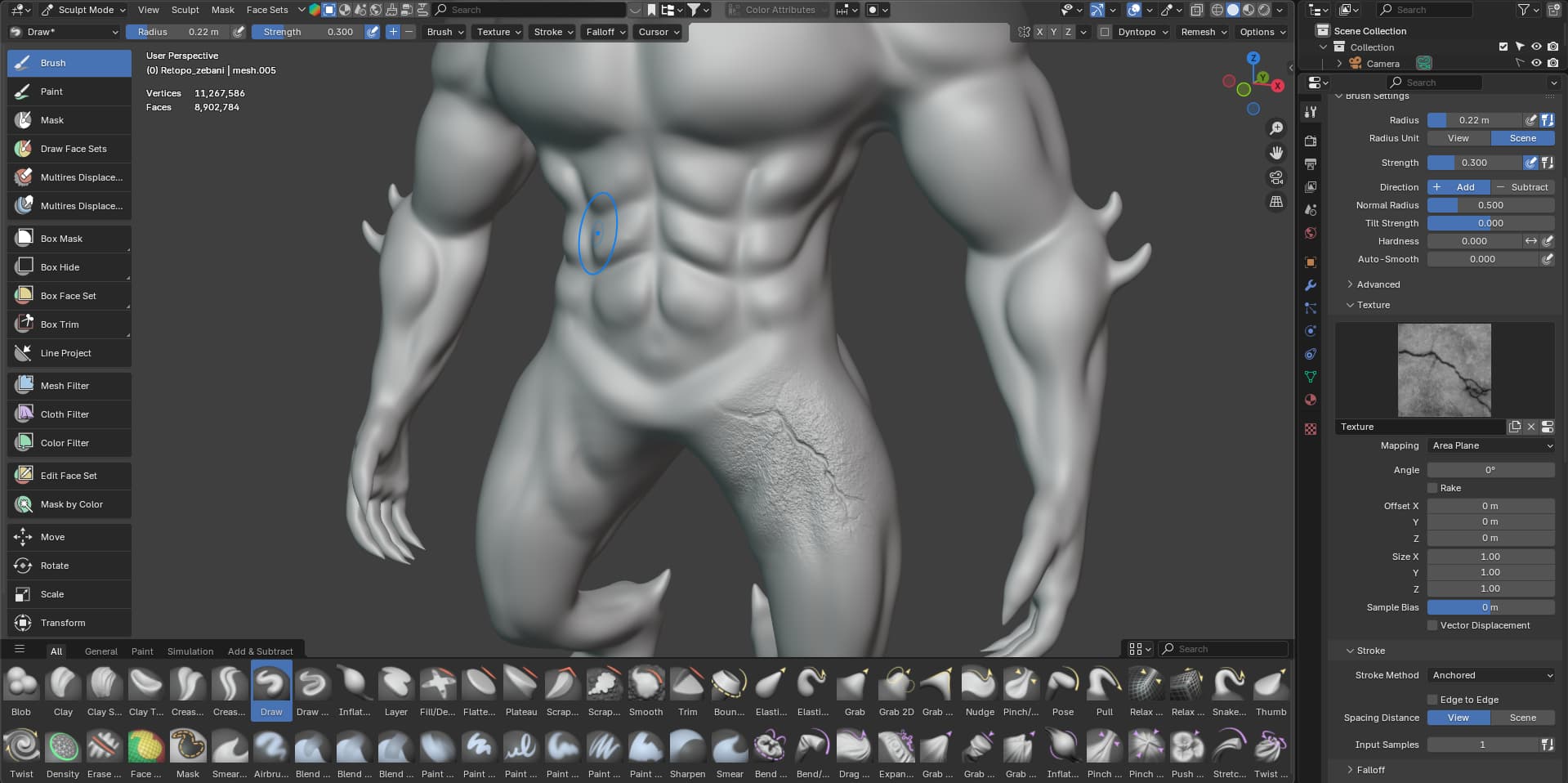
I think scaling of the bitmap (pixels) went wrong.
Save, then test a gentle smooth brushing. Might just be a smoothing issue. Image pixels may be that scale.
Other thing is does it matter? At the distance it is going to be used and seen.
Thank you. The texture is much better after the smoothing process. I didn’t normally experience this problem, but I think I’ve been doing something different lately and I’m missing something. So, I need to work on the smoothing again.
My character will be visible from a distance in the game, but I’m still not entirely happy with this error 