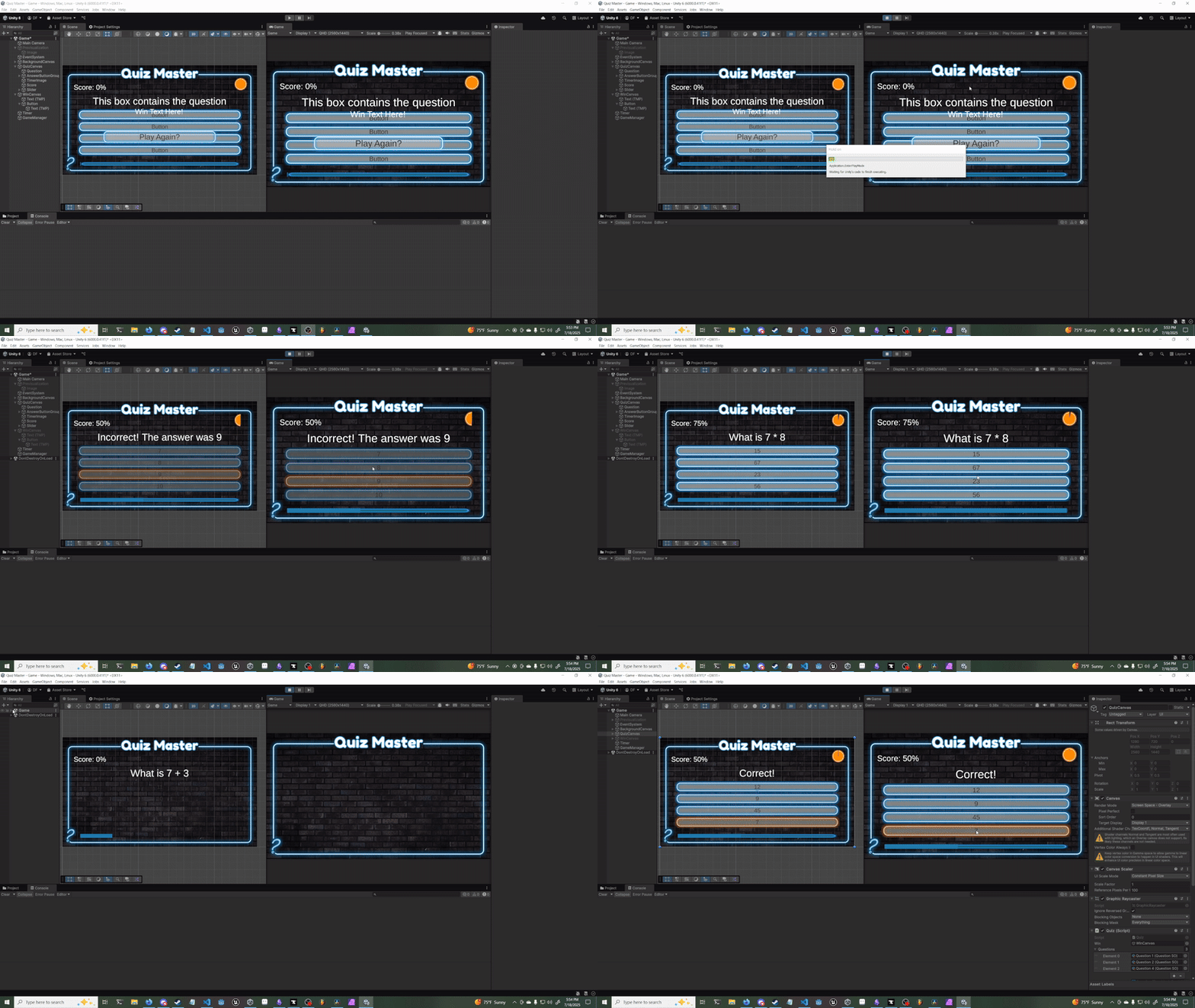
I had a strange issue when I clicked on the replay button in my game. The game reloads without any console errors but the entire QuizCanvas seems to not appear despite being active. The left window shows the game running as it should but the actual game view doesn’t show it at all. This seems to be corrected if I open QuizCanvas in the inspector and toggle the active checkbox on off and on.
That was version 6000.0.41f1. I already tried what you suggested but was met with the same problem. It’s odd that the inspector and scene tree state the QuizCanvas is active when it is not appearing in the game view.
Hey @danFeller - I can see its been a few days so hope you’ve already figured this one out.
Looking at the video I can see you have multiple canvases in the scene. I can also see that the QuizCanvas has a sort order of 0 which is the default.
As you want to ensure the QuizCanvas is always rendered over the BackgroundCanvas you should make sure the QuizCanvas’s sort order is higher than that of the BackgroundCanvas. https://docs.unity3d.com/6000.1/Documentation/ScriptReference/Canvas-sortingOrder.html