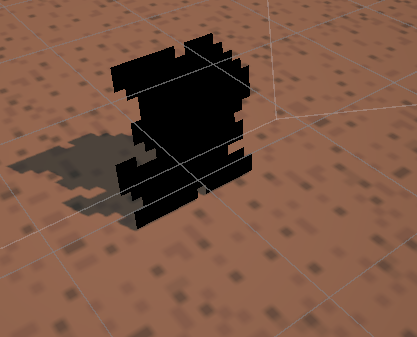
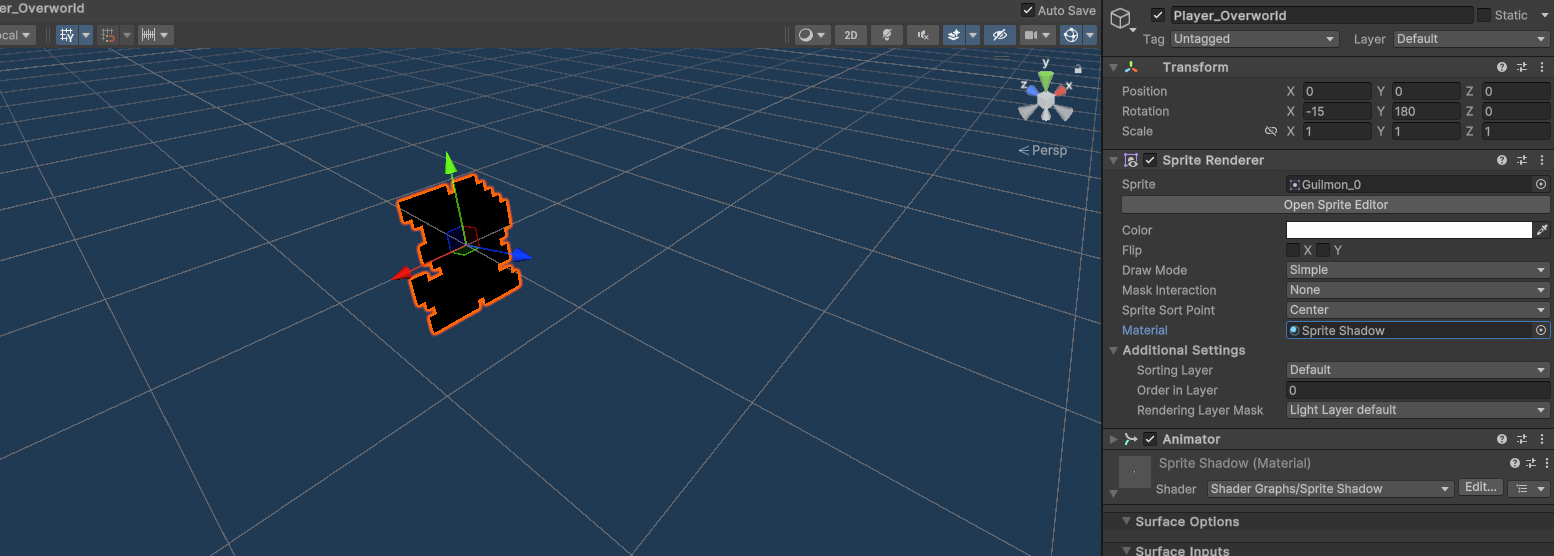
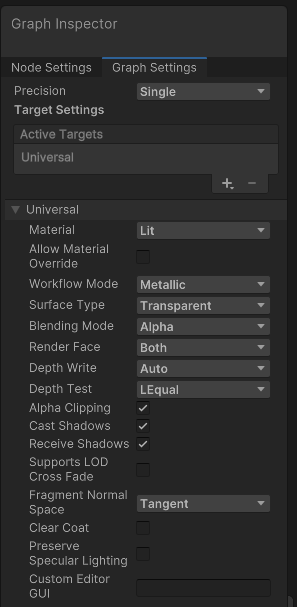
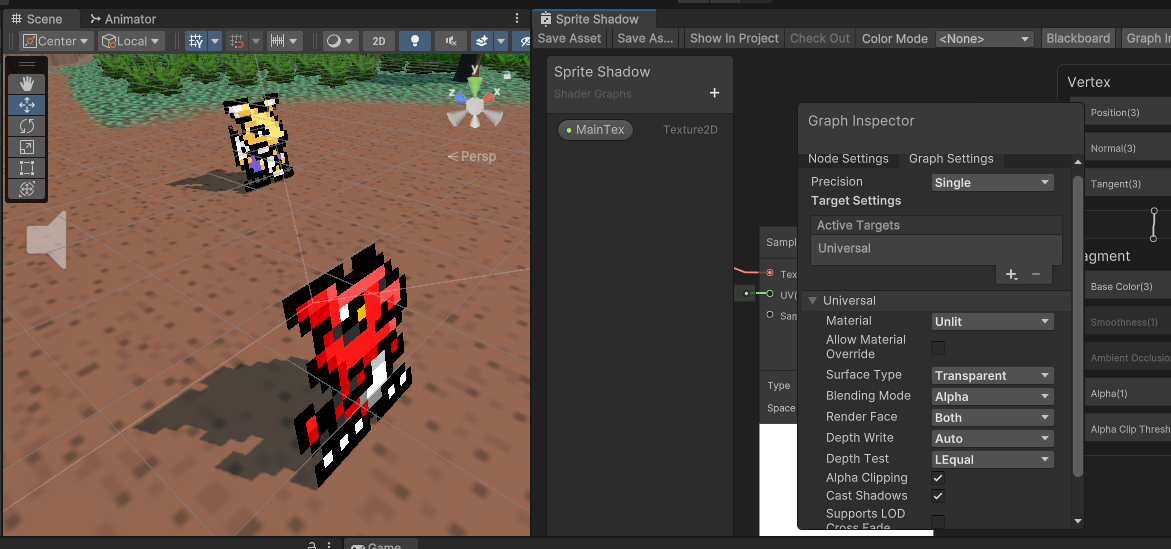
When adding the Shader material to my overworld sprites, it turns it into a completely black character. As you can see in the picture I have the shadow casting correctly in the shape of the sprite, yet it’s just all black. Is there something needed to be done to fix this?
Edit: I had the Material/Sprite Shadow set to Material and that was not the correct one. I changed to the right Sprite Shadow in the video yet that did not change anything.
It is casting the shadow, which would indicate that you did start with a 3d shader rather than a sprite shader.
Did you specifically start with the Lit like Chris did?
Is your Texture Parameter named MainTex (exactly!) with a reference of _MainTex? (It looks like it must be because it has the shape and alpha of your sprite correct
Interesting. I have no idea why it’s not working as Lit. Either the Lit or Unlit mode should work, because what we are effectively doing is tricking the engine into treating the sprite as a textured quad. The Video card can then calculate the shadow based on the transparency in the sprite. The difference between Lit and Unlit is that the Lit model calculates the color using the Base Color blended with the intensity and color of the light, while the Unlit model simply calculates the color using the Base Color. Since sprites are generally unlit to begin with, it shouldn’t be a problem to use Unlit instead of lit.
The only thing I can think of is that it may be a quirk of your particular video card, or just a random hiccup.