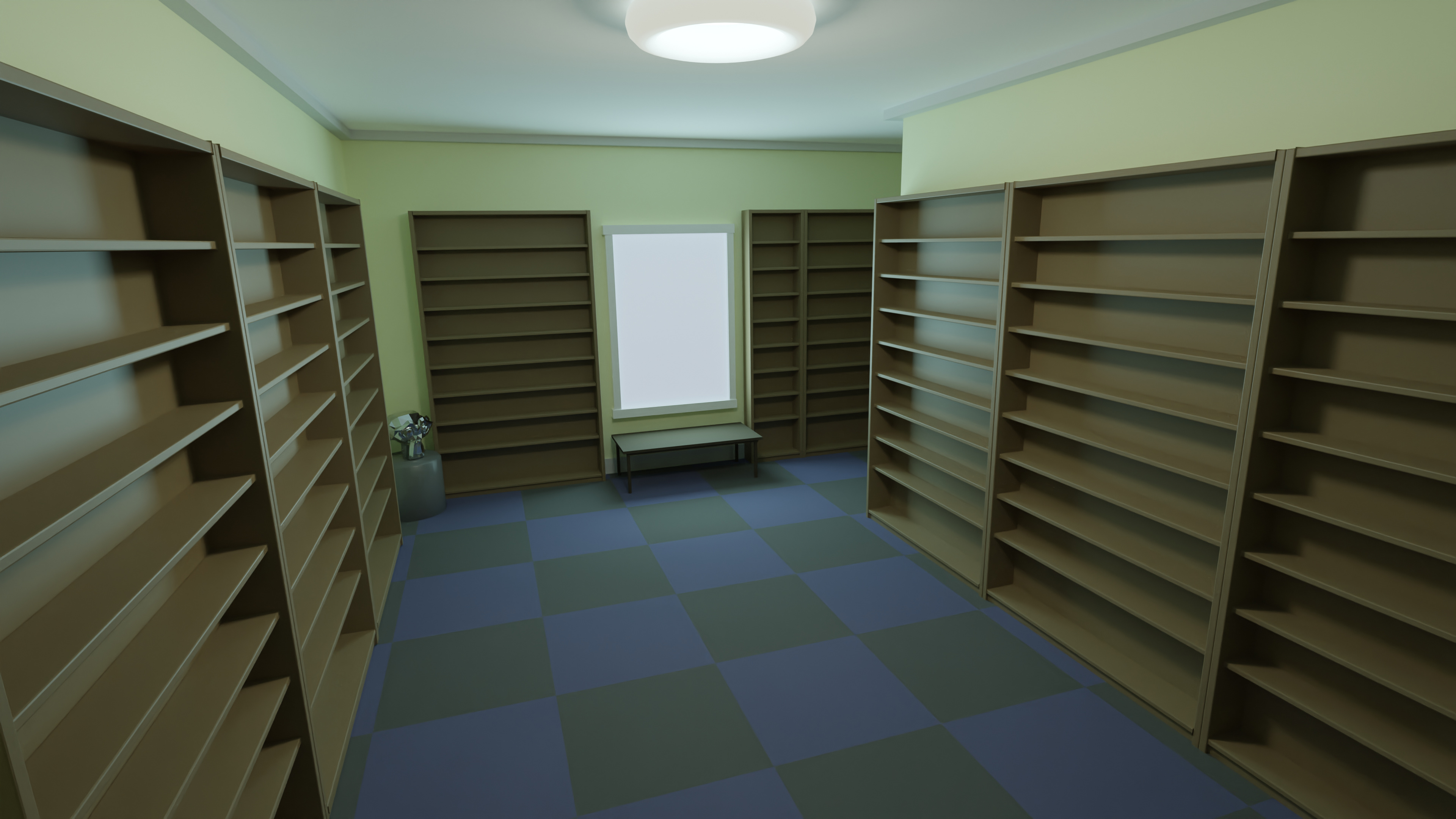
Rendered after completeing Section 1 Lesson 14 of " Complete Blender Creator: Learn 3D Modelling for Beginners"
So this is my first render in Blender I WAS going to populate the shelves with books but… well… im a lazy, lazy person and i suspect it will be much easier to do at a later date when im more familiar with the interface and shortcuts.
Things that i did that werent from this tutorial:
- I used cycles instead of Eevee, Im fortunate enough to have a pretty powerful PC so the render time wasnt an issue.
- added a bevel modifier on the edges of some of the surfaces
- Used an area light for the window rather than a point light to match the shape of the window.
- Tried to use Self Illuminated materials for the window and the light fitting (dont think its working as intended though.) Hopefully these will be covered in a later lesson so no too worried about those right now.