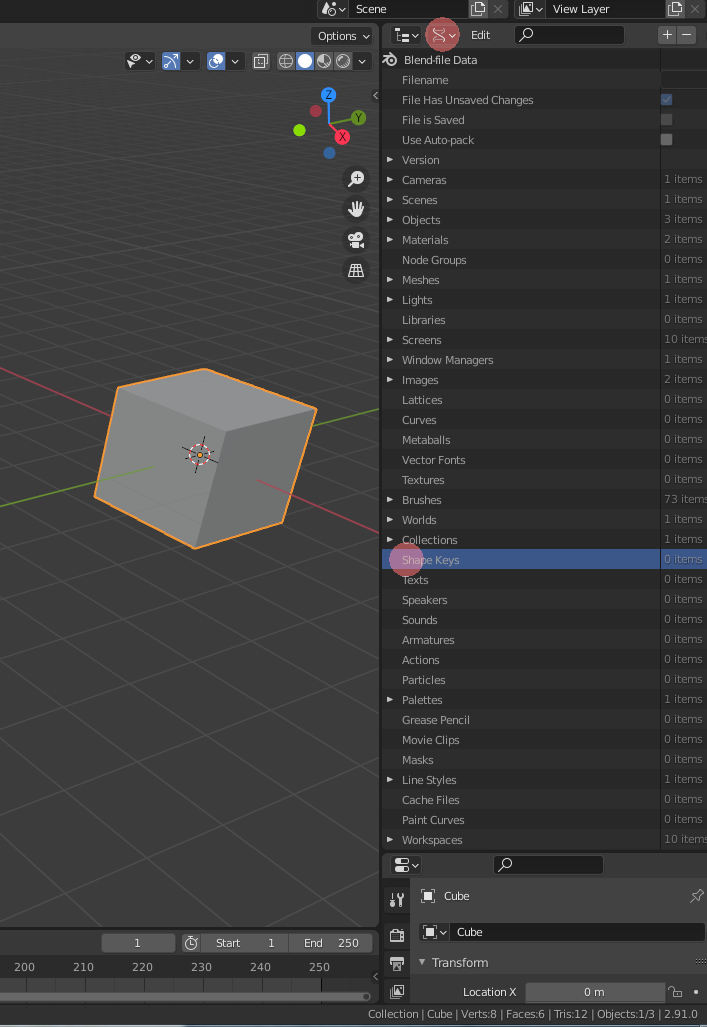
Finished the course but Im stump on shape keys recycling.
I imported some Warcraft models and using shape keys for the humans to talk, Problem is remaking the shape keys several times for each character with same mesh is exhausting. Is their a way to save the Shape key i made for their mouths and place it on another mesh to use?
So i dont have to make shape keys over and over?
Thanks!
Right now Im improving my blender skills before digging into character creation
Sorry no idea, never used them. It was not covered in the course, I often wonder if they might be of use someday. Might be someone else here has experience of them.
Shape keys are totally awesome, i did learn them off youtube unfortunately. But if game dev explained it, they wouldve done a better/complete job. Shape keys and drivers prevent your animation from pinching, making it more realistic. I’m still a noob with this sorta a thing but knowing it improves your animation
I don’t think you can re-use them, because shape keys are a set of vertices, with changing positions, for each of the vertices in the group. Copying them to another model means the individual vertices must have a relation (vertex ID’s models A and B).
The normal way to solve this (in every 3D package), is the use of an armature (bone system).
A Blender object has a lot of properties. Name, color, volume, dimensions, and vertex data. This data can be exchanged easily. For example, a low poly model data set vertices, can easily switch to another data set with another set of vertices. I do not know if this is explained in the new Complete Blender course.
Maybe this feature gives you access to the data exchange you need. But I think, copying (re-using) shape data (keys) is impossible.
Shape keys are very handy, I use them a lot to resize objects. So that I can have some variation in the scene. But with the introduction of geometric nodes, more (automation) can be done with objects. And maybe it solves you problems too
Thank you NP5 and FedPete. Ya the Complete blender does not cover it. Its more focused on teaching us modelling and has slight introduction on animation. for the Copying shape keys, Kinda felt the option was not their after clicking the down arrow for further options. I can see why people dislike rigging and prefer to model more. 7 more characters to go
 but Im stump on shape keys recycling.