hi,
I have a small problem, with serializefield, I couldn’t find this rule. which is the right way to do it?
hi,
I have a small problem, with serializefield, I couldn’t find this rule. which is the right way to do it?
Is there a particular reason you started the _speed variable with an underscore? I don’t remember the exact rule, but there are certain things that you cannot use to begin the name of a variable, in the same way that you cannot start a variable name with a digit/number.
Your error message states: "Name _speed does not match the rule. Suggested name is ‘speed’.
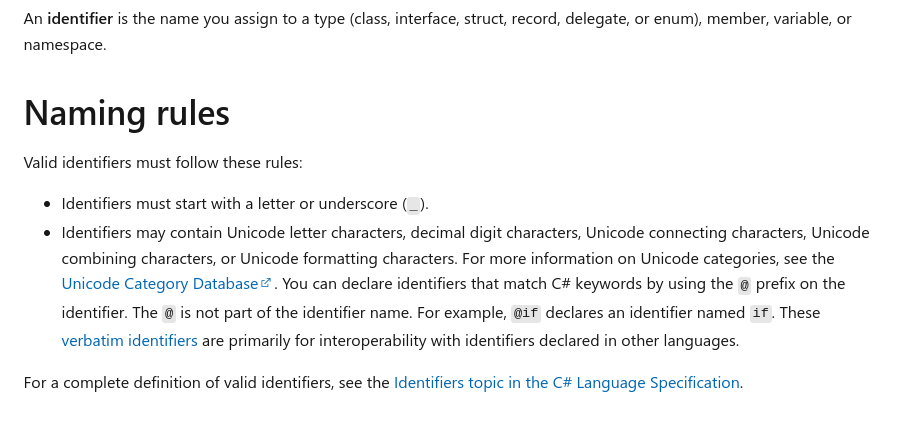
This doc suggests that it is okay to begin a variable with an underscore, but it looks like Unity doesn’t want to jam on that tune.
Unity is telling you how to correct the code.
Also, you probably don’t need an access modifier here.
To be specific - and please forgive me, I’ve been bouncing in and out of JavaScript land as well - I don’t believe I’ve ever seen an access modifier before a variable.
You would use ‘private’ with a class or a method, but variables are usually ‘scoped’ according to where they are in the code, so a ‘member variable’ is within the class, but not buried in a method. All objects and methods in the class would have access to it.
On the other hand, something like a counter variable, as in a for-loop, would be scoped to that loop, and would not be accessible outside that particular block of code. Ergo, no access modifier is used on the variable because of the rules of scoping.
Apparently, access modifiers can be used on all types, and they’ve pretty much done the same thing as you did in this example with private int _wheels = 3;
Not sure what the deal is exactly, but I would try simplifying it and writing it like:
[SerializeField] float speed = 4.0f;
See if that helps.
It might be some legacy Unity SOP playing in there. For some reason unknown to me, Unity coders seemed to be taught to use _beforeLocalScopeVariables so maybe there’s some code (maybe in some versions) that makes [SerializeField] incompatible with it. Dunno. Either way, OP probably shouldn’t be bucking camelcase standardization by using _ as a prefix to variables, no matter how legal it is within the c# language.
What Jay suggested is what you should do. Add private access modifier if your OCD requires but it’s unnecessary.
Are you using Rider IDE by any chance? If yes - I think you changed the default way Rider thinks you should code. You can find the settings here JetBrains Rider | Preferences | Editor | Code Style | C#
You can also take a look at this Unity Guidelines cheat-sheat
I’ll like to thank you all for helping me out. I also got a lot of good information. Thank you again.
Remember, that what your editor is trying to do is enforce a set of standards. It’s actually not mandatory that you follow camelCase, PascalCase, or _underscore variable names, but it is important to your sanity that you are consistent whichever way you go. Remember, also, that in a company environment, a company will often have an agreed upon set of rules for naming conventions. In these cases, you must follow the company’s guidelines. The guidelines are there so that everybody is on the same page when it comes to their code. It makes it easier for code review, it makes it easier for somebody to follow up and modify your code if needed.
I’m so curious now…the pic you show states something called ‘UpperCamelCase’, which I’m to understand is possibly normally referred to as ‘PascalCase’.
Is my understanding correct? I’ve never heard the term ‘UpperCamelCase’ before. This is a new one for me.
If you look at the image, those naming conventions are actually “examples” of what the text means ex: “UpperCamelCase” starts with an upper Letter “U”. I think they took those names (Upper/Lower) from Word. They also use the concept of Upper and lower case. My best guess … Upper/ Lower is more accessible to the average user than PascalCase… but don’t quote me on that 

That makes sense on all points:

This topic was automatically closed 24 hours after the last reply. New replies are no longer allowed.