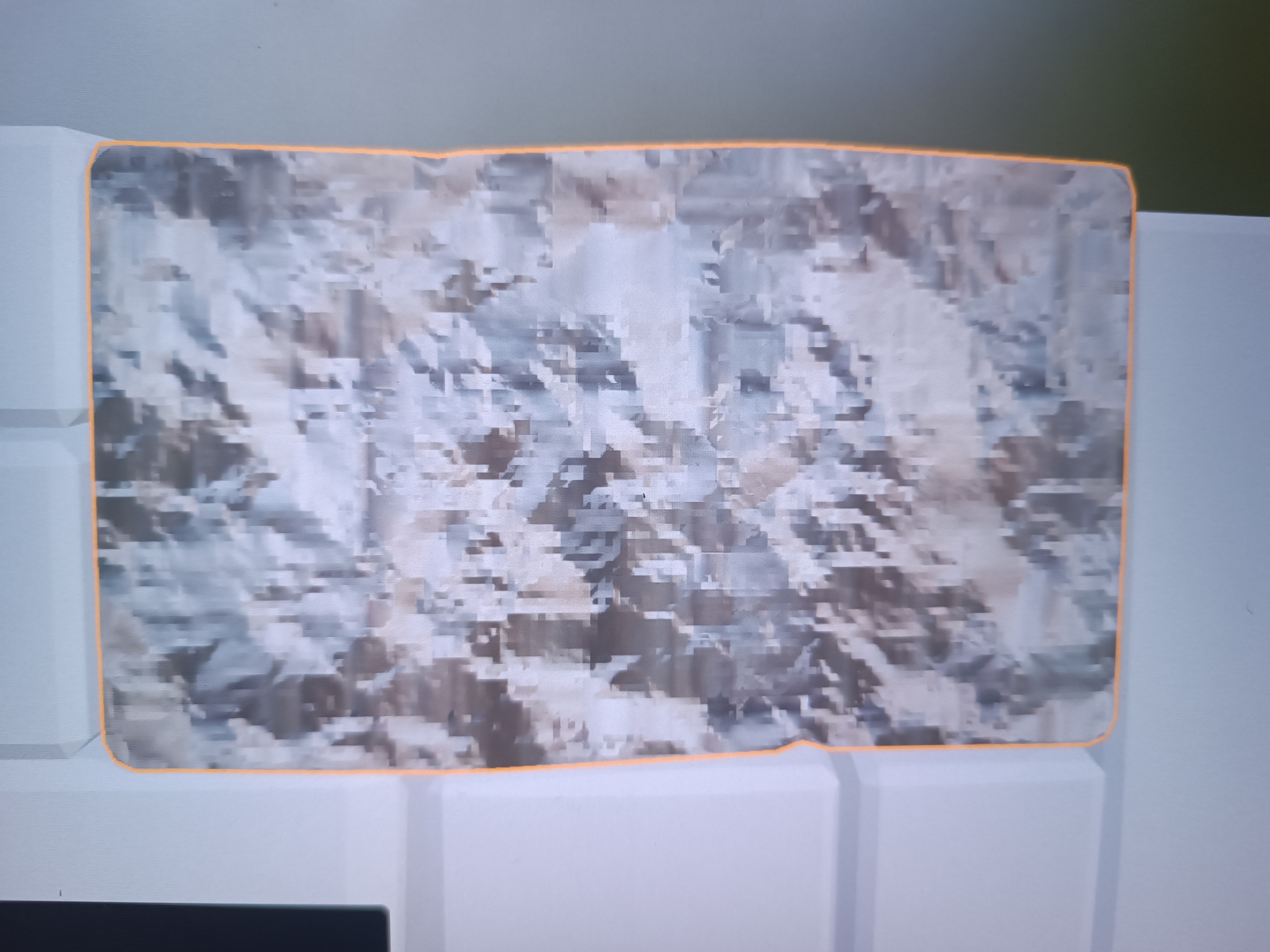
Hi, I tried Shift + Ctrl + T but there are pixels on my texture. I tried (thing) almost everything and there are still there. What kind of settings I need?
2 Likes
Please show us your full screen all the information is in the panels and nodes etc.
General Q&A note
Help us all to help you.
Please give FULL screenshots with any questions. With the relevant panels open.
Also, include the lecture time and name/number that is relevant to the problem/issue.
The screenshot can be done by Blender itself, via the ‘Window’ menu bar top left hand side.
On that menu drop down is ‘save screenshot’.
Close ups additionally where they help.
3 Likes
what is your original bitmap?
- Size?
- PPI ?
2 Likes
This is about lecture “Blender Environment Artist: Create 3D Worlds” Grant Abbit. Section 6: Adding detail , Box Projection. It starts around 5min (shift+ctrl+ T) till 5:20sec.
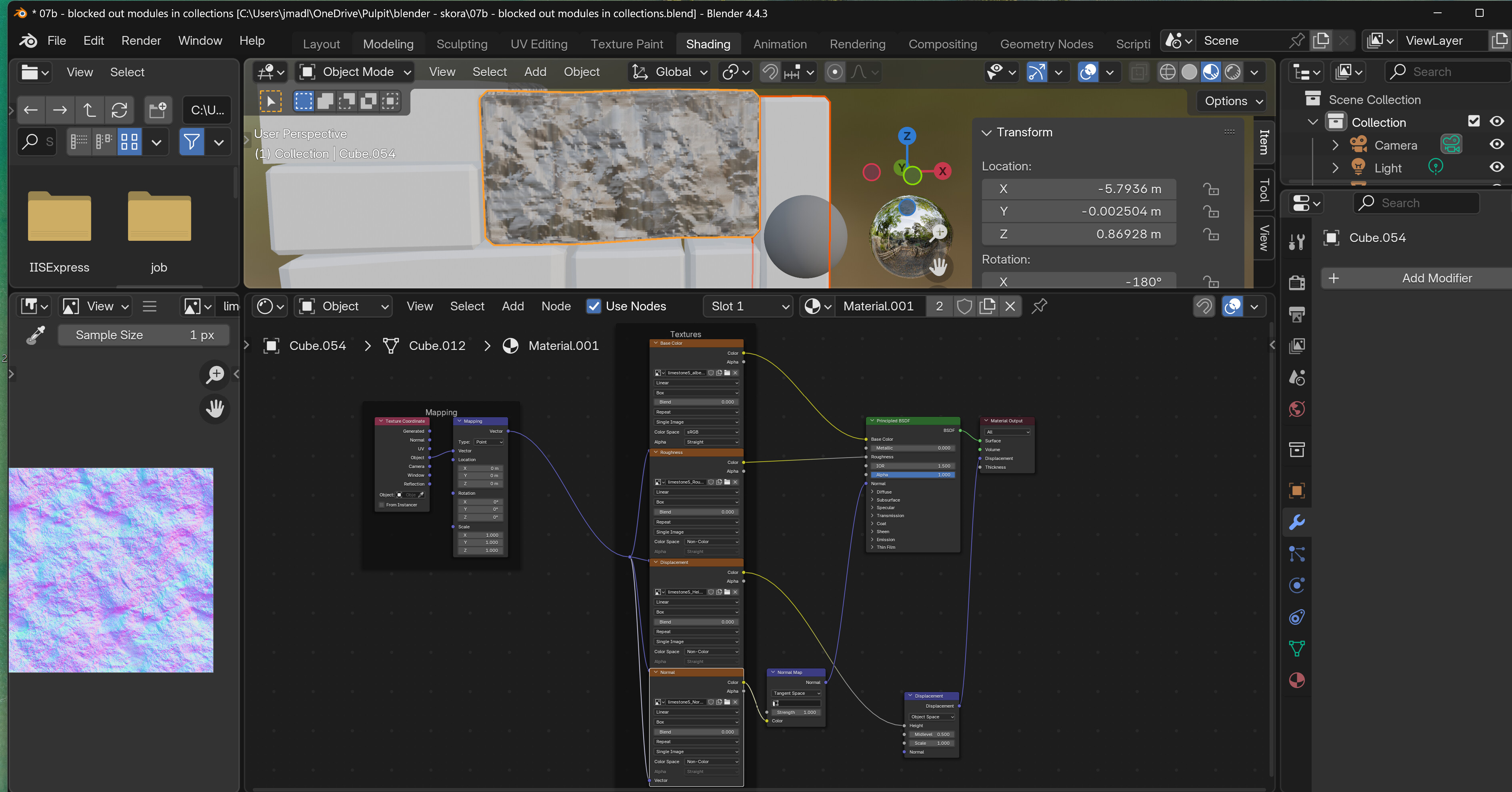
On my old computer (around 10 years works everything fine) but on the new one it’s something like this:
2 Likes
Remove the displacement nodes.
2 Likes
Removed and still the same problem
1 Like
Humm, well they should not be used without sufficient geometry to displace so it is best not to have them as it has caused this sort of problem to others.
So, a close look at your image seems to show the pixelization is in the image texture. Were there options to get different resolutions as this looks too low.
2 Likes
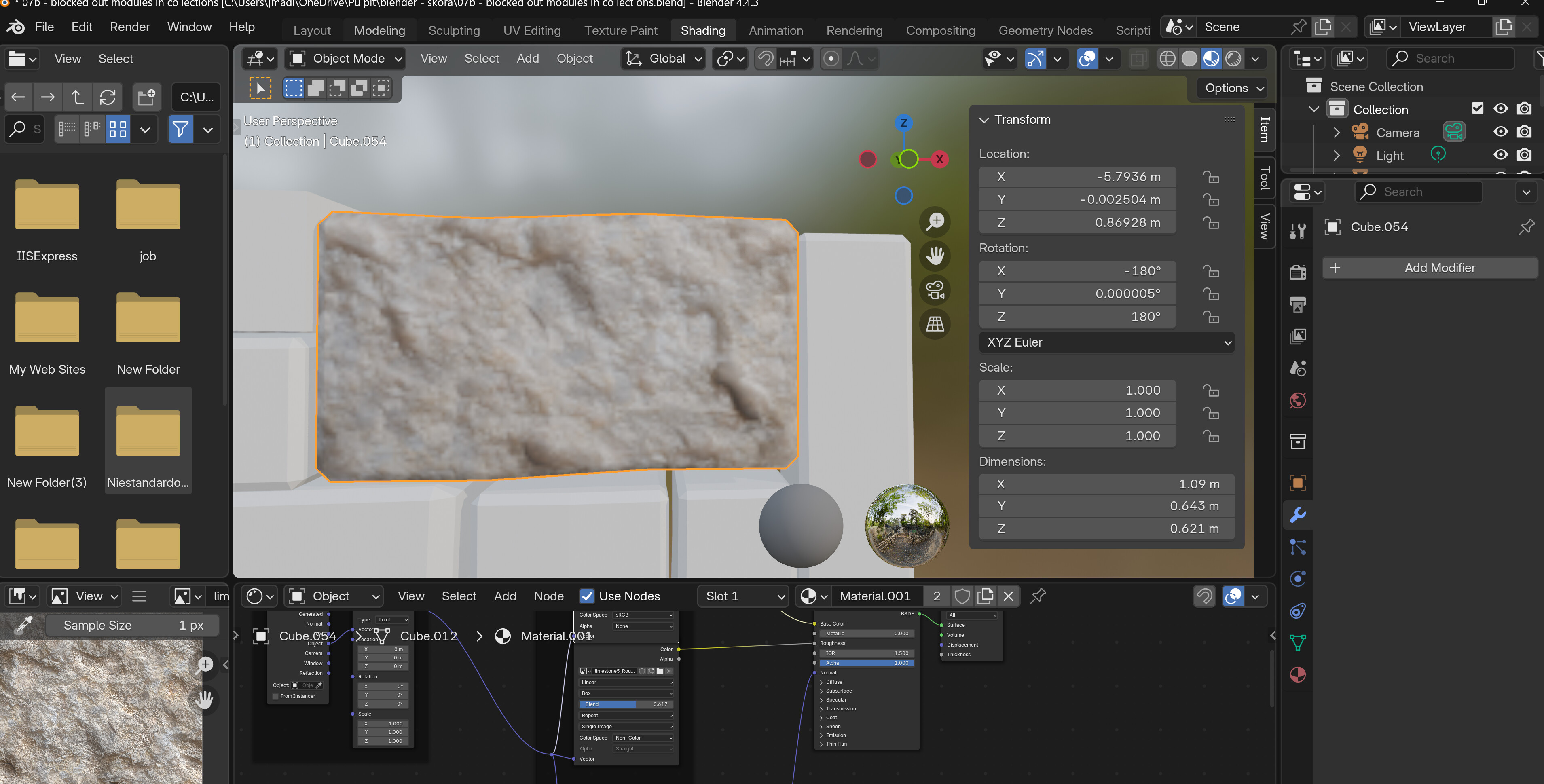
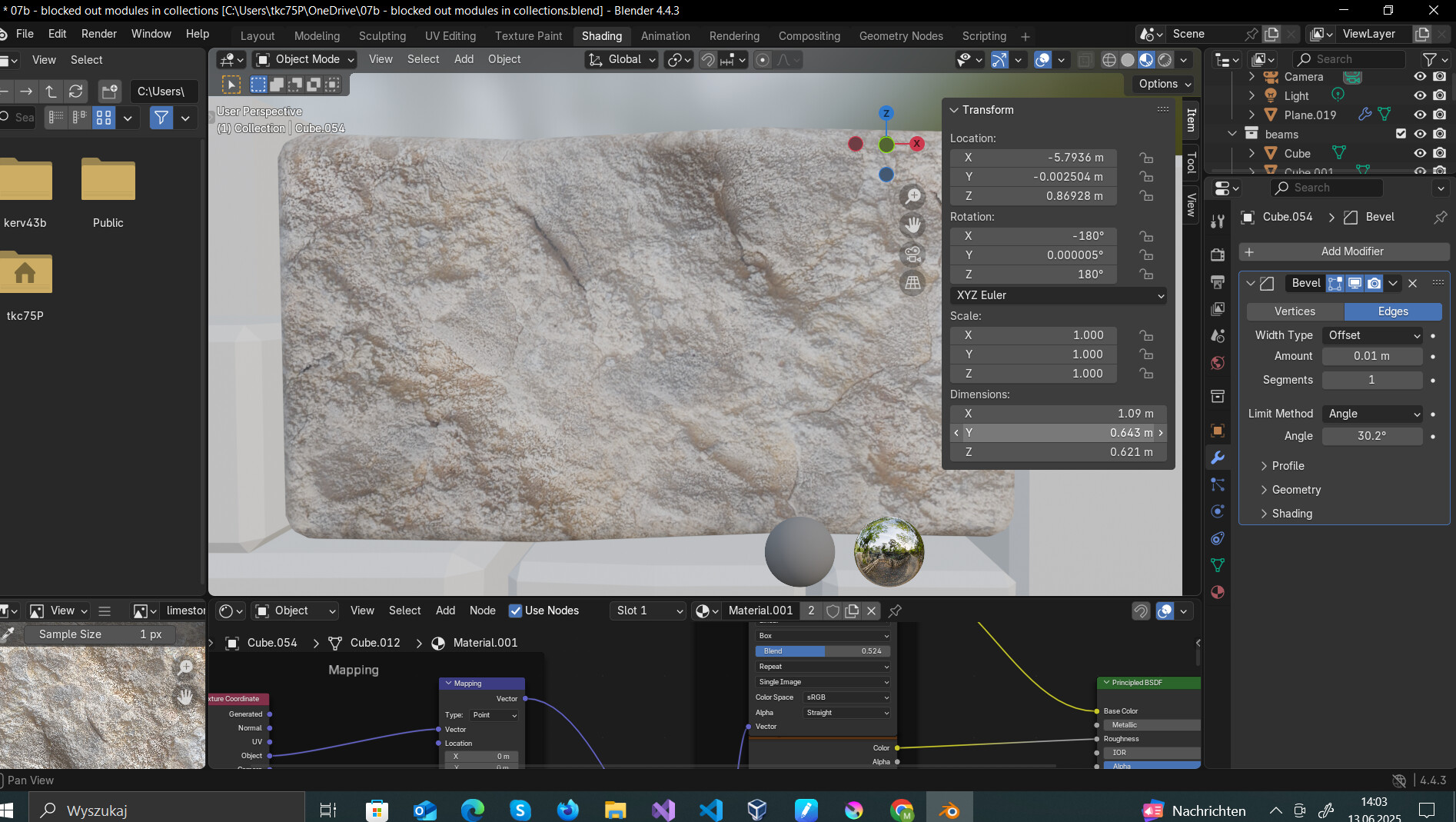
Blender versions?
Graphic drivers (Open GL, and others …)
3 Likes
As FedPete presumably thought, if the file acts differently on different computers, then it probably is not a Blender problem but some difference in the computers, like graphics drivers.
2 Likes
All right, thank you. I have to check everything and will back soon.
2 Likes
All right, done. Thank you. After reinstalled everything and checked double everything - it was in Preferences, I think in the system. I checked it before and I lowered the value and I should have increased it. 
 . Well thank you one more time
2 Likes
This topic was automatically closed 24 hours after the last reply. New replies are no longer allowed.