1 Like
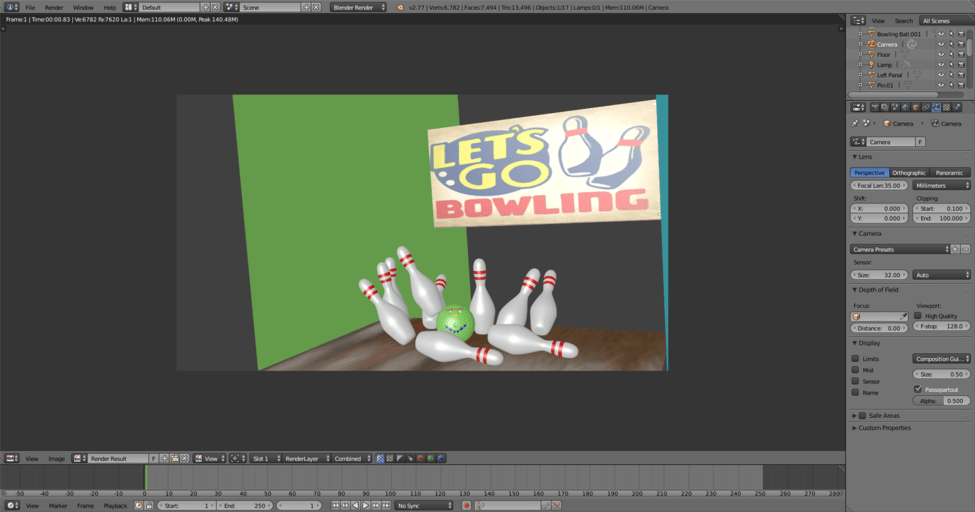
What kind of background image? One with transparencies? You might might set your default Blender to have Cycles Render as default then import “image as plane”. You will have to enable the add on in User preferences. If you are using a plane, you might want to check to make sure you have the correct side facing your camera…can only texture one side of a flat plane.
From what I can remember I think it was a jpeg image. I was in blender render when I imported the image. Then I unwrapped a plane and textured the image onto it but as you say the plane could have been the wrong way round. I’ll try again the next time I open blender — thanks for your help.