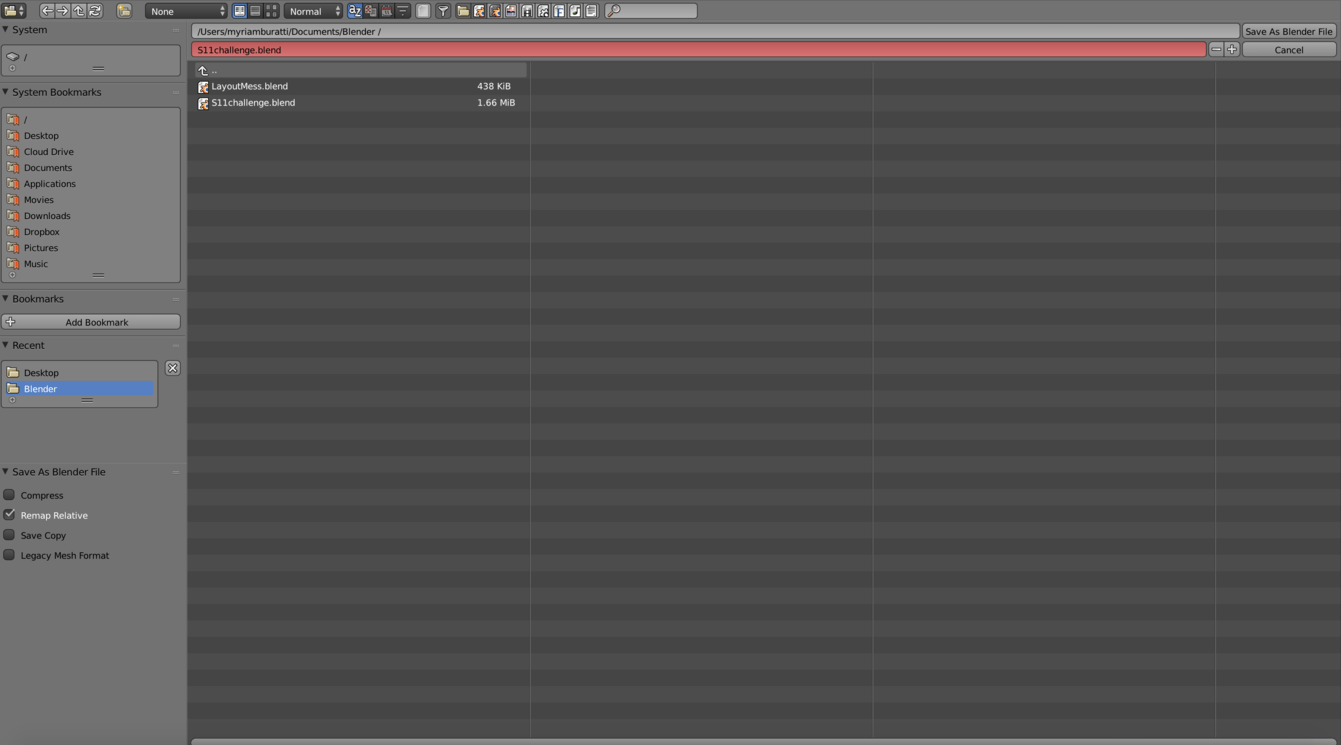
I do not seem to have all the “save” options (.png, .jpeg files etc…). To share my work I had to take a screen shot so to have it but why don’t I have the options listed?
Here is a screen shot of what I get when I click on FILE-SAVE AS …
Can anyone please help???
thanks in advance!
Hi MountainGoat,
Not sure if you have worked it out or not.
You need to enter render mode from the Render Menu select either Render Image which will use your camera position or OpenGL Render.
Once in Render mode select the Image menu depending on your screen layout is at the bottom and select Save Image As or press F3.
Hope this helps.
Lee
thank you so much! It worked!!! 
1 Like
No worries