What great timing! I was going to spend tomorrow afternoon using what I’ve learned to model some cool stuff but now it’s a challenge! I will be updating these through the night and tomorrow so stay tuned! I plan to have around four models.
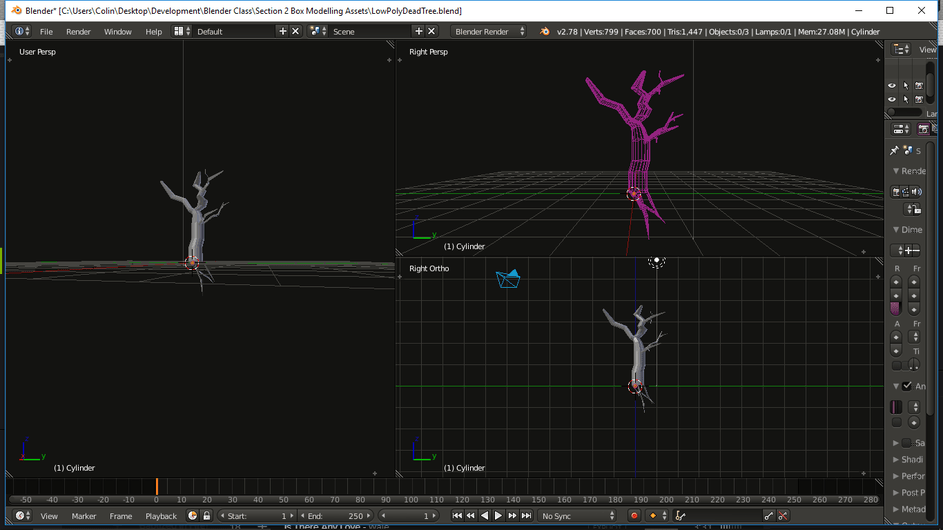
I. Low Poly Dead Tree
I just wanted to start with a low poly dead tree since all day at work I was thinking about using the selector tools to grab all the edges of a cylinder and extrude and resize some edges. I made extra branches by extruding vertices and limiting what plane they could move on (Shift+X,Y or Z), as well as duplicating selections of branches and adding them to each other. The snap tool was incredibly helpful (or powerful, as Michael would put it  ) It’s not great but I just wanted to see how it looked in theory. I will definitely be upping the poly level on these cylinders and making some really good looking trees here soon!
II. Basic Spray Can
Just wanted to mess around with some cylinders. There are a bunch of spray cans sitting in the room with me right now anyways, haha.
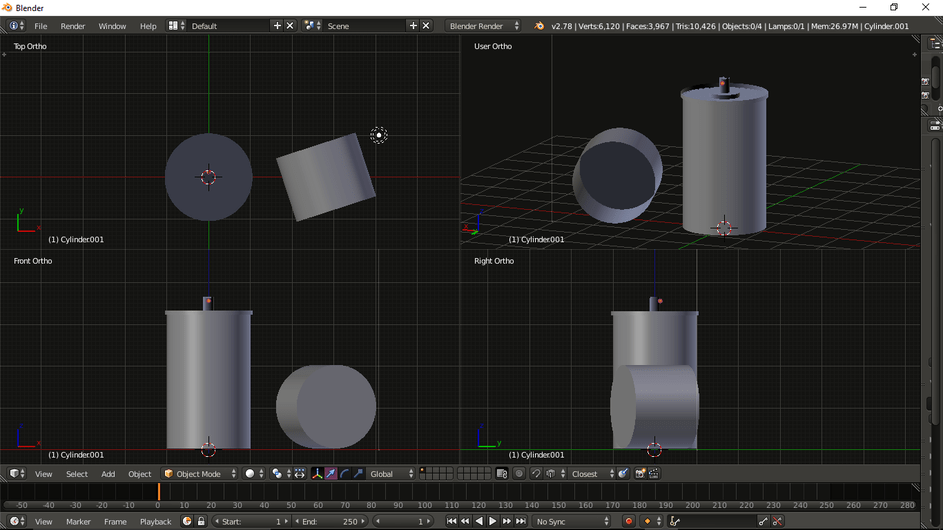
I LEARNED A NEW SHORTCUT TODAY, IT MIGHT HELP YOU!
-If you press CTRL+ALT+Q, it will split your 3D editor view into 4 screens (Top Ortho, User Persp, Front Ortho & Right Ortho)
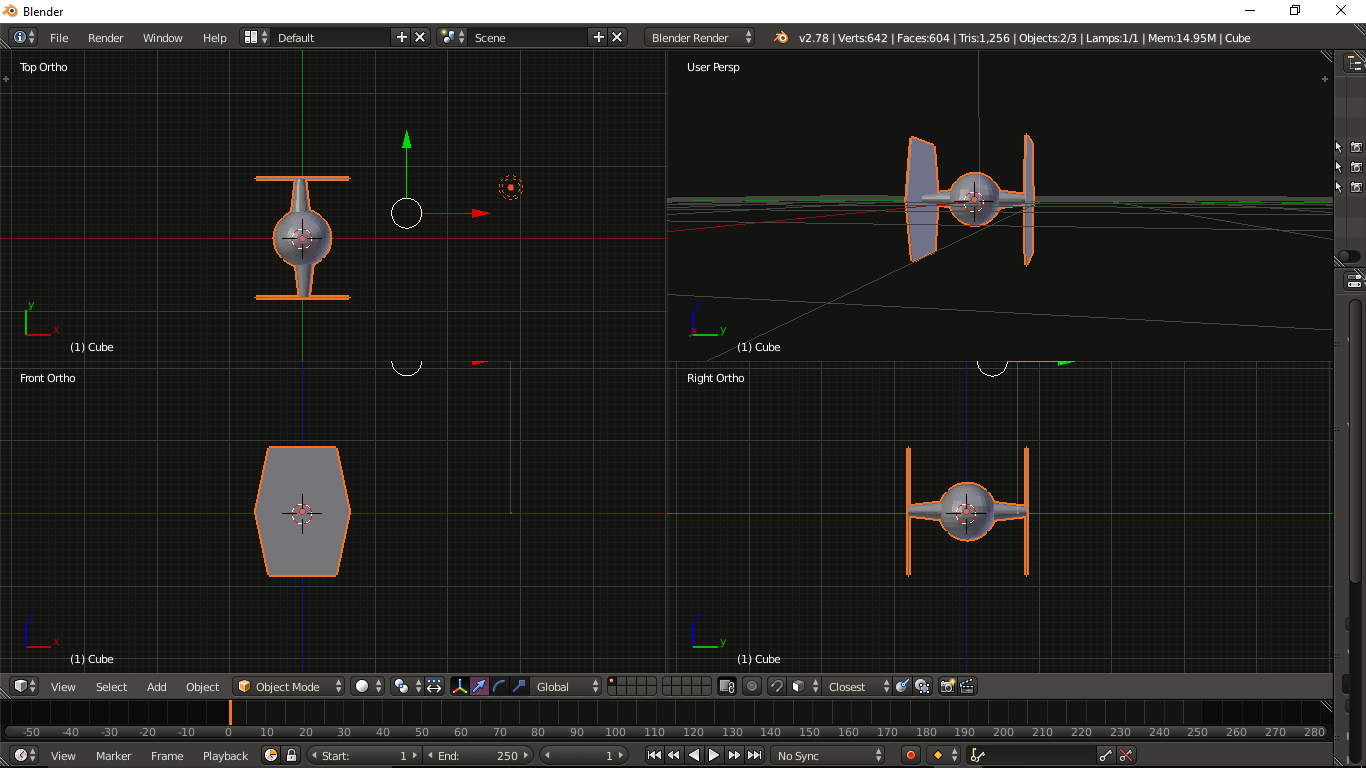
III. A… ship that is sitting on my desk
It closely resembles something copyrighted. It was simple enough to make and I got to learn a valuable lesson about switching out of edit mode on accident and pressing Undo… if you don’t know what that does, try it out on a regular cube. Don’t test it out in the middle of making anything you want to see completed!
IV. A Treasure Chest
This one wasn’t too hard to create utilizing all the shortcuts Michael has taught us!
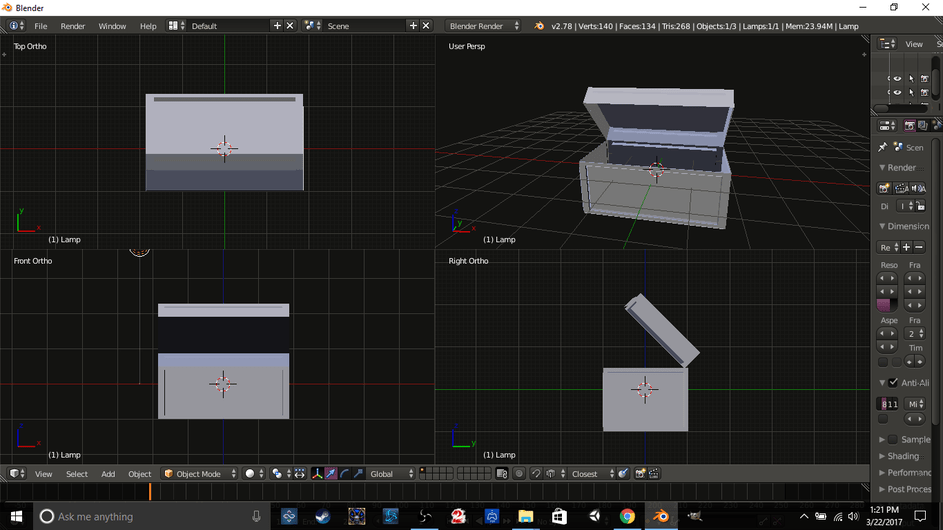
All in all, I’d say this was some good practice and definitely helped build a little bit of confidence to keep going. Thanks Ben and Michael!
If anyone wants these for whatever reason, I will happily send them over to you!