Hello everyone. I don’t know where I have to asked this question, anyway.
I want to enable RootMotion Anim sequence that I have downloaded from Mixamo.com. I need Animation for Unreal Engine and I use for this Blender.
I try everything I download from github Mixamo-Converter and install into Blender and convert every Assets, Skeleton and Animation but it’s not work
then I try to correct it manual.
Import Skeleton Asset into Blender and Armature rename to root (as Unreal Name convention). After that I import this Asset into Unreal and it’s OK.
then I try to do same thing to Animation Asset.
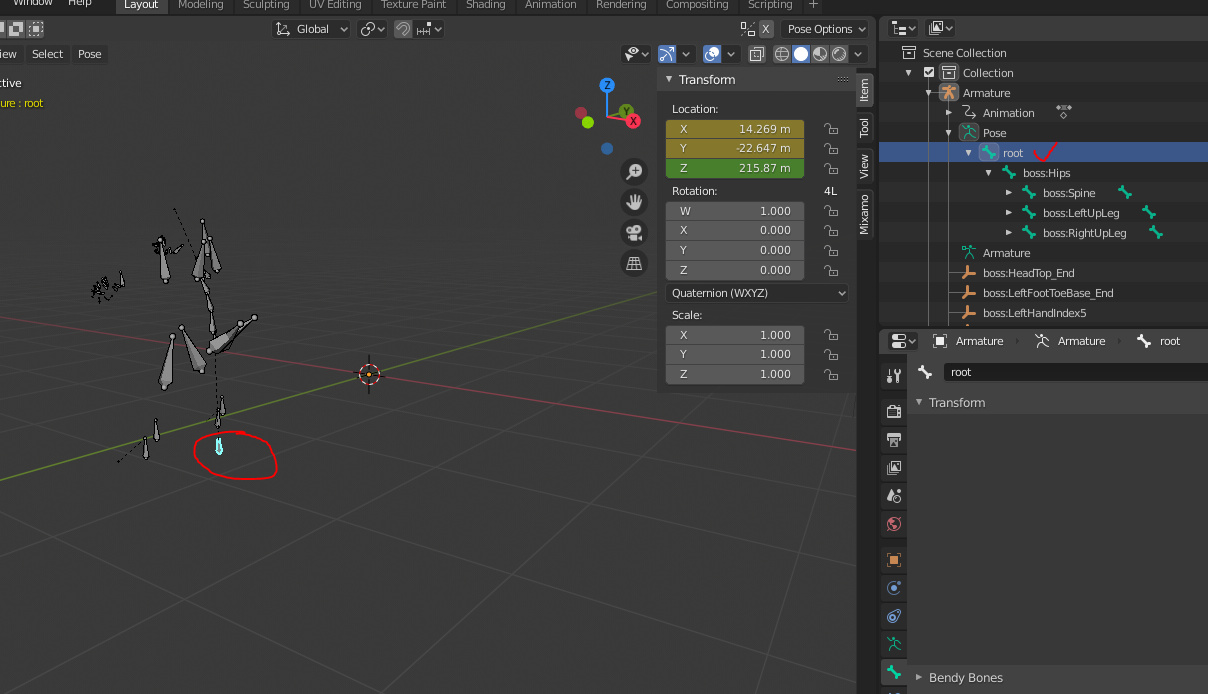
Import Anim Asset. add one Bone with name root and Hips bone (which was root before) made sub bone of root
after that all keyframes (only location keyframes) that had Hips bone copy and pasted into root bone and from Hips I deleted all keyframes.
In Blender everything is OK. root is moving with other bones
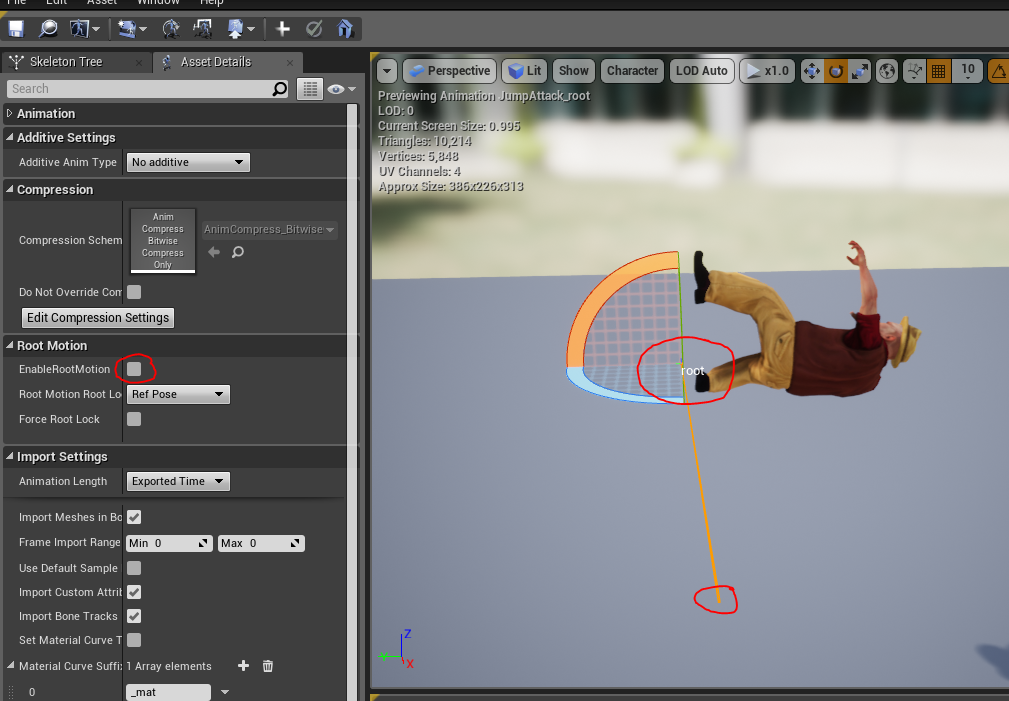
but when I import this asset into Unreal I get some weird result:
Animation movement is Upward. I can not figure out which is forward vector in Blender -Z or -Y
it’s seems that root bone moving with character but somehow it also attached location (0,0,0) and even though I checked EnableRootMotion it’s not moving
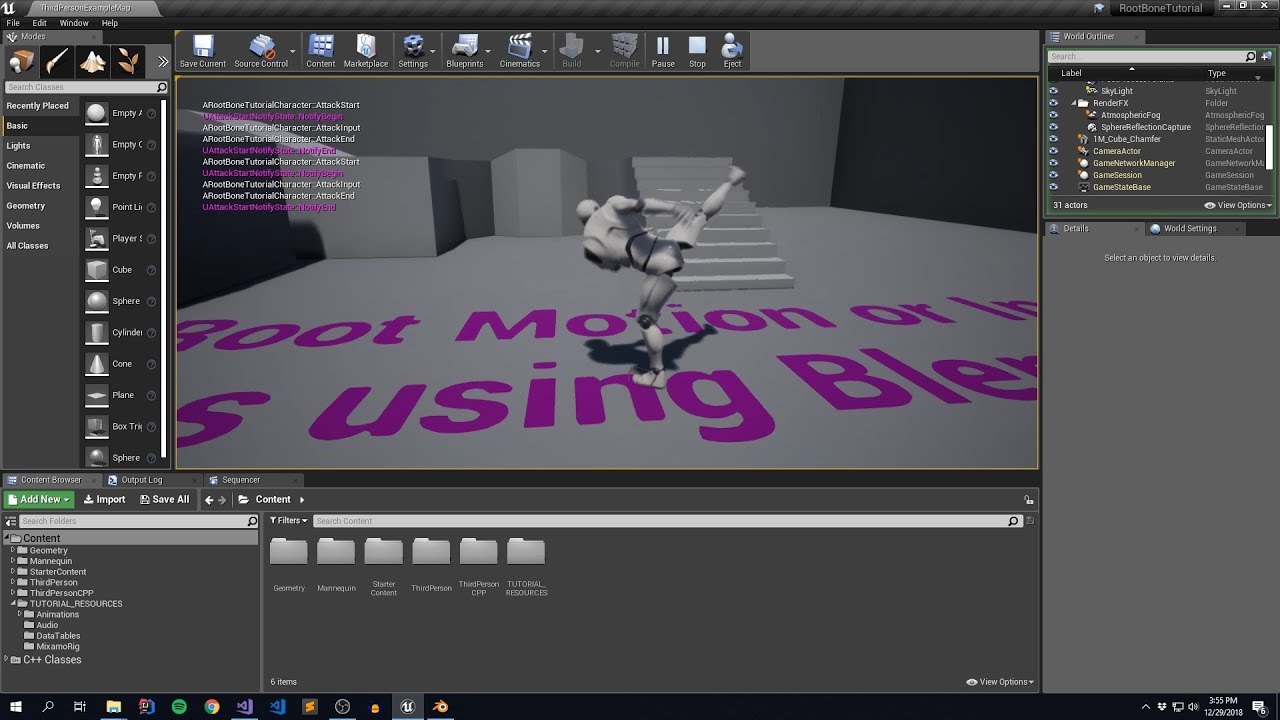
I dont know enough about root motion in unreal as the issue seems to be there
@DanM any ideas on this one? My instinct is tell me the animation/rigging is on a different unapplied rotation but that should have been applied on export.
Hello Dan
Yes I know about this Article but it’s not helpful. it’s work when your skeleton has root bone in center of bottom.
I download Assets from Mixamo site and it’s skeleton has Hips bone and it’s located the middle of Skeleton.
There is Plugin for Blender which convert Mixamo assets for Unreal and such assets add root bone.
I can not tell that this is a perfect way. such converted Animation don’t move X axis, only moving local point but they don’t leave CapsulComponent so such way I ride of the character’s Forward moving and then Backward.
I keep on trying and if find solution I will write
Try renaming the armature to rig.
I seem to remember vaguely being an issue in unreal only that it doesnt like armature and wants it to be named rig.
I cant remember why i just remember it being an issue and an older issue of miktt space being an issue but i cant remember what that relates to
The only thing i can suggest is check your rotations are applied and that you are exporting correctly on the export options.
It looks like 9:8 where the retargeting manager is thats where the problem would be and maybe naming too.