Hi everyone,
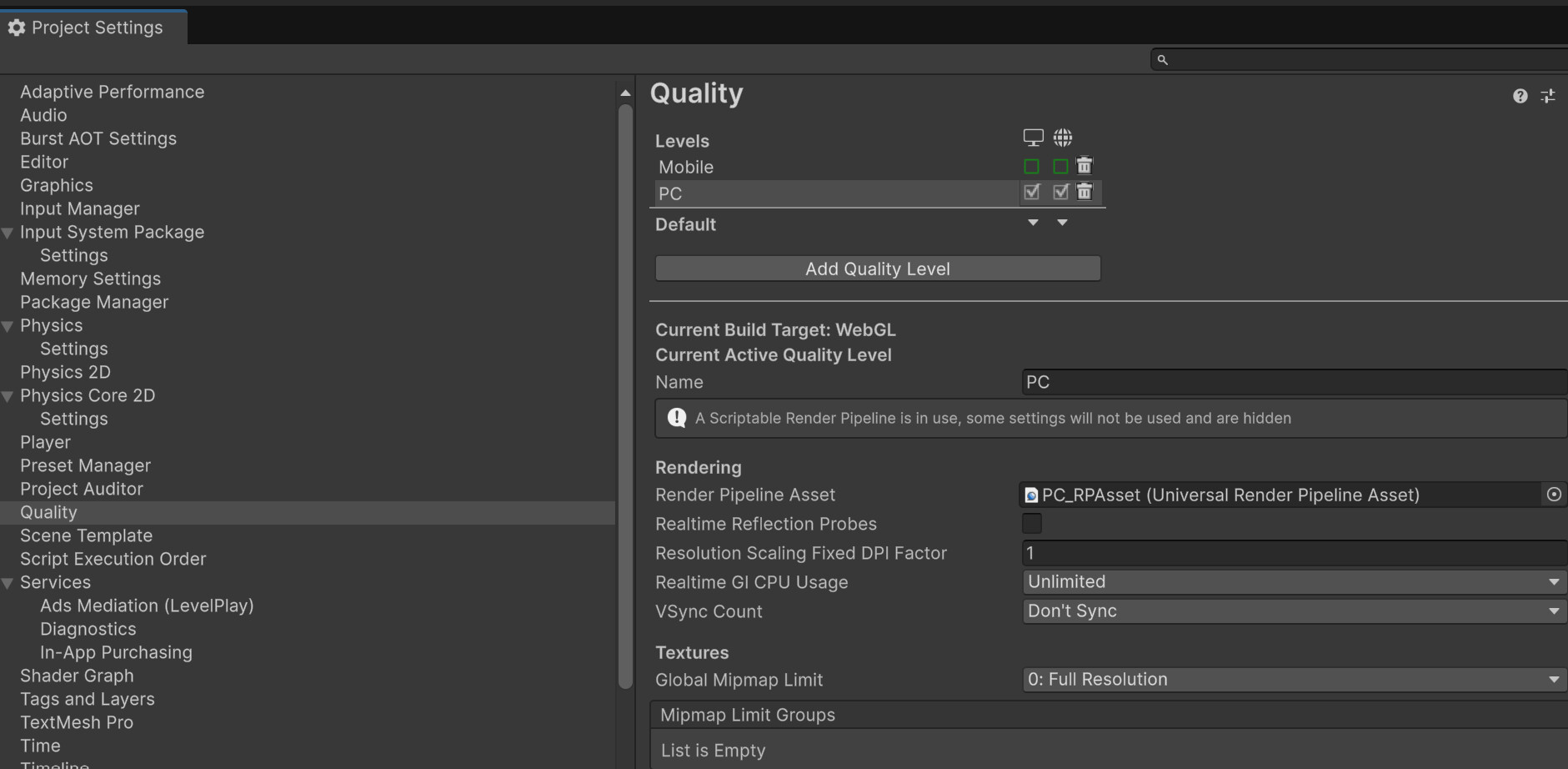
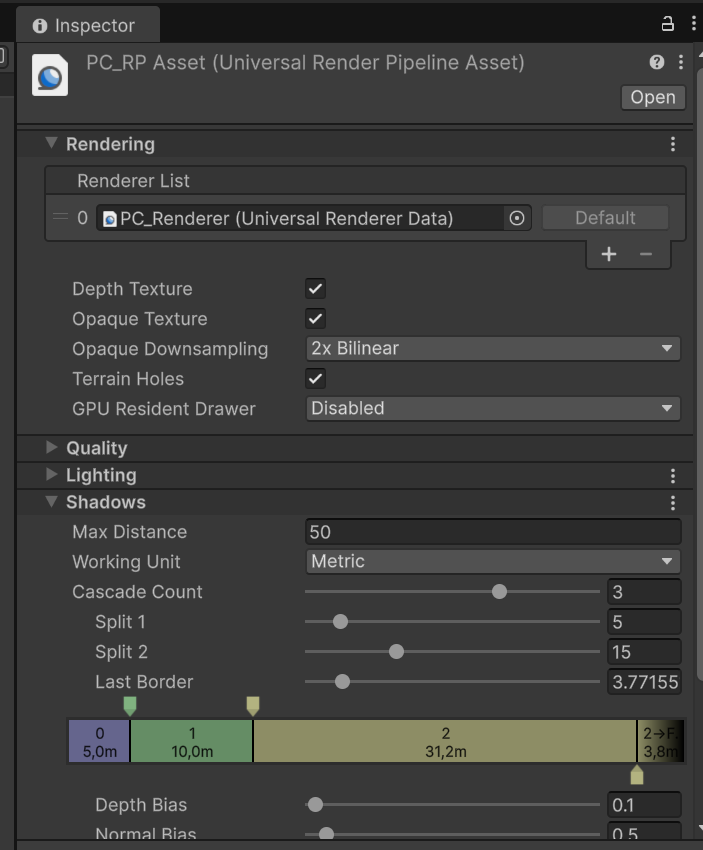
I’m currently running into a frustrating issue with WebGL shadows in my URP project (Unity 6.5.4f1).
The problem:
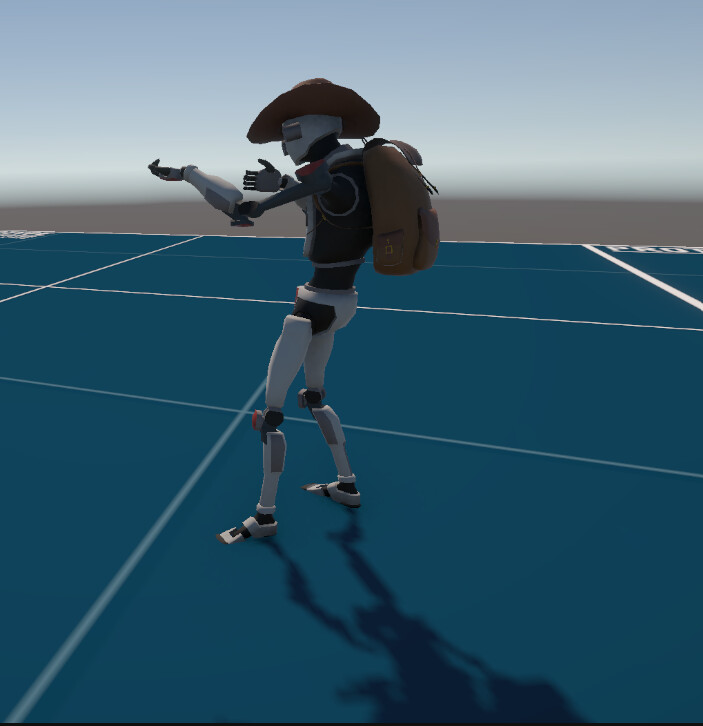
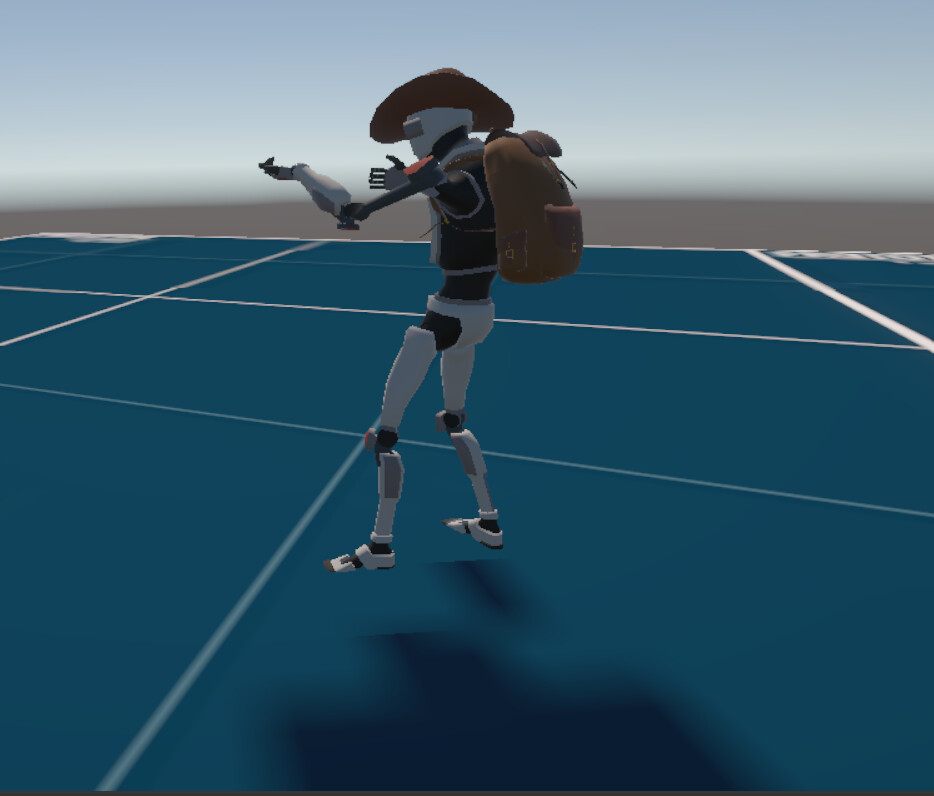
Shadows look perfectly fine in the Unity Editor’s Game View, but they render with artifacts or heavy distortion in my WebGL build. I have tested the build on multiple different GPUs, and the distortion is consistent across all of them.
What I’ve tried:
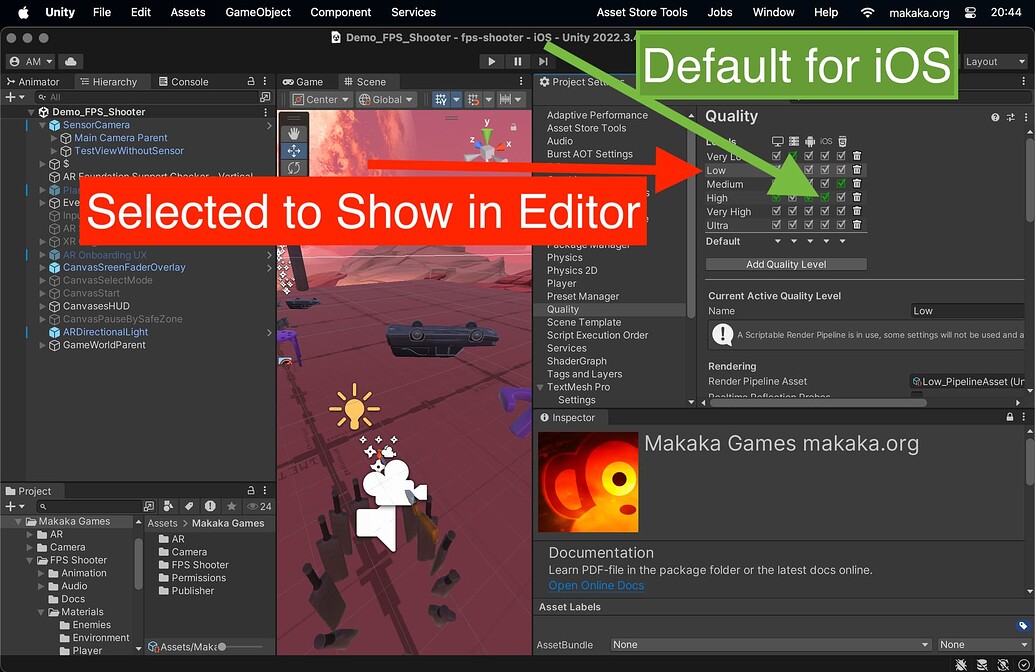
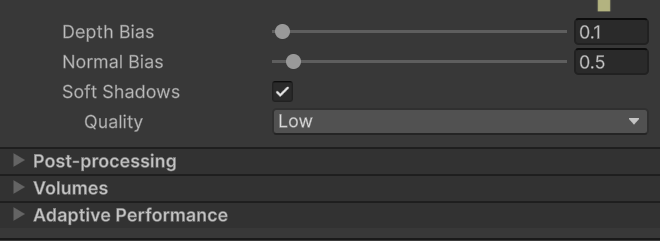
Adjusted Quality Settings and Shadow Resolution.,
Checked for differences between Render Pipeline Assets.,
Tested with different Rendering Paths (Forward vs. Forward+).,
Even though I’ve disabled “Cast Shadows” on my character mesh, the shadows still seem to render incorrectly or “float” in a distorted way.,
Since I am aiming for a stable, lightweight experience for web visitors, I have currently disabled shadows entirely on my Directional Light as a temporary fix, but I would love to understand why this is happening.
Has anyone encountered this specific discrepancy between the Game View and WebGL, or does anyone have tips for stable shadow implementation in WebGL URP?
Any insights would be greatly appreciated!