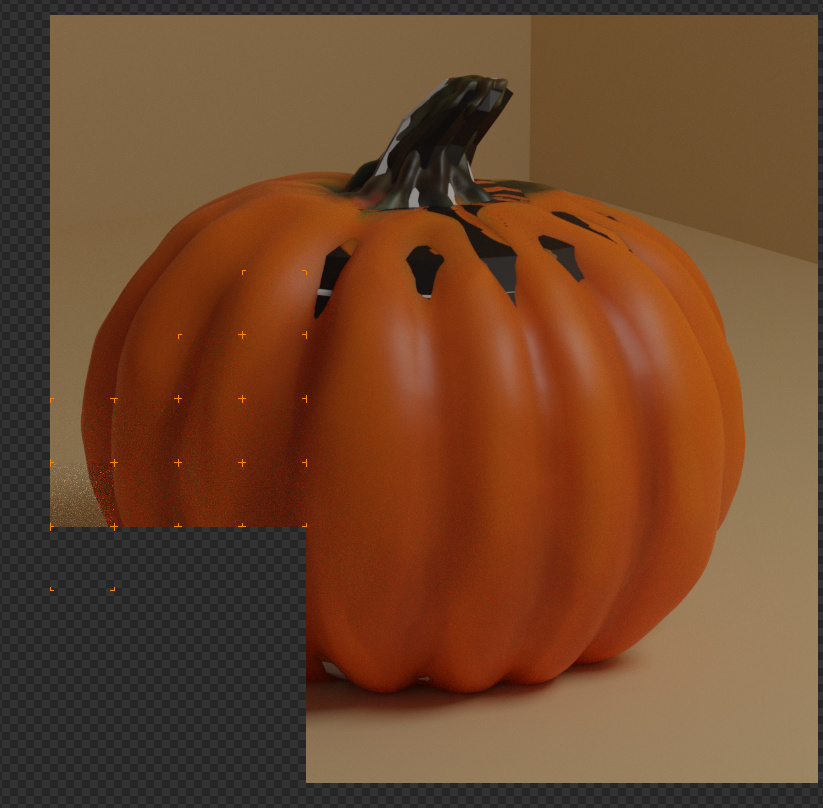
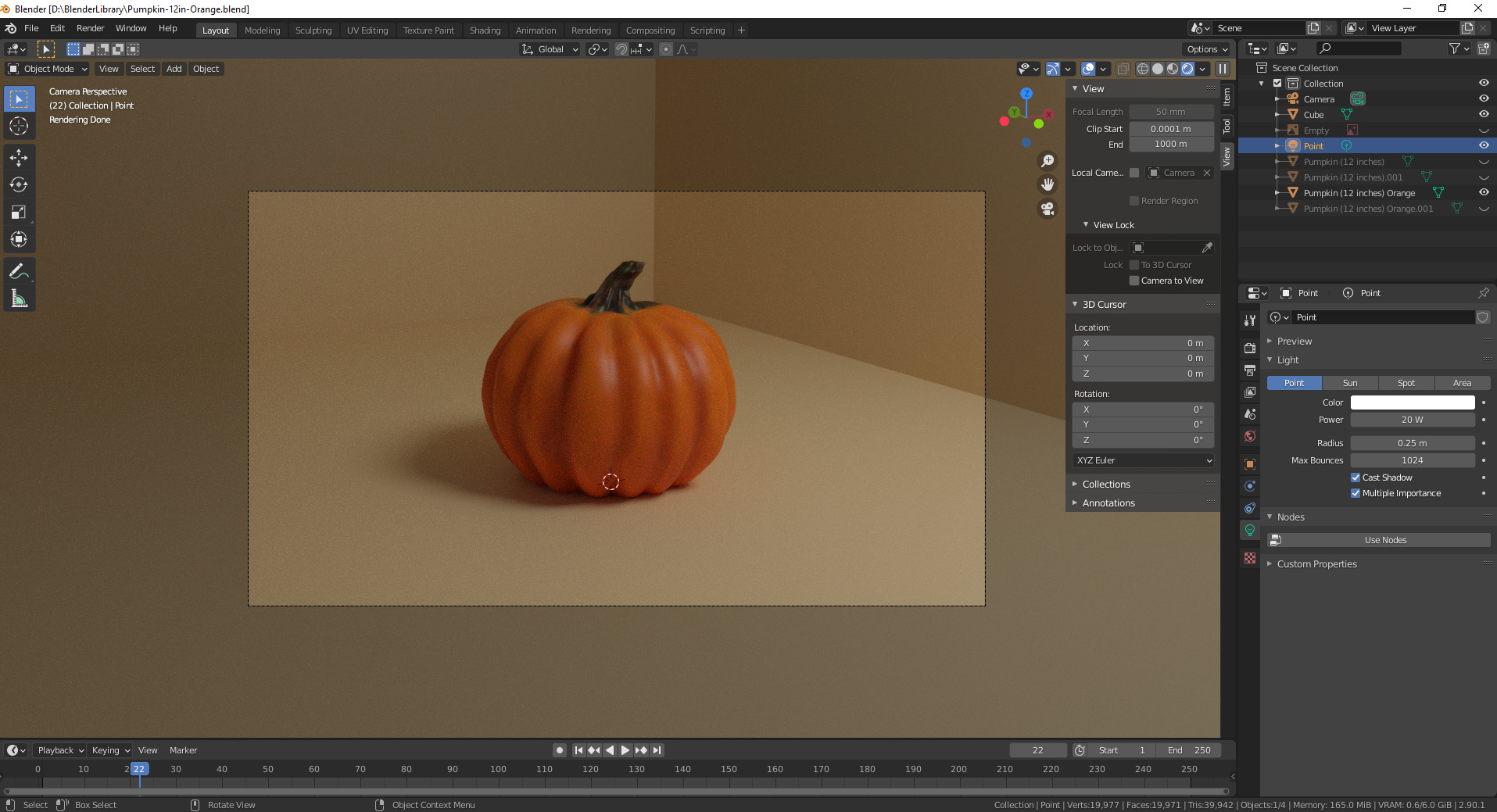
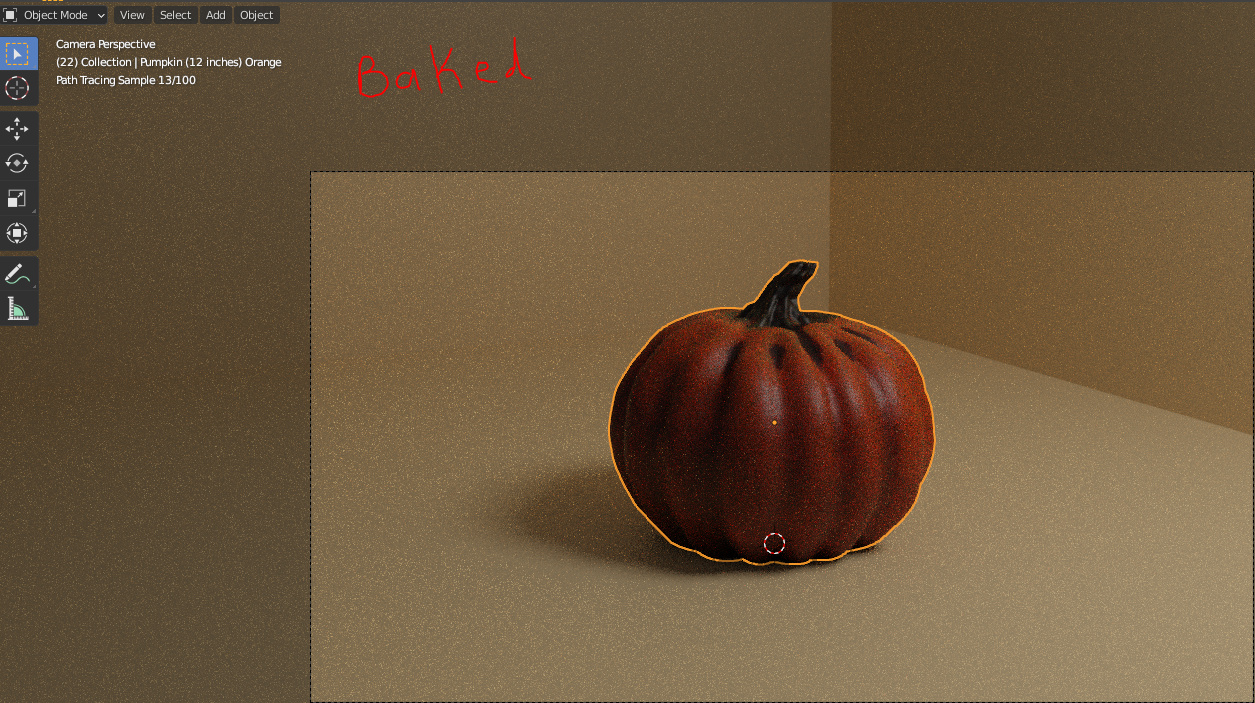
Hello all! I am having issues when attempting to render with the cycles engine. It seems to be clipping all the way through my pumpkin in certain areas. I have attached pictures of 1) The failed attempt to render 2) The model in the viewport 3) What baking the texture did to my model
What I have tried:
Baking texture, changing the limit of clipping on both the camera and the viewport, replacing both camera and lighting, and reapplying textures/nodes.
Extra: I am using Blender 2.90.1-- Not sure if this matters in this case.
Unlikely to be clipping as it is not either the closest or furthest geometry. With the grey bits showing Fed_Pete probably has it, an extra copy of the mesh may exist in the same space.
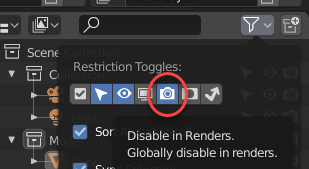
Actually Enlarged it is obvious, well probable. You have hidden the copies in the viewport. But appear not to have the other icons next to the ‘eye’ that enable you to hide those same items in a proper render. (Enable more of those icon options via that funnel thing above the ‘eye’) Baking uses cycles proper render too, so added in the, non hidden to the full render, mesh gets included where is sticks through, or just conflicts.