What is the proper way to lower the poly count in Blender 3.2.
Following along in Section 12 Furry heads, I am making a face but I used too much detail now my rig chugs along very slowly when I edit the mesh.
Limited dissolve makes the model look horrible.
I tried Decimate modifier and un-subdivide, tried value of 2 iterations, it loads for a while but I do not see the poly count lower in the model.
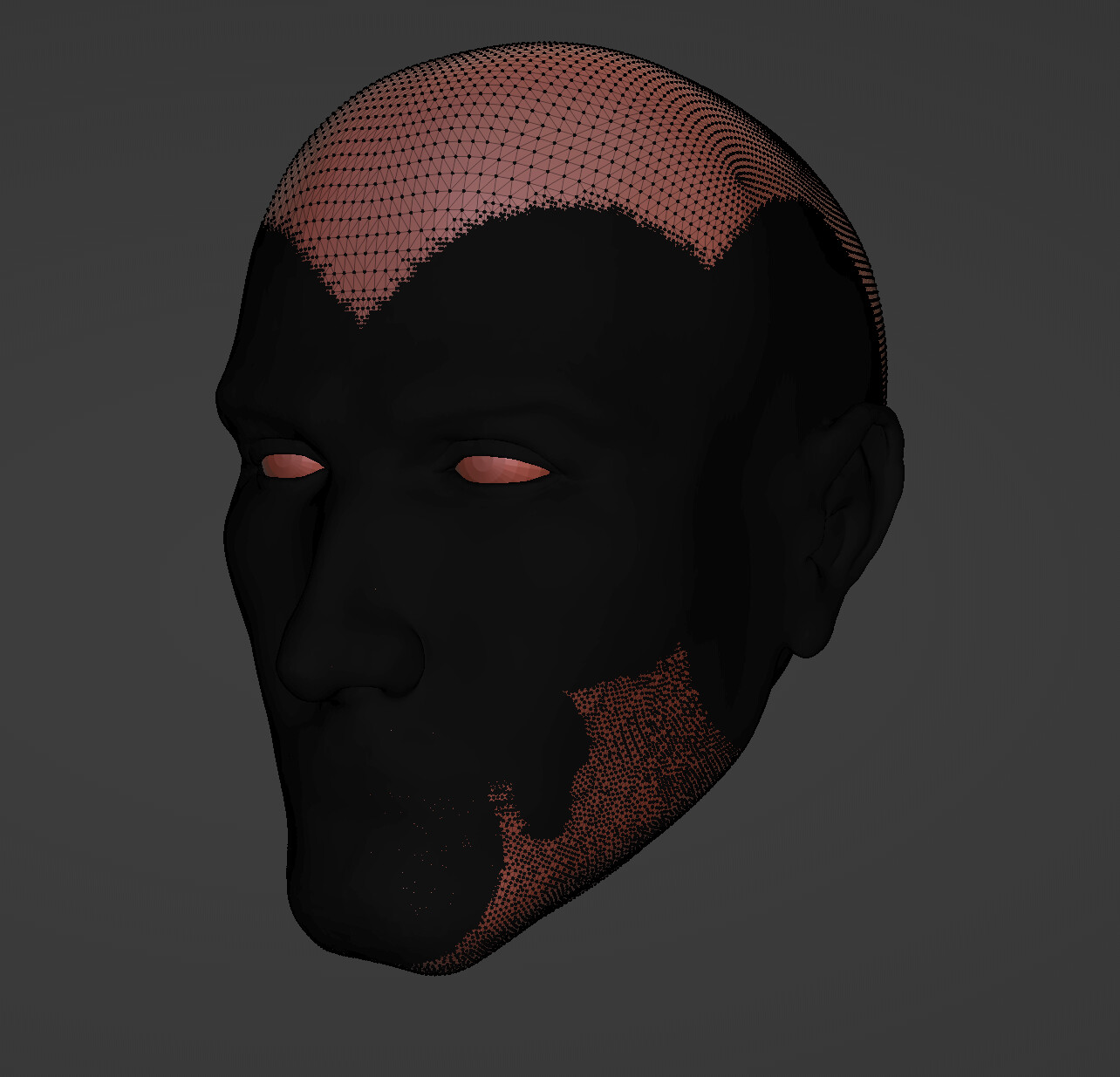
Remesh in sculpt mode might be the way to go.
Ok that did the trick. Went from 2.065 million to 644 k triangles.
Looks much better now thanks.
EDIT:
I even further reduced it by using the snake hook tool, setting dyntopo resolution to 40 and clicking once and holding shift to smooth on areas without detail.
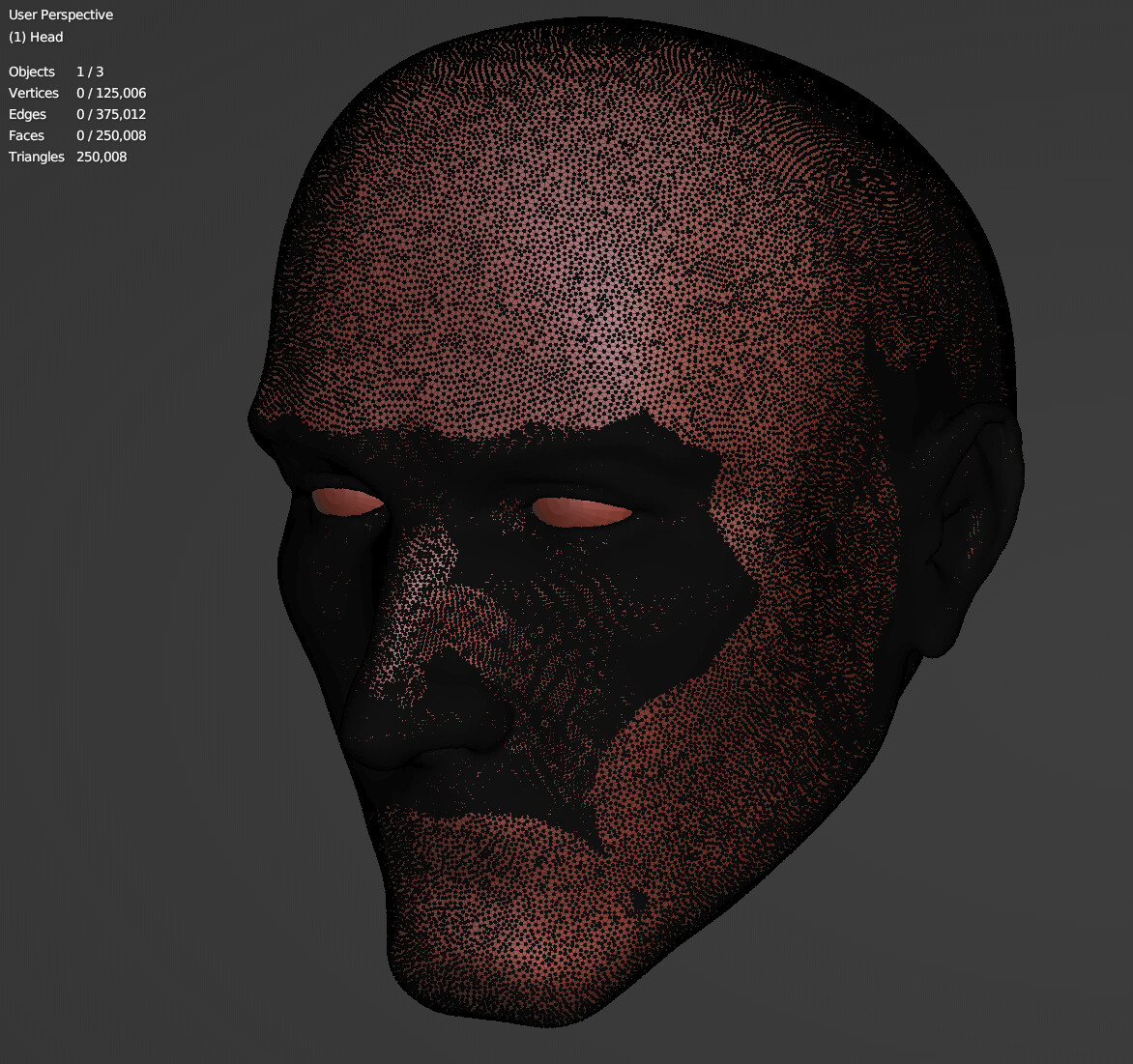
One more thing I wanted to add that Blender 3.2.1 in sculp mode also has a brush called Simplify, it will do the same thing but only in the areas you select, instead of the whole mesh.

2 Likes
This topic was automatically closed 24 hours after the last reply. New replies are no longer allowed.