Since it is possible to come up with multiple nice poses it would be nice if we could somehow remember them. After a little bit of research I found out it is possible (and easy) using the Pose Library.
The procedure is as follows:
- Select the armature and go into Pose Mode.
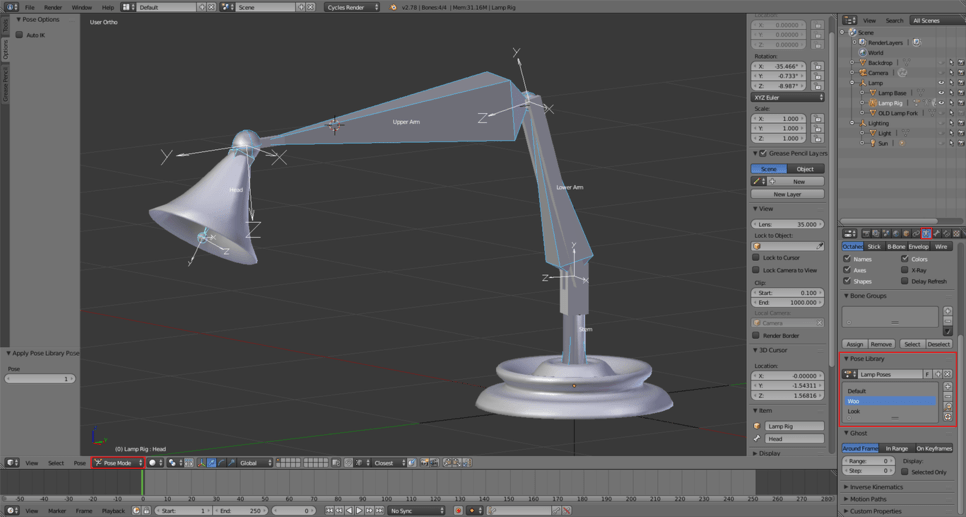
- In the Properties window enter the Armature Object Data context and find the Pose Library.
- Then add a pose library (button greyed out if not in pose mode).
- When you wish to save a pose, select all bones using the A key and click the “+” button. To recall a pose select all bones and click the “lens” button.
Important: it seems that all operations work on the currently selected bones only. So have the whole lamp armature selected when using the library.
This screenshot should clarify the interface:
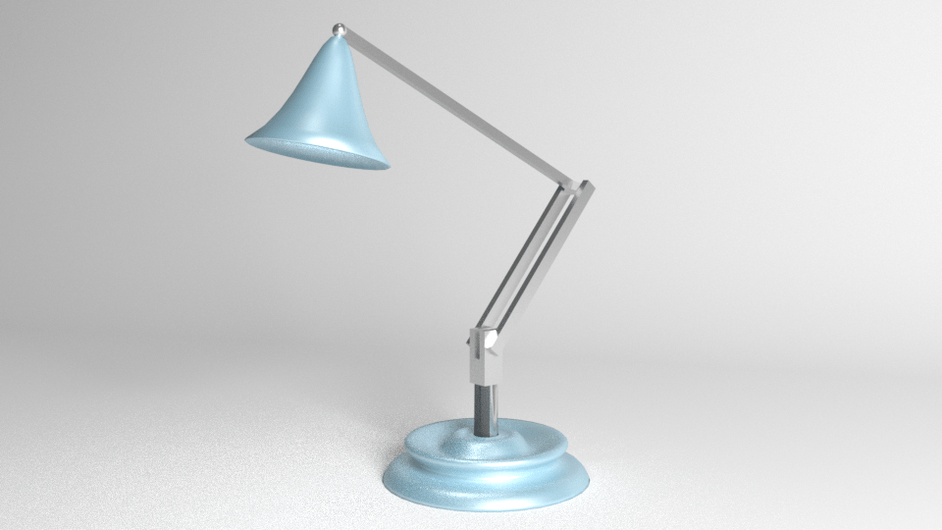
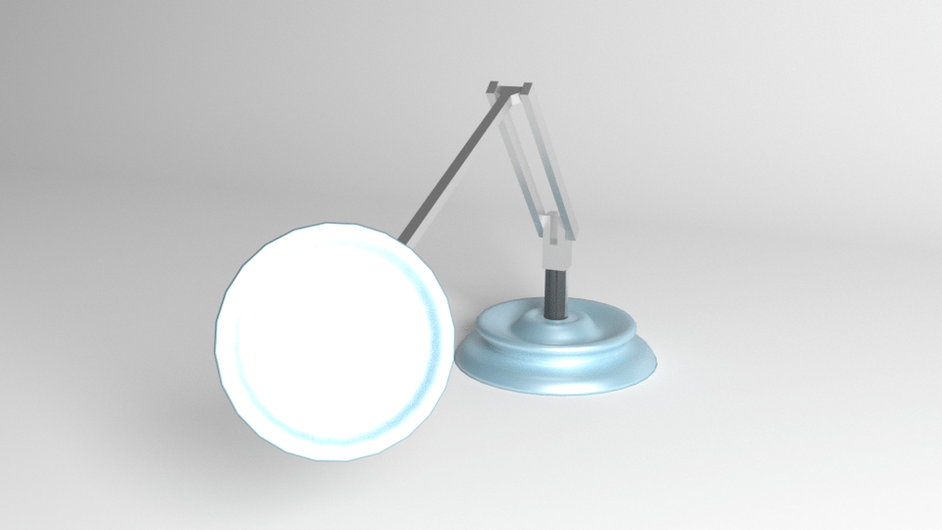
In case anyone is interested here is how two of those poses looked like when rendered.
Additionally, you might want to check this page on Blender Stack Exchange.