Hello, I recently had to reset my PC and reinstalled everything but there is no option for vs community 2019 so installed 2022 version and came across this error
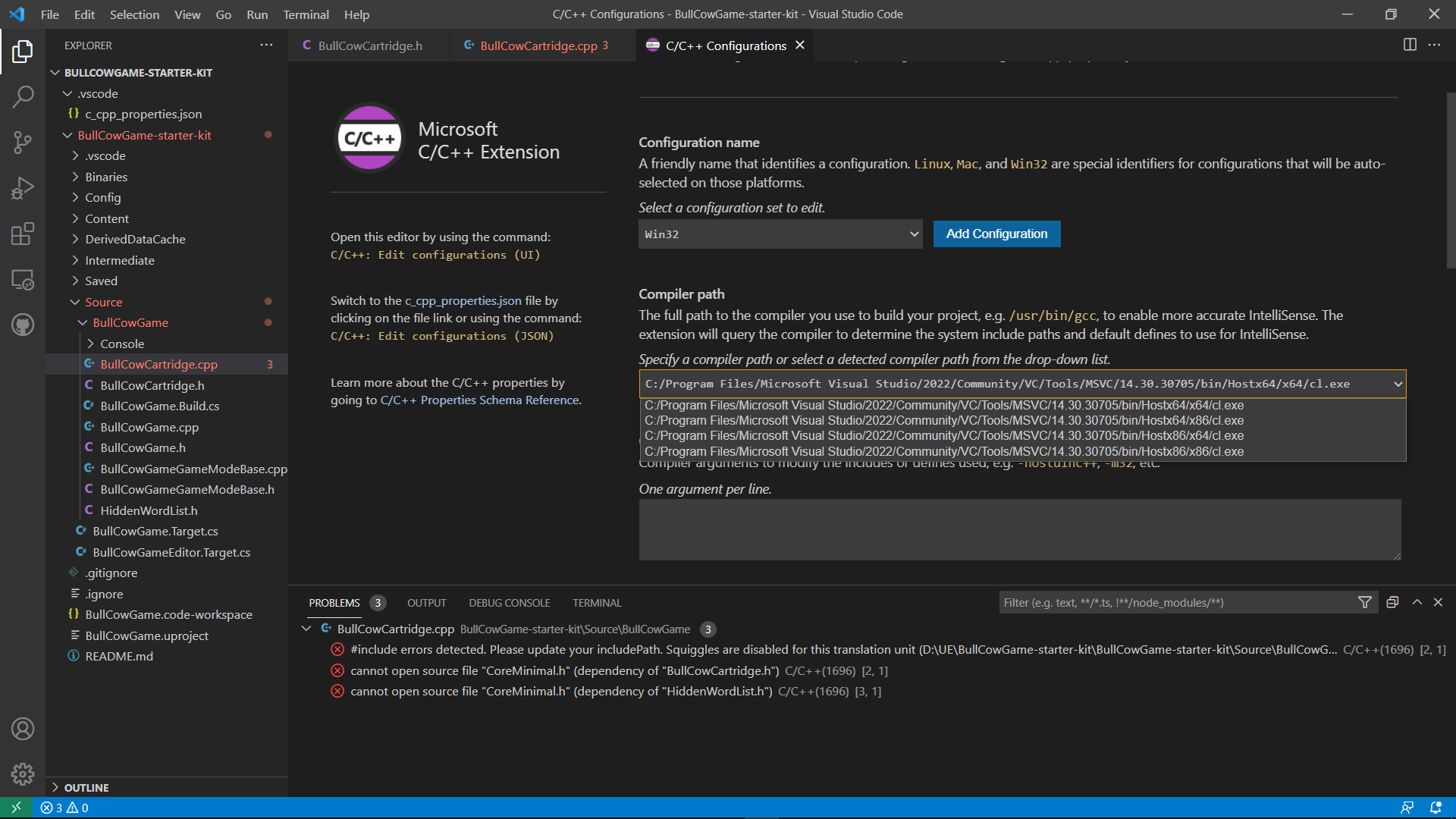
I tried changing the path of compiler but nothing seems to work
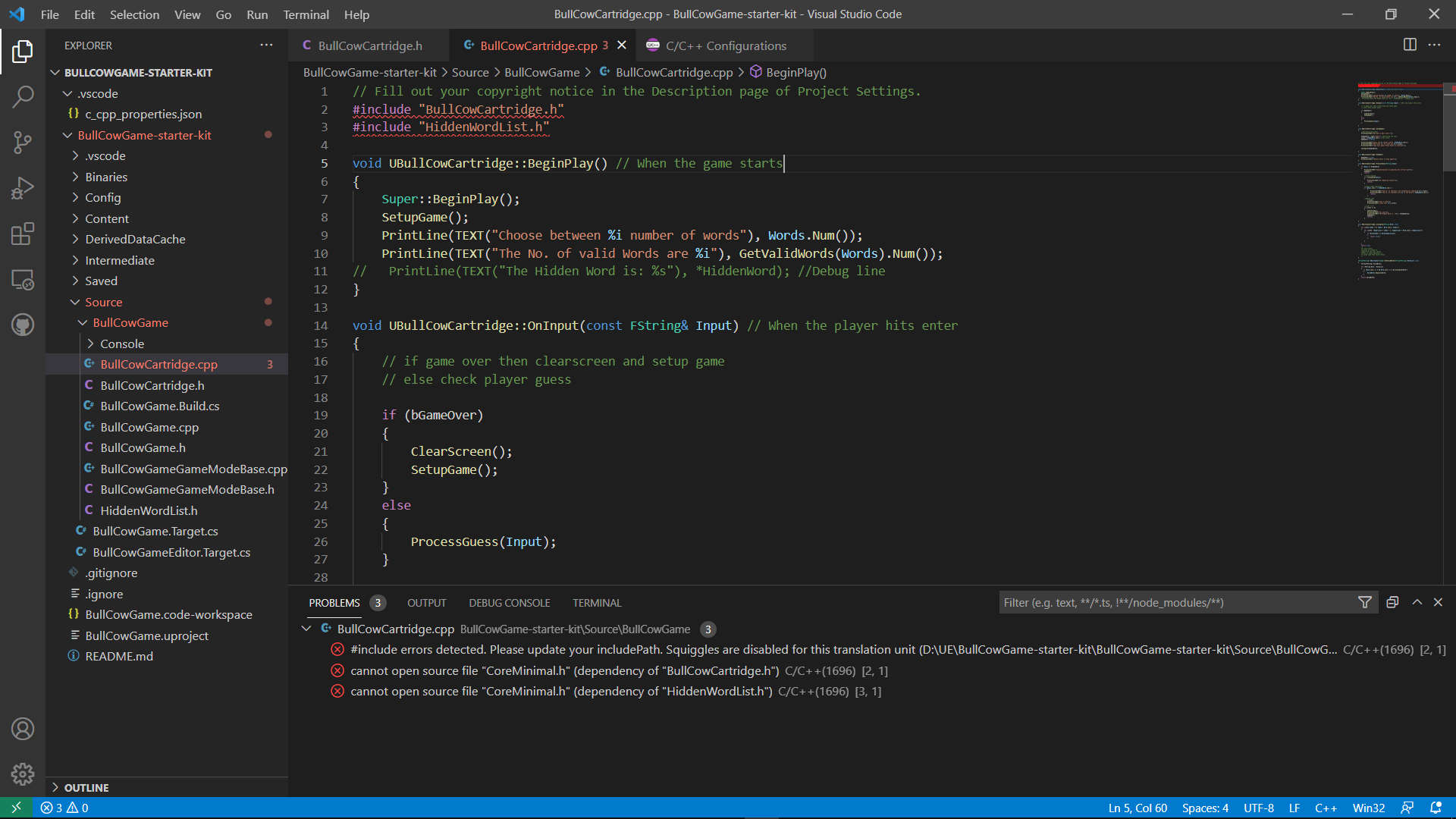
These are the errors i’m getting
#include errors detected. Please update your includePath. Squiggles are disabled for this translation unit (D:\UE\BullCowGame-starter-kit\BullCowGame-starter-kit\Source\BullCowGame\BullCowCartridge.cpp).
cannot open source file “CoreMinimal.h” (dependency of “BullCowCartridge.h”)
cannot open source file “CoreMinimal.h” (dependency of “HiddenWordList.h”)
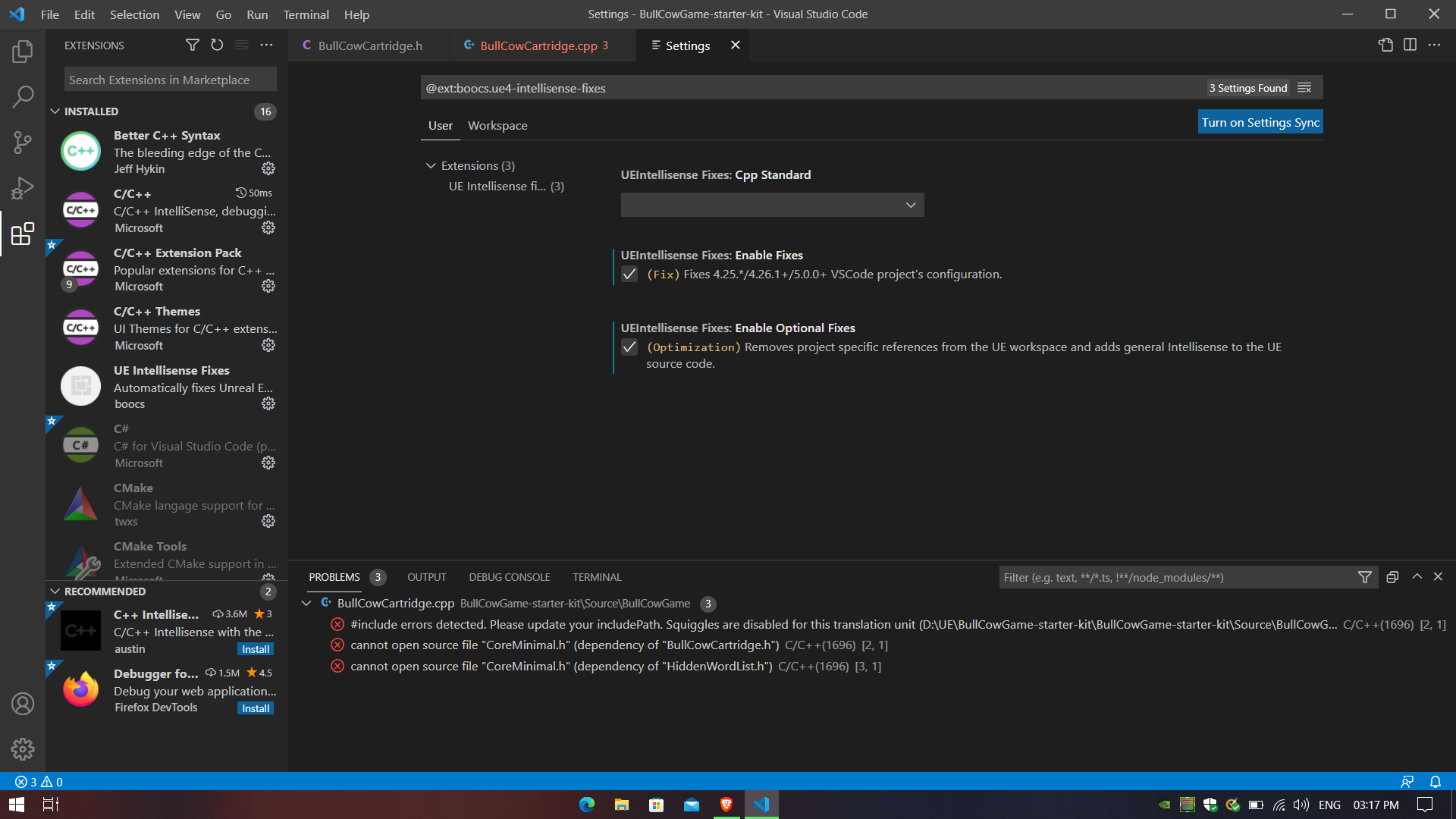
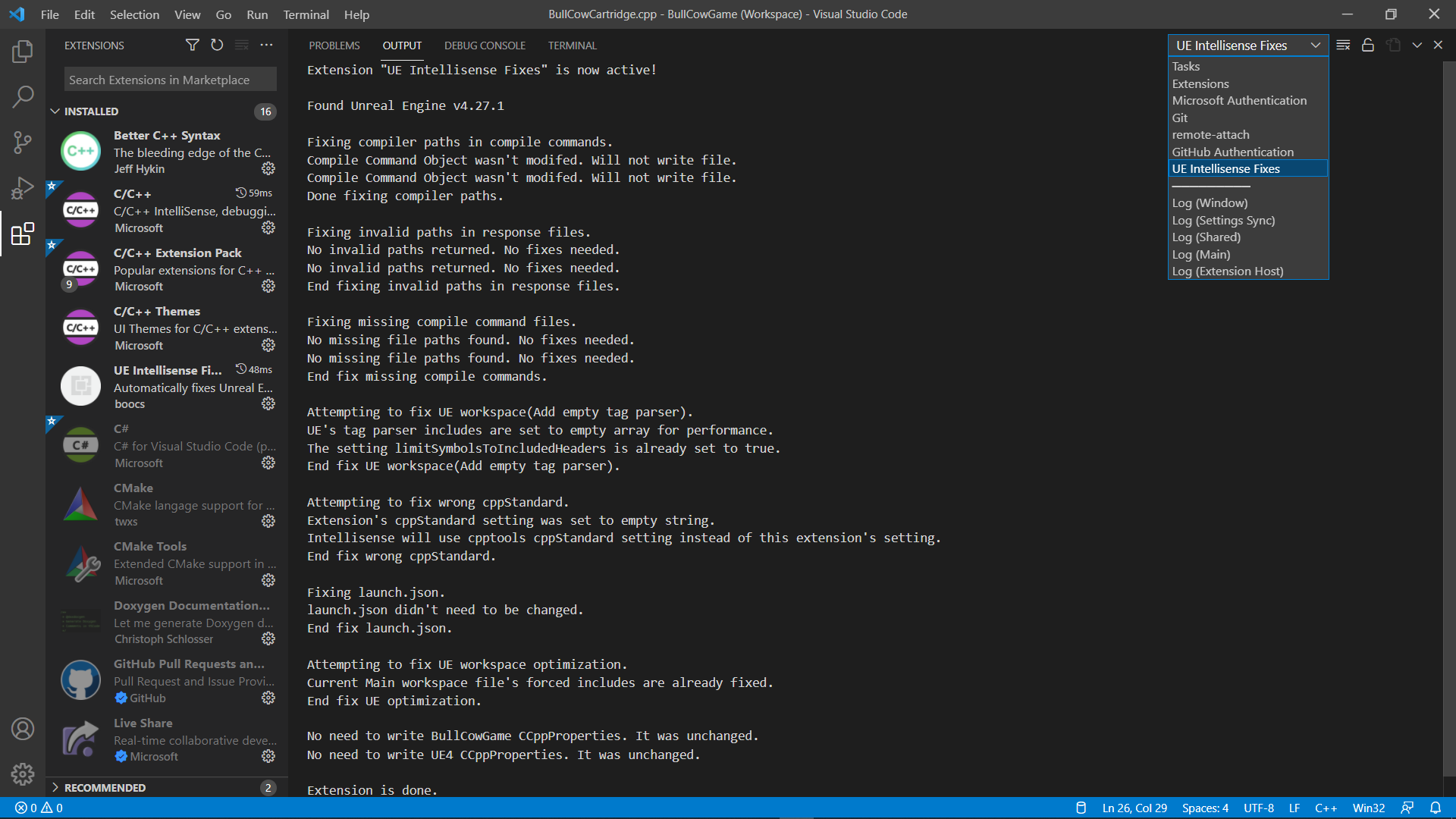
Update : I closed the workspace and reopened form the folder and I found the “UE IntelliSense Fixes” in the drop down menu I don’t know what it has done but I guess it’s fixed now.
The editor is also working fine in compiling the code and able to run. Thank you…!! for helping me
if you have this problem again
what I did is ensure I don’t have mistake in the red lines then press right click and press disable or disappear. and red lines will disappear
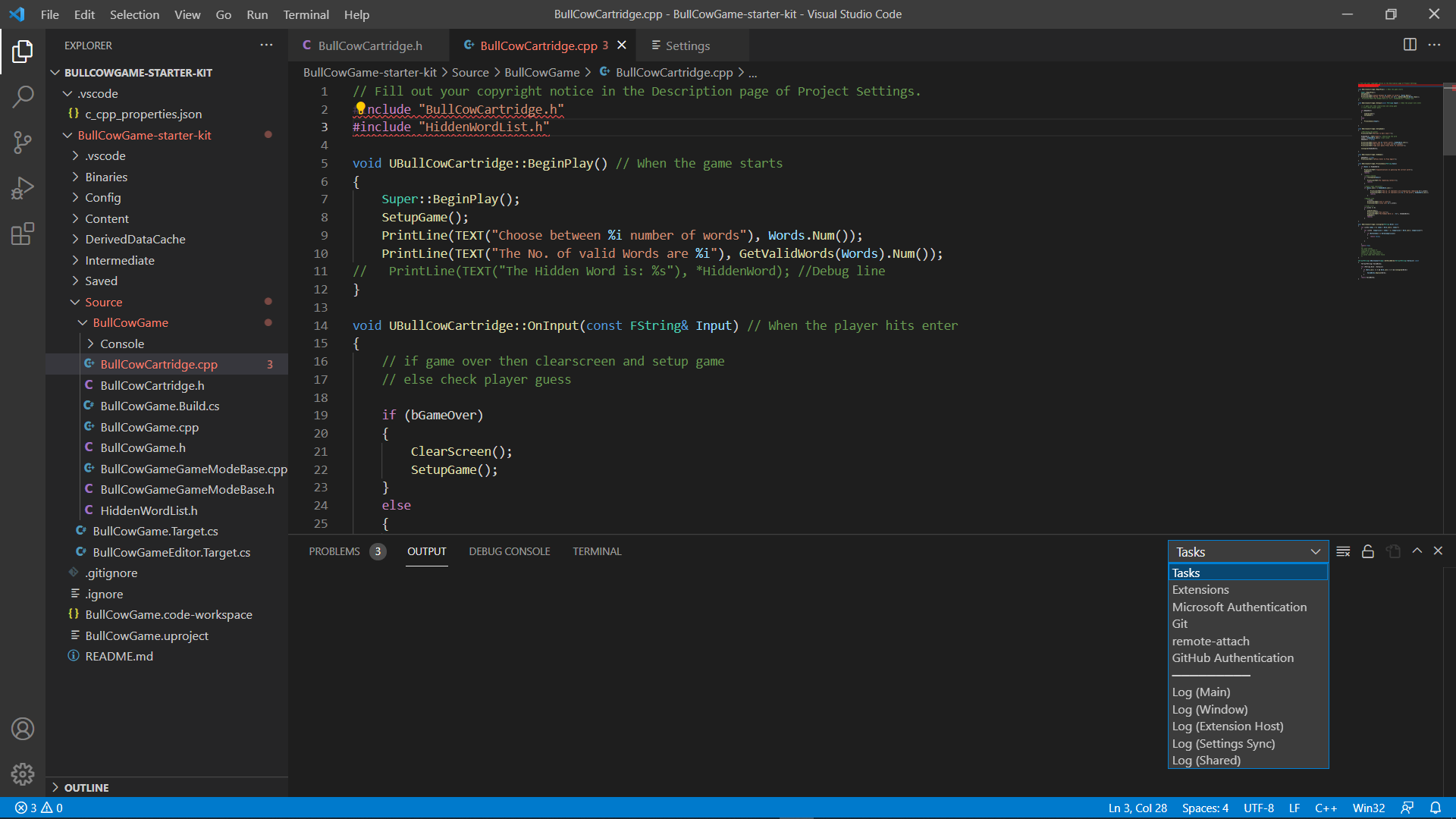
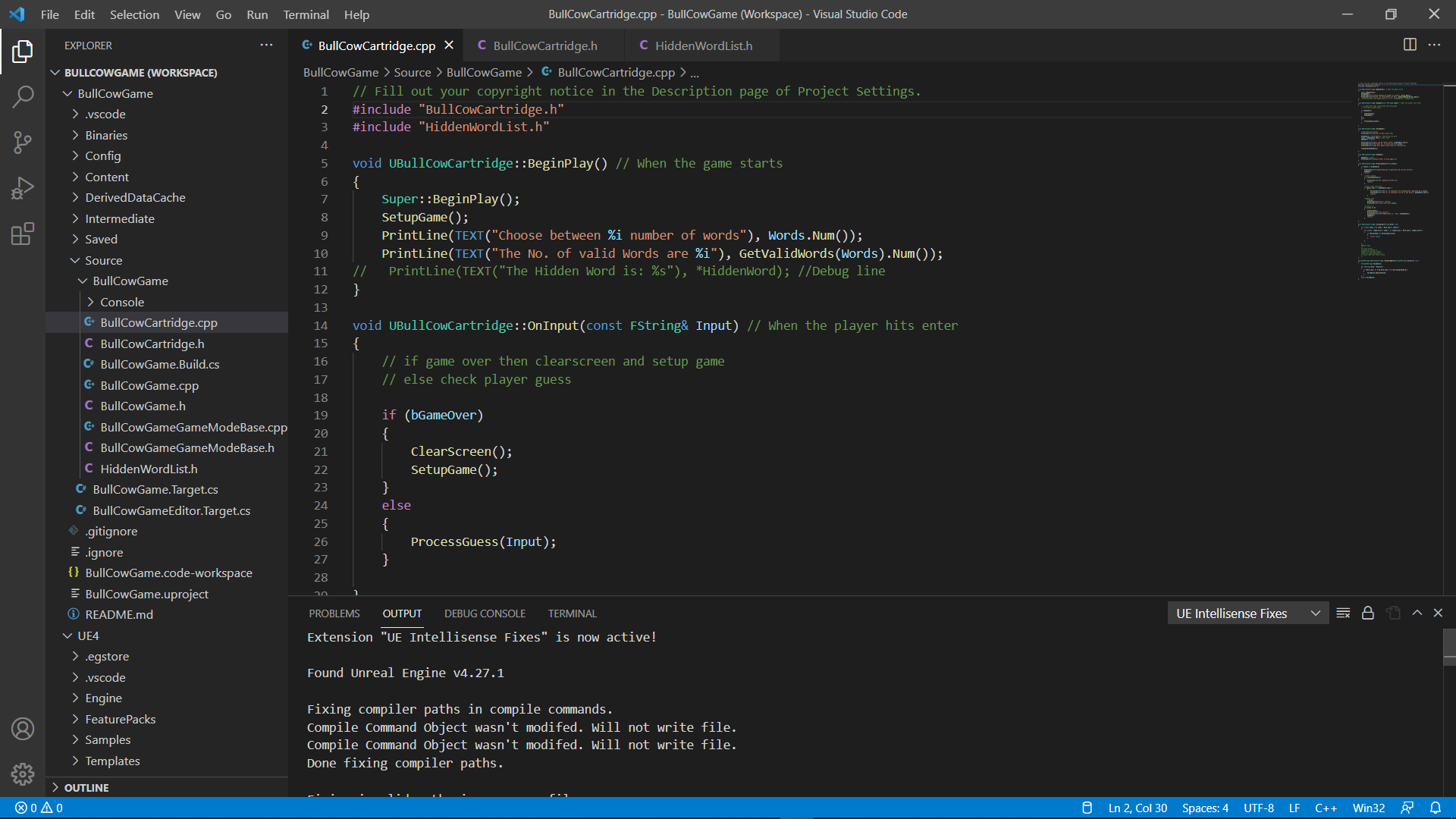
I see now, you don’t have the workspace open. Compare this screenshot to the other one.
This one you just have the folder open. The other you have the workspace open - note the “(workspace)” in the title bar as well as the UE4 content in the left.